Scan Date:Dec 10, 2025
Show More


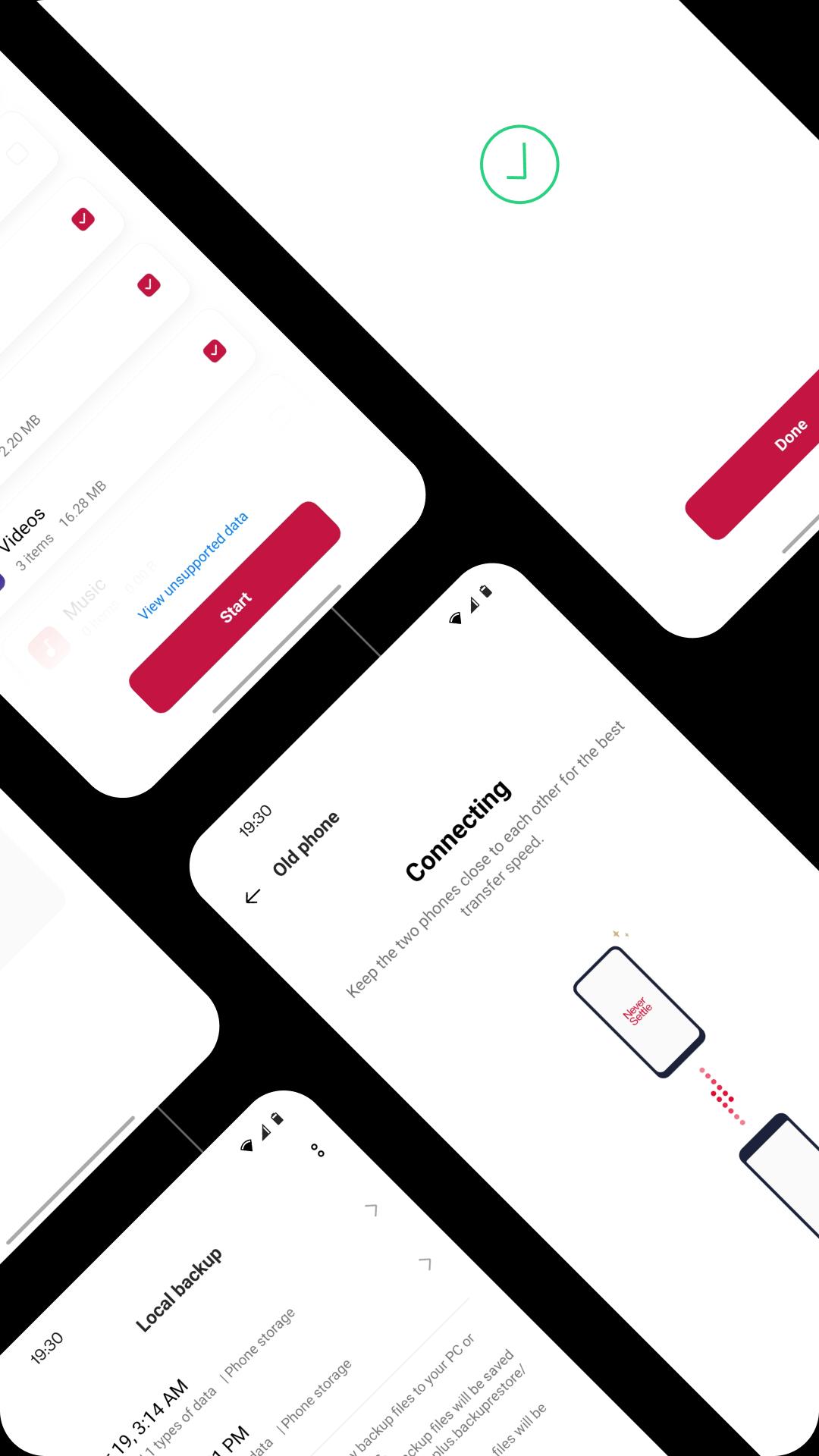
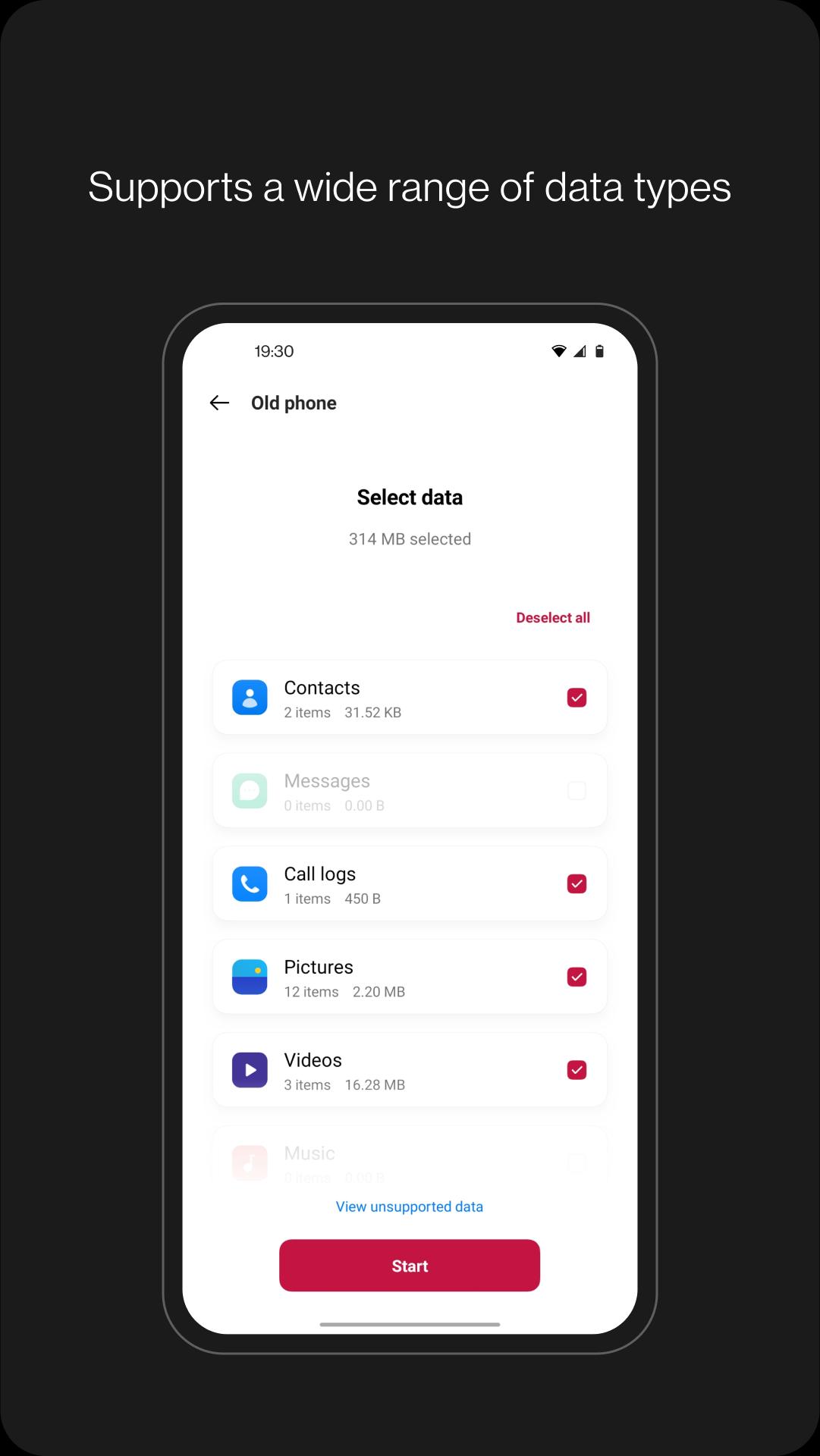
Clone Phone suits users moving to a new OnePlus device and wanting their data to come along quickly. It guides you through setup on both phones, so you can move what matters and keep your layout familiar. Transfers between Android and OnePlus can work without a network, while some cases may ask for a connection. If you plan a switch soon, download Clone Phone on both devices first to make the process smoother.
Phone-to-phone transfer
Local backup and restore
Clone Phone lets you back up important items for safekeeping and restore them when needed. You can back up contacts, SMS, call history, notes, desktop layouts, and apps, excluding app data. This is useful before major updates or device resets, so you can bring things back with minimal steps.
Storage and compatibility checks
Troubleshooting and feedback
If the app closes unexpectedly, freezes, or fails to open, submit feedback or a bug report through the OnePlus Community forums. Clear descriptions and logs can help the team address issues faster.
This tool helps you move essential data and create backups on OnePlus devices with clear, guided steps. For best compatibility and fixes, use the Clone Phone latest version. After migration or restore, review your data to confirm everything works as expected.
Latest Version
16.10.0Uploaded by
OnePlus Ltd.
Requires Android
Android 6.0+
Category
Free Tools AppContent Rating
Everyone
Security Report
Report
Flag as inappropriateLast updated on Dec 16, 2025
This release includes minor bug fixes and general improvements. Update to the latest version for the best experience.





APKPure - A multi-platform app store primarily focused on Android, providing extensive app-related content. Discover the app you want easier, faster, and safer, with quick and efficient downloads and installations.