OPay brings everyday payments, utilities, and merchant tools into one secure wallet for people and businesses across Africa. It is built for speed and reliability, so routine transactions feel quick and consistent. Moreover, the service focuses on inclusive finance by supporting users in major cities and remote areas, which helps more people access digital payments with lower costs.
Instant money transfers
OPay delivers person to person transfers with high success rates and clear confirmations. You can move funds to friends, family, and merchants with a few taps. In addition, transfer details appear in your history for easy tracking and receipts.
All in one bill payments
Settle utilities such as gas, water, telecom, and internet in one place. OPay also lets you recharge airtime and data at any time, which reduces trips to physical outlets. Therefore, you can manage household payments and mobile top ups inside a single wallet.
International money received to wallet
Family and friends abroad can send money from the US, UK, and many other countries to your OPay wallet. Funds arrive directly in the app so you can spend or withdraw as needed. Moreover, notifications keep you informed the moment a transfer is completed.
Pay in store and online
OPay supports everyday spending with an OPay debit card, POS acceptance, and OPay Checkout for online purchases. You can pay at local shops, at agents, and on websites that accept OPay. Also, transaction records and digital receipts help you reconcile expenses later.
Installment purchases with OPay Now
For eligible users, OPay Now offers a buy now pay later option on select purchases. You can split payments into manageable parts after reviewing the schedule and terms shown in the app. In addition, reminders help you stay on top of upcoming repayments.
Security and account control
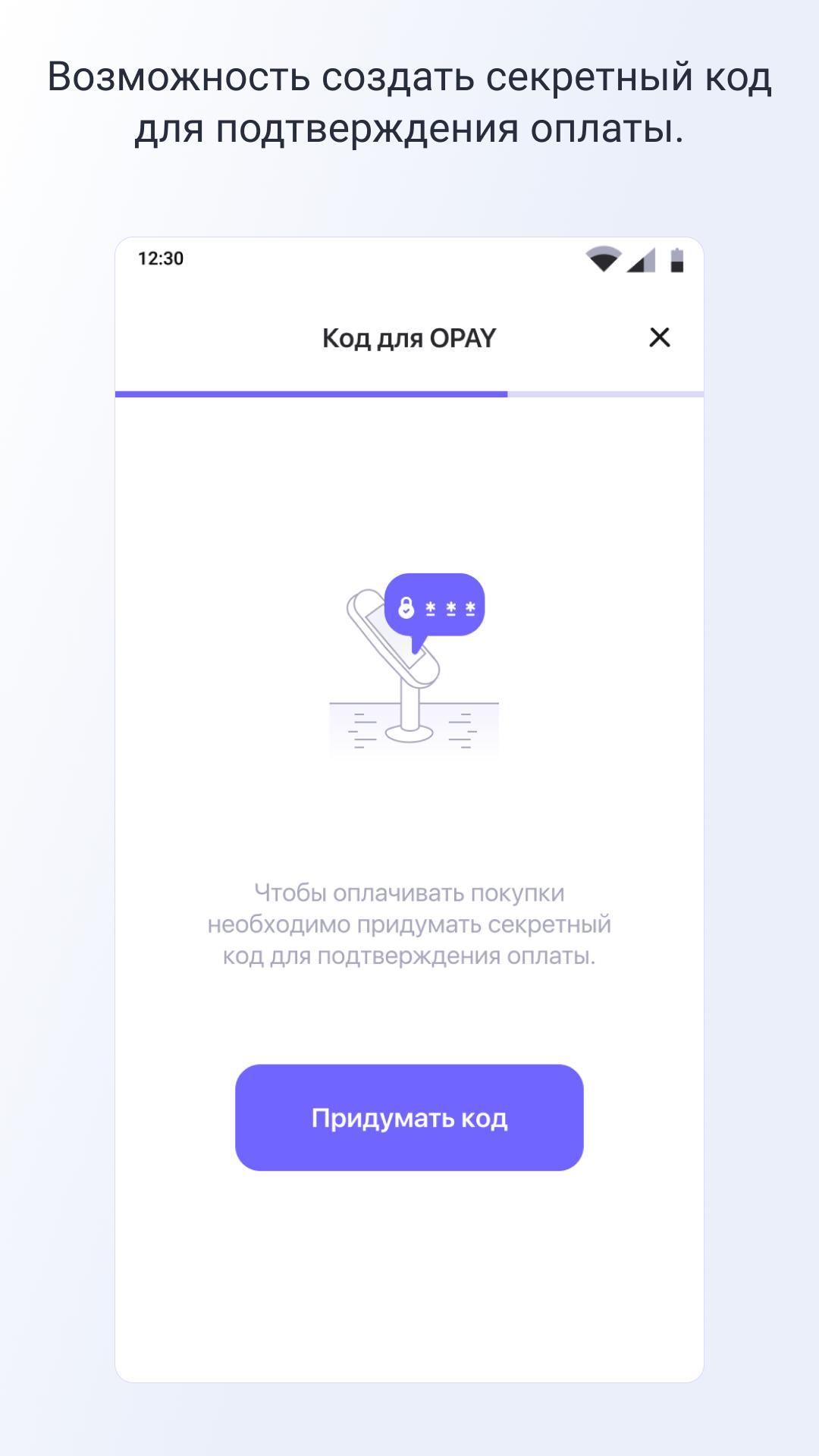
OPay protects transactions with encryption and PCI DSS compliant processes. You can set a secure PIN and enable biometric login on supported devices for added control. Moreover, alerts and in app verification steps help prevent unauthorized activity.
OPay operates in major African markets such as Nigeria and Egypt, supporting both urban and rural users. The platform serves millions of accounts, which helps expand access to digital finance. In addition, merchants across communities rely on OPay for simple acceptance and faster settlements.
OPay follows industry standards for payment security, including PCI DSS controls and encrypted data handling. The service operates with a licensed microfinance bank entity in Nigeria, which strengthens consumer trust. Moreover, ongoing compliance checks and audit processes support stable operations.
OPay supports wide bill categories and agent services, and OPay POS can cover 1000 plus services where available. Fees and limits can vary by region, service type, and verification level shown in your account. In addition, partner offers, bonuses, and incentives appear in the app to help reduce costs on common payments.
This quick guide explains how to download OPay, sign in, and begin using core features on your phone. It focuses on the basics, so you can complete essential tasks with minimal setup.
OPay combines transfers, bills, and everyday spending in one secure mobile wallet. Get the OPay APK latest version on APKPure to start sending money, paying utilities, and checking out online with OPay.
What is the OPay app used for?
OPay is used to send and receive money, pay household bills, recharge airtime and data, and make in store and online purchases. It also supports merchants with POS acceptance and OPay Checkout. In addition, the OPay APK helps users manage these tasks from one Android app.
Can OPay receive international transfers?
Yes, OPay can receive international remittances directly into your wallet from the US, UK, and many other countries. Funds arrive in the OPay app with a confirmation alert. Moreover, you can spend, transfer, or withdraw the money after it lands.
Who uses OPay?
Individuals and small businesses across Nigeria and Egypt use OPay for daily transactions. Many merchants accept OPay via POS and OPay Checkout for quick payments. Furthermore, millions of account owners rely on the app for routine spending and bill management.
Is it safe to use OPay?
Yes, OPay uses encryption and PCI DSS compliant processes to protect card data and payments. You can add a secure PIN and biometrics to strengthen OPay login. Additionally, a licensed microfinance bank entity and ongoing compliance programs support platform safety.
How do I download or update the OPay APK latest version?
To download OPay or update to the OPay latest version, go to APKPure and tap the download button on the OPay page. Install the OPay APK and follow the on screen prompts to complete the update. Also, you can check APKPure regularly to keep your OPay app download current.
Latest Version
1.5Uploaded by
Eduard Mirea
Requires Android
Android 5.0+
Category
Free Business AppContent Rating
Everyone
Report
Flag as inappropriateLast updated on Oct 15, 2022
Исправлены критические баги.




APKPure - A multi-platform app store primarily focused on Android, providing extensive app-related content. Discover the app you want easier, faster, and safer, with quick and efficient downloads and installations.