


Package Name:com.newest.kindworld.pdftool
SHA-256:4d01a8dbbdc7a7a5ec1b288148bc8ca012cb75f1c08525febf31125befce6dd2
Show More

OmniPDF – PDF & Image Tools (Offline)
OmniPDF is a powerful offline PDF and image utility app designed to make everyday file tasks simple, fast, and private. No internet required. No uploads to servers. Your files stay on your device.
Whether you want to merge PDFs, split pages, compress large files, or convert images, OmniPDF gives you everything in one clean and easy-to-use app.
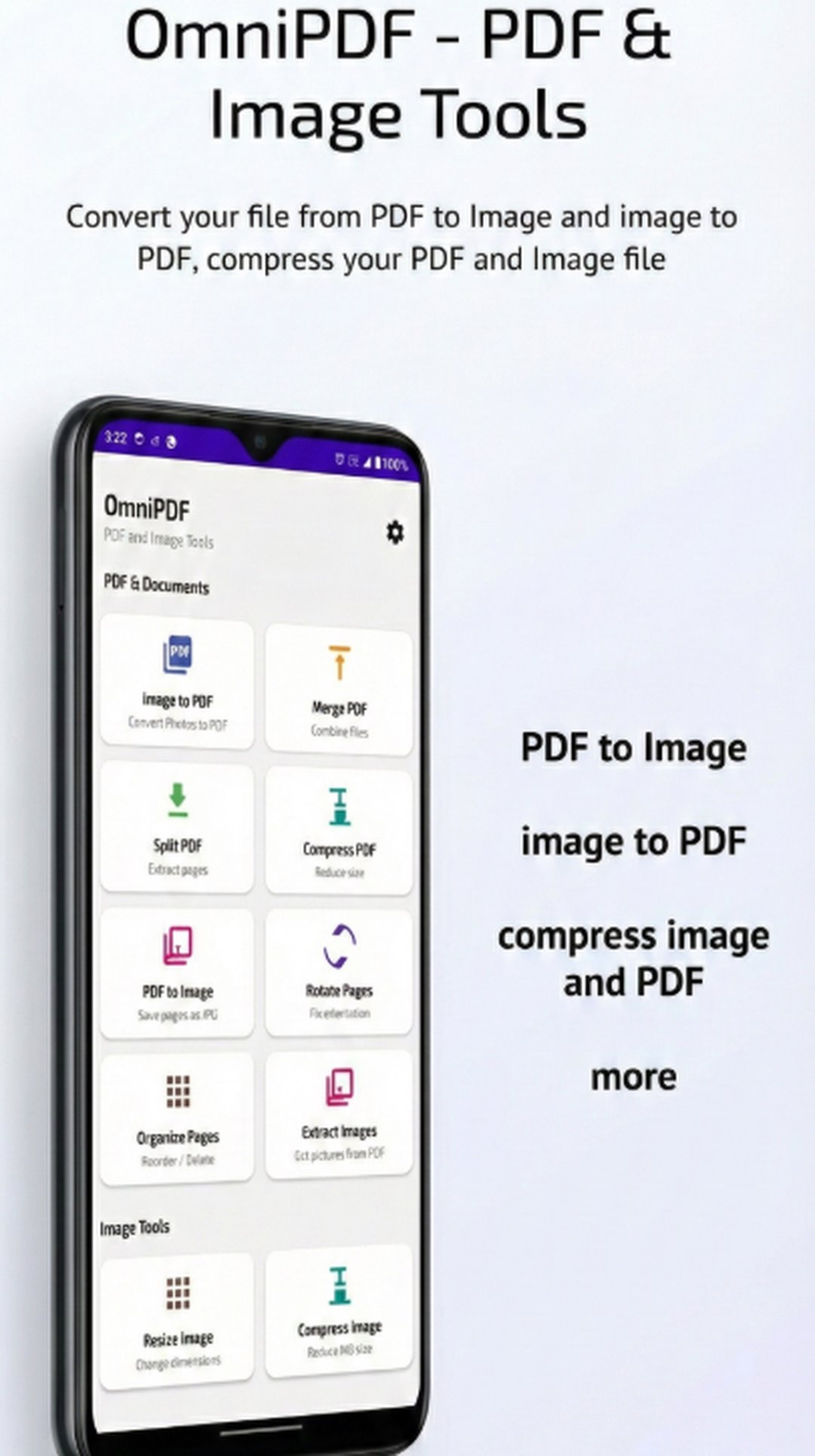
🔧 PDF Tools & Editor Features • Merge PDF: Combine multiple PDF files into one seamless document • Split PDF: Extract specific pages or split by custom range • Compress PDF: Reduce file size for easy sharing without losing quality • Rotate PDF: Fix page orientation in seconds • Organize Pages: Drag and drop to rearrange or delete pages with ease • Extract Images: Pull high-quality images directly from your PDF files • PDF to Image: Convert PDF pages into JPG or PNG formats
🖼️ Image Tools & PDF Converter • Image to PDF: Select multiple photos and convert them into a single PDF file • Resize Images: Change dimensions by pixels or percentage • Compress Images: Reduce image size to save storage space
🔒 Privacy-Focused & Offline Processing • Local Processing: All PDF and image tasks happen on your device. Your documents never leave your phone. • Secure & Private: No cloud uploads, no server processing, and no account required. • Works Offline: Perform all file tasks without an internet connection. • Note: While all document features are offline, an internet connection is required solely for displaying advertisements.
⚡ Fast & Easy to Use • Clean, modern, and intuitive interface • Simple step-by-step actions for every tool • Built-in Preview: See your files clearly before processing • Optimized Performance: Efficiently handles multi-page documents
📁 Smart File Handling • Supports PDFs and common image formats (JPG, PNG, WebP) • Saves results directly to your device storage • Easy sharing and file management after conversion
🎯 Who is this app for? • Students & Educators • Professionals & Business users • Office workers & Freelancers • Anyone looking for a reliable, private PDF utility
🚀 Why OmniPDF? ✔ All-in-one PDF toolkit & converter ✔ Works offline ✔ Lightweight and battery efficient ✔ No unnecessary permissions ✔ No subscriptions required
Download OmniPDF – PDF & Image Tools today and take full control of your documents — anytime, anywhere.
Latest Version
2.0Uploaded by
نور الشمري
Requires Android
Android 8.0+
Category
Free Tools AppContent Rating
Everyone
Security Report
Check Now
Report
Flag as inappropriateLast updated on Apr 20, 2026
bug fix
UI Improved



APKPure - A multi-platform app store primarily focused on Android, providing extensive app-related content. Discover the app you want easier, faster, and safer, with quick and efficient downloads and installations.










