Omni-Crypt helps when newer WhatsApp backup formats disrupt older tools or routines you still depend on. It runs quietly in the background to watch for new backups and converts them to a legacy format so connected apps can keep working. You can also run conversions manually when needed. Before you start, check device requirements and whether key access is available for recent formats. Users looking for the Omni-Crypt APK often want a lightweight way to keep backups compatible without changing their workflow.
Automated background conversion
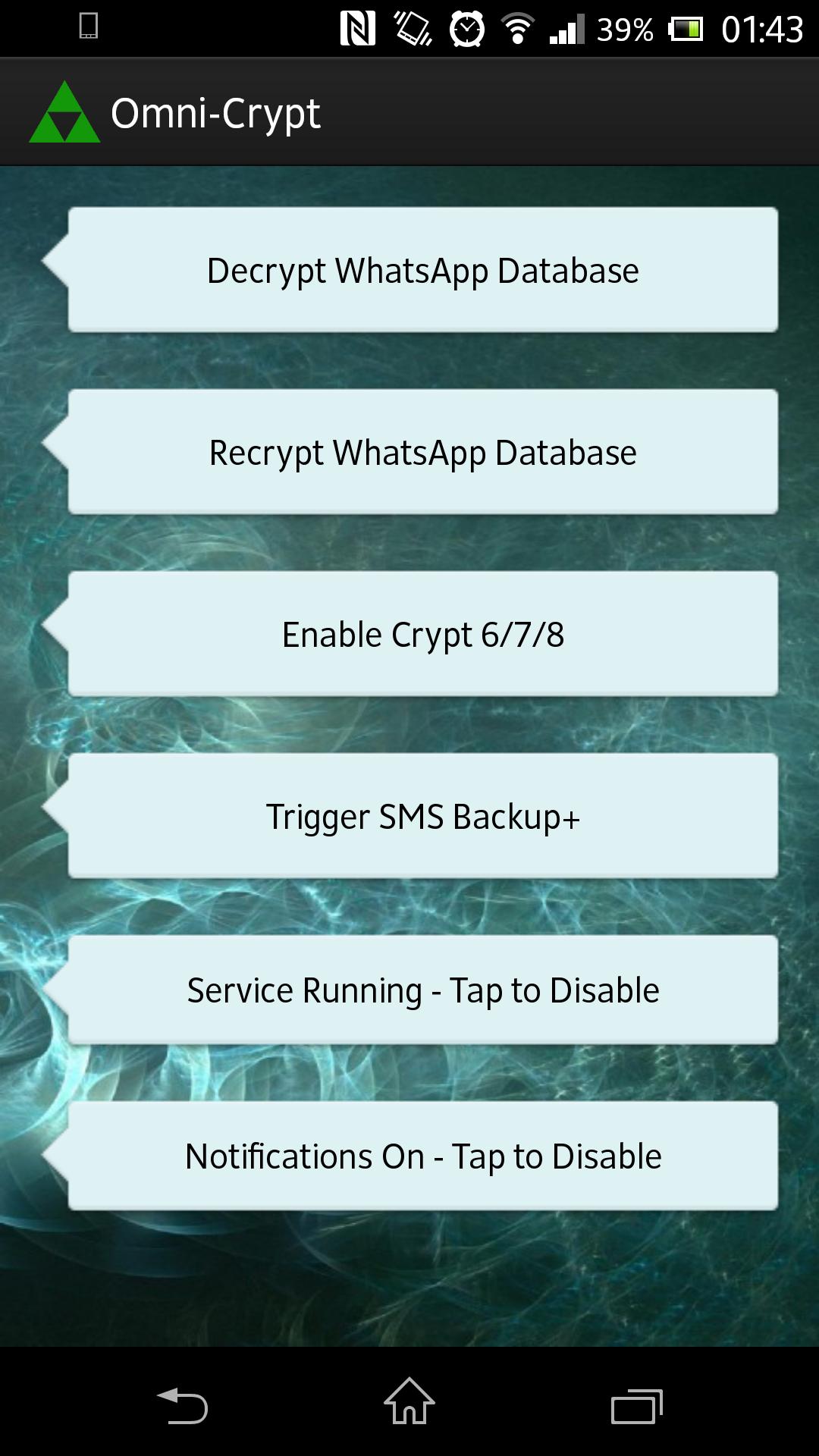
Omni-Crypt runs a lightweight background service that checks for the latest WhatsApp backup about every 15 minutes. It converts .crypt5 through .crypt12 backups into the legacy .crypt format and posts a notification after each recryption. You can pause the service at any time if you do not need ongoing monitoring.
Manual decrypt and re encrypt
When you prefer hands on control, you can run manual decrypt or recrypt tasks as background jobs. A progress bar appears while large databases are processed, and screen rotation stays locked during the operation to prevent interruptions.
Device and filename support
Integration and requirements
Omni-Crypt focuses on keeping WhatsApp backup files readable for tools that rely on legacy encryption. Review the requirements for key access before enabling automated or manual jobs. Install the Omni-Crypt latest version to use background monitoring, notifications, and on demand conversion as outlined above.
Latest Version
3.0.2Uploaded by
Bagus Chilik
Requires Android
Android 2.1+
Category
Free Tools AppContent Rating
Everyone
Report
Flag as inappropriateLast updated on Oct 27, 2016
Updated full German translation (Credit: Daniel - many thanks).



APKPure - A multi-platform app store primarily focused on Android, providing extensive app-related content. Discover the app you want easier, faster, and safer, with quick and efficient downloads and installations.