Package Name:org.openintents.filemanager
SHA-256:cd5329d187647d70fe80f3c24ca8910b2cc23b635957e57e0b0678ad380e265f
Show More

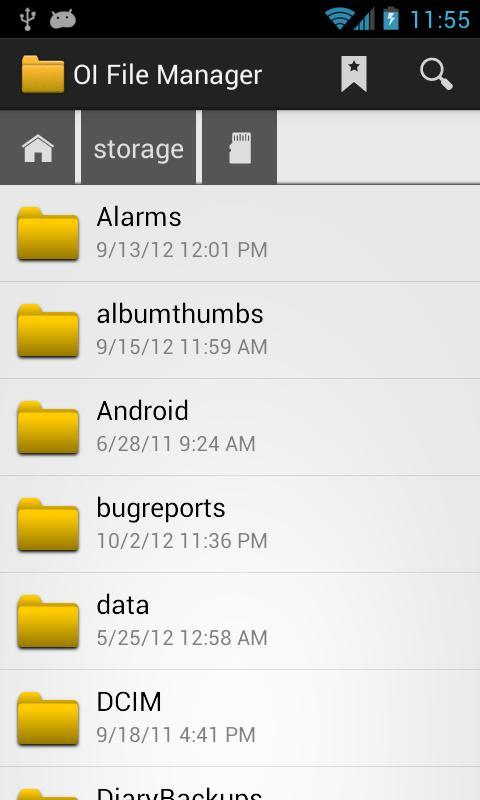
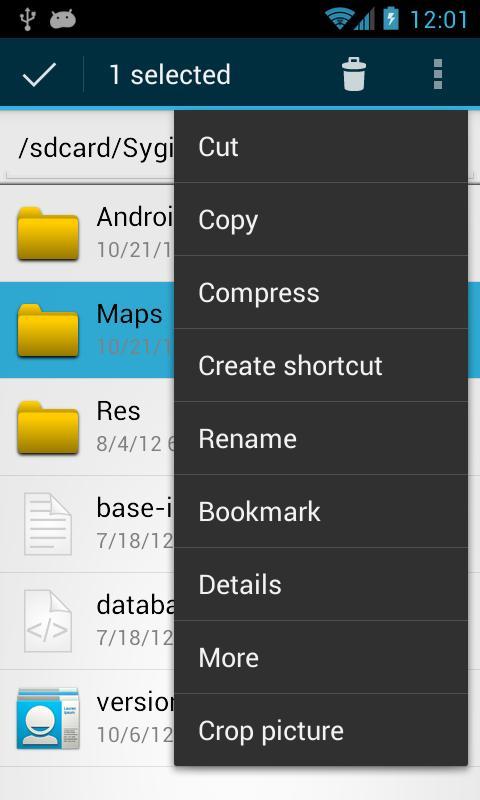
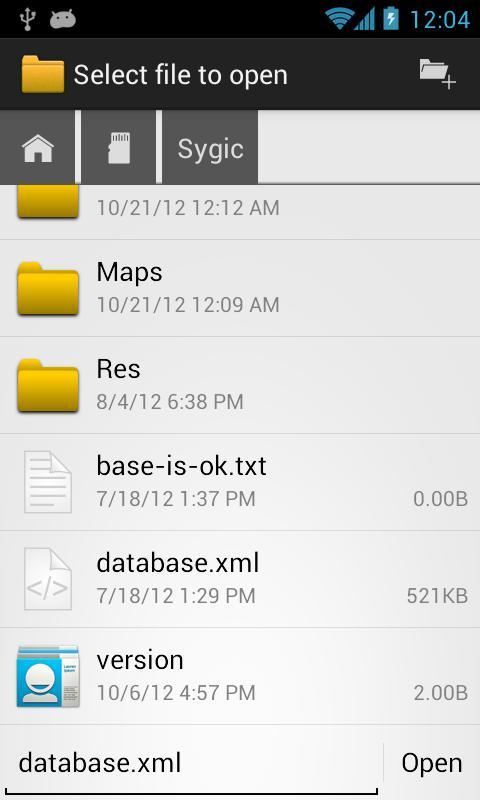
OI File Manager allows you to browse your SD card, create directories, rename, copy, move, and delete files. It also acts as an extension to other applications to display "Open" and "Save" dialogs.
This application is ad free and does not require the internet permission.
For the complete list of changes and a list of frequently asked questions, please visit:
http://www.openintents.org
You can help to improve the translation into your language at Launchpad:
https://translations.launchpad.net/openintents/trunk
The source code of this free and open source application is available at:
http://code.google.com/p/openintents
Features:
* Show list of files with thumbnails for images.
* Move, copy, rename, and delete files.
* Create and delete directories (folders).
* Send files by email.
* Acts as an extension to other applications, like GMail, to attach files.
* Support for many file endings and mime types.
* Supports PICK_FILE and PICK_DIRECTORY intents so that other applications can use OI File Manager.
Latest Version
2.3.2Uploaded by
OpenIntents
Requires Android
Android 4.0+
Category
Free Productivity AppContent Rating
Everyone
Security Report
Check Now
Report
Flag as inappropriateLast updated on Dec 8, 2024
This release includes minor bug fixes and general improvements. Update to the latest version for the best experience.


APKPure - A multi-platform app store primarily focused on Android, providing extensive app-related content. Discover the app you want easier, faster, and safer, with quick and efficient downloads and installations.