Package Name:org.swampsoft.odogamepadmapper
SHA-256:1840e40e4ea485d1765149065a3dfb5b78d44f8ca1dd40cb8692c2a6754bbde1
Show More


Odo Gamepad Mapper - No Root helps users who play Android games that ignore parts of a controller. Many titles miss trigger, D-pad, or stick support, so this tool reads your inputs and produces taps on the screen. You keep launching games normally and play with familiar buttons instead of swiping everywhere. If you want to customize controls without extra hardware or root, simply download Odo Gamepad Mapper - No Root to begin.
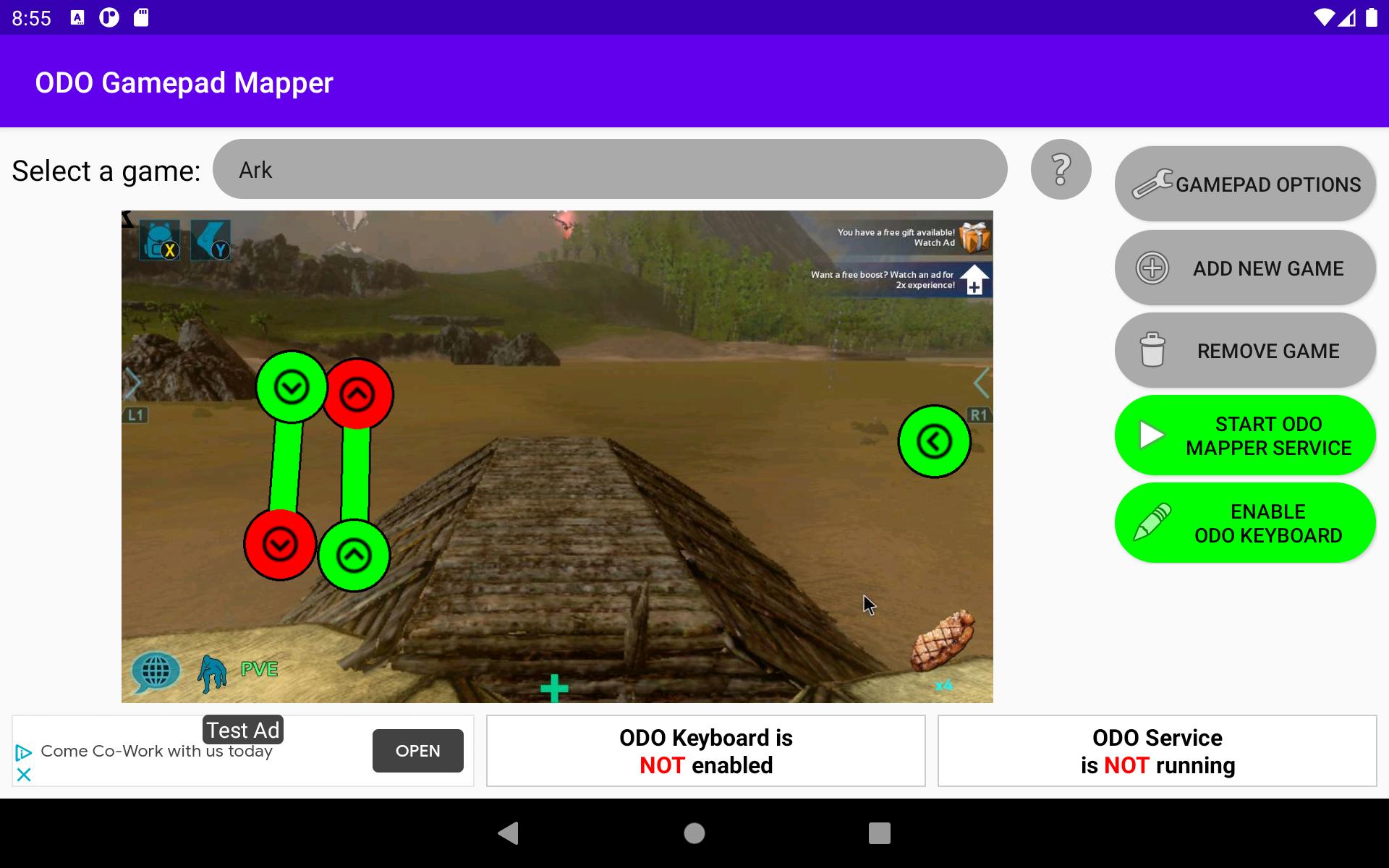
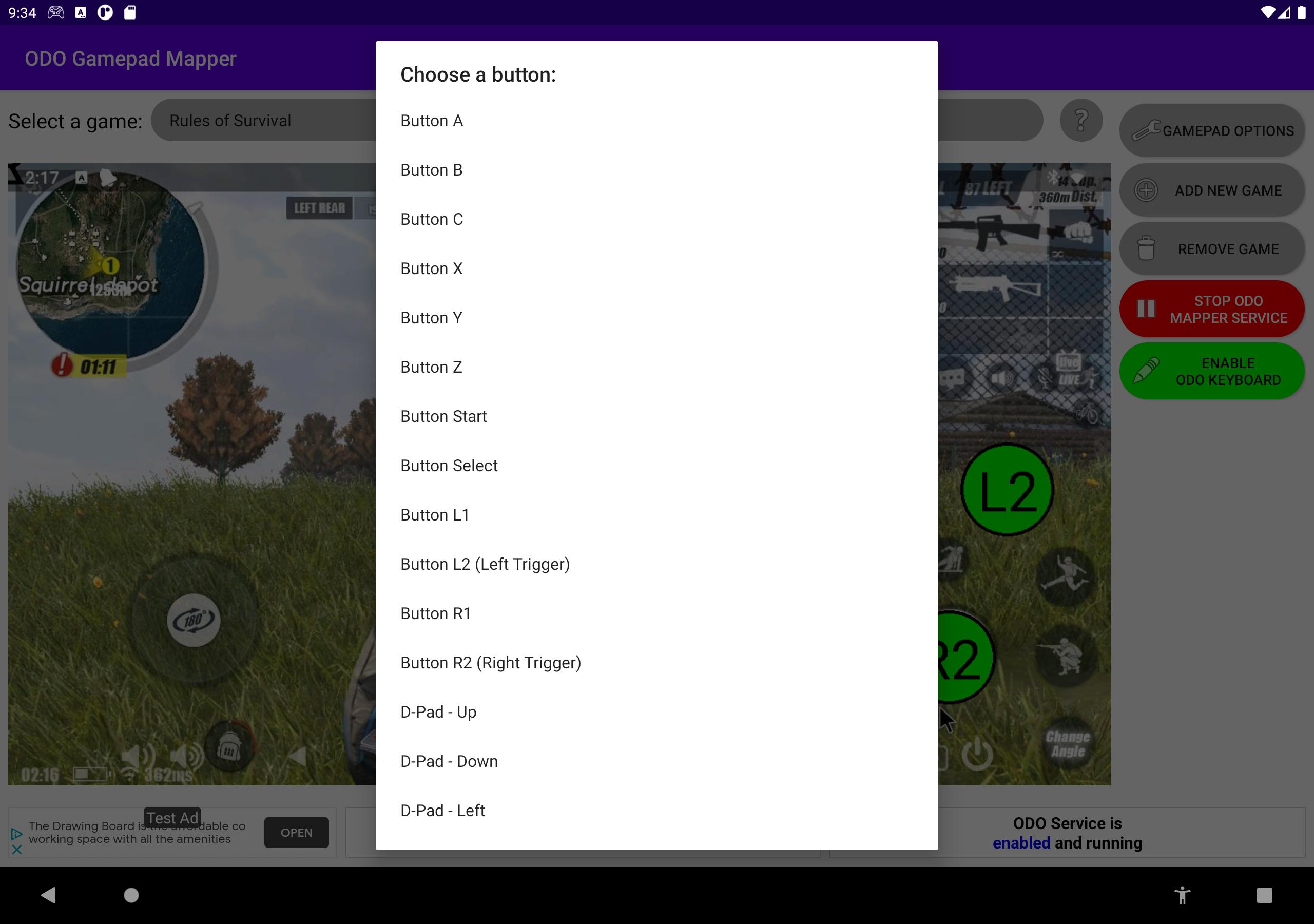
Odo Gamepad Mapper - No Root lets you build a layout with a game screenshot. You place touch targets where the on-screen buttons appear and then bind your controller inputs to those spots. This makes it easy to match your game UI and see exactly what each button will touch. As a result, custom controls feel more direct and predictable.
Accessibility Service operationThe app runs as an Accessibility Service to read button presses and inject touch events. You do not need root and you do not have to open games inside a special launcher. Instead, you start the service and launch your game as usual. This approach keeps setup simple while preserving your normal play flow.
Works across games and appsOdo Gamepad Mapper - No Root helps when triggers or D-pads do not register in certain titles. Users report it working with examples like Rules of Survival and Ark Survival Evolved, and it can map inputs for regular apps too. The tool supports most Bluetooth gamepads, and many users report good results with Xbox controllers.
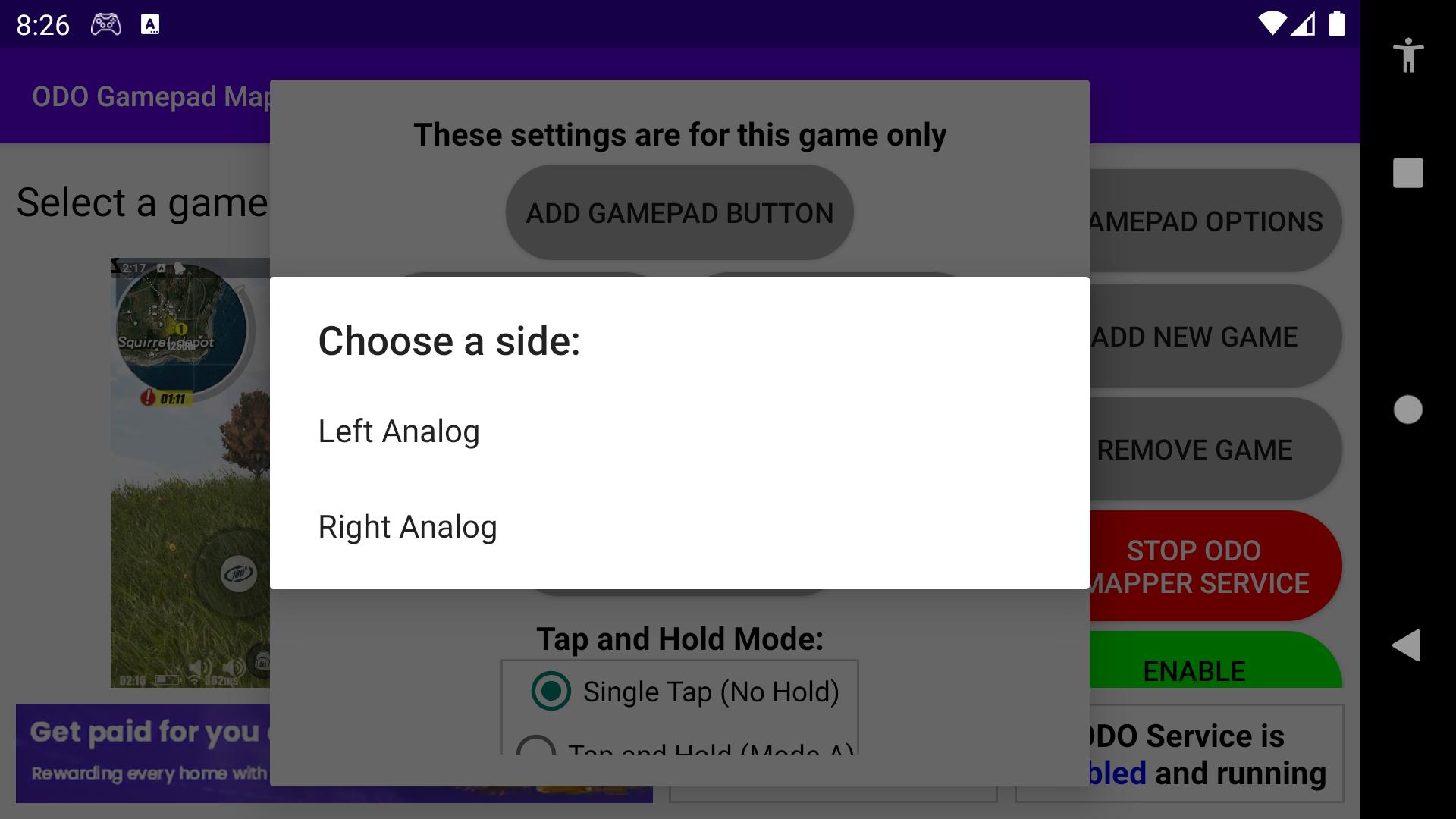
Analog stick mappingYou can create virtual joysticks for analog movement and camera control. Place the stick areas carefully over the in-game joystick zones to improve precision. Stick sensitivity and behavior may vary by game, so small adjustments often help. If movement feels off, try resizing the touch area or tweaking the stick center.
Lightweight, free, and auto startThe app is lightweight and free to use, with only a single banner ad on the configuration screen. There is no in-app launcher requirement, so you continue to open games the way you prefer. When auto-start is enabled, the service can start on boot. That way your mappings are ready when you begin a new session.
The Accessibility Service must be enabled because it reads controller input and sends touch events on your behalf. You will be asked to grant this permission and can turn it off later if you need. This requirement is central to how the app functions, and it is not a background tracker. It focuses on translating gamepad actions into taps for your chosen layout.
Bluetooth controllers vary, so buttons and triggers may show up differently on some models. If a button does not bind, try another input or re-pair the controller. Some games read touches in unique ways, which can affect timing or hold actions. Testing a small set of actions first helps you adapt your layout to each title.
Beyond games, mapping can help control apps that are designed for touch, such as media or utility tools. For shooters, place fire and aim points where your thumbs normally tap. For MMORPGs, cluster skill buttons in a reachable area and assign quick access to shoulder triggers. Review the screenshot carefully and keep spacing consistent to avoid accidental presses.
Setup takes a few minutes and follows a clear flow. After installing the Odo Gamepad Mapper - No Root APK, create a profile that matches your game screen. Then adjust bindings and test until the layout feels natural.
Odo Gamepad Mapper - No Root converts Bluetooth controller input into reliable touch actions for games and apps. It removes the need for root and keeps your normal launch routine intact. To stay current, install the Odo Gamepad Mapper - No Root latest version and refine your mappings as you play.
For support and developer information, use the official channels below.
Latest Version
1.20Uploaded by
ဦးက ဝိ
Requires Android
Android 7.0+
Category
Free Tools AppContent Rating
Everyone
Security Report
Check Now
Report
Flag as inappropriateLast updated on Jul 1, 2021
Bug fixes





APKPure - A multi-platform app store primarily focused on Android, providing extensive app-related content. Discover the app you want easier, faster, and safer, with quick and efficient downloads and installations.