Scan Date:Mar 28, 2026
Show More

Notepad Vault is designed to hide apps hide photos and hide itself. It also named App Hider. App Hider use app clone tech to hide apps. When you hide an app in Notepad vault / App Hider, it will provide an independent runtime for your app, it can run independently even after you remove the hidden app from System. Also you can run multiple instances in Notepad Vault / App Hider and play dual accounts or multiple accounts. Notepad Vault / App Hider also provide an excellent feature for you to hide photos or hide videos. Notepad Vault / App Hider use a disguised icon (a Notepad icon) and a disguised password input UI (a real Notepad) to protect the apps / photos / videos imported.
Key Features:
-Hide App
Notepad Vault / App Hider can hide messenger apps like facebook whatsapp instagram telegram ... And you can hide game apps too. You can also play multiple accounts in Notepad Vault / App Hider in hidden mode.
-Multiple Accounts / App clone
If you can hide an app in Dailer Vault / App Hider then you also can dual the app in App Hider. For example when you import Whatsapp into Dailer Vault / App Hider you actually make a clone of Whatsapp in Notepad Vault / App Hider. It will run in dual mode or dual accounts mode. If you clone Whatsapp multiple times in Dailer Vault / App Hider then you can run multiple Accounts on it.
-Hide Pictures / Hide Videos
After you import your photos or videos into Notepad Vault / App Hider. No other apps can discover the photos / videos stored in Notepad Vault / App Hider. Hide photos / Hide videos are really easy and safe here.
-Disguised Icon / Disguised UI
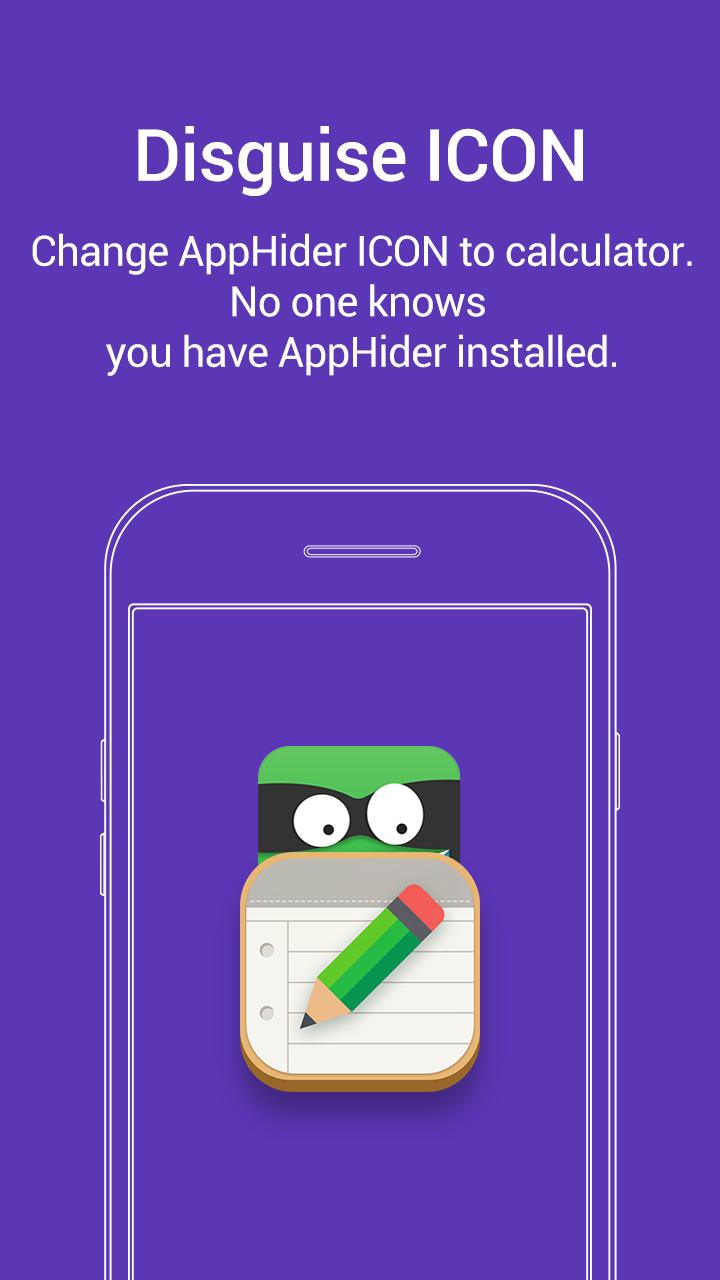
Notepad Vault / App Hider comes with an icon looks like an common Notepad. A common Notepad UI will popup When launche Notepad Vault / App Hider through the icon. It act like a qualified Notepad until you dial your pin code Boom ! your secret space popup.
Latest Version
3.9.5_5ab0aa47dUploaded by
Gea Mu'inatul U
Requires Android
Android 5.0+
Category
Free Personalization AppContent Rating
Everyone
Security Report
Report
Flag as inappropriateLast updated on Mar 28, 2026
1. compat and fix crashes for Android 15 and Android 16
2. fix bugs of Activity Stack
3. fix crashes of some apis(notification etc.)
4. fix crash on some special cases




APKPure - A multi-platform app store primarily focused on Android, providing extensive app-related content. Discover the app you want easier, faster, and safer, with quick and efficient downloads and installations.