

Package Name:com.ahsoft.note
SHA-256:e973e2e15f2995b349a5b256b9c173a596b7c294c6d1618b45b579ad02ce2772
Show More
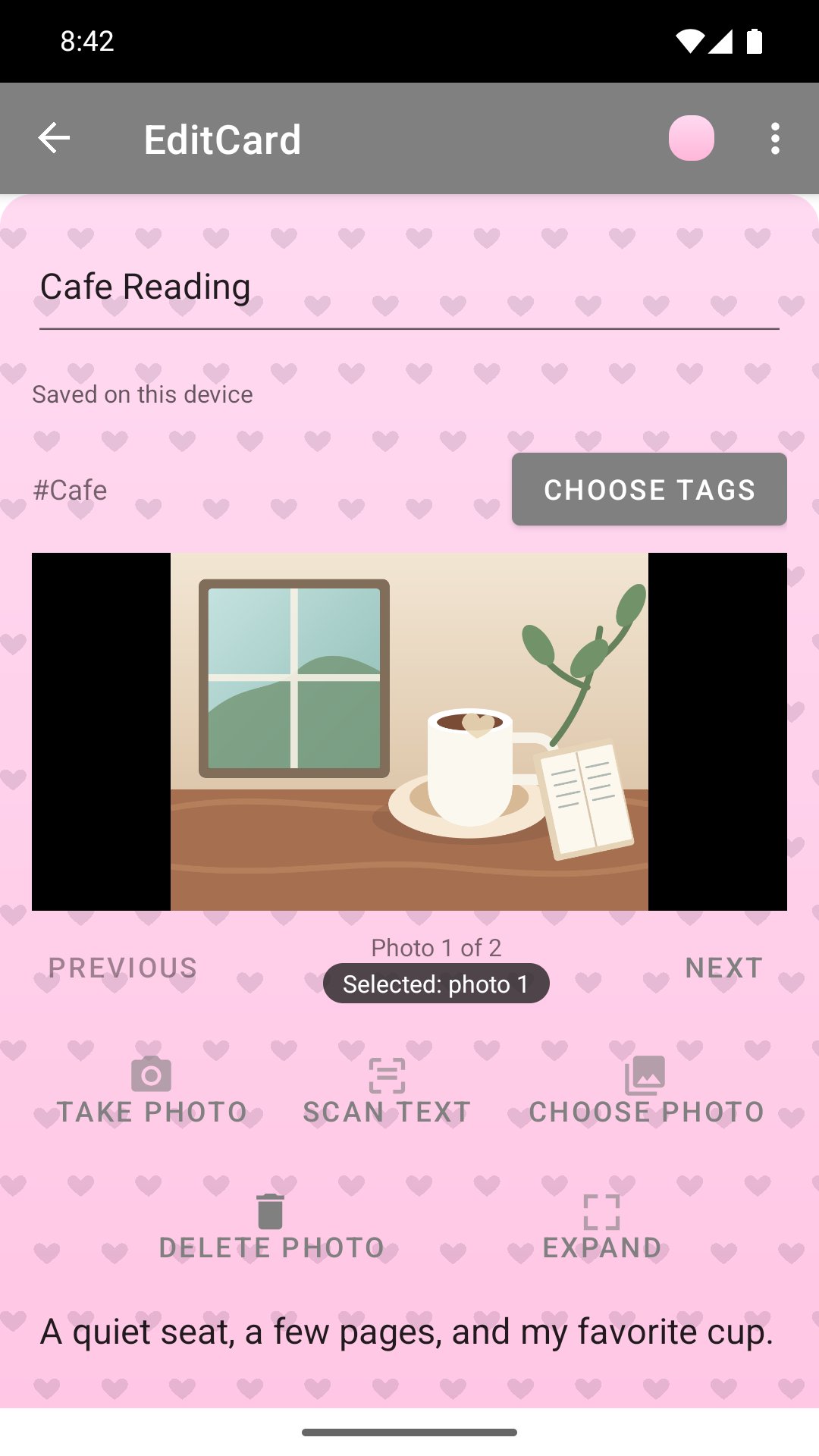
Keep ideas, places, reading notes, and lists together in photo-friendly cards. Add text and pictures, then find what you need with search and tags.
USE IT FOR
• Notes about places to visit or books to read later
• Shopping lists and everyday ideas
• Saving text recognized from a photo
FEATURES
• Create and edit notes with automatic saving
• See save status and retry if saving fails
• Style text and choose background colors or patterns
• Attach multiple photos from your camera or gallery
• Switch between photos, view them full screen, and zoom in
• Scan text in a photo on your device, review the result, and insert or replace text in a note
• Search by keyword, filter by tags, and mark favorites
• Sort by date or title, and restore notes from the trash
• Back up and restore notes in ZIP format
• Sync notes, photos, and tags across devices with Google Drive
• Use dark mode
Notes are saved on your device. Google Drive sync requires a Google account and setup. Text scanning recognizes Japanese and processes the image on your device.
Latest Version
1.22Uploaded by
Jullian Vogan
Requires Android
Category
Free Tools AppContent Rating
Everyone
Security Report
Check Now
Report
Flag as inappropriateLast updated on Nov 3, 2026
- Fixed Google Drive sync issues that could create duplicate notes or make deleted notes reappear.
- Improved sync and editing so changes and photos are better preserved while synchronization is in progress.
- The search query and search field state are now retained when returning to the note list.
- Updated the app icon.



APKPure - A multi-platform app store primarily focused on Android, providing extensive app-related content. Discover the app you want easier, faster, and safer, with quick and efficient downloads and installations.