Minecraft 26.52 is the Bedrock Edition hotfix that corrects Wilderness Bound drop errors: check out the fixes, changes, and how to update.

2026-10-15
Minecraft 26.52 is the Bedrock Edition hotfix that corrects Wilderness Bound drop errors: check out the fixes, changes, and how to update.
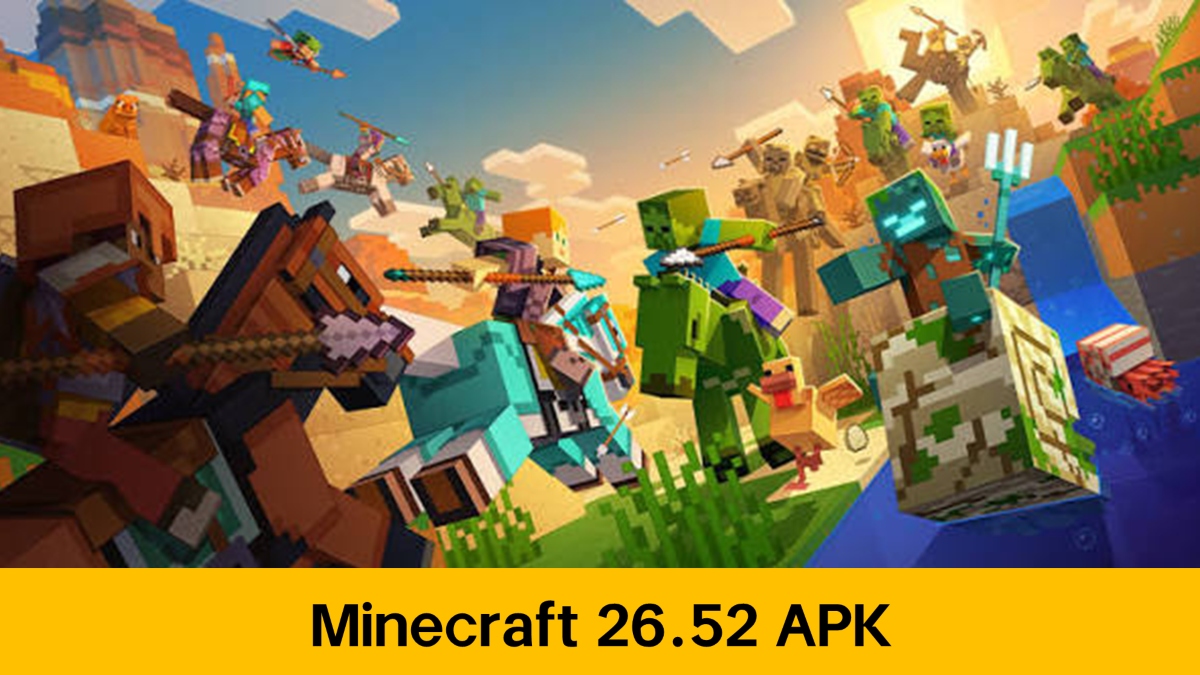
Minecraft 26.52 is now available as a patch for Bedrock Edition, addressing the issues left by the Wilderness Bound drop. If you've already installed version 26.50 and experienced crashes when loading worlds or strange behavior in the new biome, this hotfix will fix those problems before they escalate.

Minecraft Trial is a sandbox survival game that lets you test the core Minecraft experience for a limited time.

Here's what the Minecraft 26.52 update fixes, which platforms it's available on, and how to download Minecraft 26.52 without accidentally installing a modified file. Hotfixes don't add new content; their purpose is to stabilize existing games, so it's a good idea to install them as soon as possible if you play daily.
What is the Minecraft 26.52 hotfix?
Minecraft 26.52 hotfix is a small maintenance update. It comes after 26.51 and doesn't change the major version number because it doesn't include any new features: only bug fixes reported by the community in the weeks following the release of Wilderness Bound.
This detail is important to understand what to expect. When Mojang releases a hotfix, the goal is twofold: to close game-breaking bugs and to adjust details that behave differently in Bedrock compared to Java. That's why the Minecraft 26.52 hotfix is small and installs quickly, even on mobile devices with limited storage.
Major fixes for Minecraft 26.52
Hotfix release notes are usually short, but every line saves a headache. In the case of Minecraft 26.52, the fixes focus on world loading stability and the behavior of blocks and creatures from the recent drop.
A significant portion of the patch addresses crashes. Issues that arise when opening a newly updated world or Realm are prioritized because they can disconnect players from their game. If version 26.50 crashed you to the menu upon launching, the Minecraft 26.52 hotfix is exactly what you've been waiting for.
The second section addresses platform parity. When an object or animation behaves differently in Bedrock than in Java, Mojang corrects it in patches like this one so that the experience isn't platform-dependent. They don't change the rules of the game; they simply align what should already be consistent.
Wilderness Bound and its relationship to 26.52
Wilderness Bound arrived in Minecraft in September 2016 as the seasonal drop, and patch 26.52 lives off its success. The drop unlocked the dappled forest biome, abandoned campsites, poplar trees, and a handful of new building blocks, so it's normal to see bugs appearing in that area.
| Version | Guy | What does it contribute? |
|---|---|---|
| 26.50 | Seasonal drop | Wilderness Bound: mottled forest, campsites, poplar |
| 26.51 | Hotfix | Initial corrections after the drop |
| 26.52 | Hotfix | Additional stability and parity |
That table summarizes why the Minecraft 26.52 update cannot be understood without 26.50. The first few days of a release always reveal bugs that only appear after thousands of real games have been played, and the hotfixes gradually close that list in order of severity.
If you jumped straight to the latest patch, you didn't miss anything. Hotfixes are cumulative: installing Minecraft 26.52 includes everything that was already in 26.51, so there's no need to go through intermediate versions.
Minecraft Trial is a sandbox survival game that lets you test the core Minecraft experience for a limited time.
What to check after updating
Once the patch is installed, there are simple steps to confirm that the installation went well and that you didn't lose anything along the way.
- Open a saved world and check that it loads without crashing.
- Enter a Realm if you play online to verify the connection after the fix.
- Check that your creations remain intact in the mottled forest biome.
- Confirm the version in the settings menu to ensure it is running version 26.52.
The Realm issue deserves attention. If the world that was failing was shared, it confirms that all players updated before continuing a session, because a game with mixed versions can cause synchronization problems.
It's also worthwhile to create a backup before a major hotfix. It's rare for a patch to cause widespread damage, but having a backup eliminates the risk entirely and takes less than a minute.
How to update Minecraft to version 26.52
To enjoy the latest version, you only need an internet connection and to follow these steps:
🕹 Xbox One and Series X|S consoles: Go to "My games & apps", select Minecraft, then "Manage game & add-ons" and finally "Updates" to download version 1.26.52.3.
🎮 Nintendo Switch: Open Minecraft and accept the update notification or update manually from the software menu.
📱 Mobile devices
- Google Play Store: Access the app store on your Android device and check for Minecraft updates.
- APKPure: If you prefer to download the APK directly, you can use APKPure as a safe alternative.
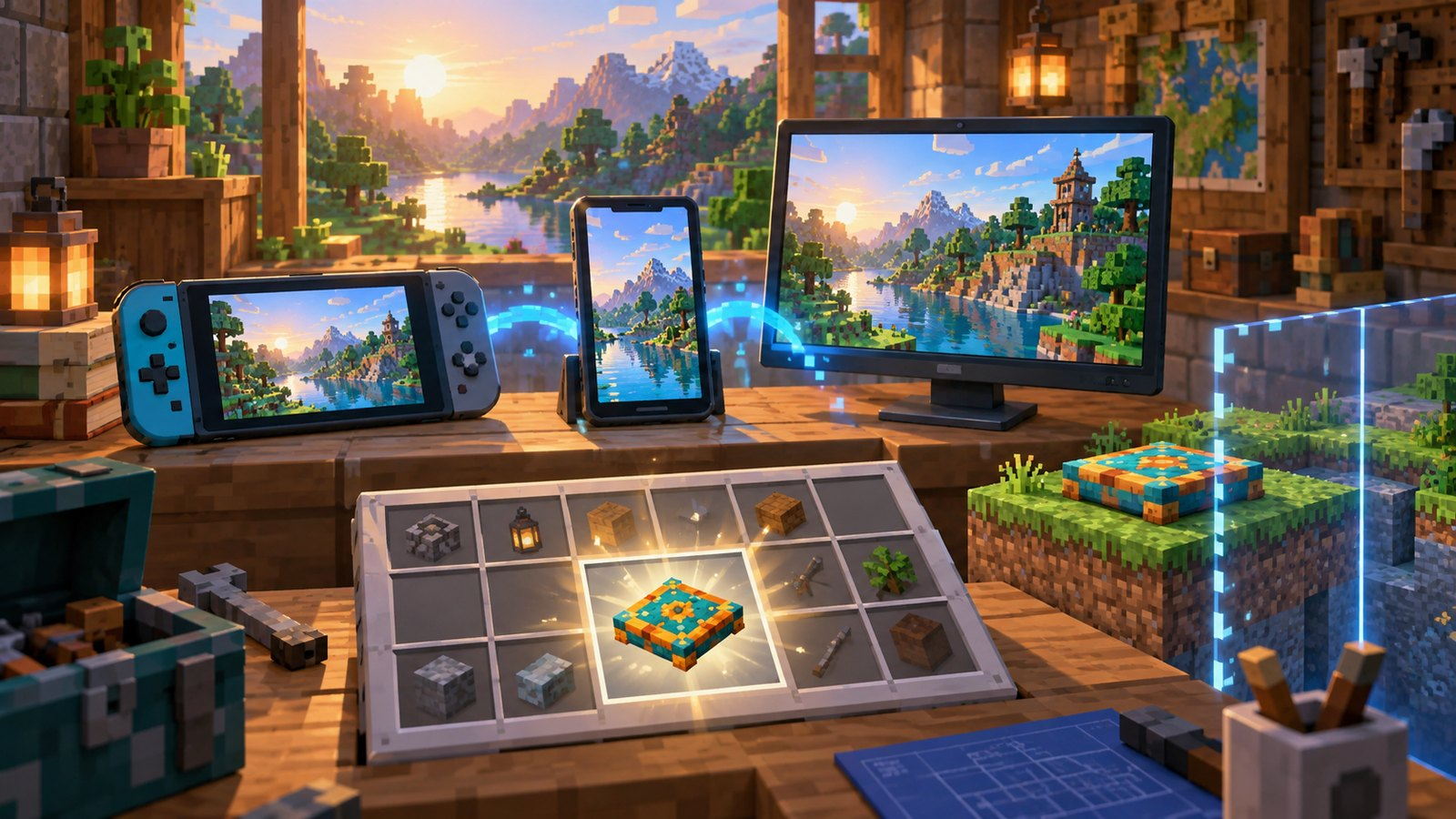
🖥 Windows 10/11: Download or update from the official Minecraft Bedrock Edition launcher, making sure you have a stable connection and enough space.
Conclusion
Installing the Minecraft 26.52 hotfix is a straightforward decision: if version 26.50 was causing crashes or other issues, this patch fixes them. Don't expect new content, because that's not its purpose. Its value lies in making the gameplay and functionality of Wilderness Bound playable and stable.
If you only play occasionally, it's still a good idea to update before your next long session. A mid-game crash takes longer than it takes for the patch to download. For those who play daily, the Minecraft 26.52 update is practically mandatory.
How To
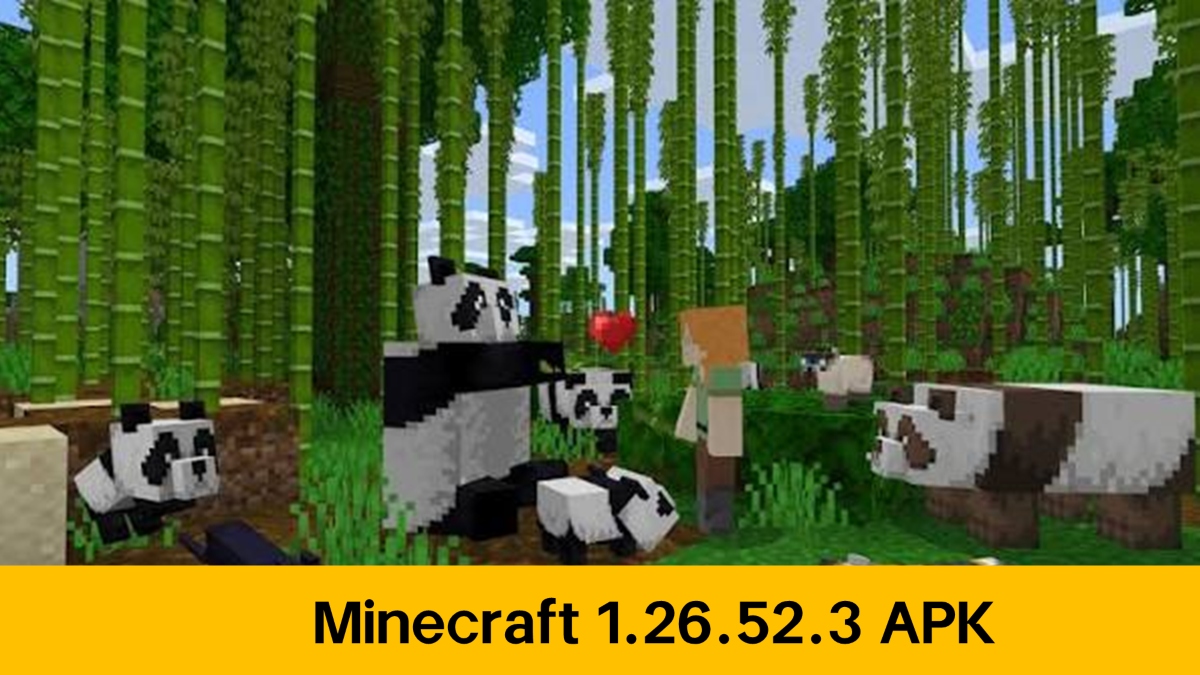
How to download Minecraft 1.26.52.3 APK latest version free for Android 2026Read this guide to learn how to download and install Minecraft mod 1.26.52.3 apk on your mobile device in 2026. Follow the step-by-step tutorial to download the latest version of Minecraft mod apk for Android.
Learn MoreDownload Minecraft 26.52 from APKPure, and you'll get the APK with the bug fixes applied, no extra steps required. Make sure your version matches 26.52 before installing, and your world will pick up right where you left off.
* Check out the full patch on the Minecraft website: Minecraft: Bedrock Edition 26.52 Hotflix Changelog .
 NEWS
NEWS REVIEWS
 HOWTO
HOWTO