Scan Date:May 9, 2026
Show More
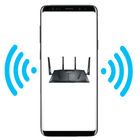

NetShare helps when your carrier blocks hotspot features or when a single router cannot reach every room. It uses your phone to create a local access point so other devices can get online, even if standard tethering is disabled. In daily use, this can reduce dead zones at home and provide a quick backup connection on the go. Because it works without root, setup stays straightforward for most Android phones, and the NetShare APK keeps the process lightweight.
NetShare lets you share cellular data or an existing Wi‑Fi connection without root access. It is designed to work even when the built‑in hotspot toggle is unavailable or restricted by the device or carrier. This approach helps you connect laptops, tablets, or another phone using your existing plan without extra hardware.
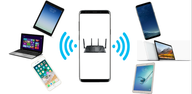
Wi‑Fi repeater mode for weak signalsYou can keep your phone connected to a router and share that same connection to extend coverage. This helps in rooms with poor reception where the main router signal drops. NetShare turns your device into a portable repeater so nearby devices can attach to your phone and reach the internet through the original network.
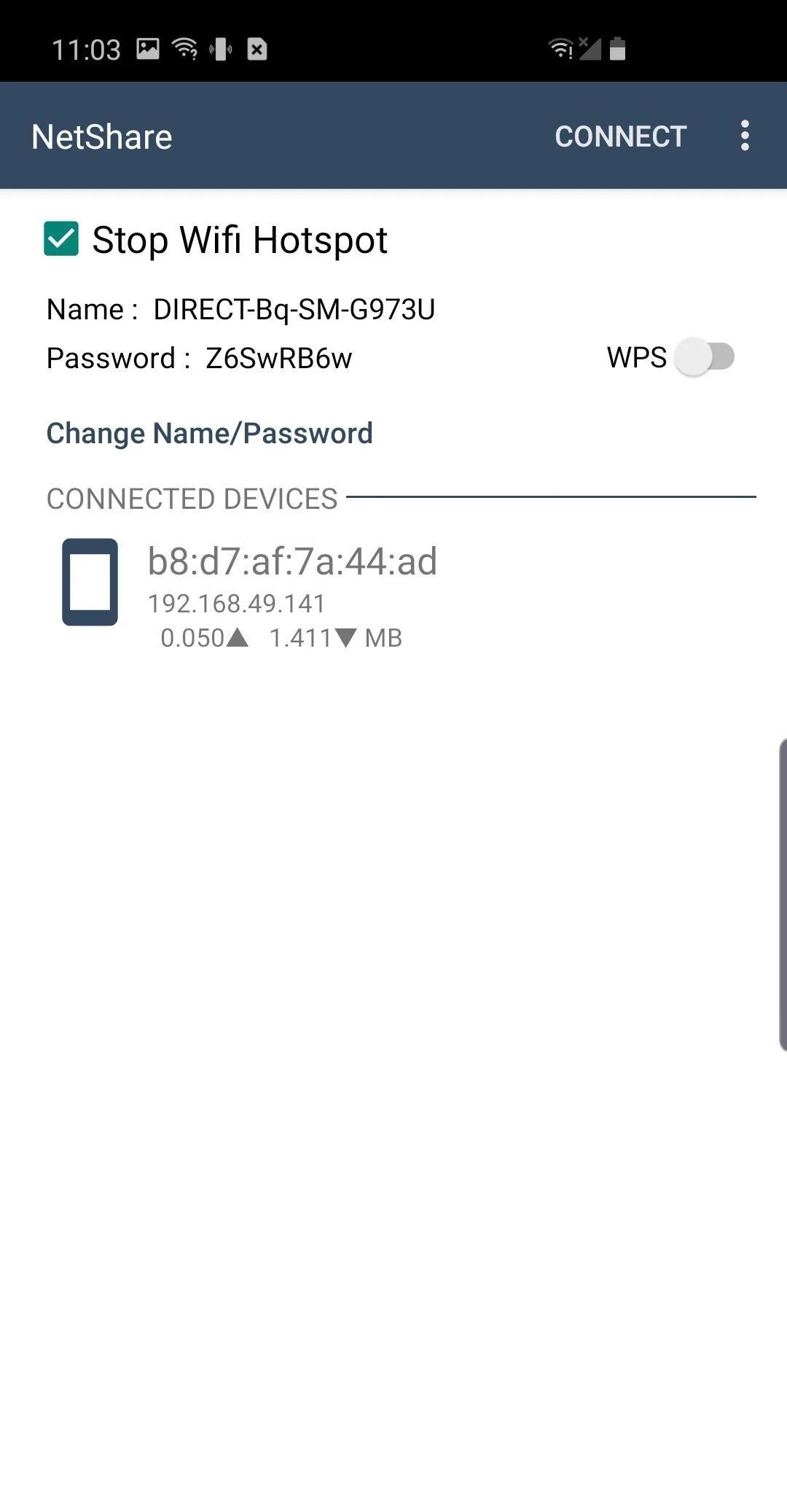
Wi‑Fi Direct with VPN routing for full accessNetShare uses Wi‑Fi Direct to link devices and then routes traffic through a VPN tunnel on the connected device. This method provides full internet access rather than limiting you to local connectivity. It is particularly useful on devices where standard tethering is blocked, since traffic flows through a different path.
Speed focused, faster than Bluetooth tetheringNetShare relies on native C libraries to handle data efficiently over Wi‑Fi. In practice, this delivers higher throughput compared with Bluetooth-based sharing. The result is more responsive browsing and downloads on connected devices during everyday tasks such as streaming or file sync.
Setup guidance and alternatives when Wi‑Fi is restrictedNetShare includes guidance for connecting different device types and offers alternatives when Wi‑Fi sharing is limited. You can use Android Proxy mode for networks that require a proxy on client devices, and there is an optional USB method called TethergUSB for computers. These options help when specific phones or networks block some tethering methods.
Sharing mobile data may be limited by your carrier plan or local rules. NetShare is built to enable connection sharing, but plan terms vary. Check your service agreement before heavy use, especially if tethering or hotspot usage is restricted on your account. This helps avoid unexpected charges or service limitations.
Search results may show entries with similar names, including NetShare+. In some cases, these variants relate to unlocking all functions or providing an add‑on key. If you are unsure which build fits your needs, confirm details inside the app or review information on the official site before installing the NetShare latest version.
This quick guide covers the basic flow from first launch to getting a second device online. For a simple start, download NetShare and keep the app open while connecting your other device.
NetShare provides a practical way to share mobile data or extend a Wi‑Fi connection without root. It uses Wi‑Fi Direct and routing tools to keep client devices online during everyday tasks, and the NetShare download is quick to set up.
For official resources and version details, visit:
Latest Version
UI/link-272Uploaded by
อา'า เนส ฯ.
Requires Android
Android 6.0+
Category
Free Communication AppContent Rating
Everyone
Security Report
Report
Flag as inappropriateLast updated on May 9, 2026
Fixed bugs
Added Korean translation
Added PIP support
Updated UI and fixed bugs




APKPure - A multi-platform app store primarily focused on Android, providing extensive app-related content. Discover the app you want easier, faster, and safer, with quick and efficient downloads and installations.







![RouterNet - [root] Wifi tether APK](https://image.winudf.com/v2/image/a2hhLnByb2cucm9vdF9pY29uXzE1MTM1NjUxMzFfMDA4/icon.png?w=102&fakeurl=1)