Package Name:com.netflix.ninja
SHA-256:0dd3b3766c313ad2917ffe60e982e42e6ac100564b90ee97705c5519d6b49a4e
Show More

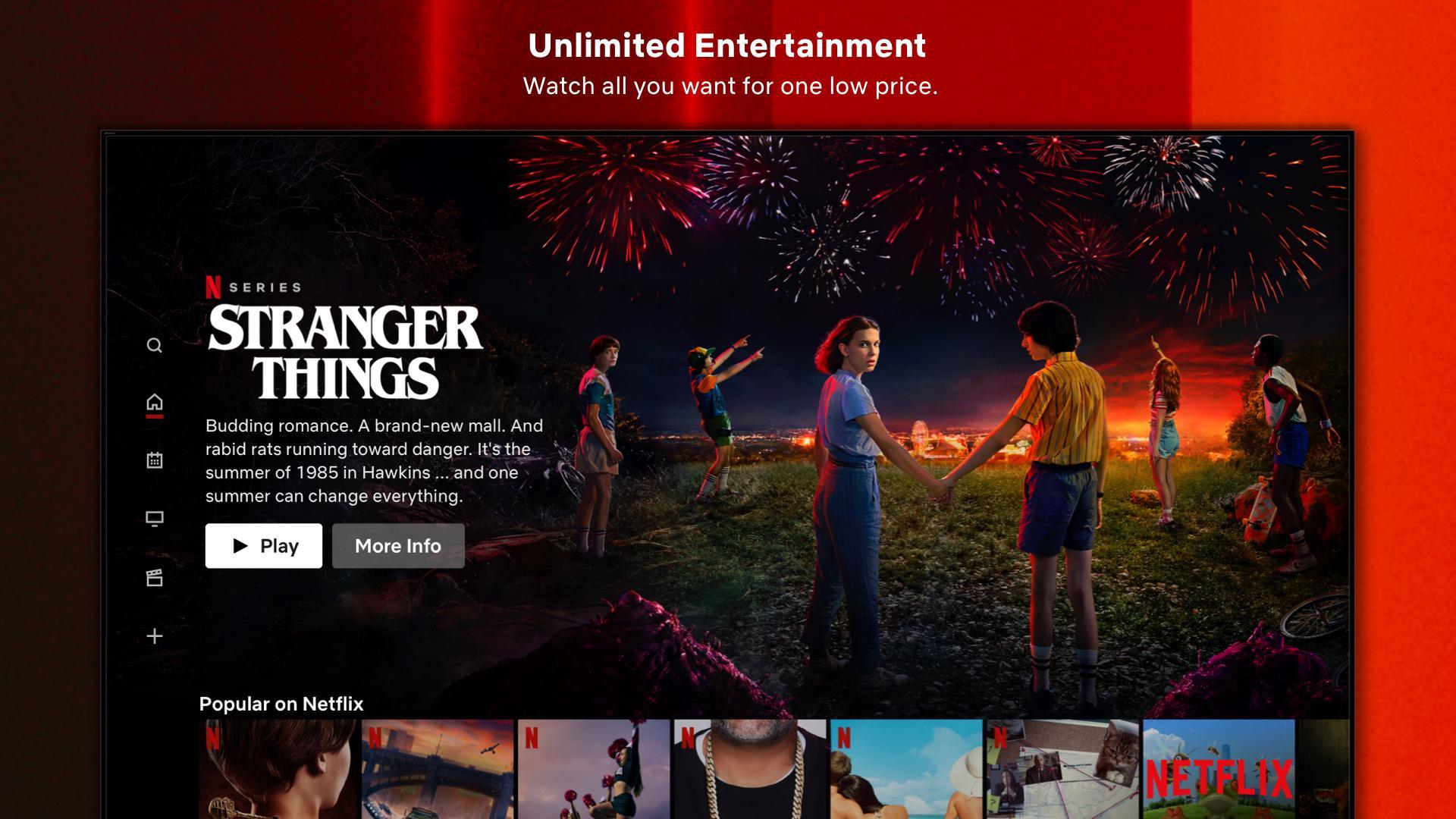
Netflix (Android TV) app helps when you want an easy way to watch Netflix on a compatible smart TV from your sofa. It presents content in a TV friendly layout, so you can move through rows, open title pages, and start playing without fuss. With a membership, you can stream right away and pick up where you left off. If the app is not already on your device, many users choose to download Netflix (Android TV) so everything is ready on the big screen.
Large catalog that keeps growing
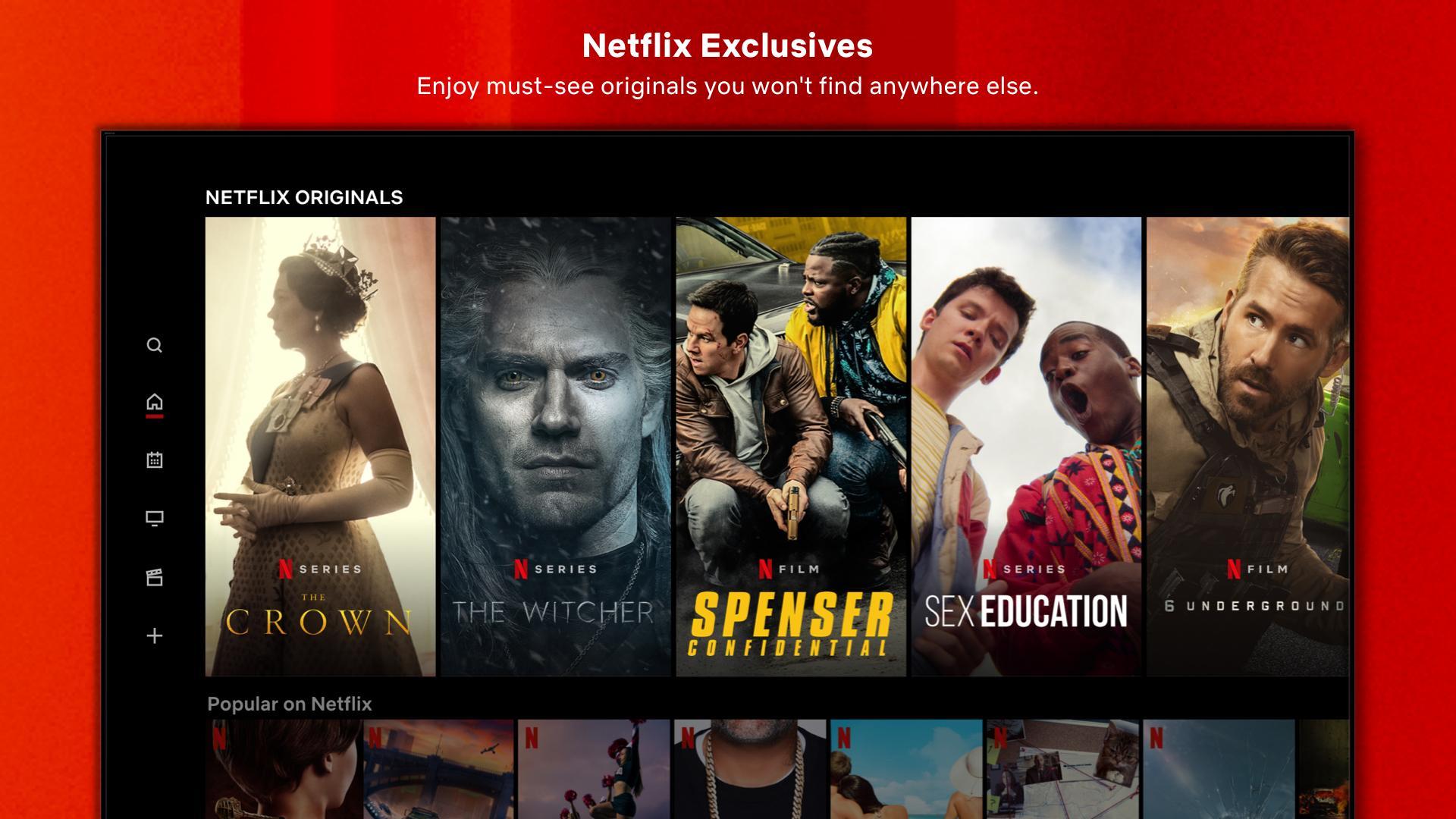
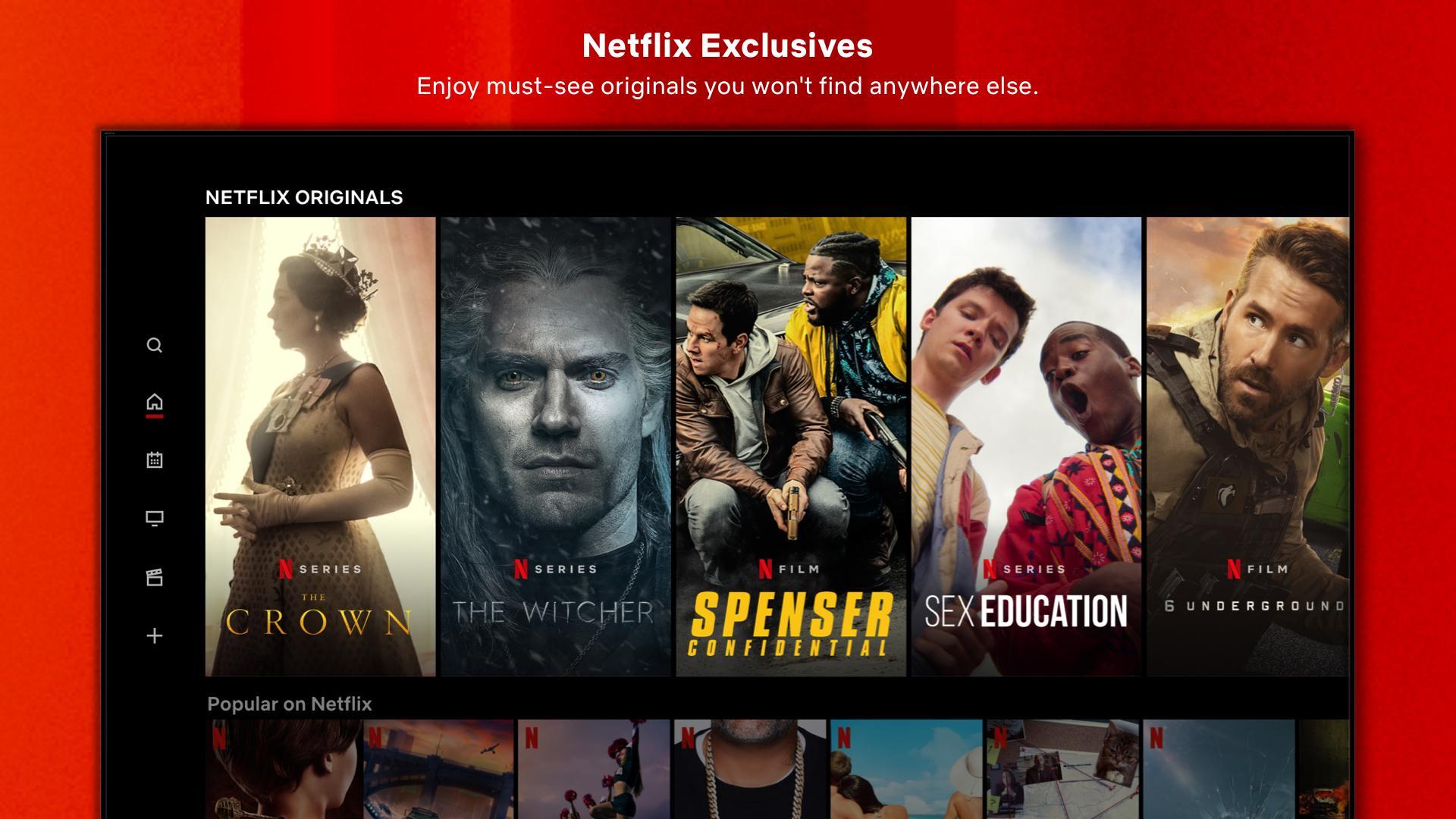
You get a wide range of series, movies, documentaries, and stand up specials to choose from. New titles are added on a regular basis, so the rows change over time and there is often something fresh to watch. This makes it simple to browse different categories and settle on a title without extra steps.
Profiles and personalized suggestions
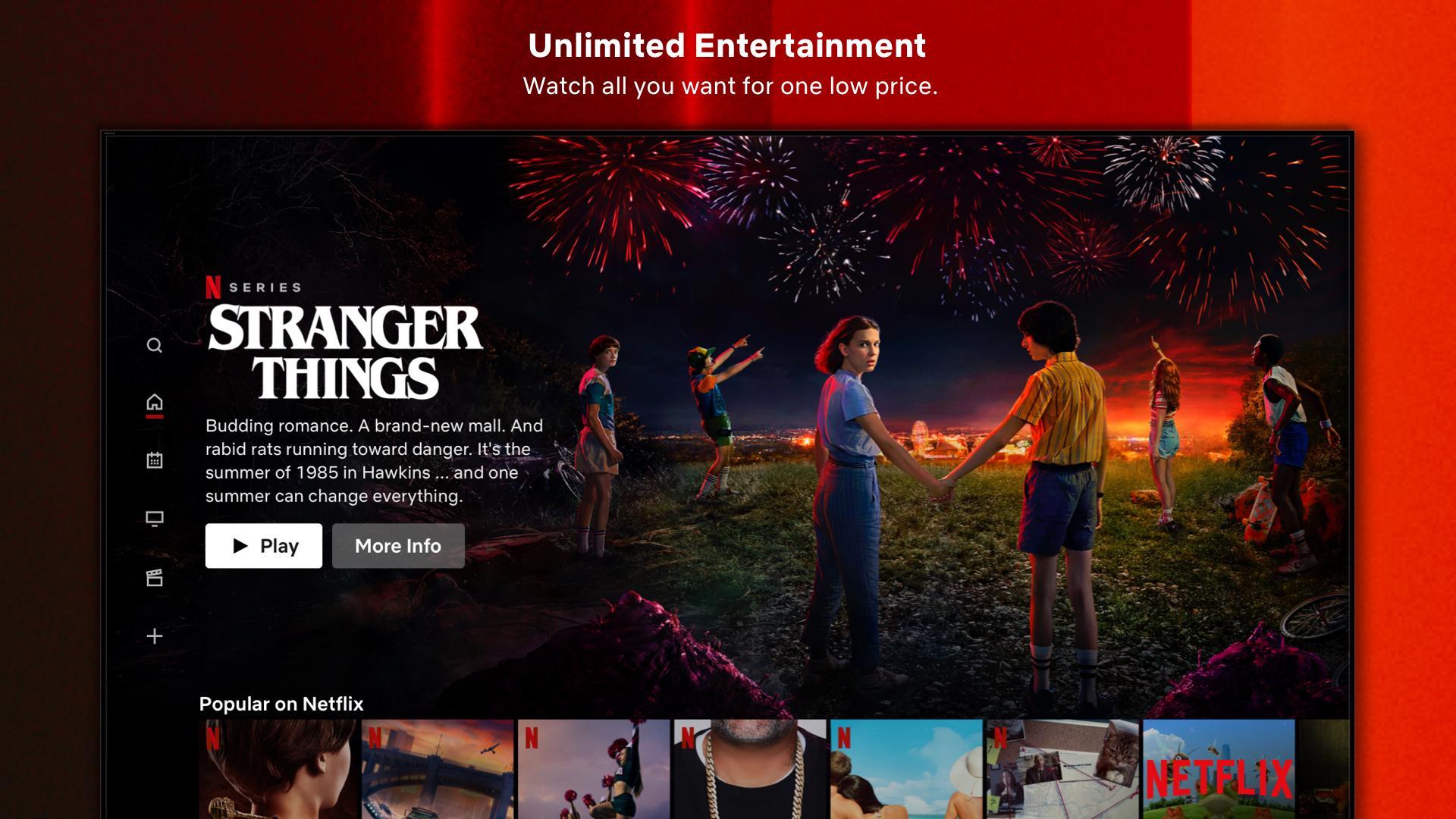
Netflix apk for android tv learns from what you watch and offers recommendations that match your tastes. You can create separate profiles for each person in your household, which keeps viewing history and lists organized. As you continue watching, suggestions become more relevant, helping you find options faster.
Kids space and parental controls
There is a dedicated area for kids with family friendly selections and maturity ratings to guide choices. You can set profile locks and restrict access based on content levels, so children stay within appropriate options. These tools keep the living room experience safer and more predictable for families.
TV optimized browsing and playback tools
You can navigate by rows and categories with a remote, or use search to find specific titles. Each title page lets you preview, add to My List, and see details before you play. During playback, you can resume with one click and choose audio and subtitle settings that fit your needs.
Works with supported devices and frequent updates
Netflix (Android TV) apk supports many Android TV and compatible smart TV models, and it is often preinstalled on newer sets. You can start a title on your TV and continue on another supported device linked to the same account. Updates arrive regularly to improve stability and usability, keeping navigation and playback consistent in the living room.
On many newer smart TVs, Netflix apk android tv may already be installed. If you do not see it, update your TV software, check the TV manufacturer app store, and review any parental control settings that might hide apps. Device certification and regional availability affect visibility, so some models will not show the app. If the app still does not appear, the device may not be supported. For accurate guidance, consult official Netflix help resources that list supported devices by region and manufacturer.
Installing Netflix (Android TV) is free on supported devices, but streaming requires an active Netflix membership. Plan choices, billing details, and account changes are handled by Netflix. You can sign in on your TV with an existing account or create an account through Netflix using a web browser or other official entry point before watching on TV.
This quick guide outlines the basics after installing the Netflix (Android TV) apk on a supported TV. It focuses on simple steps for signing in, browsing, and playing a title with a remote.
Open Netflix from your TV apps screen, then wait for the home page to load.
Select Sign In and enter your Netflix account details, then confirm to proceed.
Choose a profile to tailor recommendations, or switch profiles from the top menu if needed.
Browse rows or use search, open a title page, and add it to My List if you want to save it.
Press Play to start, then pick audio and subtitles from the player options and resume later from the Continue Watching row.
Netflix (Android TV) brings an easy to navigate TV experience with profiles, kids settings, and playback controls designed for the remote. If you need an update, the Netflix (Android TV) latest version helps keep browsing and streaming consistent on supported TVs.
For official support and service details, use the information below.
Official website: https://www.netflix.com/
Support email: playstore@netflix.com
Latest Version
11.0.1 build 19770Uploaded by
Netflix, Inc.
Requires Android
Android 7.0+
Category
Free Entertainment AppContent Rating
Teen
Security Report
Check Now
Report
Flag as inappropriateLast updated on May 8, 2026
Minor bug fixes and improvements. Install or update to the newest version to check it out!




APKPure - A multi-platform app store primarily focused on Android, providing extensive app-related content. Discover the app you want easier, faster, and safer, with quick and efficient downloads and installations.