Scan Date:Mar 31, 2026
Show More
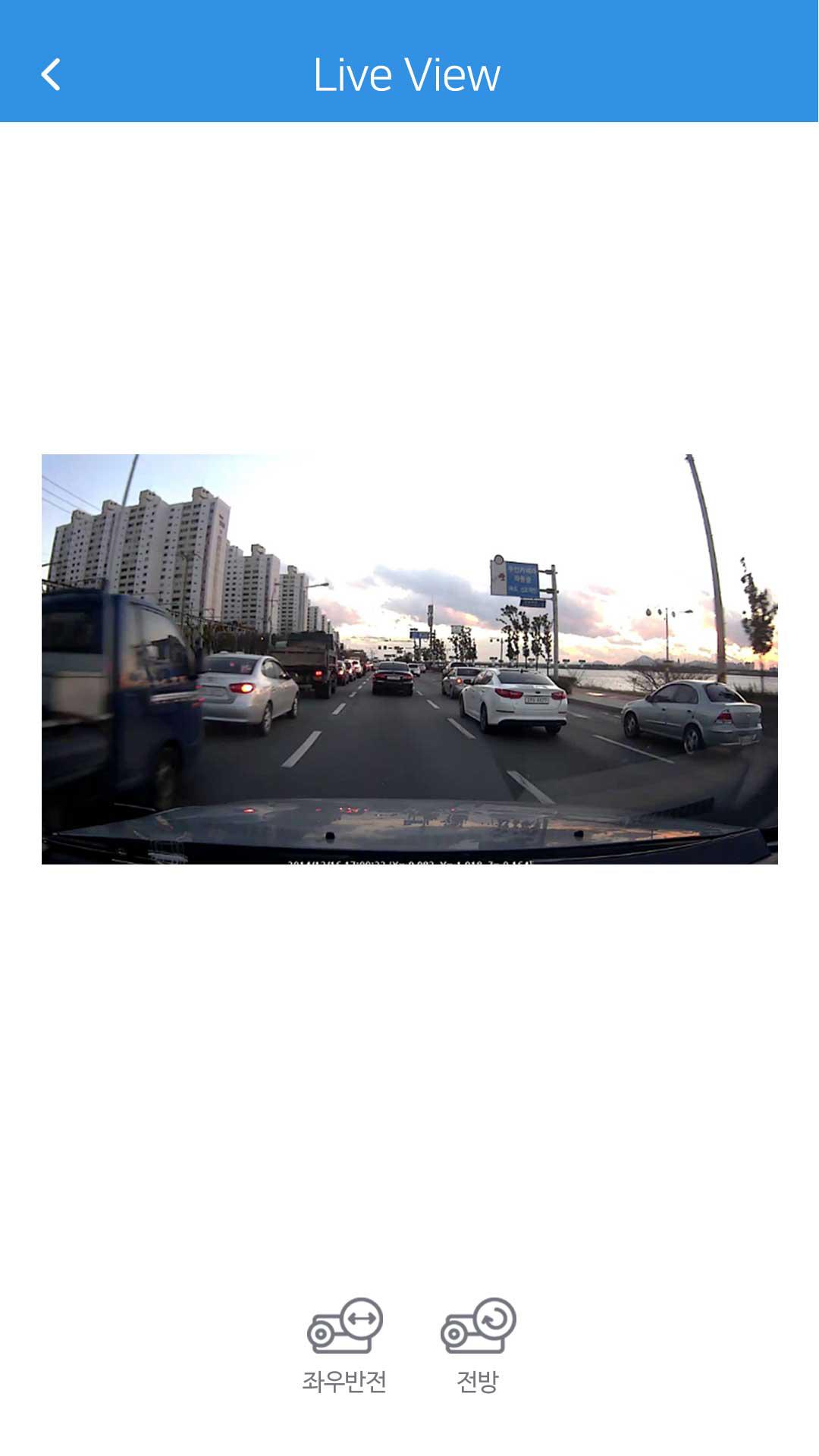
▶ Live viewer
It allows you directly view unit's live video
- Horizontal view is available with front / rear
- choices and reversing left / right
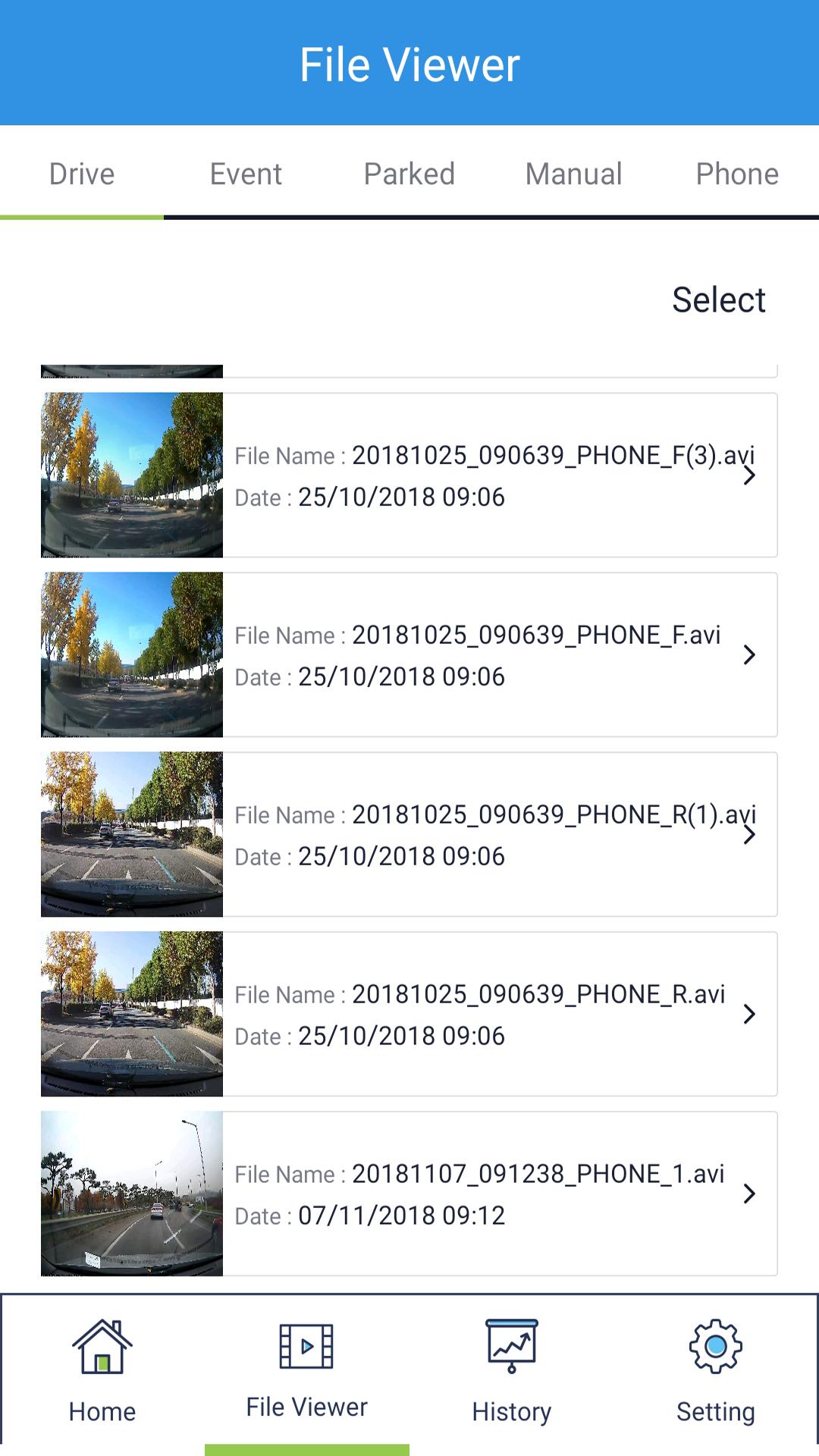
▶ File viewer listings
The many file lists in the file viewer section are the categories for the types of videos that your dash cam unit can record.
"Drive" stores anything that can be considered a normal commute.
"Parked" sotres the video that occur when parking mode is active while "incident parking" videos are triggered when you unit detects sudden motion of the vehicle itself, while in parking mode
"Event" is for videos where an incident occur in them during normal commute.
"Manual" is for videos where a captured footages that had occured in front of your vehicle while the manual record mode was activated.
"PHONE" section allows you to check out and go through with additional video editing by utilizing some video listings you have already downloaded.
Simply put, in this menu the five categories are known as "Drive", "Parked", "Event", "Manual" and "Phone" respectively.
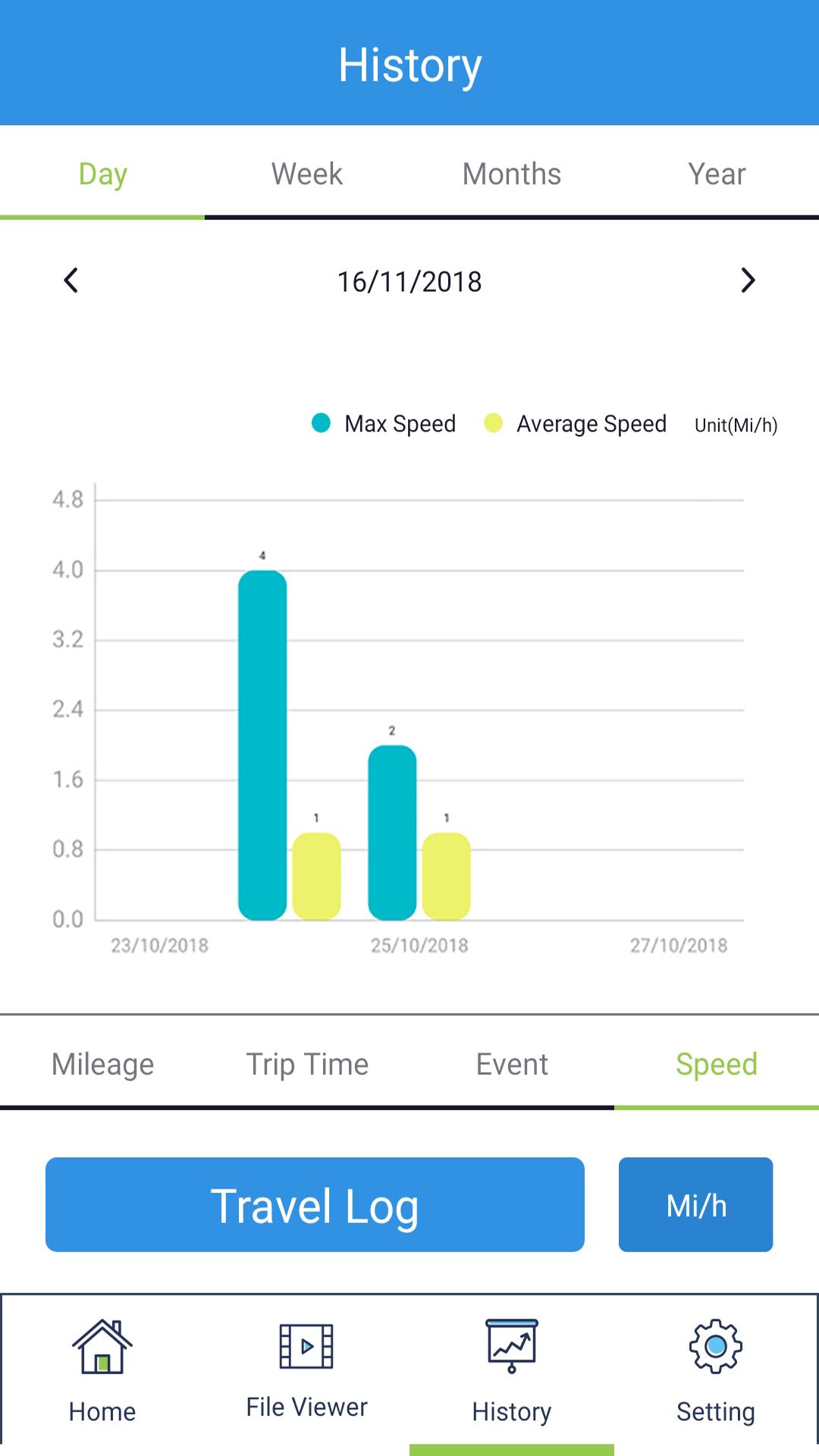
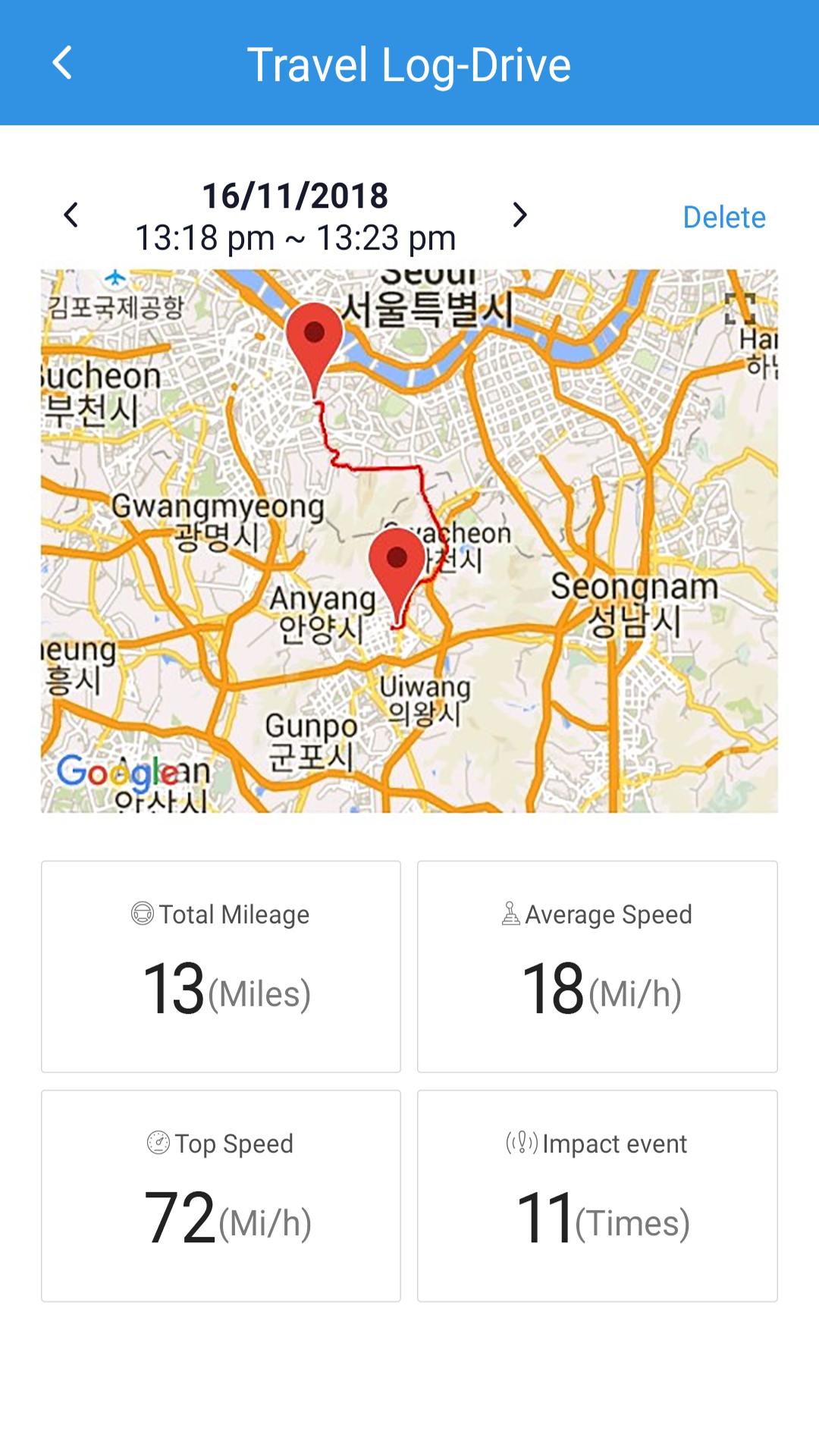
▶ History
your itineraries will be safely stored in the History menu of the NEFU mobile viewer so that you can access all your previous car rides and compare the advantages
of taking one route over another in terms of time and distance to the desitination.
once a historical log has been listed on this menu, it will be marked in the listing with each different color highlight and subject(ex : "Drive , "parked" and ETC) around them, to make
them easier to discern which ones have already been uploaded.
▶Settings
This menu includes, the sensitivity of the parking mode G-sensor , the motion detection sensitivity, and when to cut your unit off from power in order to avoid unprecedented
vehicle's battery drain
Plus, This menu will allow you to customize the way your unit interacts with you.
you can change its language to a variety of choices from English, to Japanese, to chinese and even French.
Other settings you can change are the time, and speed that is recorded on your videos, and the way that the security LED lights up.
※ Applicable features for this mobile app may differ slightly depending on the model
if you have any questions or problems while using this mobile app, please contact us at info@nconnect.co.kr
#NEFU, #NEFU Dash cam, #Dashcam, #Dashcam Mobile viewer, #In-car camera, #In-car camera mobile viewer, #Car DVR, #Car DVR mobile viewer, #Blackbox, #WIFI, #Plabo, #Roguard
Latest Version
2.6Uploaded by
Ayham Abd Alwhab
Requires Android
Android 6.0+
Category
Free Auto & Vehicles AppContent Rating
Everyone
Security Report
Report
Flag as inappropriateLast updated on Jun 6, 2022
Fixed some errors and improved the stability of the App.


APKPure - A multi-platform app store primarily focused on Android, providing extensive app-related content. Discover the app you want easier, faster, and safer, with quick and efficient downloads and installations.