Scan Date:Apr 11, 2026
Show More


BimmerLink turns your phone into a practical companion for checking faults, watching live data, and performing selected service tasks on supported BMW, MINI, and Toyota Supra models. It works with compatible OBD adapters and presents information in clear dashboards, so you can make informed decisions before visiting a workshop. Moreover, it offers controls for certain factory audio and exhaust systems when your car is equipped. You can get the BimmerLink APK latest version on APKPure to start diagnostics, view data logs, and manage maintenance from your device.
Complete diagnostics across control units
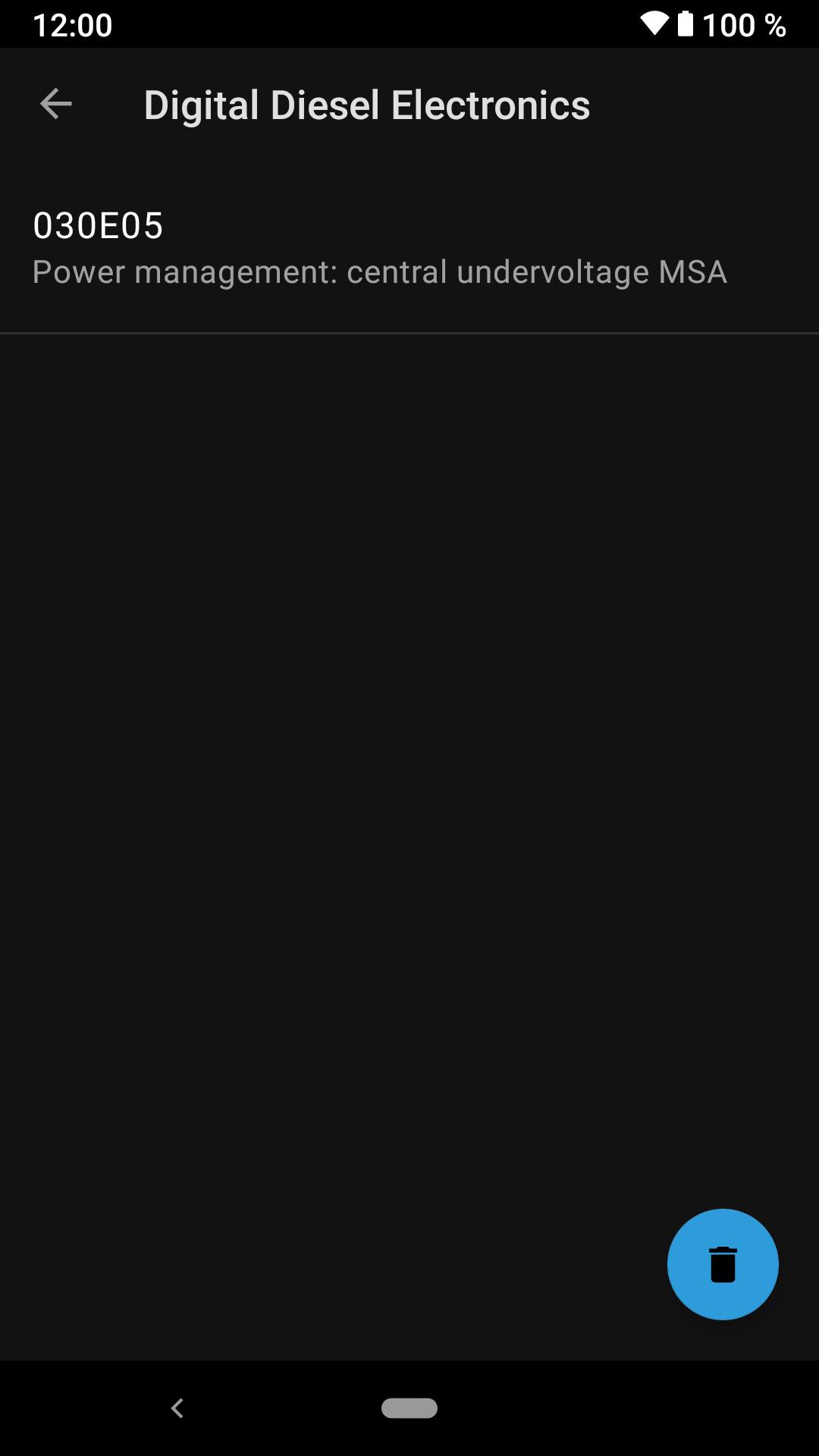
BimmerLink reads and clears trouble codes from all available electronic control units, not only emissions modules. You see fault details in an organized list, and you can clear them after repairs. This helps you confirm fixes and track new issues over time.
Live monitoring with exportable data
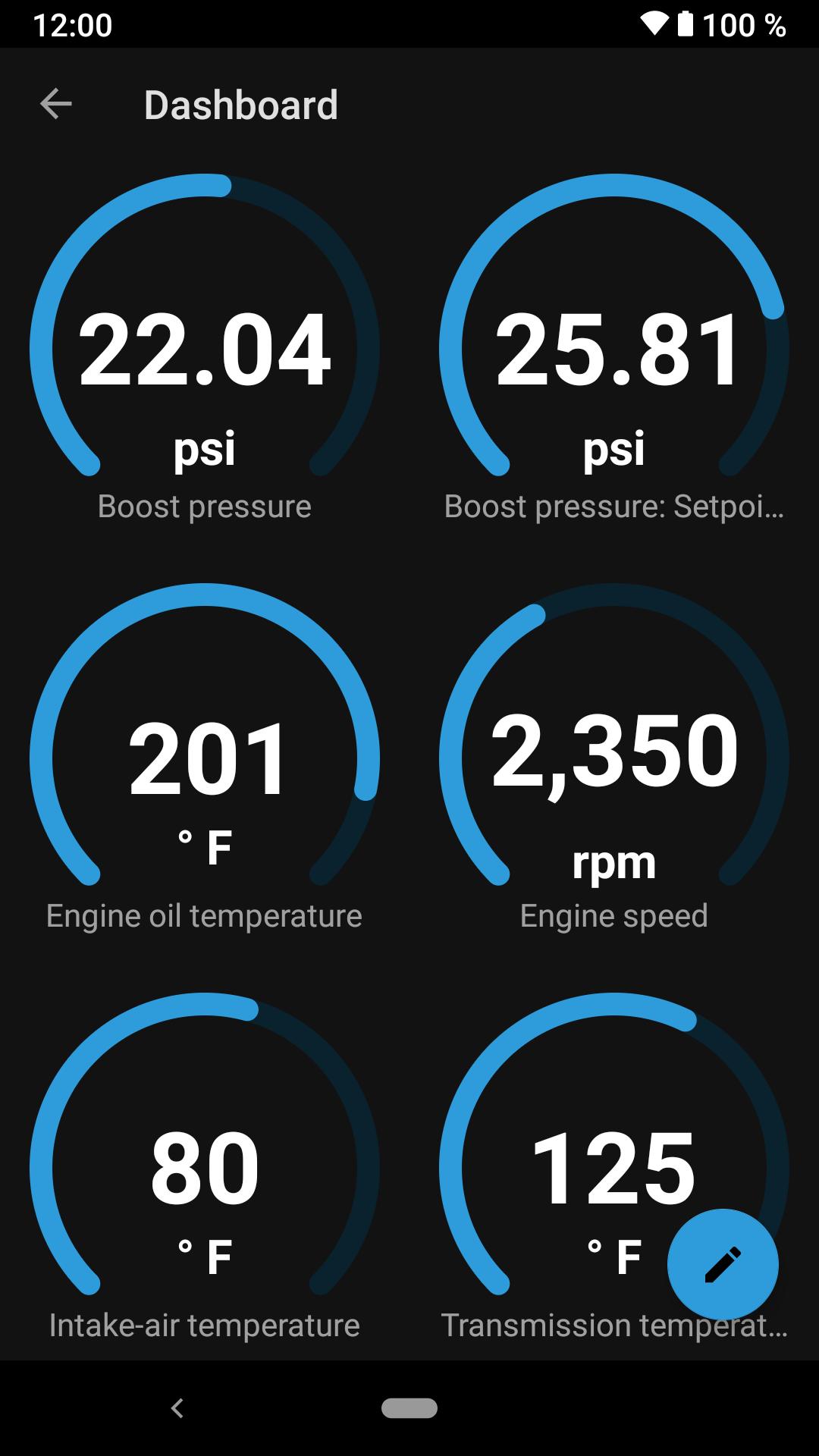
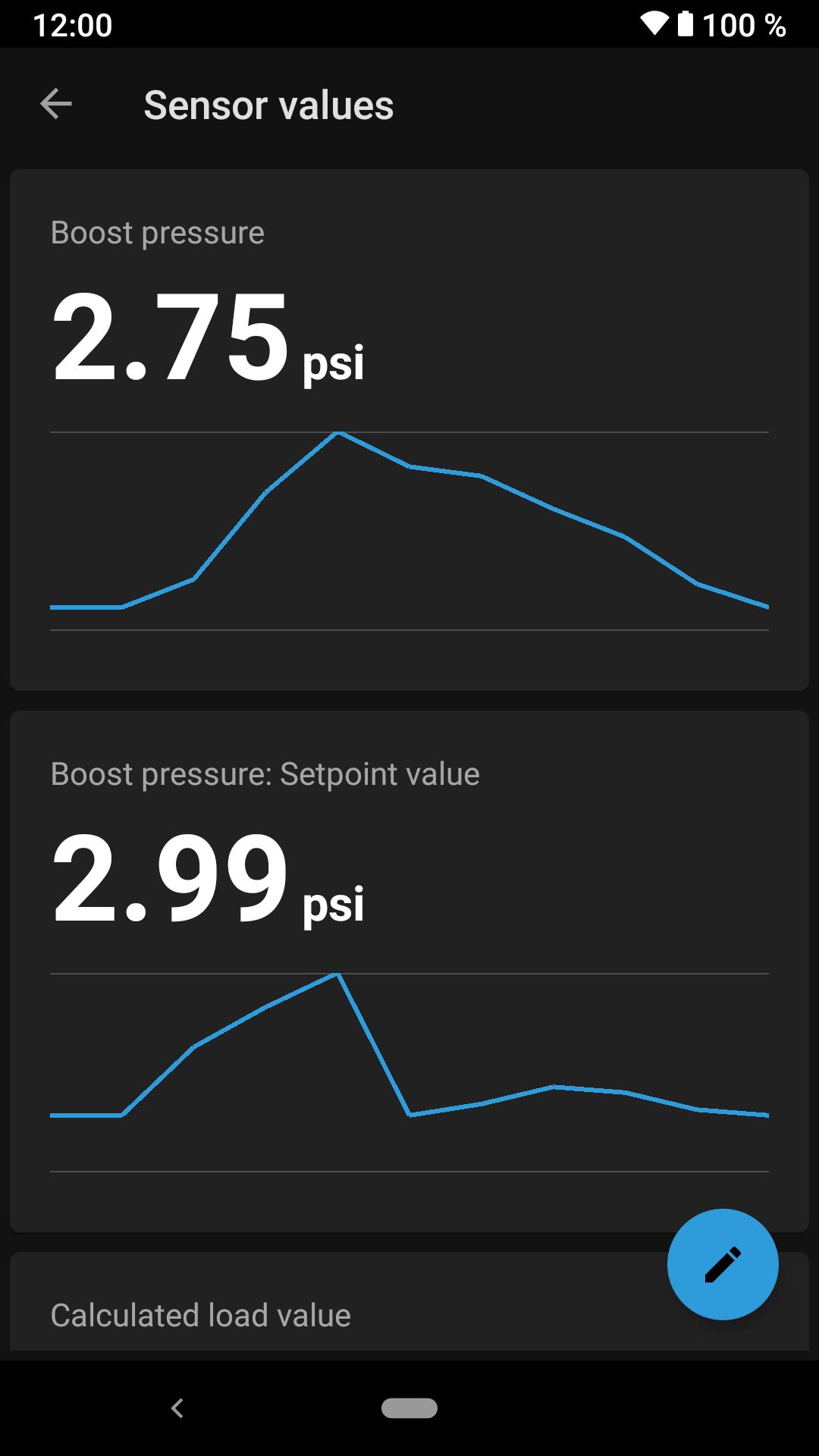
You can build personalized dashboards to watch real-time values such as oil temperature, boost pressure, and battery voltage. In addition, BimmerLink logs data to CSV files for later analysis. For example, you can review temperatures after a long drive or compare boost levels when troubleshooting performance concerns.
Service tools that owners actually use
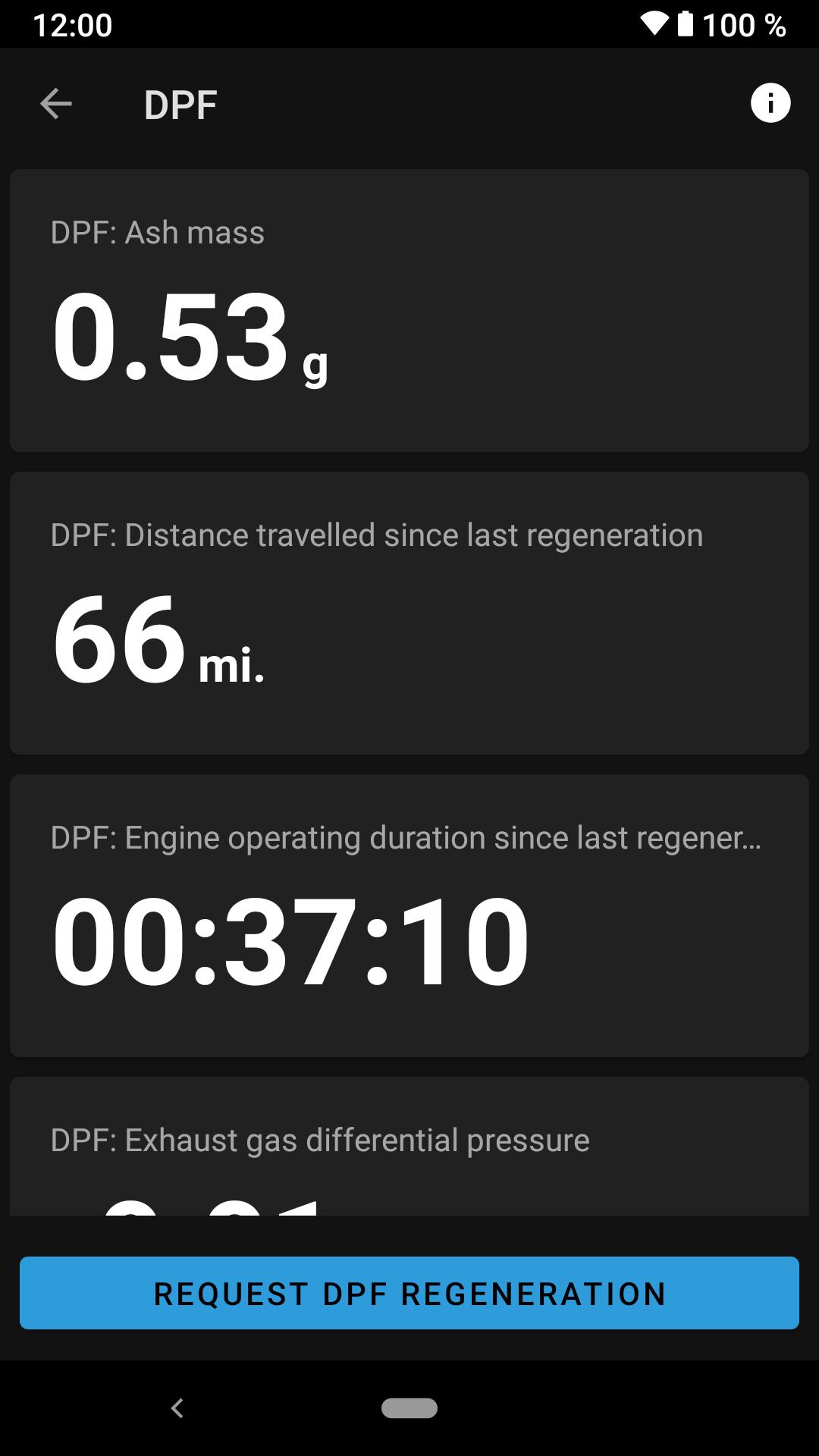
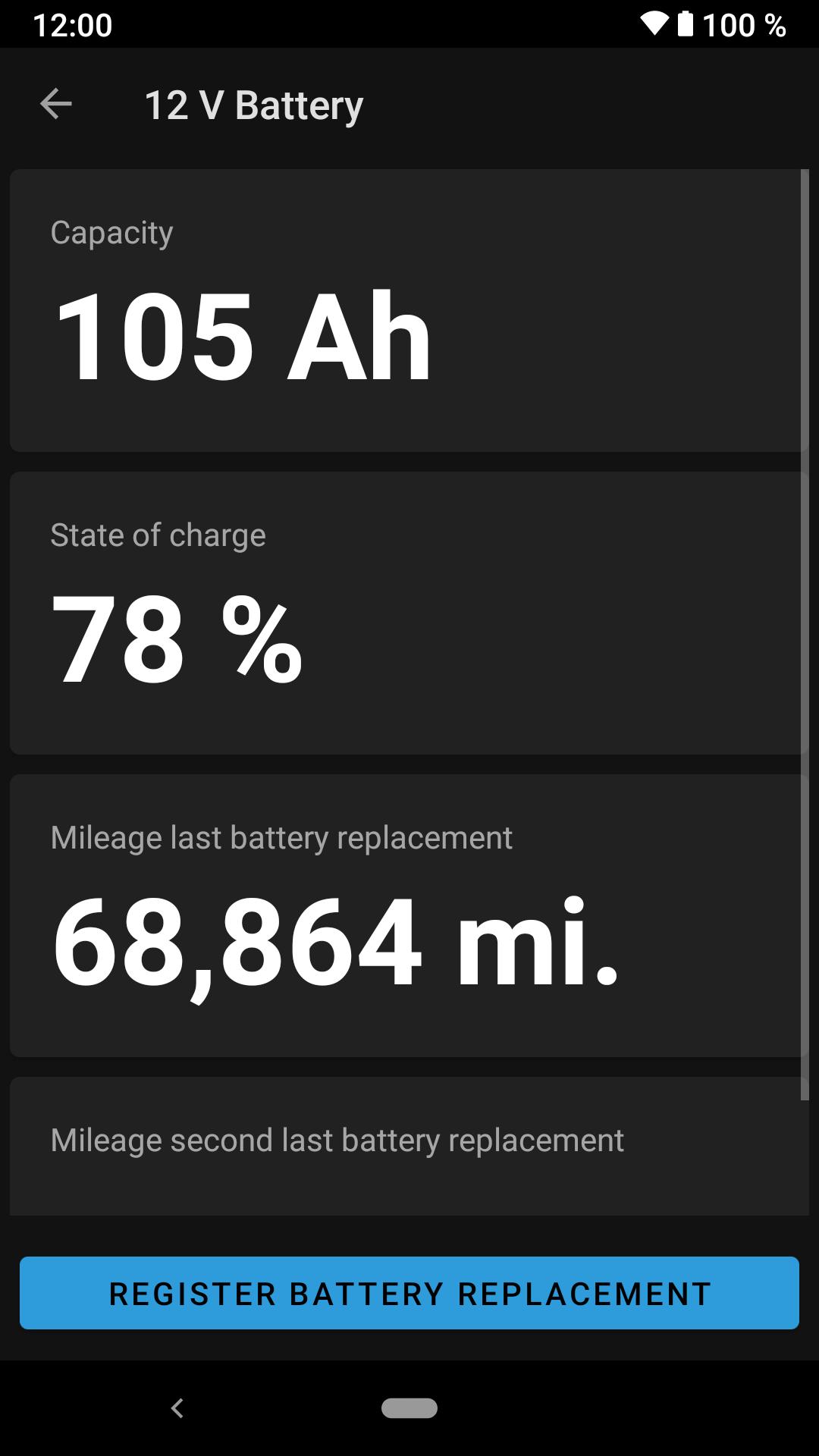
BimmerLink supports practical tasks including diesel particulate filter status and regeneration on diesel engines, battery registration after replacement, service resets, parking brake service mode, and short circuit lock reset. Therefore, you can prepare the car for maintenance and verify the result without a workshop visit.
Factory sound and exhaust controls
When your vehicle has the equipment, BimmerLink lets you mute Active Sound Design and control the factory exhaust flap. It also provides Sound Tuning to disable exhaust burble on S55 engines such as M2 Competition, M3, and M4. These options apply only to cars that include the corresponding hardware from the factory.
Broad adapter and vehicle coverage
BimmerLink works on Android devices with supported OBD adapters or ENET. Also, it supports most BMW and MINI models and the Toyota Supra. You can use one compatible adapter for both BimmerLink and its sister app, which keeps your setup simple.
Designed to pair with BimmerCode
BimmerLink focuses on diagnostics and service, while BimmerCode is made for coding configuration changes. You can use the same supported adapter with both apps. As a result, you can diagnose an issue with BimmerLink and then adjust supported settings with BimmerCode when needed.
Feature availability by model and engine
Pricing and activation
BimmerLink is a paid app and full functionality requires purchase. Pricing can vary by region and may change over time. You can download BimmerLink on APKPure and follow the in-app prompts to activate and use available features.
Recommended usage practices
Follow this quick guide to get started with diagnostics, data views, and service tools. Prepare a supported OBD adapter and make sure your car is parked safely.
BimmerLink gives you direct access to diagnostics, live data, and practical service tools for supported BMW, MINI, and Toyota Supra models. Get the BimmerLink APK latest version on APKPure to perform checks, monitor values, and manage common maintenance tasks from your device.
If you need official resources, visit the BimmerLink website below.
Is BimmerLink the same as BimmerCode?
No, BimmerLink is for diagnostics and service tasks, while BimmerCode is for coding supported settings. BimmerLink reads and clears faults, monitors live data, and handles tools like service resets and battery registration. Both apps can share the same supported OBD adapter, and you can download BimmerLink on APKPure to begin.
Is BimmerLink free?
No, BimmerLink is a paid app and full functionality requires purchase. Prices vary by region. You can download BimmerLink APK on APKPure, install it, and follow the app’s instructions to activate available features.
Can BimmerLink reset the brake pad wear maintenance reminder?
Yes, BimmerLink includes service reset options that can clear the brake pad wear reminder after repairs. The reset will only hold if the underlying wear sensor issue is resolved and the new parts are installed correctly. Always follow the app prompts and verify the result in the vehicle’s service menu.
Is BimmerLink available for Android?
Yes, BimmerLink supports Android and works with compatible OBD adapters or ENET. You can download BimmerLink APK latest version securely on APKPure and connect to your vehicle following the in-app steps.
Can I use BimmerLink to prime the fuel pump after changing a diesel filter?
No, BimmerLink does not provide a dedicated fuel pump priming routine. The app focuses on diagnostics, live data, and supported service functions such as DPF status and regeneration on diesel engines. For priming procedures, follow the manufacturer’s recommended steps or service documentation.
Latest Version
2.37.3-7118Uploaded by
ป๋า'า แมน'น หลอน'น
Requires Android
Android 6.0+
Category
Free Auto & Vehicles AppContent Rating
Everyone
Security Report
Report
Flag as inappropriateLast updated on Apr 11, 2026
Fixed: Brake service mode not activating under certain circumstances.





APKPure - A multi-platform app store primarily focused on Android, providing extensive app-related content. Discover the app you want easier, faster, and safer, with quick and efficient downloads and installations.