Scan Date:Apr 22, 2026
Show More
NConfigurator is a configuration utility for the Neutron HiFi™ DAC V1 audiophile USB DAC and other USB DACs belonging to the Neutron HiFi™ family of devices.
Your Neutron HiFi™ USB DAC is meticulously designed to deliver exceptional audio quality and ease of use right out of the box. Its default settings strike a perfect balance for most listening preferences, ensuring enjoyable audio experiences from the get-go.
However, for audio enthusiasts seeking deeper customization, the NConfigurator companion app unlocks even more control. Think of it as a toolbox filled with advanced options to fine-tune your listening experience further.
NConfigurator app functionality:
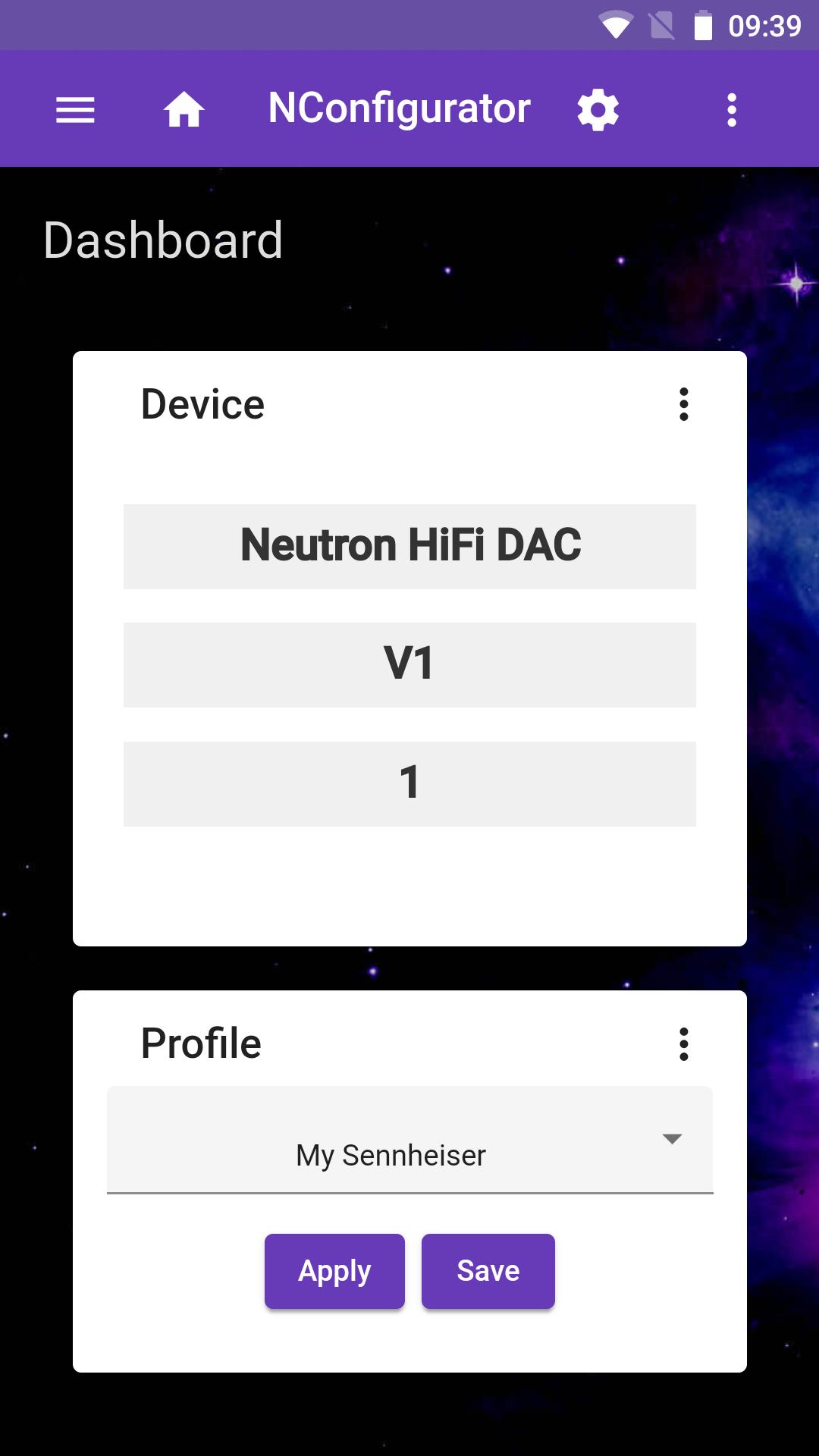
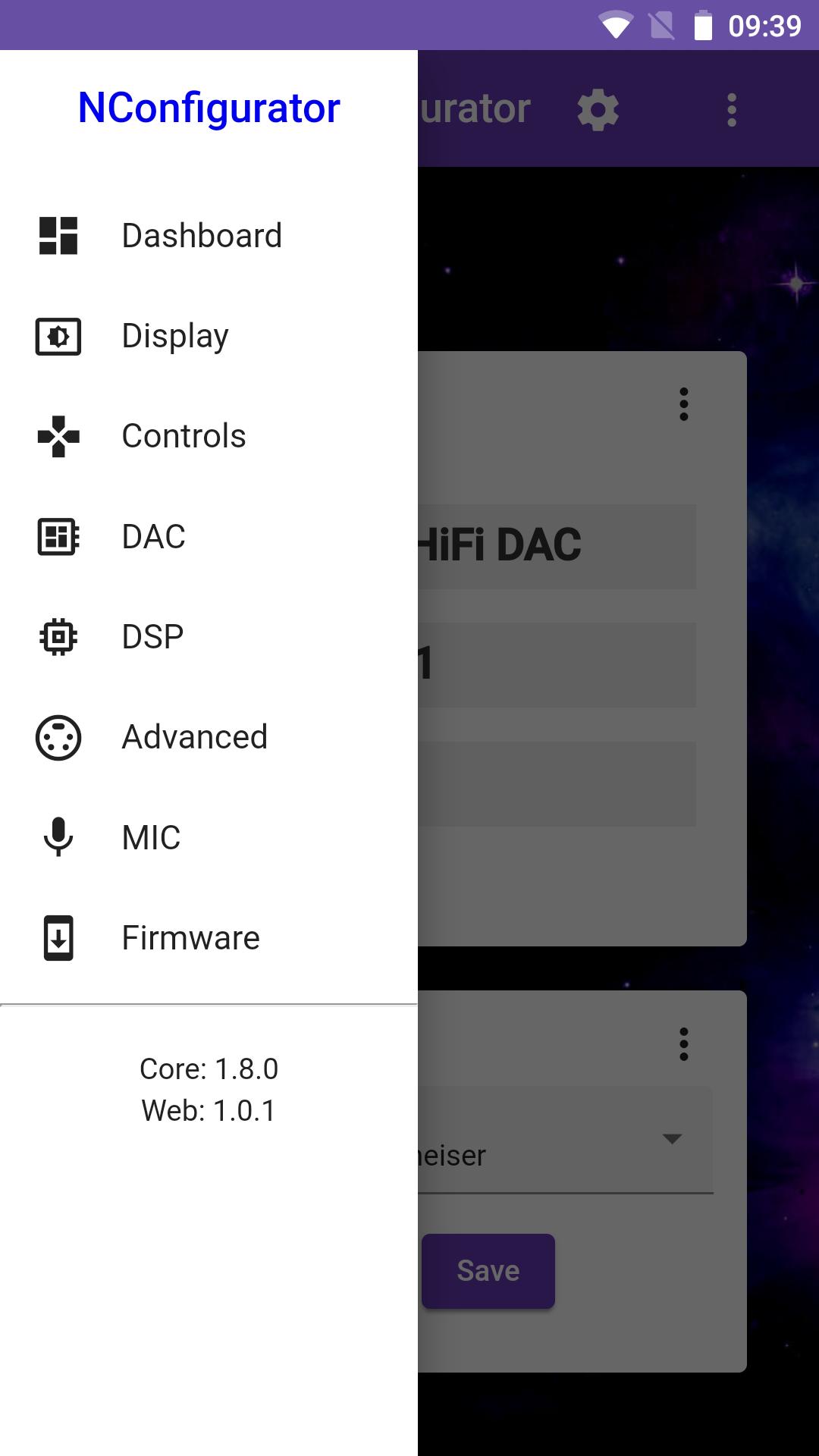
* Device: Shows key details about your DAC's hardware, such as model, family, and build.
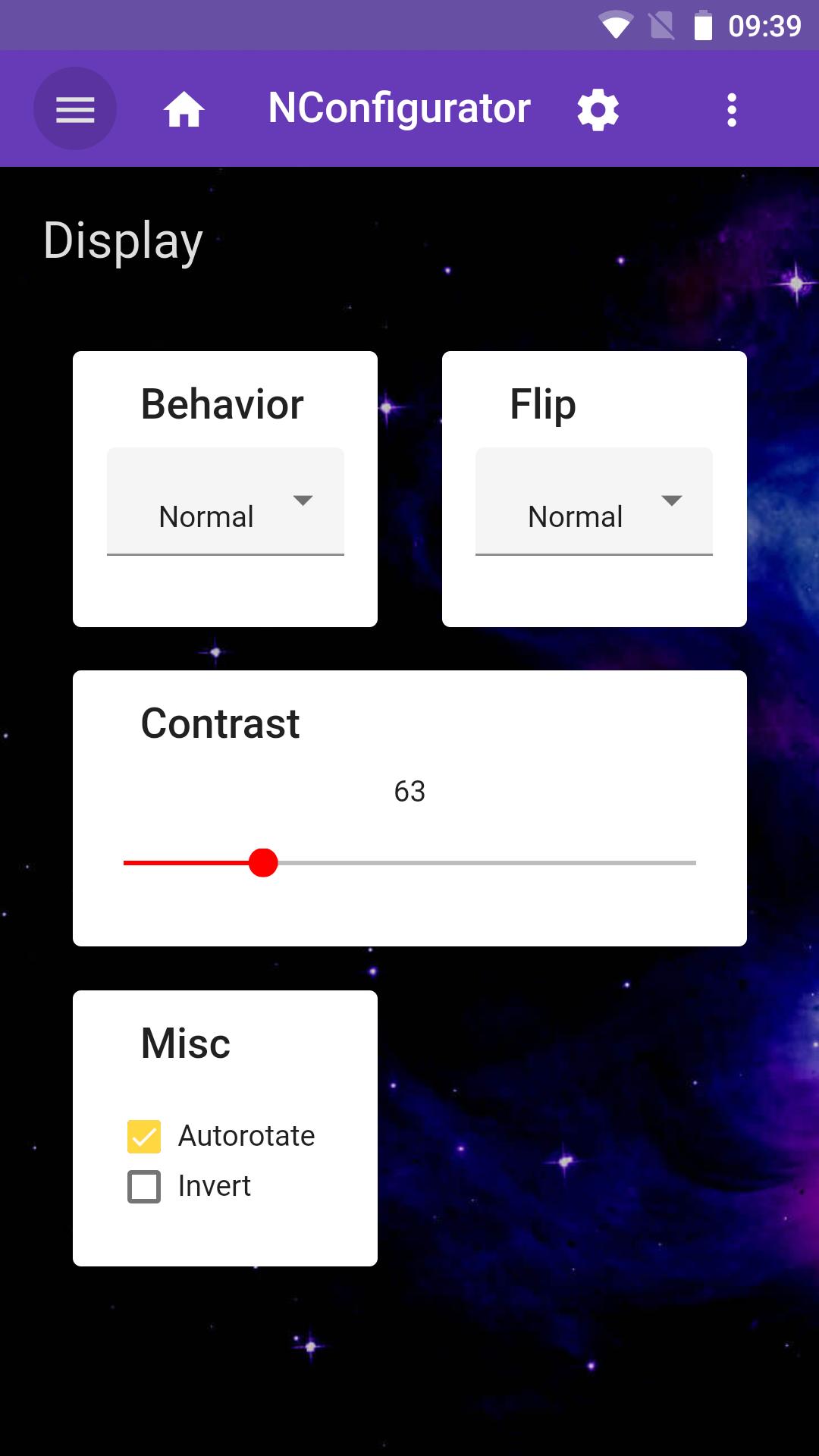
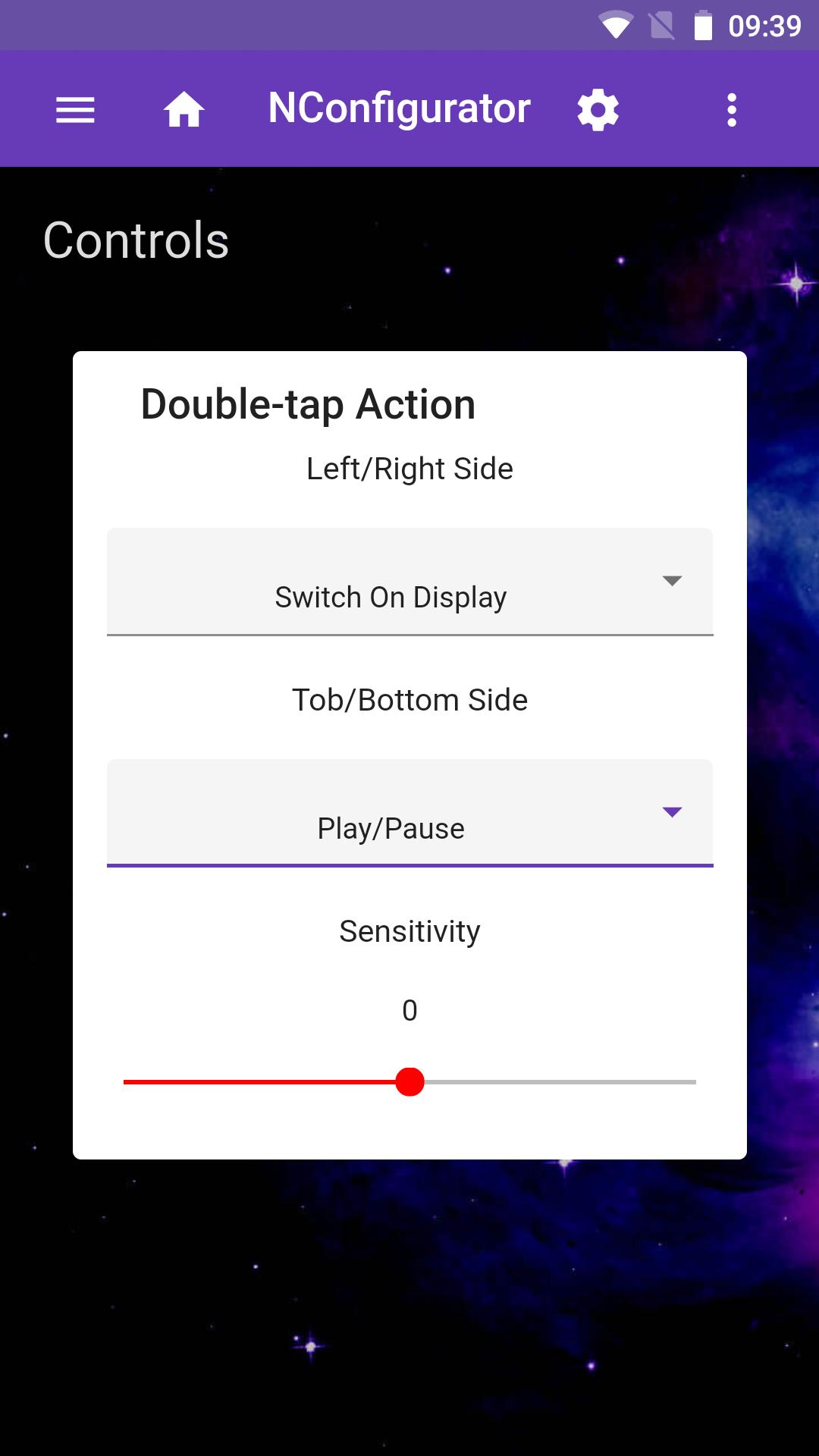
* Display: Allows you to adjust display behavior, including brightness, orientation, and Double-tap Actions.
* DAC: Lets you adjust audio output settings, such as filter, amplifier gain, volume limit, and balance.
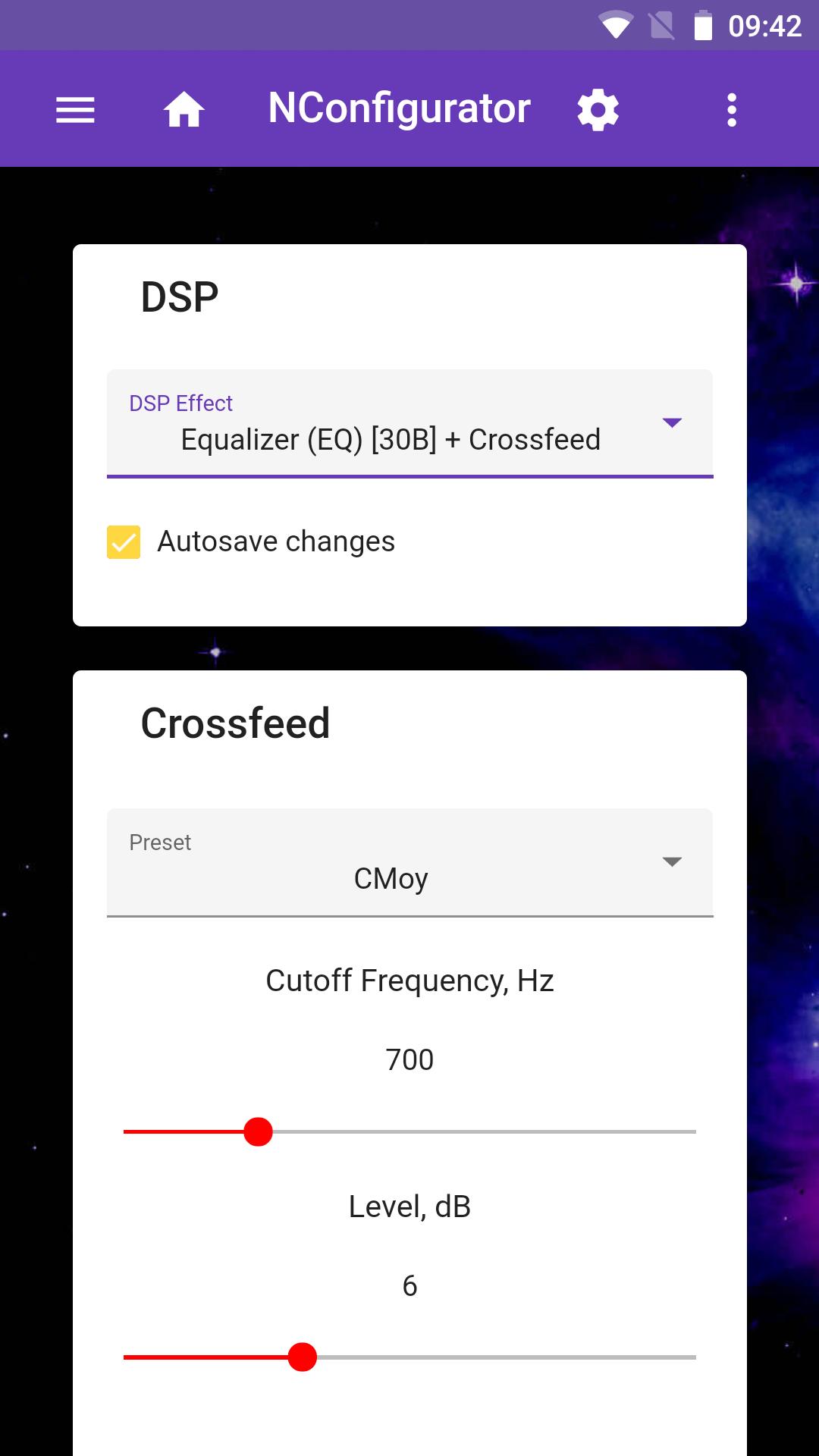
* DSP: Offers configuration of optional sound effects like Parametric EQ, Frequency Response Correction (FRC), Crossfeed, Adaptive Loudness Compensation (ALC) and Surround (Ambiophonics R.A.C.E).
* Oversampling Filter: Provide own custom oversampling filter in replacement to built-in linear-phase and minimum-phase filters.
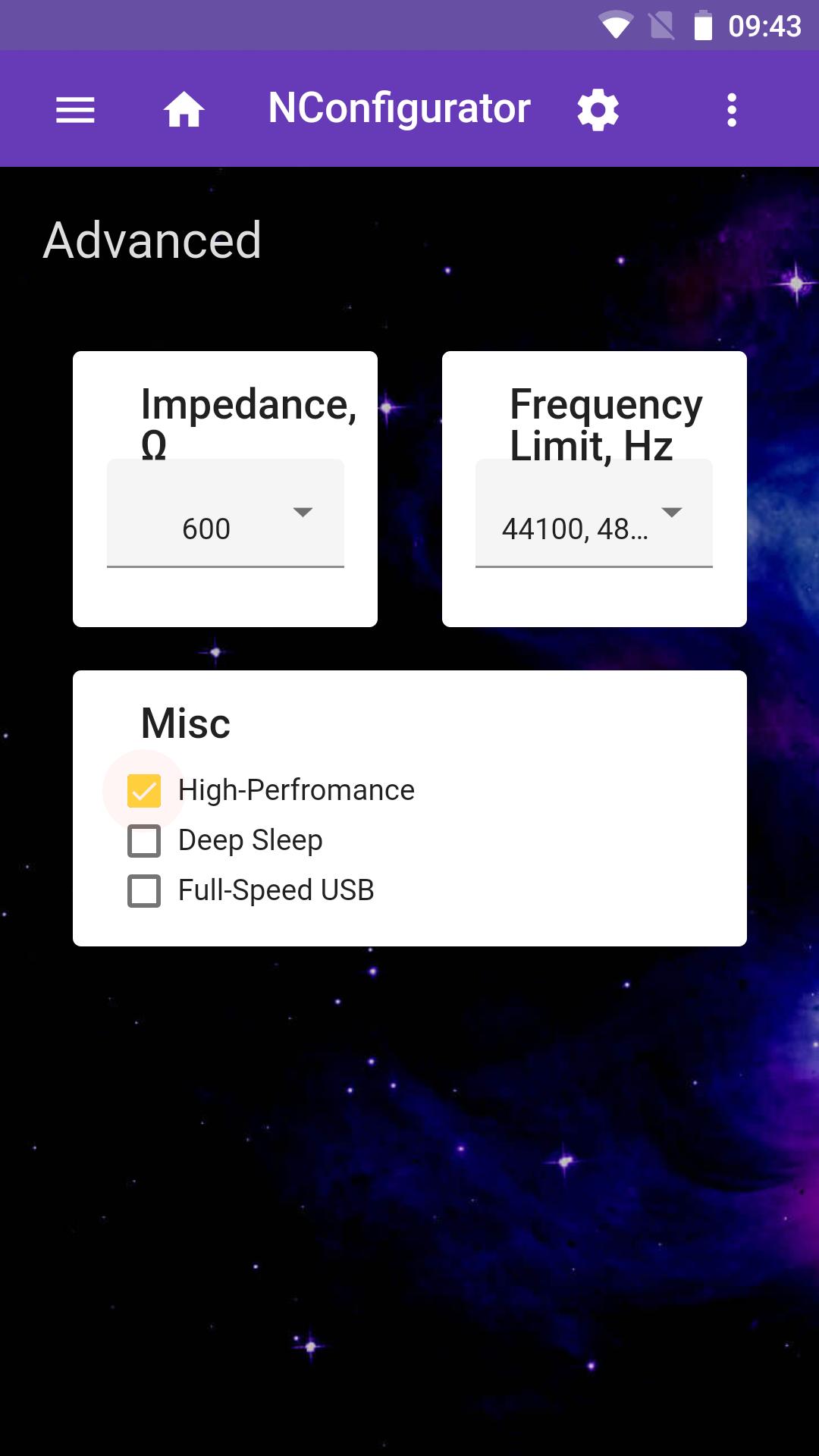
* Advanced: Exposes advanced settings for experienced users, like THD Compensation.
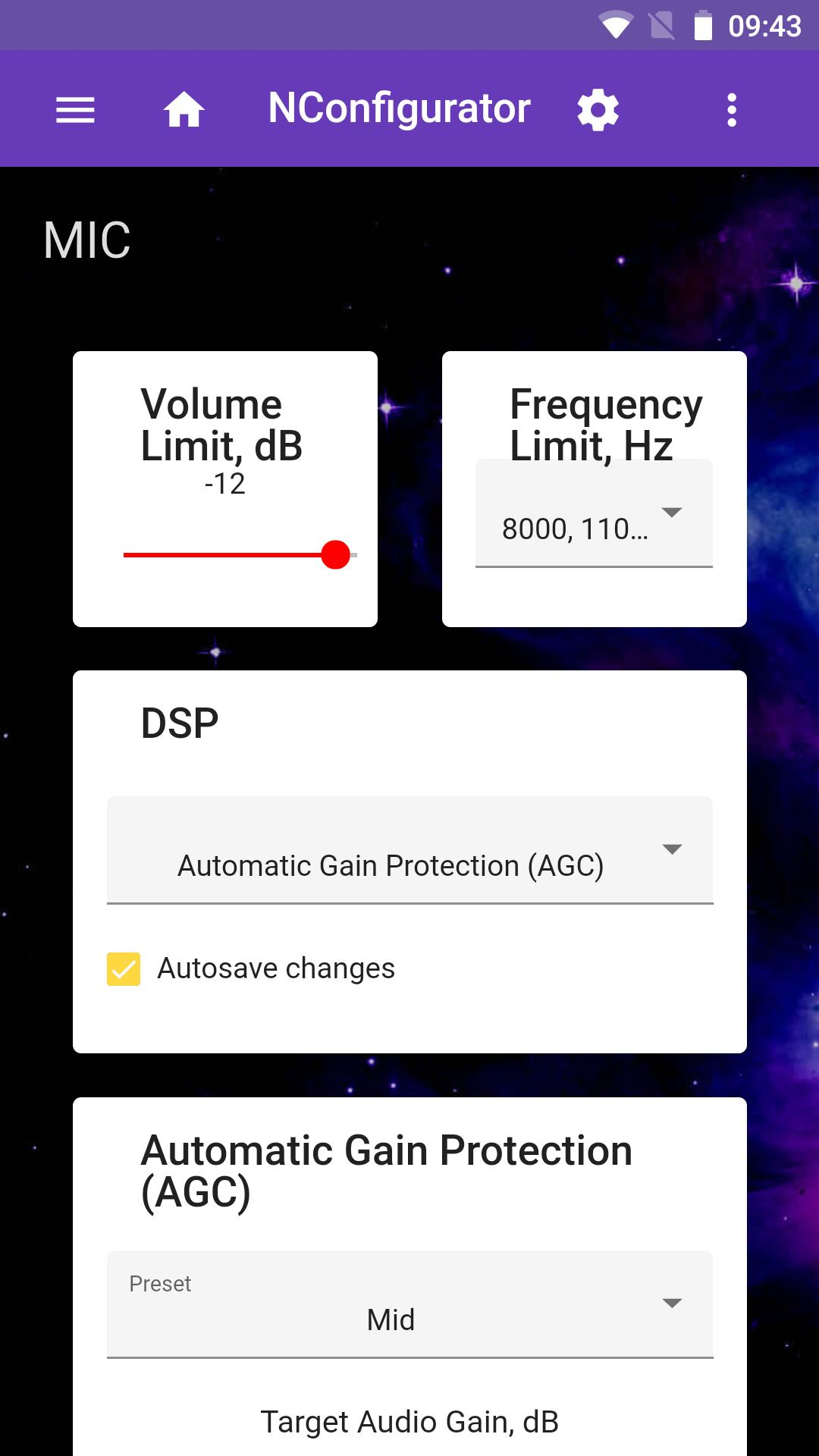
* Microphone: Provides features to optimize microphone audio, such as Automatic Gain Control (AGC).
* Firmware: Helps you check for and install firmware updates for your DAC.
NConfigurator app also supports Server mode which allows remote management of Neutron HiFi™ USB DAC from another PC or mobile device.
Getting started:
* Install the NConfigurator app on your computer.
* Connect headset or speakers to the 3.5mm jack for configuration to make DAC discoverable by the Host as USB device.
* Connect DAC to your computer using a USB cable.
* Launch the NConfigurator app.
User Manual:
User Manual (in PDF format) covering functionality of NConfigurator app can be found on the DAC V1 device's Details page:
http://neutronhifi.com/devices/dac/v1/details
Technical support:
Please, report bugs directly via the Contact form:
http://neutronhifi.com/contact
or via the community-managed Neutron Forum:
http://forum.neutroncode.com
NConfigurator web app for remote management:
http://nconf.neutronhifi.com
Follow us on:
X:
http://x.com/neutroncode
Facebook:
http://www.facebook.com/neutroncode
Latest Version
1.03.4Uploaded by
Gaurav Rathore
Requires Android
Android 5.0+
Category
Free Tools AppContent Rating
Everyone
Security Report
Report
Flag as inappropriateLast updated on Apr 22, 2026
* Improved compatibility with old firmwares.


APKPure - A multi-platform app store primarily focused on Android, providing extensive app-related content. Discover the app you want easier, faster, and safer, with quick and efficient downloads and installations.