
Scan Date:May 22, 2026
Show More

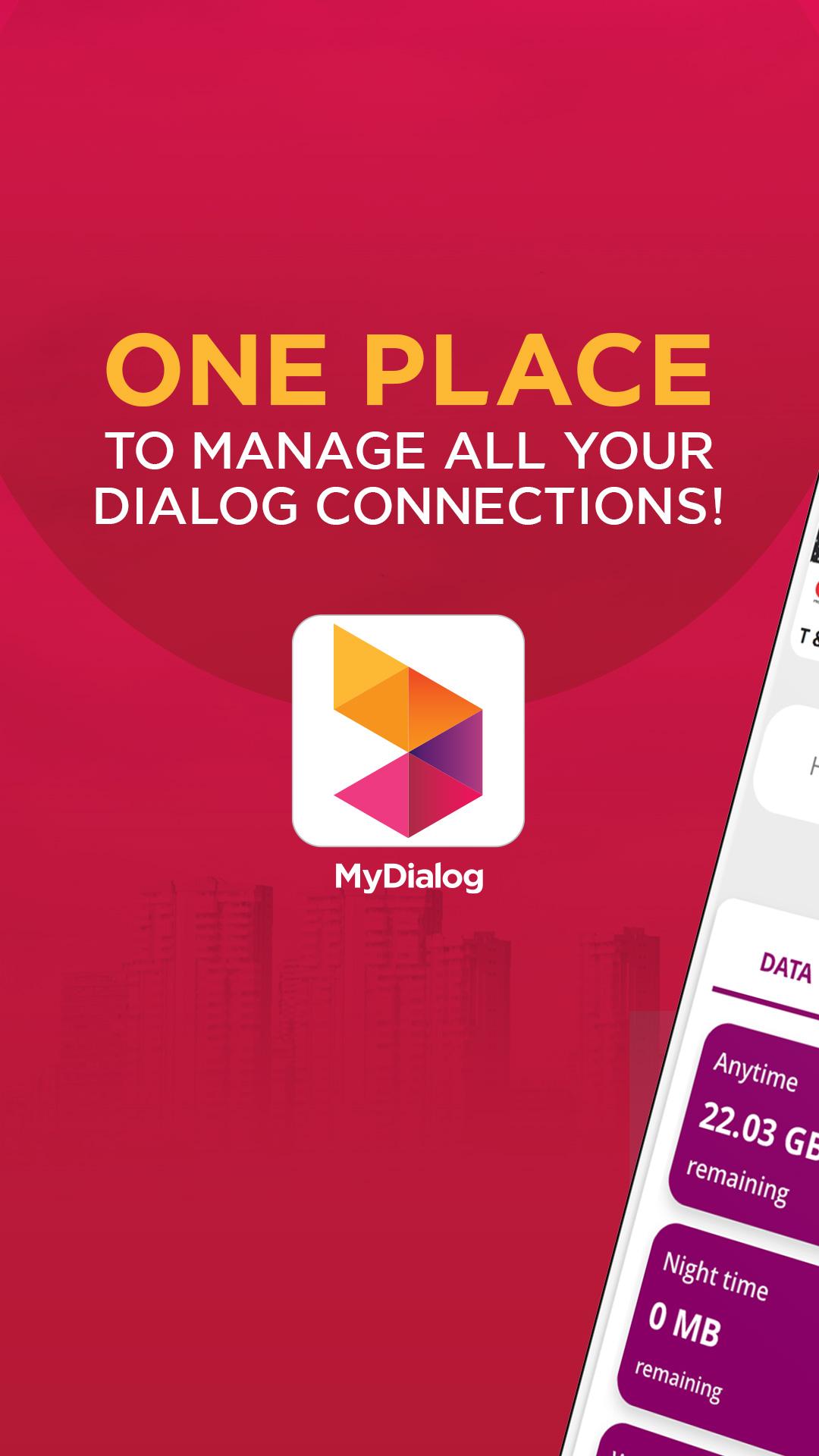
MyDialog helps users who want to control all their Dialog Axiata connections from one place. It brings mobile, home internet, and television together so you can check activity, handle payments, and adjust services when needed. Since everything sits under your NIC, you keep a clear view of each line and account. For quick access on the go, download MyDialog and manage essentials without visiting a store. The layout is straightforward, and support is available around the clock if questions come up.
Manage multiple Dialog connections
MyDialog lets you link and monitor mobile, broadband, and TV services under your NIC. You can add up to 20 lines and keep them organized in one dashboard. This setup helps you view each account separately while staying in the same app.
Fast payments and reloads
After setup, you can reload and pay bills in a few taps with saved Visa or Mastercard details. MyDialog also covers TV payments and subscriptions, so you can handle monthly charges and renewals without calling support. Everything is arranged in clear menus for quick confirmation.
Real-time usage and data add-ons
In addition, MyDialog shows daily and monthly usage for calls, SMS, and data. You can activate and manage data add-ons when your usage changes during the month. This view helps you understand patterns and adjust plans at the right time.
TV control at home
Next, you can manage TV services by activating channels and packages directly in the app. Rescans are available when your channel list needs updating. MyDialog handles these actions step by step, so you do not need to wait for phone assistance.
Support, rewards, and value services
Finally, you can chat with Dia for 24/7 help, find nearby service points with the store locator, and check Club Vision or Star Points. MyDialog also supports eZ Cash, Share Credit, RingIN Tones, loan services, and Help a Friend actions. Multilingual support is available in English, Sinhala, Tamil, and Chinese.
App access is free of data charges for Dialog users while using Dialog mobile data. However, charges may apply when opening external links from the app or when using the app while roaming. This policy helps users manage services without extra local data costs, and it clarifies when data usage may be billed.
Dialog customers get the full experience, but non-Dialog users can still access selected tools. You can check Star Points, manage eZ Cash accounts, and explore available Dialog services inside the app. This access lets potential users learn about options before becoming Dialog customers.
The former Dialog Self Care app has been upgraded to MyDialog. This change consolidates service management under one name and interface, so users can find tools more easily. If you used the older app, your daily tasks continue in MyDialog with the updated layout.
Use this quick guide to start with MyDialog on your Android phone. Whether you manage mobile, broadband, or TV, the steps are the same. If you install the MyDialog APK, the flow below helps you link services and handle daily tasks.
MyDialog brings mobile, broadband, and TV account control into one app. It helps you track usage, pay, and adjust services without store visits. For the MyDialog latest version, install and manage connections when needed.
For official help and service information, use the links below.
Latest Version
18.5.1Uploaded by
赵新路
Requires Android
Android 6.0+
Category
Free Communication AppContent Rating
Everyone
Security Report
Report
Flag as inappropriateLast updated on May 22, 2026
Your favorite app just got a major facelift. Update now to enjoy a vibrant new look and unlock advanced features designed to put more power and simplicity in the palm of your hand.



APKPure - A multi-platform app store primarily focused on Android, providing extensive app-related content. Discover the app you want easier, faster, and safer, with quick and efficient downloads and installations.