myCast allows you to use your Android device as a mobile streaming video camera. Used in conjunction with Flash Media Server or Wowza Media Server, you can stream and record* video anywhere you have a 3G mobile phone reception or WiFi network connection.
Videos are streamed using the FLV media container to provide low bandwidth capabilities, ideally suited for mobile bandwidth restrictions. You have control over the host, application and stream names, you can even specifiy a username and password where you want to authenticate the source of a stream on your media server.
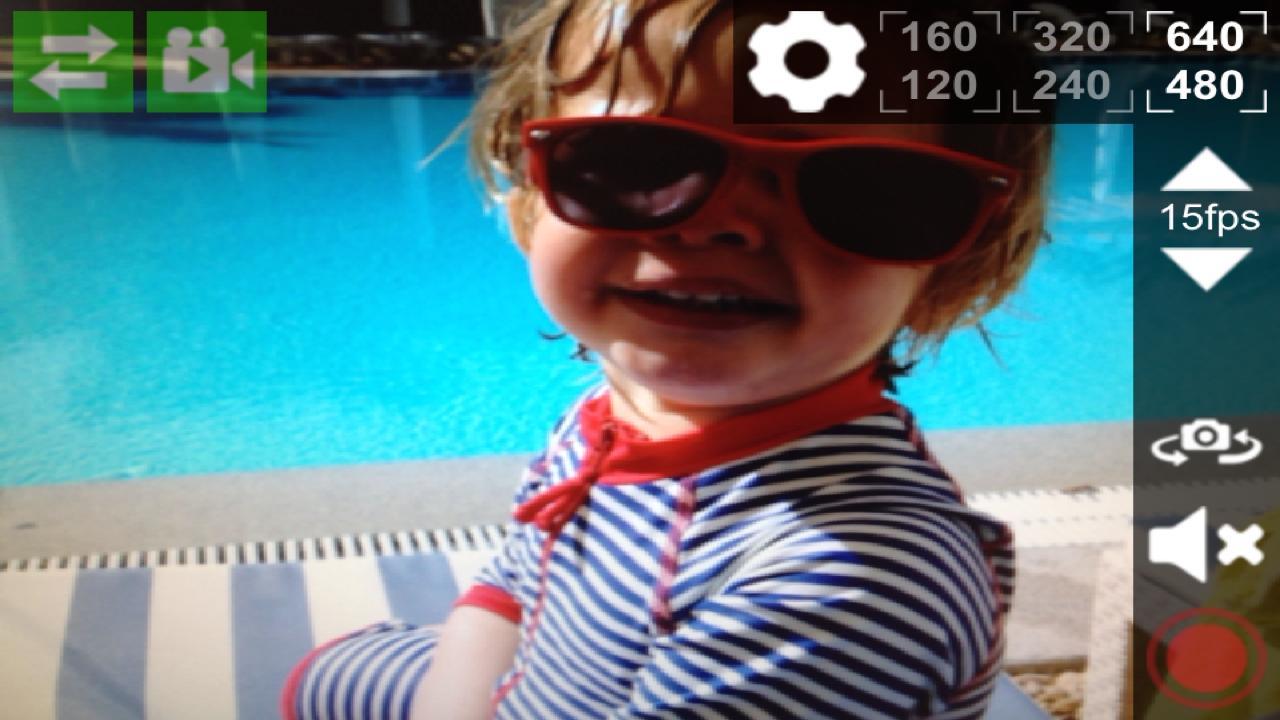
During live streams you maintain control over the resolution, and frames per second of the live stream, with realtime feedback provided via a simple traffic light colour coded wireless icon, allowing you to know how reliably your stream is being sent. Additionally, you can switch between front and rear cameras where available as well as mute the audio. All these settings are available during live streaming, leaving you with complete control.
★ Features ★
★ Multi-Resolution Support (640 x 480 / 320 x 240 / 160 x 120)
★ Front & Rear Camera switching where supported
★ Adjust Frames Per Second
★ Mute to prevent audio publish
★ Publish & Play (a single handset can only publish or receive at any one time, multiple handsets, or a Flash player in a web browser will be required to view the stream without an additional handset).
★ Able to accept a redirect URL in a NetConnection.Connect.Rejected event.info.ex.redirect response property to allow for use with load balanced media servers
★ Tap the server connection icon to view connection logs
* Recording of a stream is managed by the media server configuration.
* Notes *
* Android handsets that do not support continuous autofocus, will be missing that feature in this application. For example the Samsung Galaxy SII forward facing camera supports continuous autofocus, but the rear camera does not.
* This application is intended for users who already have access to a streaming media server that supports the FLV container. There is no public streaming service currently provided by the developer.
Latest Version
2.0.3Requires Android
2.2 and up
Category
Free Video Players & Editors AppContent Rating
Unrated · Warning – content has not yet been rated. Unrated apps may potentially contain content appropriate for mature audiences only.
Report
Flag as inappropriateLast updated on Dec 13, 2013
This release includes minor bug fixes and general improvements. Update to the latest version for the best experience.



APKPure - A multi-platform app store primarily focused on Android, providing extensive app-related content. Discover the app you want easier, faster, and safer, with quick and efficient downloads and installations.