How to use My Tenant:
[Landlord]
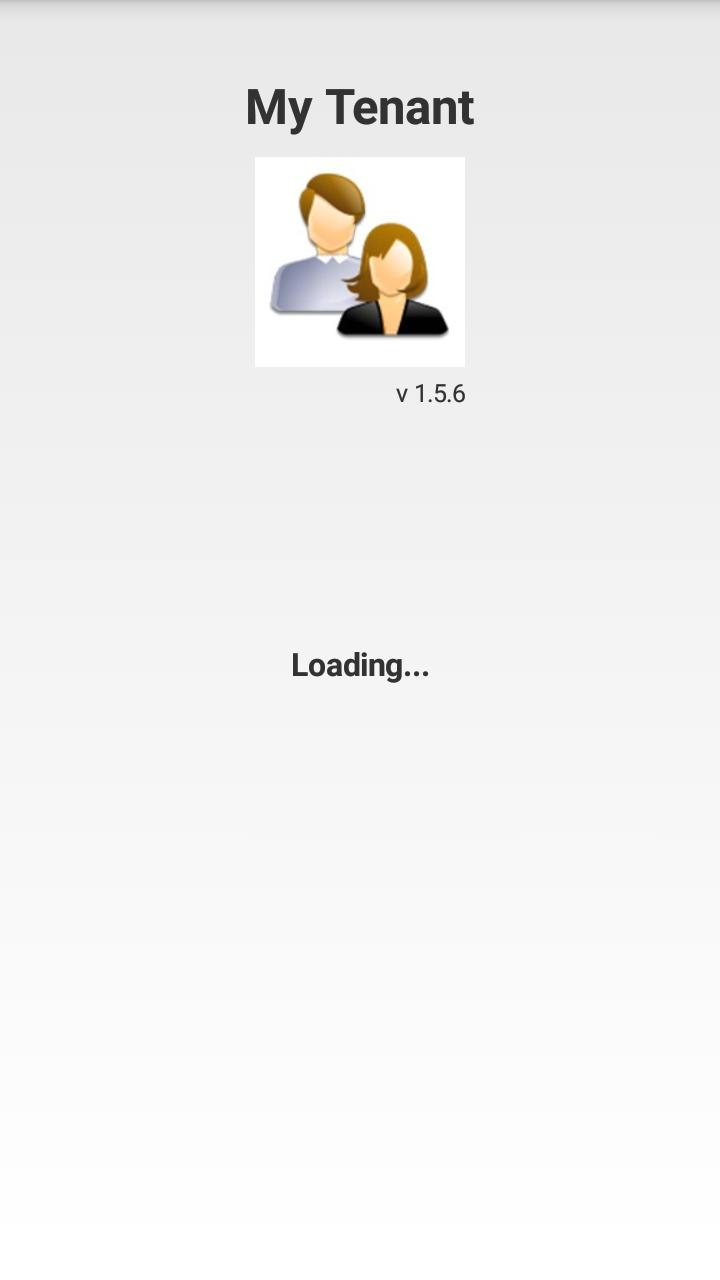
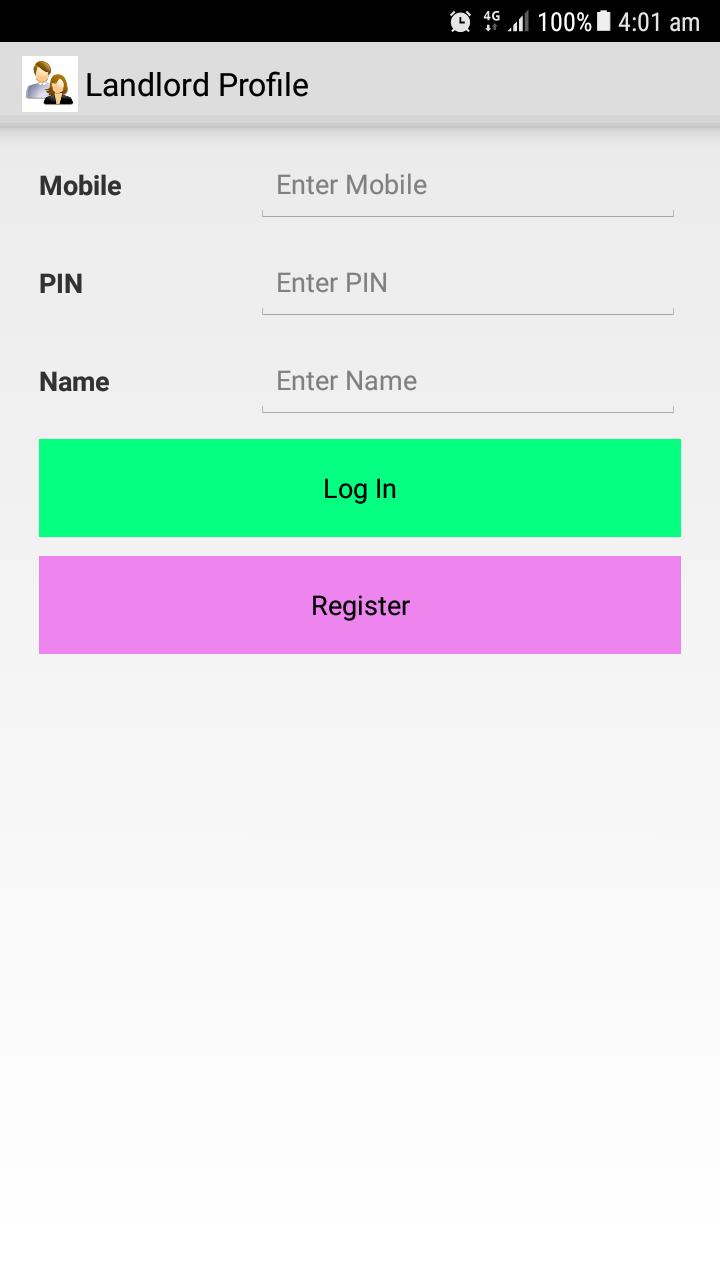
* Tap on Sign Up button to register as new user
* Tap on Sign In button to log in as existing user
* Tap Re-verify button if unable to sign up/sign in successful for first time
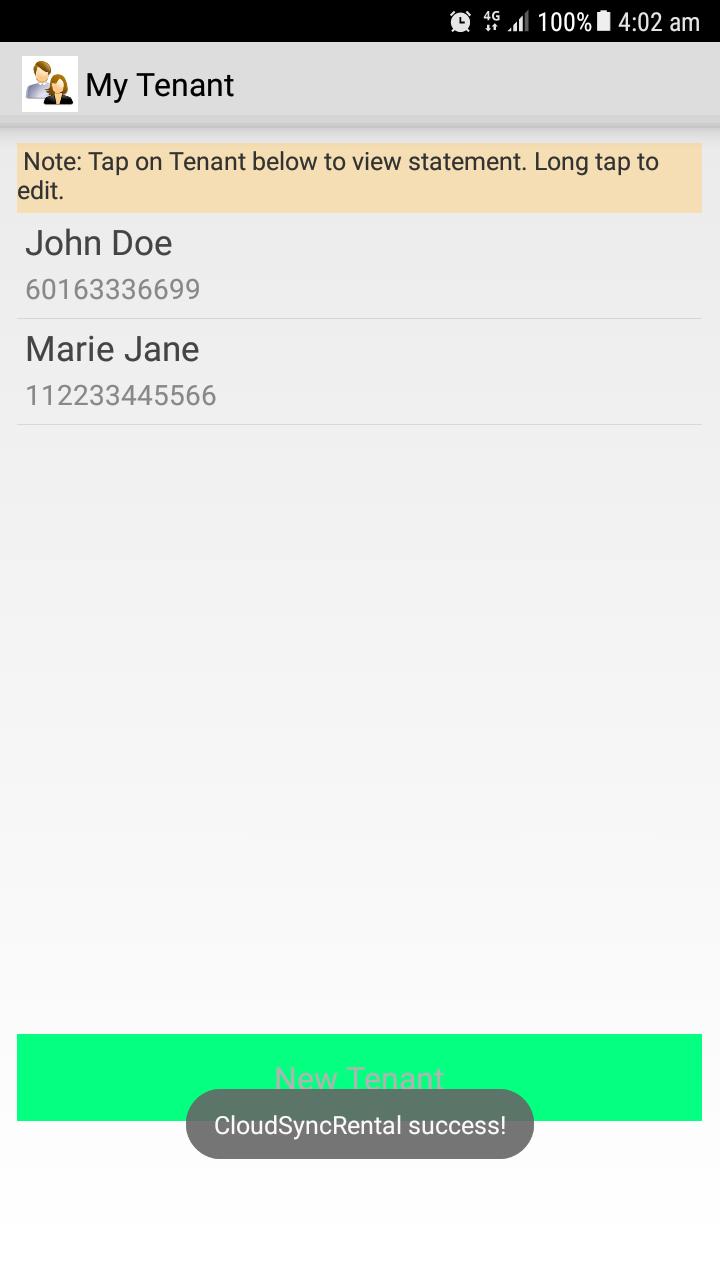
[My Tenant]
* Tap on New Tenant button at bottom to create a Tenant
* Short Tap to view Statement for Rental/Other (Other can use to keep track other charge e.g. utility or Internet bill)
* Long Tap on a Tenant to edit Tenant Profile
[Tenant Profile]
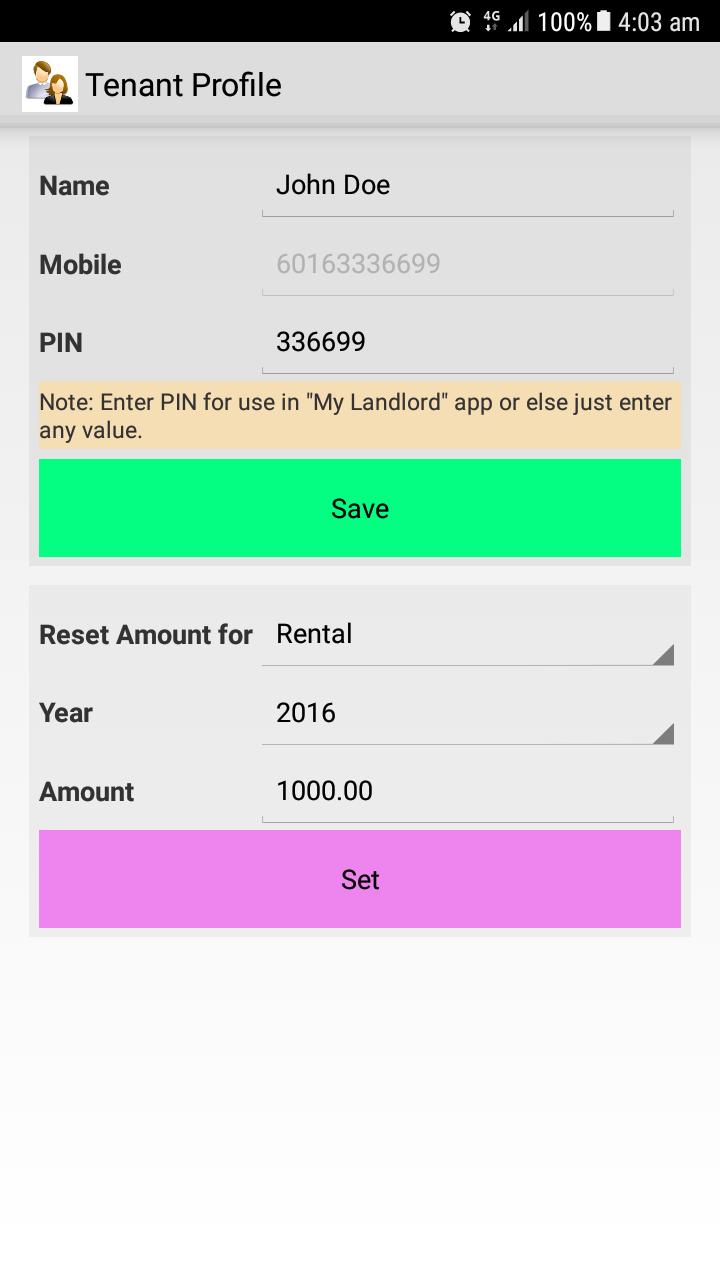
* Enter Tenant Name, Mobile and PIN (PIN is use in "My Landlord app) and tap on Save button to create Tenant profile (if record not exist)
* Enter Amount to set the Rental/Other amount for every month of a year
[Statement]
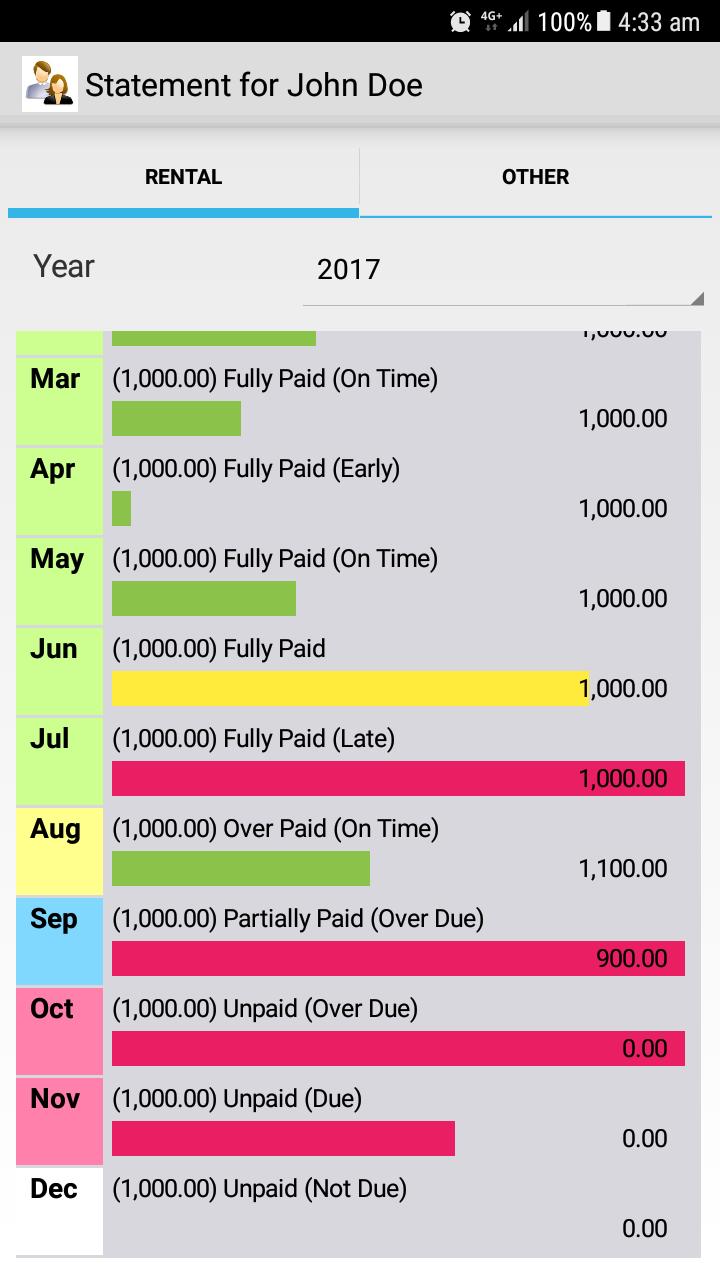
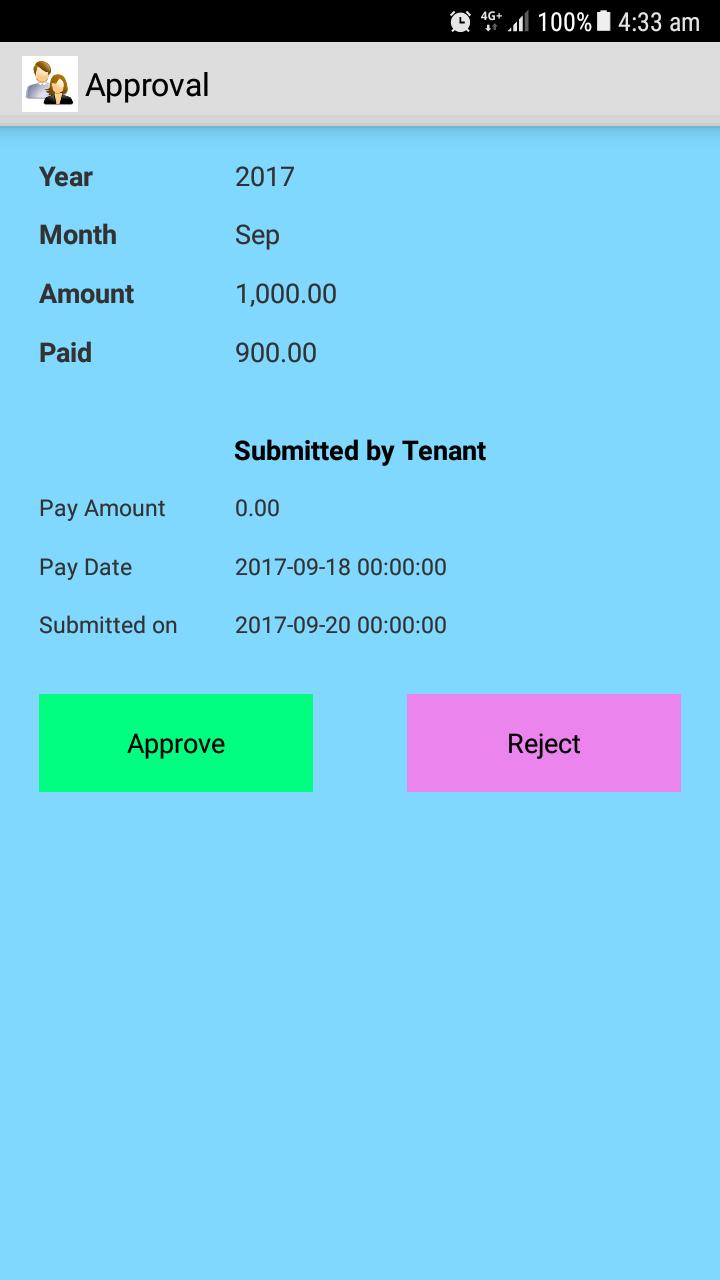
* Short Tap an item in Statement bring to Approval screen (if payment already submitted using My Landlord app)
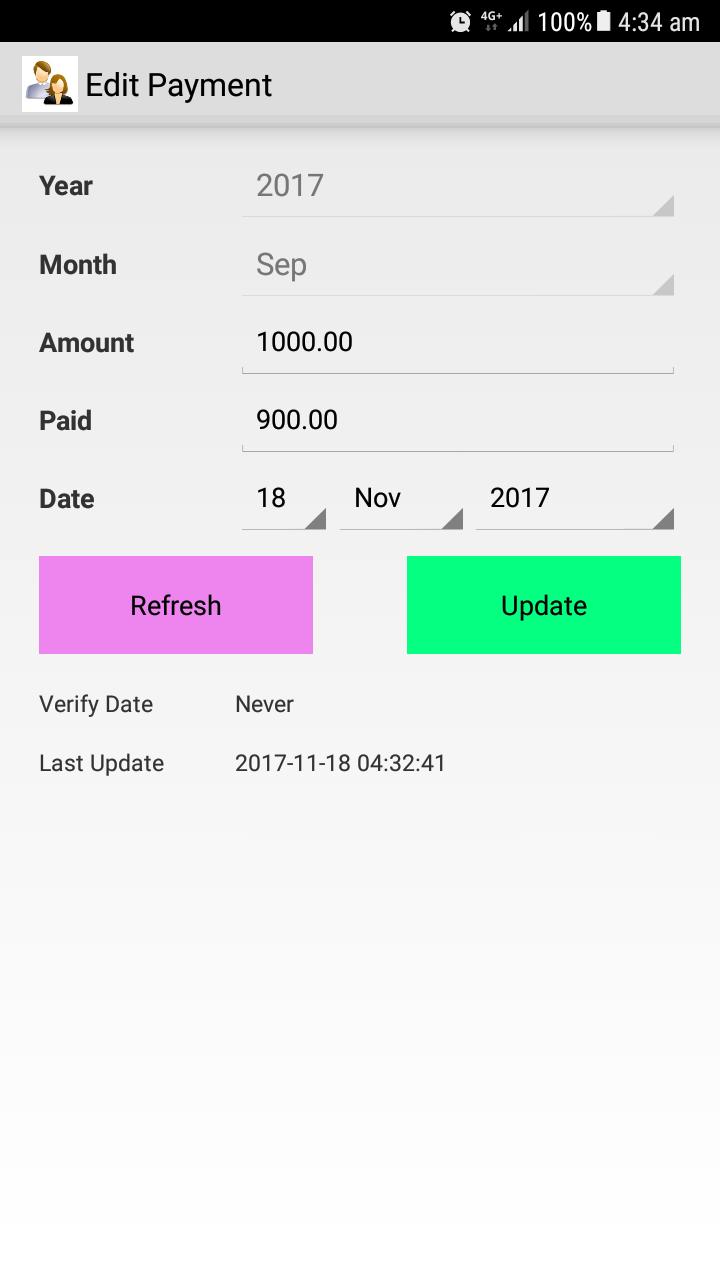
* Long Tap to edit tenants rental or other payment
* Select Year drop-down to filter payment history by Year 2016/2017/2018
* Left square indicates every month payment is paid or unpaid
1. Paid (Light Green)
2. Unpaid (Light Red)
3. Partially Paid/Overpaid (Light Yellow)
4. Payment Pending Approval (Light Blue)
5. No Charge/Not Due (White)
* Color bars indicates payment period (Longer means late)
1. Early/On Time (Green)
2. Before 15th (Yellow)
3. Late/Over Due (Red)
[Approval]
* User can approve/reject payment submitted by Tenant (from "My Landlord" app)
Issues:
If you are unable to verify your account for first time, please enter your Mobile and Pin again then press on Reverify button. The server will send you the verification code again in background and you may try to login once you are verified. If you still facing problem, please email us for further assistant.
ANNOUNCEMENT: We received a lot of feedback from users that the app is not able to open for Android 6.0 or newer. This is due to changes in storage in new version of Android. Please update to latest version to fix the issue. Thanks.
Note: This free version is supporting maximum of 2 tenants. You can use this app together with another app called My Landlord (for Tenant).
Latest Version
1.7.0Uploaded by
Gabi Gabriel
Requires Android
Android 2.0+
Category
Free Productivity AppContent Rating
Everyone
Report
Flag as inappropriateLast updated on Jan 19, 2019
Update for 2019

APKPure - A multi-platform app store primarily focused on Android, providing extensive app-related content. Discover the app you want easier, faster, and safer, with quick and efficient downloads and installations.