
Package Name:com.etisalat
SHA-256:f02af8646f474c8dd4751b5b3b24dfd3e79f84e8bccdd36e39b598c4cd48e748
Show More

My e& supports everyday account tasks when you are on the move, from checking balances to handling bills and offers in one place. It is built for e& customers who want quick control without calling support or visiting a store, and it brings mobile and home services together in a clear view. You can switch between lines, explore digital services like online shopping or banking, and find tools that keep important actions within a few taps. For easy access to these tools, you can download My e& and sign in with your e& details.
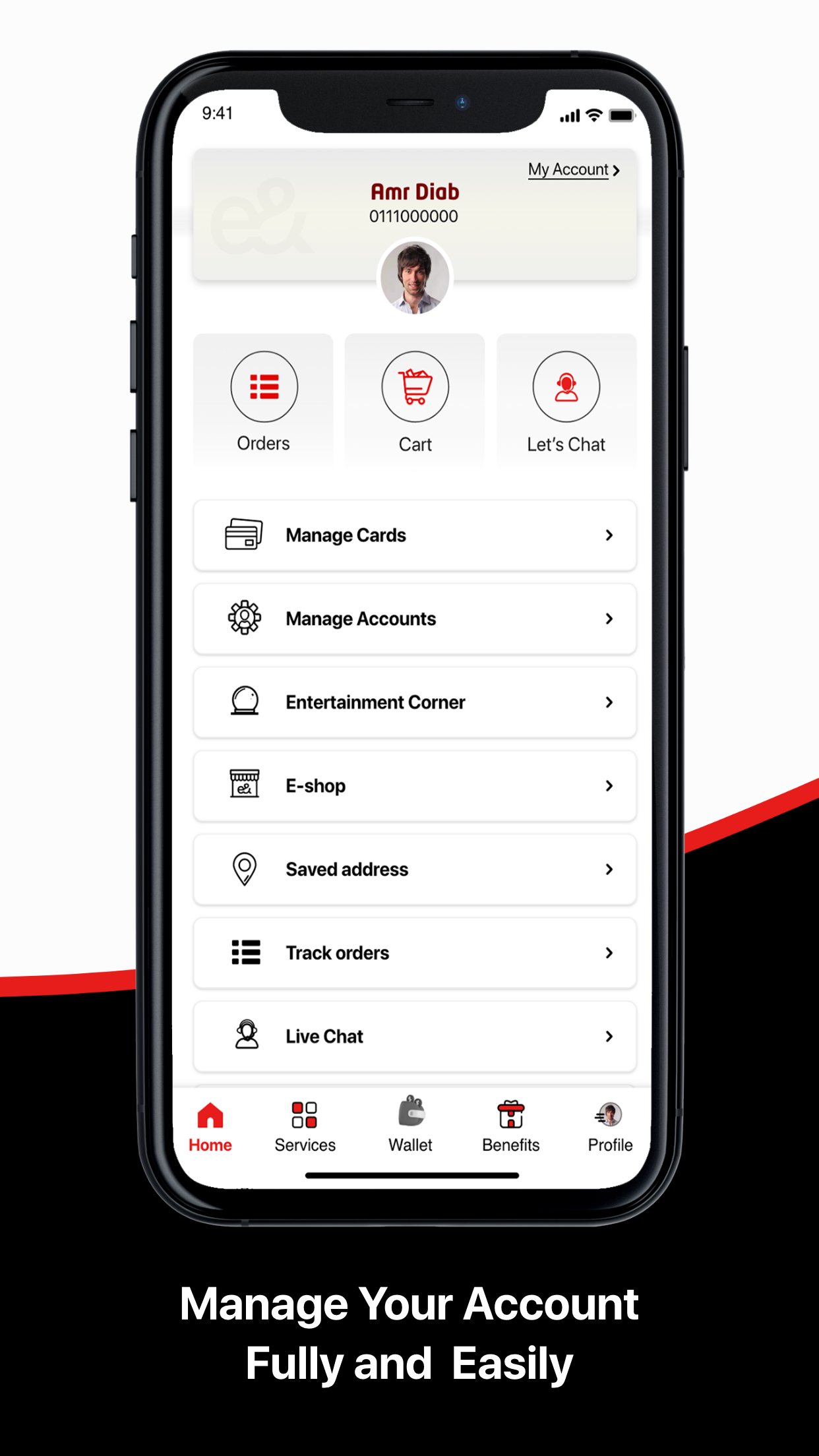
My e& lets you add and switch between several mobile and home accounts from the same screen. You can view usage and bills for each line without logging in and out. Plan changes are available when needed, and you can subscribe or unsubscribe to add-ons in seconds. If something is unclear, live chat support is available any time.
Pay and track bills in one placeYou can use Quick Pay to settle a bill fast, or pay for yourself and for other numbers when needed. Autopay helps you avoid missed payments by scheduling them in advance. Bill Explainer shows where your charges come from, and you can review a six-month bill history for reference. These tools make it easier to understand what you are paying for before you confirm any transaction.
Recharge instantly with a bonusMy e& processes recharges in real time so you can top up and continue using your services. Online recharges include a 10 percent bonus credit that stays valid for three days. You see the recharge confirmation in the app and can track the bonus balance along with your main balance. This helps you plan short-term usage without guessing.
Share data and transfer balance locally and internationallyMy e& supports quick balance transfers and data sharing with contacts in the UAE or abroad. You choose the amount, confirm the recipient, and send it in a tap. The app shows transfer status so you know when it is completed. This is useful for helping family or friends who need data or credit right away.
Offers, invites, games, and online shop benefitsMy e& collects offers and gifts you can redeem from inside the app. You can use Invite a friend so both accounts receive 500 MB of free data, which stays valid for two days. Play & Win brings monthly games with free access and raffle entries for daily play. You can also browse the online shop for devices and plans, with free 24-hour delivery on eligible items, and watch Know your e& UAE App tutorial videos to learn key actions.
My e& is the official e& UAE app for managing e& mobile and home services. Features, promotions, and eligibility depend on your active e& account and may change over time. If you manage lines for others, make sure you have the correct account details before making payments or transfers.
This quick guide shows the main steps to get started and complete common tasks. If you prefer to install manually, ensure the My e& APK is current and from a trusted source. After setup, most actions are available within a few taps.
My e& brings account management, payments, recharges, and sharing into one clear app. You can track usage, handle bills, and access offers without extra steps. For the most stable experience, update to the My e& latest version when available.
For official resources and help, visit the links below.
Latest Version
36.1.0Uploaded by
Nawaf Mocw
Requires Android
Android 8.0+
Category
Free Productivity AppContent Rating
Everyone
Security Report
Check Now
Report
Flag as inappropriateLast updated on Aug 29, 2026
Enjoy our latest update with new offers and experience improvements



APKPure - A multi-platform app store primarily focused on Android, providing extensive app-related content. Discover the app you want easier, faster, and safer, with quick and efficient downloads and installations.