Scan Date:Apr 23, 2026
Show More


Music Player suits users who keep songs stored on a phone and want quick access without streaming. It scans local files and organizes them so you can find tracks by common categories or by folders you already use. The interface favors simple controls and clear navigation, which helps when managing large collections. In addition, playback works reliably even when the device is offline. If you need a straightforward local player, download Music Player for clean browsing and steady control of your library.
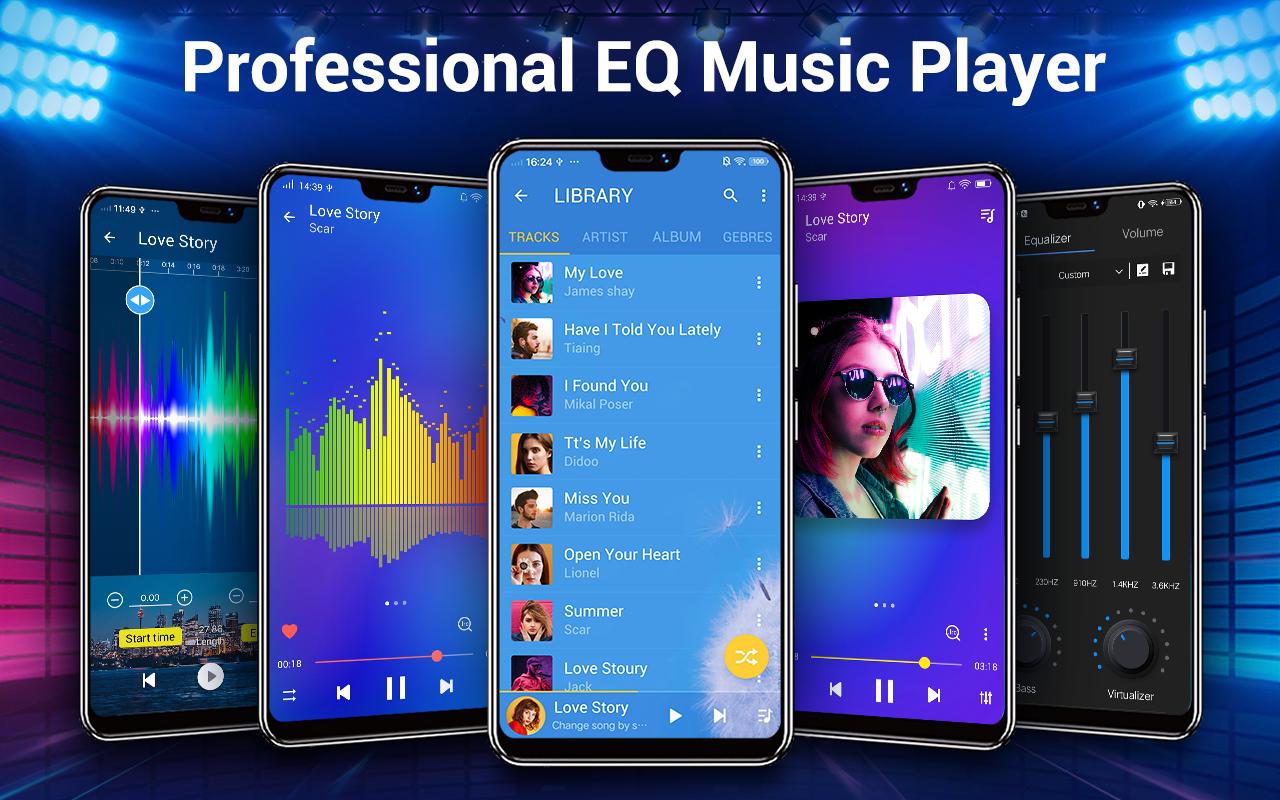
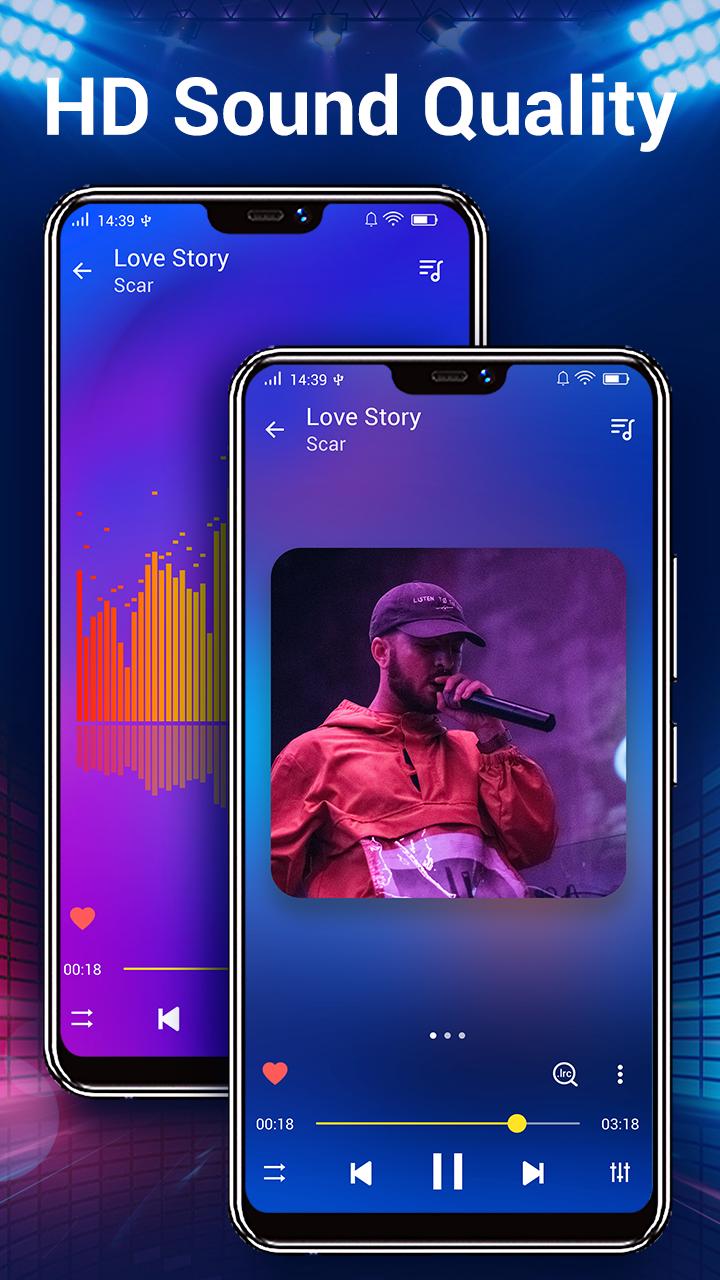
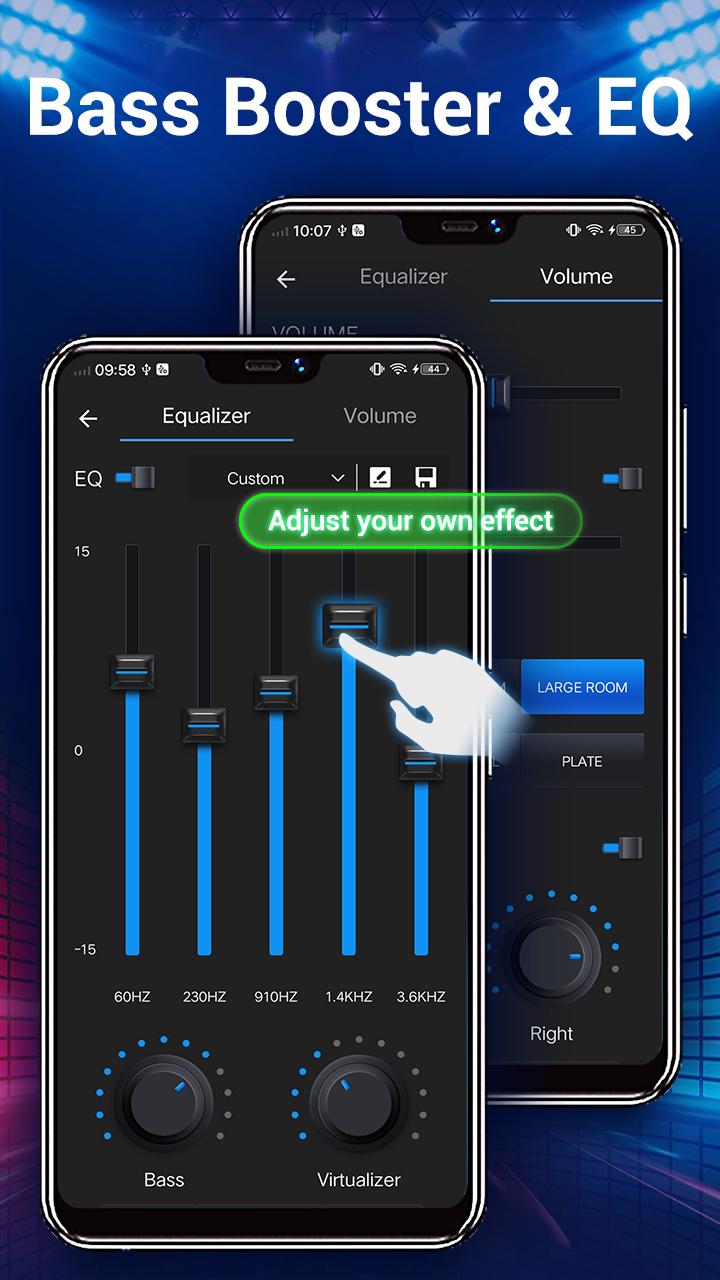
Music Player includes a five band equalizer that lets you adjust bass, mids, and highs for each song. You can pick from 22 presets or fine tune a custom profile to match your headphones or speakers. This helps keep sound consistent across albums while still allowing quick changes when needed.
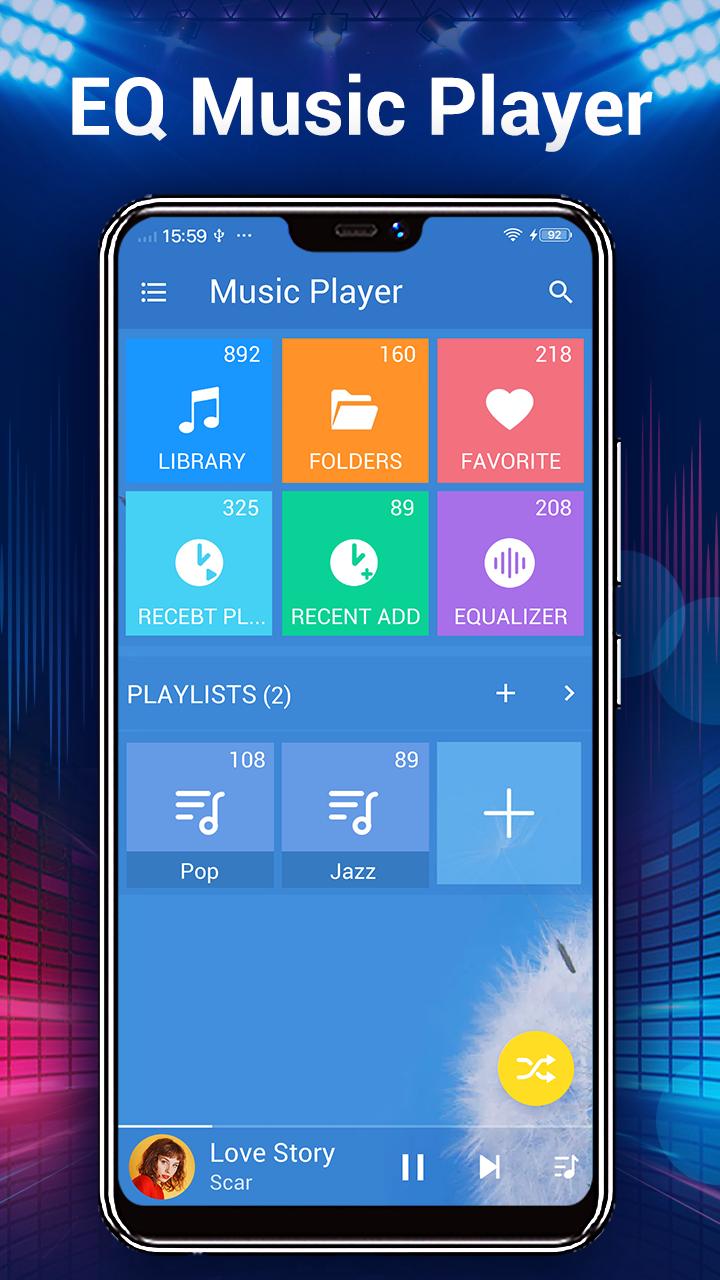
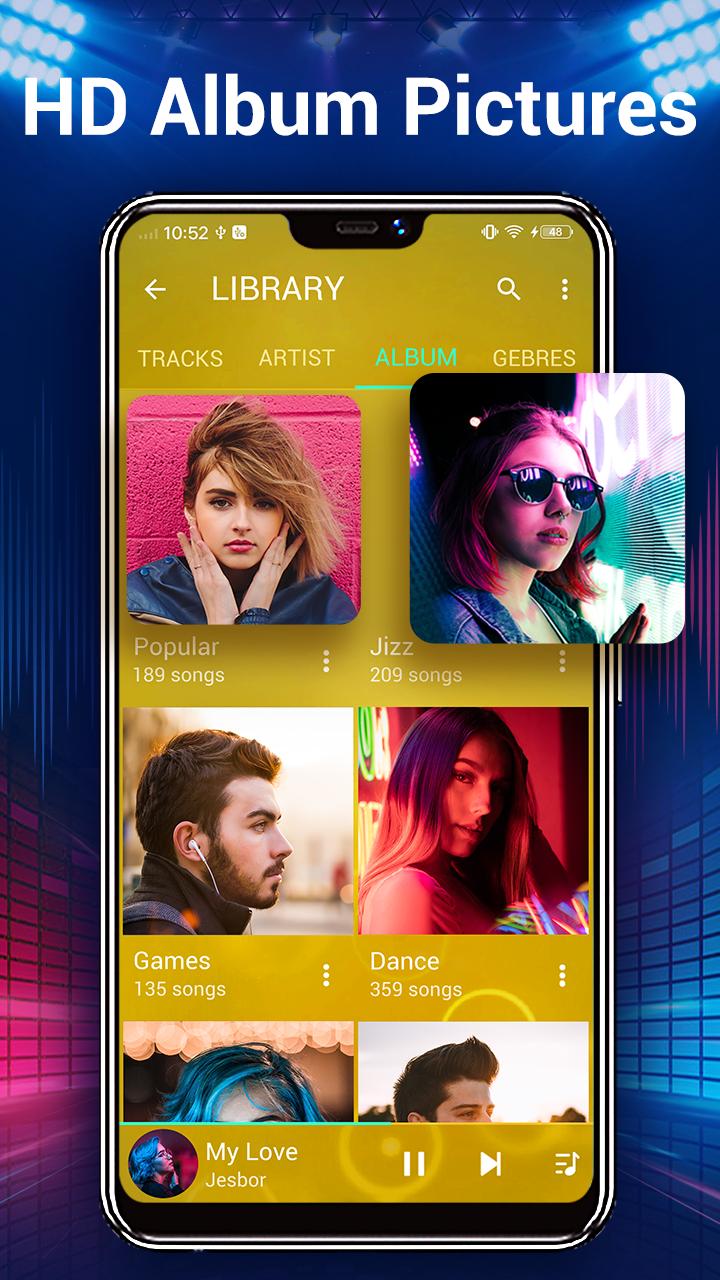
Deep library and folder browsingMusic Player scans your device and builds a library you can browse by albums, artists, genres, songs, playlists, folders, and album artists. If your collection is organized in directories, folder browsing makes it simple to play an entire folder or drill down into subfolders. You can also search the library to find tracks quickly and use Play Next to queue songs without breaking the current playlist.
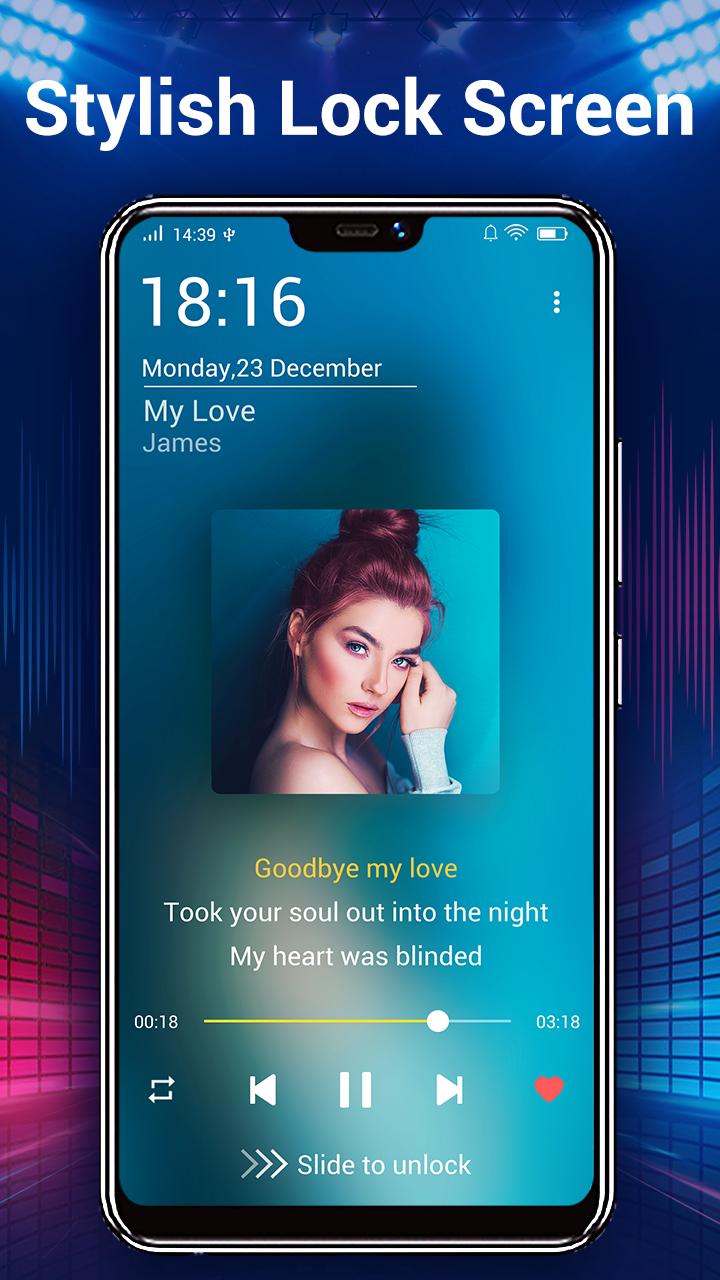
Lyrics support with automatic matchingLyrics support helps you follow the words while listening. Music Player can automatically scan and match lyrics for your tracks based on their existing tags, then display them during playback. If a match is not found, you can attach lyrics manually so they stay linked to that song in your library.
Quick controls and smart hardware gesturesMusic Player offers three home screen widgets for fast access to play, pause, and skip. A rich notification shows artwork and controls so you can manage playback from the status bar without opening the app. Headset and Bluetooth buttons work for hands-on control, and you can enable shake to change tracks when the screen is off.
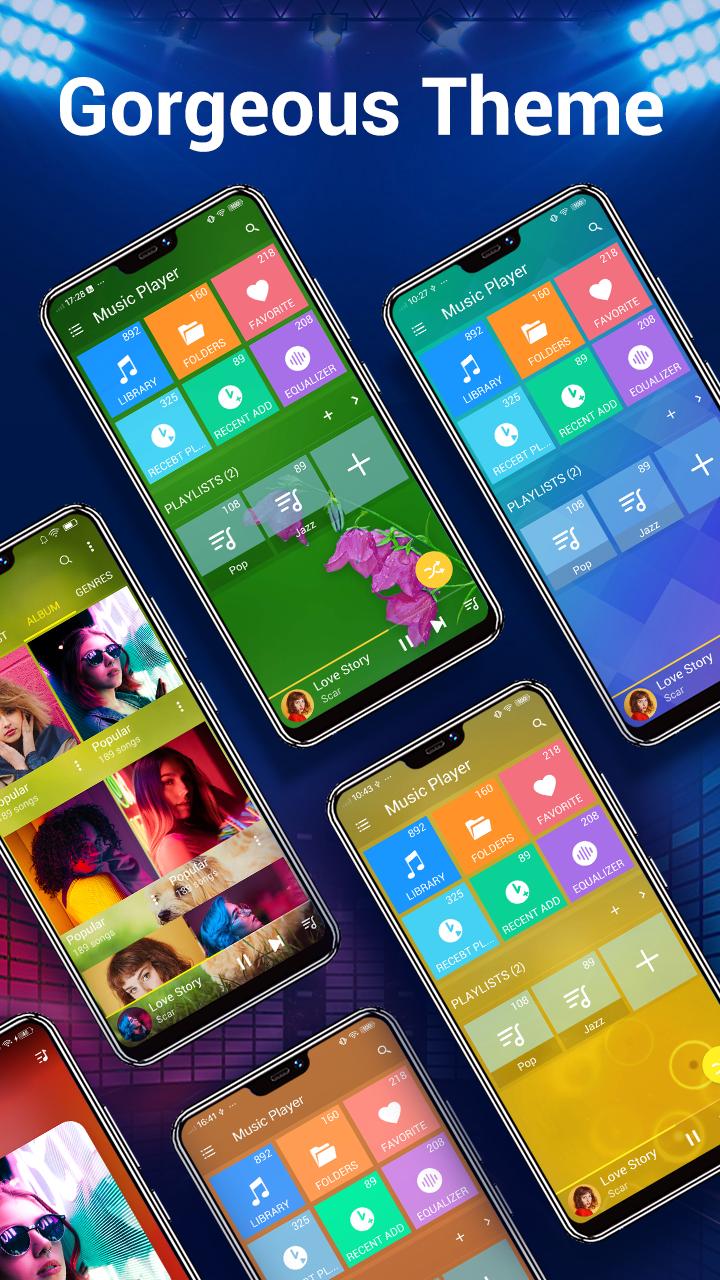
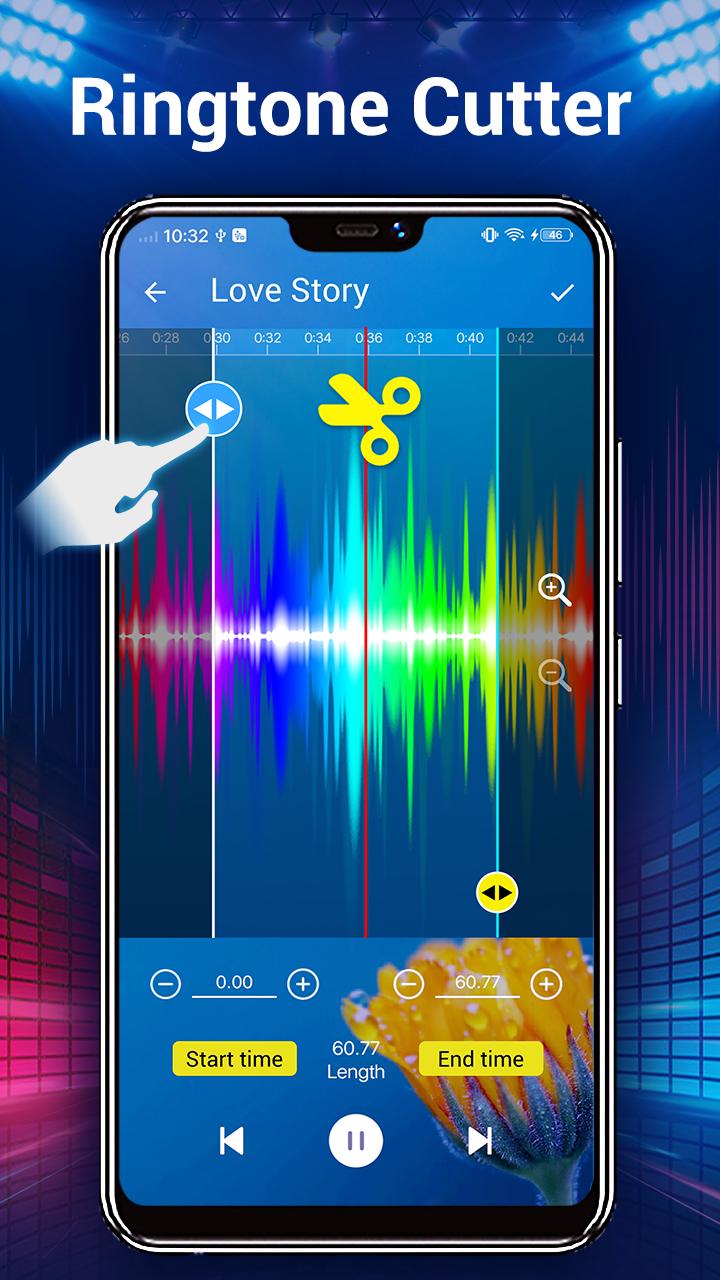
Customization tools for look and filesPersonalization options include 20 or more skins and the choice to set your own photo as a background. You can edit tags such as album and artist to clean up library details. A built in ringtone maker lets you trim a section of a track and save it as a custom ringtone for your device.
Music Player works with audio files stored on your device and is not a music downloader. For best results, confirm your songs have accurate tags so library categories and lyric matching work as expected. Folder browsing is helpful if you keep albums or artists separated in directories because the app reads that structure directly. If you plan to manage files and ringtones, Music Player APK provides local tools for editing tags and trimming audio without needing extra apps.
Widgets and notifications operate based on your device settings, so allow notification access if you want quick controls from the lock screen or status bar. Headset and Bluetooth actions depend on the hardware connected; test play and skip to confirm button mapping. Shake to change tracks can be turned on for easy hands free switching or turned off if you prefer touch controls only. Themes and photo backgrounds help keep the interface consistent with your style while still maintaining clear text and controls.
Getting started is simple and focused on local files. To keep steps clear, this guide uses common actions you will do in the Music Player latest version.
Music Player focuses on offline playback, clear organization, and practical controls for everyday use. For a local library that is easy to manage, download Music Player and set up the tools that fit your routine.
Latest Version
8.0.8Uploaded by
نبا جاسم كاظم
Requires Android
Android 6.0+
Category
Free Music & Audio AppContent Rating
Everyone
Security Report
Report
Flag as inappropriateLast updated on Apr 23, 2026
v8.0.8
🔥Enhance lockscreen feature, better experience
🎉Optimize UI performance, more easy to use
v8.0.7
🍒Optimize user feedback issues, better enjoyment
🌈Improve UI performance , better experience
v8.0.6
💯Support online searching, better to enjoy music
💖Optimize UI details, better user experience


APKPure - A multi-platform app store primarily focused on Android, providing extensive app-related content. Discover the app you want easier, faster, and safer, with quick and efficient downloads and installations.