This is the full version without advertisement and with homescreen widgets.
Please try the free version before you buy.
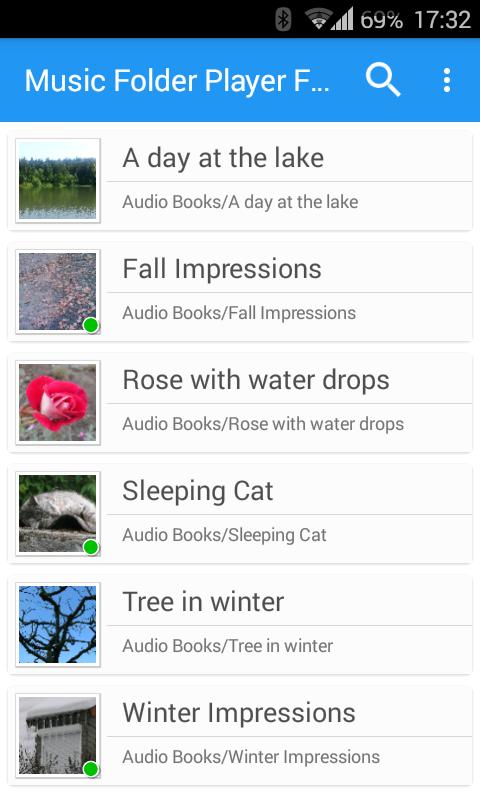
Music Folder Player was made for people who don't like to see music displayed based on artist, album, track or playlists.
If you prefer organizing your audio tracks in folder this may be the right player for you.
Besides that it comes with a lot of unique features.
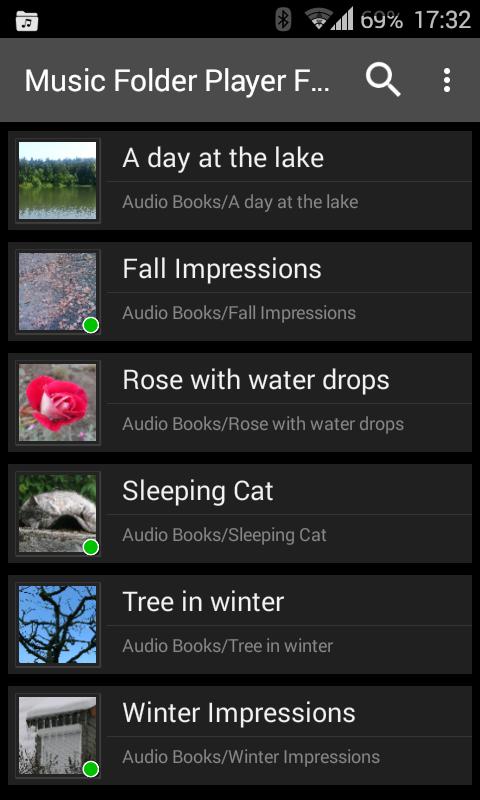
• Material Design
• Three different homescreen widgets (only in full version)
• Resume where you left. Stores for each folder where you left
• Show folders as a 'flat' list if you have a small collection
• Show folder hierarchy like in a file manager for larger collections
• Virtual folder with your favorite songs
• Playlists
• Four configurable seek buttons. Very useful for seeking in podcasts or audio books
• Equalizer (Android 2.3 and newer):
- 4 customizable settings
- 8 predefined settings like Bass Booster, Vocal Booster and Party setting
• Virtual room and reverb effect (Android 2.3)
• Speed control with pitch correction (Android 4.2+)
Increase or decrease the playback speed of your podcasts or audio books.
Speed control is not suitable for music. Please watch the video: http://youtu.be/d_0eWUXs6Yo
• Pre-amplifyer: Increase the volume of audio which was recorded with a low level (Android 4.2+)
• 432 Hz playback mode. Please read this article for details: http://goo.gl/Oeg5hh (Android 4.2+)
• Car/Sports mode with big buttons
• Change volume and balance with two finger gesture. Youtube video: http://goo.gl/9LXsIE
• Undo function: Undo actions if you accidentally touch a button or select another track
• Shuffle and repeat options (long tap on play/pause button)
• Delete and rename files (long tap on file)
• Sleep timer
• Headset button control (double and triple clicks)
• Last.fm scrobbling via 'Simple Last.fm Scrobbler' app
• Search for files and folder
• Share files
Facebook: http://www.facebook.com/Zorillasoft
Permissions: Please take a look at the F.A.Q section on my homepage:
http://www.zorillasoft.de/MusicFolderPlayer.html#faq
Latest Version
Varies with deviceRequires Android
Category
Music & Audio AppContent Rating
Everyone
Report
Flag as inappropriateLast updated on Jan 6, 2026
Minor bug fixes and improvements. Install or update to the newest version to check it out!






APKPure - A multi-platform app store primarily focused on Android, providing extensive app-related content. Discover the app you want easier, faster, and safer, with quick and efficient downloads and installations.