
Multi Browser Tab 100 suits users who juggle research, shopping, news, and work pages on a phone without wanting to lose track. It focuses on keeping many pages available so you can move between tasks smoothly. The layout stays straightforward, which helps you check one page, then jump back to another with little effort. When you need a reliable way to keep your sessions available for later, the app keeps the process simple. Many users search for the Multi Browser Tab 100 APK when they want a light browser built for tab-heavy use.
Open up to 100 tabs at once
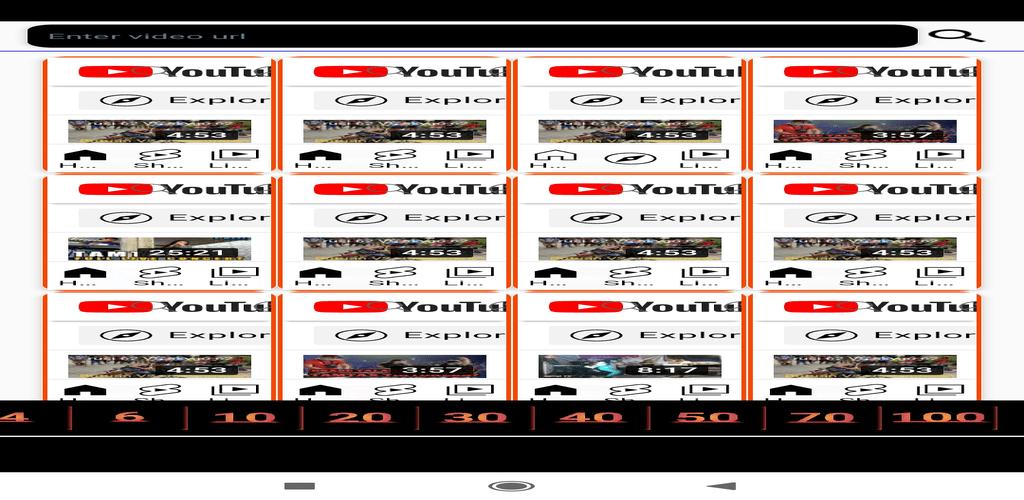
Multi Browser Tab 100 supports a large number of open tabs for extended browsing. You can load articles, social feeds, product pages, and reference docs, then keep them ready while you work through each task. This capacity makes it practical to move between many pages without closing something important by mistake.
Quick switching with a clean interface
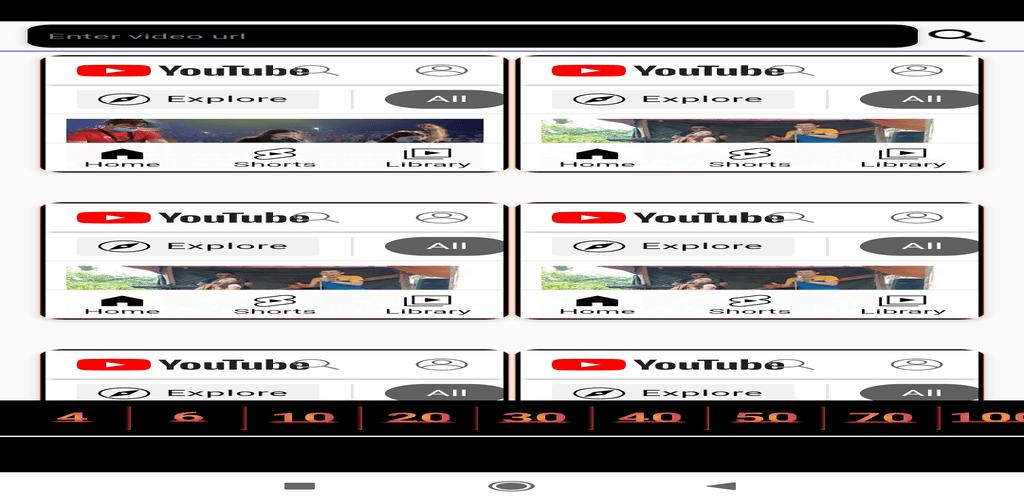
The interface is designed to keep navigation simple as your tab count grows. You can view your open pages, find the one you need, and switch with minimal taps. Because the layout stays clear, it feels easier to track what is open and what you have already checked.
Multitask across sites without clutter
With many tabs available, you can keep news, socials, shop pages, and work tools open together. This helps you compare information side by side by moving between tabs, instead of reopening pages repeatedly. As a result, everyday browsing and task switching remain manageable on a small screen.
Simple controls to open, close, and organize
You get straightforward actions for opening new tabs, closing pages you no longer need, and keeping active tabs in order. This means you can tidy up your session when it grows, then continue with only the pages you currently use. The controls aim to reduce extra steps so you can focus on your content.
Optimized for Android phones
The app is tuned for mobile use, which fits quick checks and short work sessions on the go. You can start a session on your phone, keep several pages waiting, and return when convenient. This makes the browser a practical daily companion for Android users who prioritize tab capacity.
Be cautious with modified packages labeled as “mod APK.” Altered files can add unwanted ads, tracking, or security risks, and they may break updates or cause account issues on the sites you visit. When you look for an Android app download, use the official release provided by the developer and avoid edited builds. Search results may include phrases like APKPure download, but always verify the package is original and unchanged.
The app is a standard web browser for viewing content on sites such as YouTube. It does not automate playback, boost view counts, or run artificial watch time. Playing videos across many tabs depends on your device and network, and running too many streams at once can impact performance and data usage. Use the browser to watch normally within site rules and device limits.
This app focuses on managing up to 100 tabs, which you view one at a time. Some multi-view browsers show several sites on the screen simultaneously, often with fewer windows visible at once. Choose Multi Browser Tab 100 if you need many pages open and ready to revisit, rather than simultaneous split views. This approach suits reading, comparing pages, and keeping sessions parked for later access.
Getting started is straightforward and works like a familiar mobile browser. For the best experience, install the Multi Browser Tab 100 latest version so you have the most recent fixes and improvements. Then follow these steps to set up your browsing flow.
Multi Browser Tab 100 provides a simple way to keep many pages open and switch between them on a phone. If this tab-first workflow fits your routine, download Multi Browser Tab 100 and keep your sessions available for quick access.
Latest Version
1.0Uploaded by
Nazar Nazan
Requires Android
Android 5.0+
Category
Free Tools AppContent Rating
Everyone
Report
Flag as inappropriateLast updated on Dec 31, 2022
Fix bugs


APKPure - A multi-platform app store primarily focused on Android, providing extensive app-related content. Discover the app you want easier, faster, and safer, with quick and efficient downloads and installations.