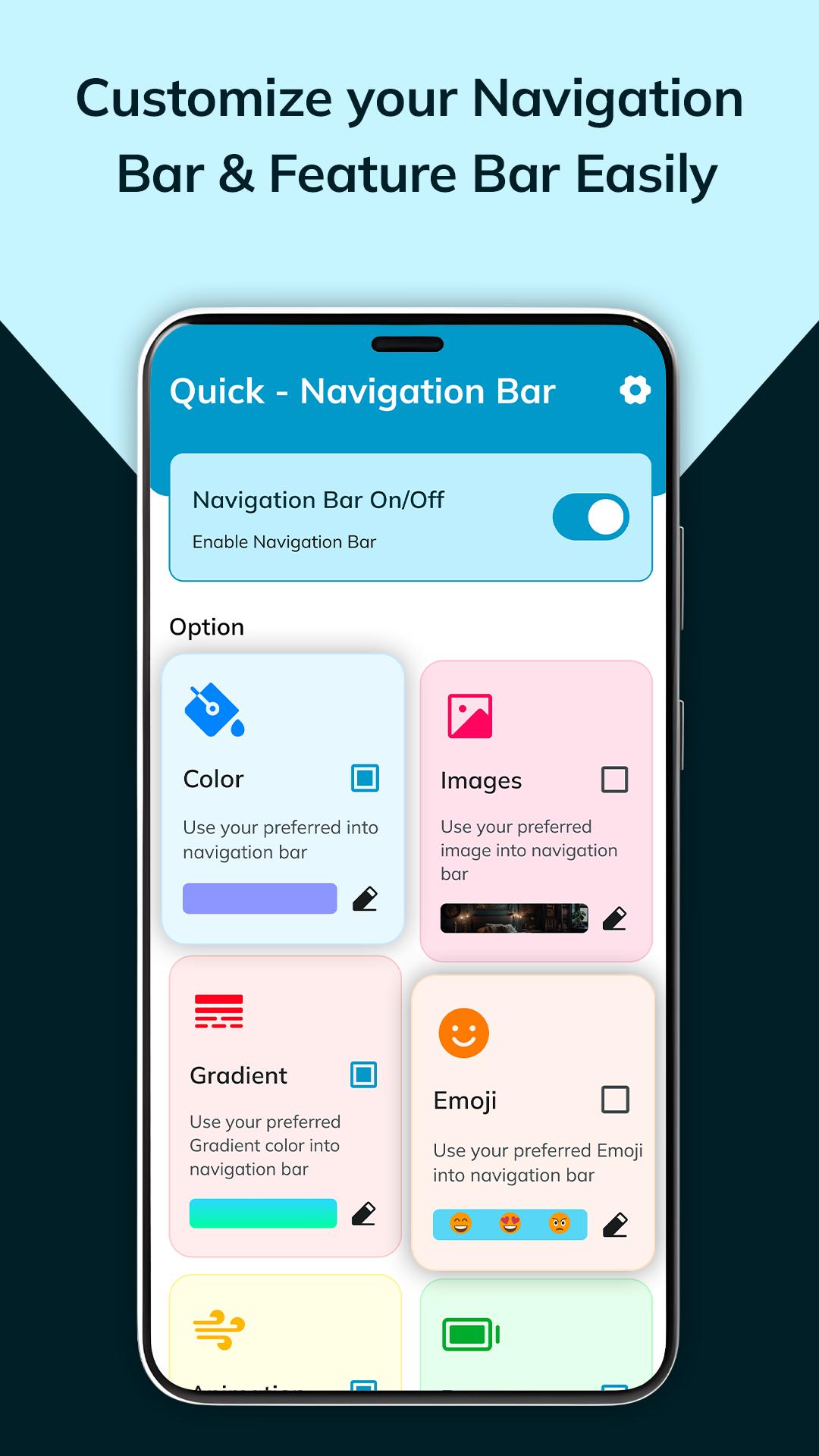
Introducing the Quick Navigation Bar, your all-in-one solution for personalized digital exploration. This innovative app integrates seamlessly with your interface, offering a palette of customizable options.
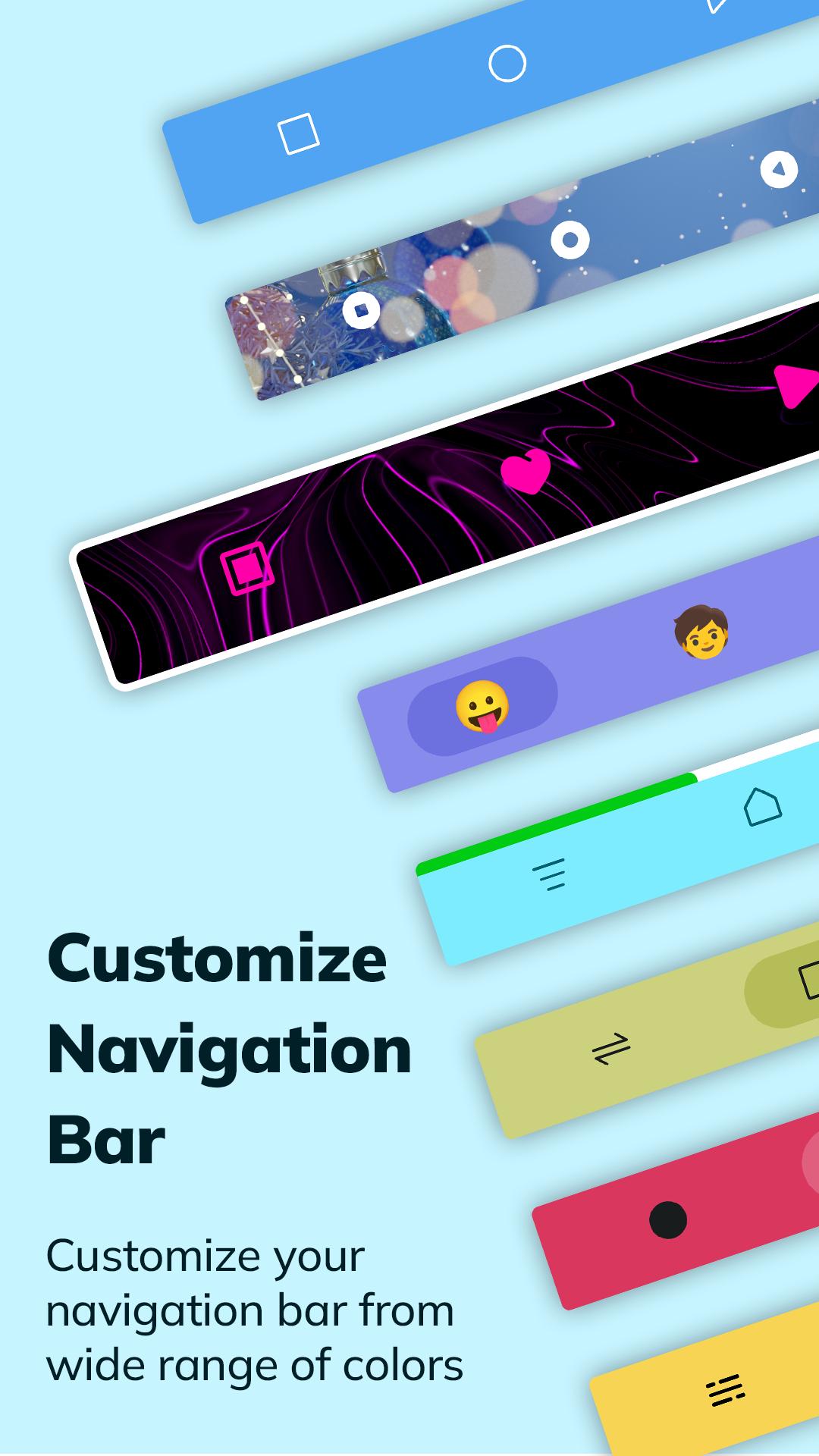
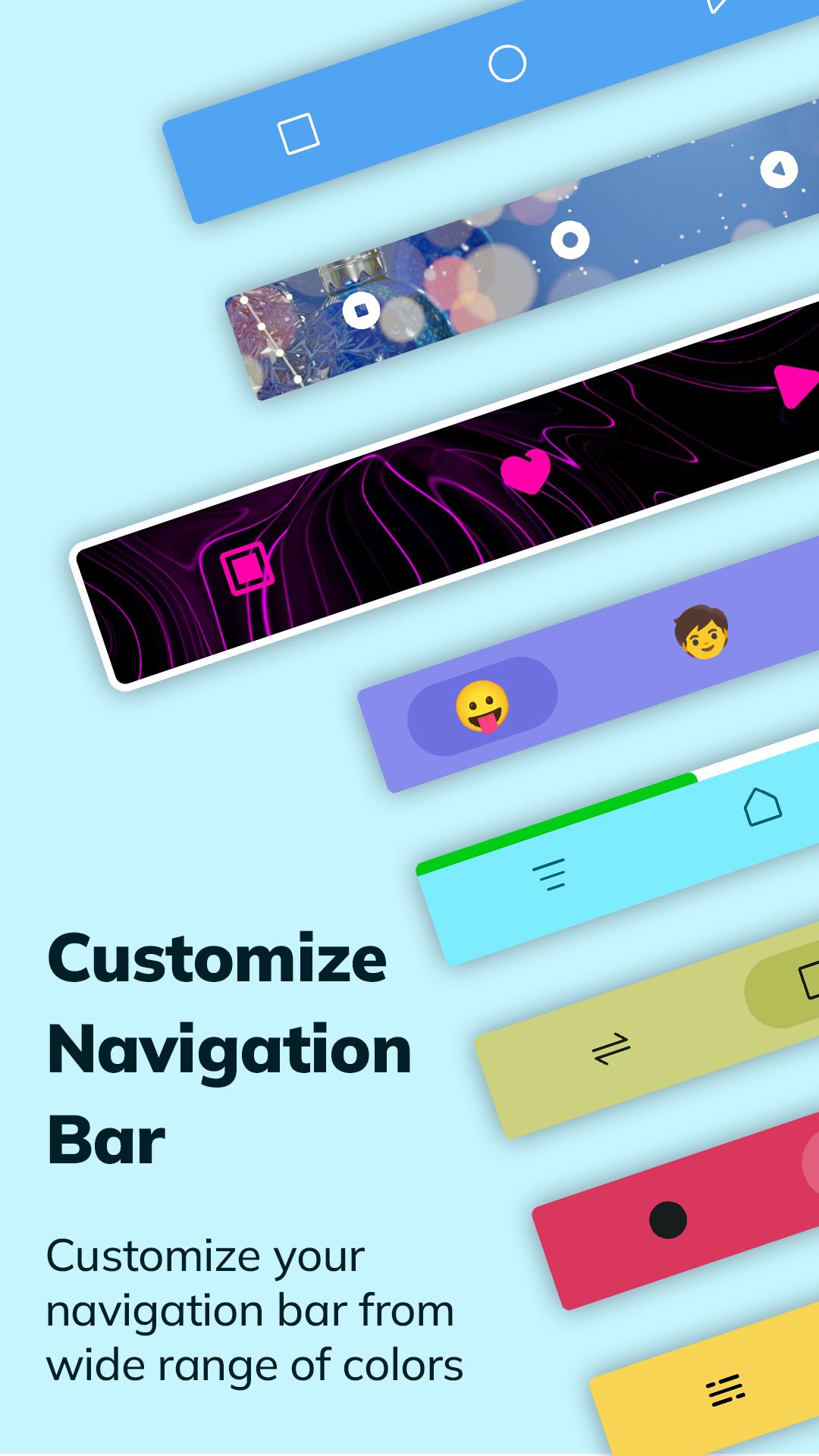
Choose from a vibrant spectrum of colors, gradients, and captivating animations to tailor your navigation experience. Elevate visual appeal with stunning images or inject personality with emojis—creating a navigation bar that reflects your style.
Battery-conscious design ensures efficiency, optimizing performance while providing quick, intuitive access to essential functions. With a diverse array of icon themes, the Quick Navigation Bar allows you to curate a collection that resonates with your preferences, further enhancing the visual aesthetics.
🔘 Features of Navigation Bar :-
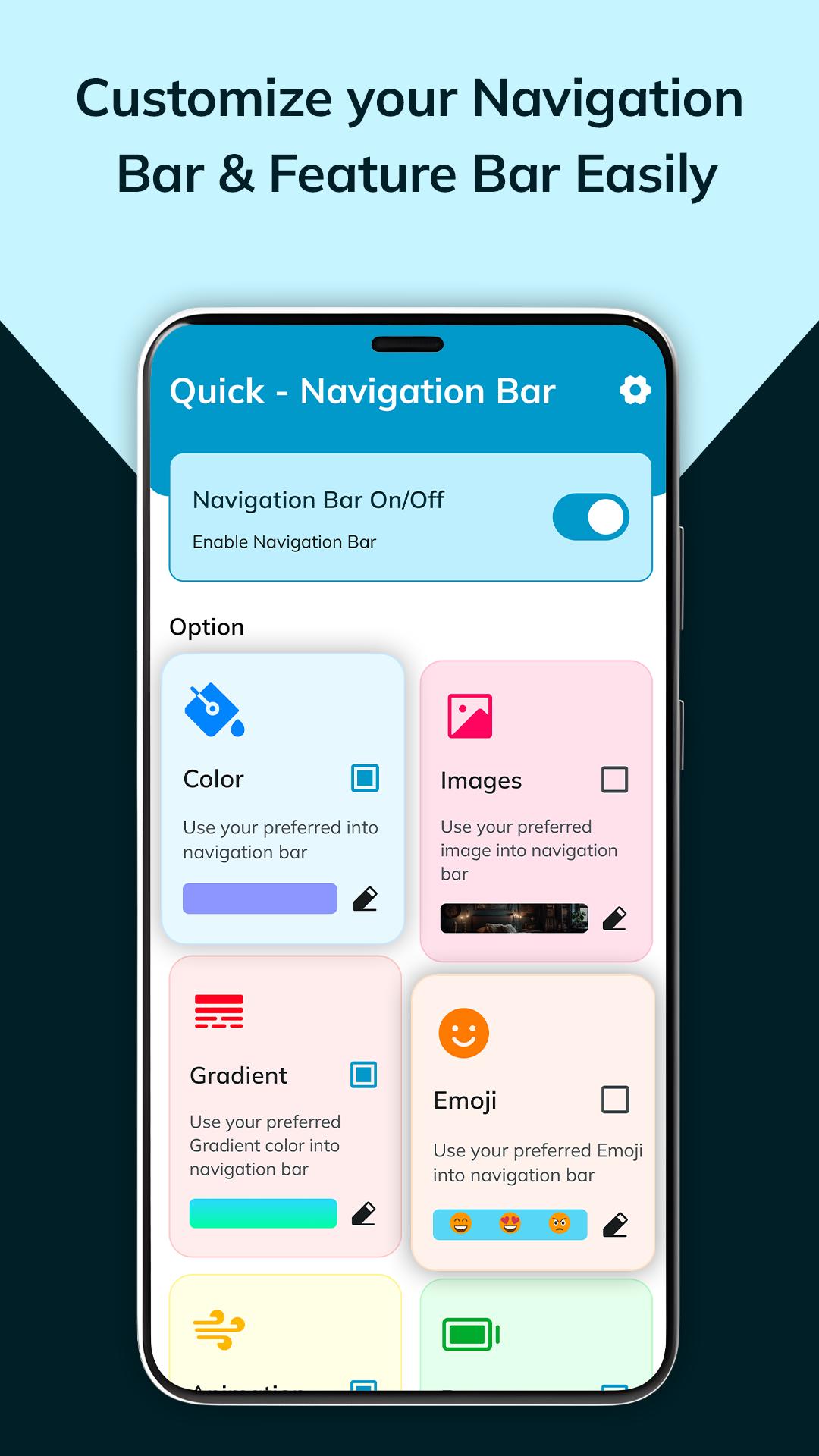
◉ Navigation bar on/off button:
⇒ Toggle your navigation bar with a single on/off button for effortless control.
◉ Options:
Images: Choose from 30 captivating images for a personalized touch.
Colors: Access a spectrum of vibrant colors to enliven your navigation experience.
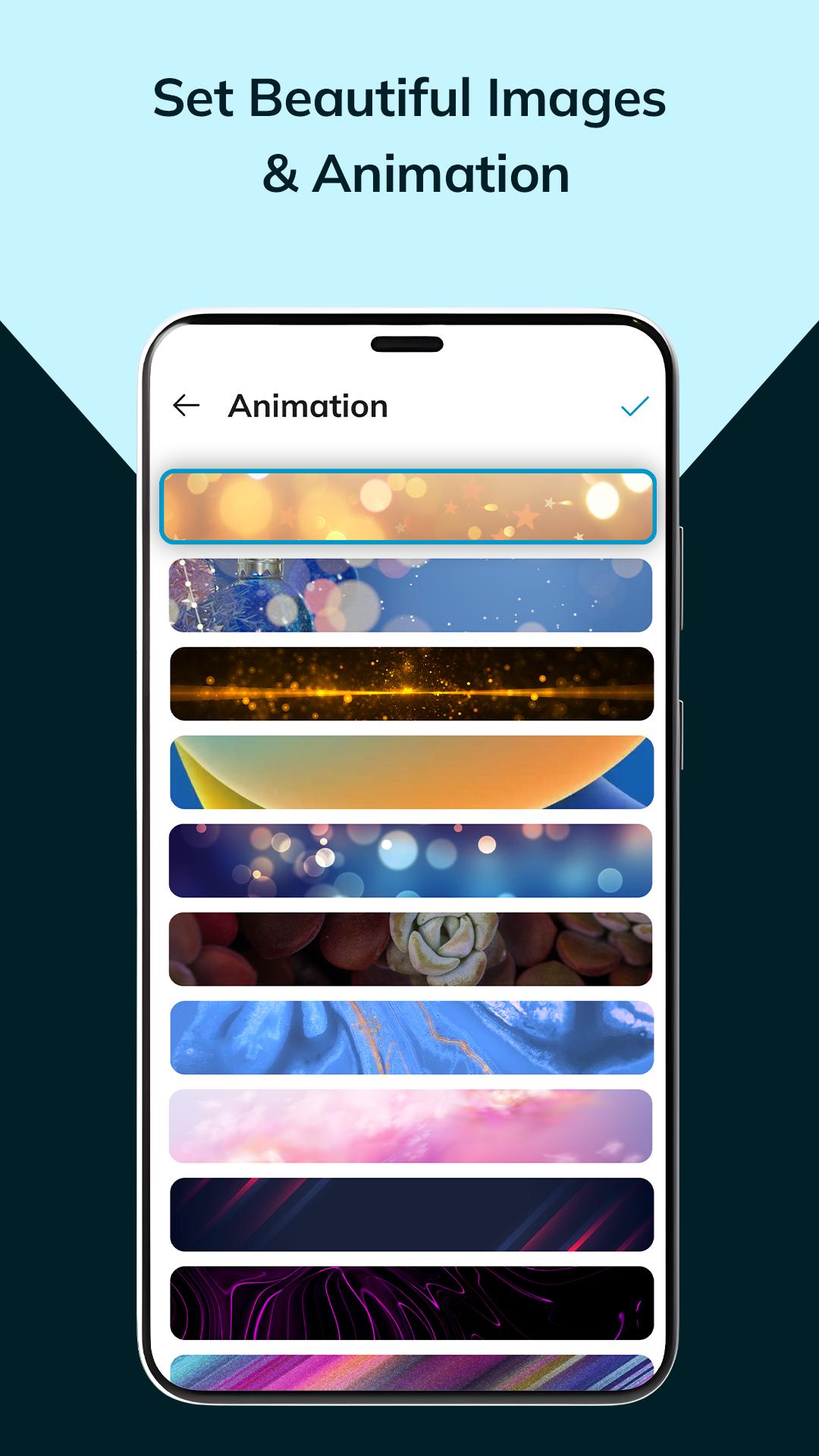
Animation: Enjoy 15 dynamic animations for added flair.
Camera Option: Customize your navigation button with a cropped favorite photo for a personalized touch.
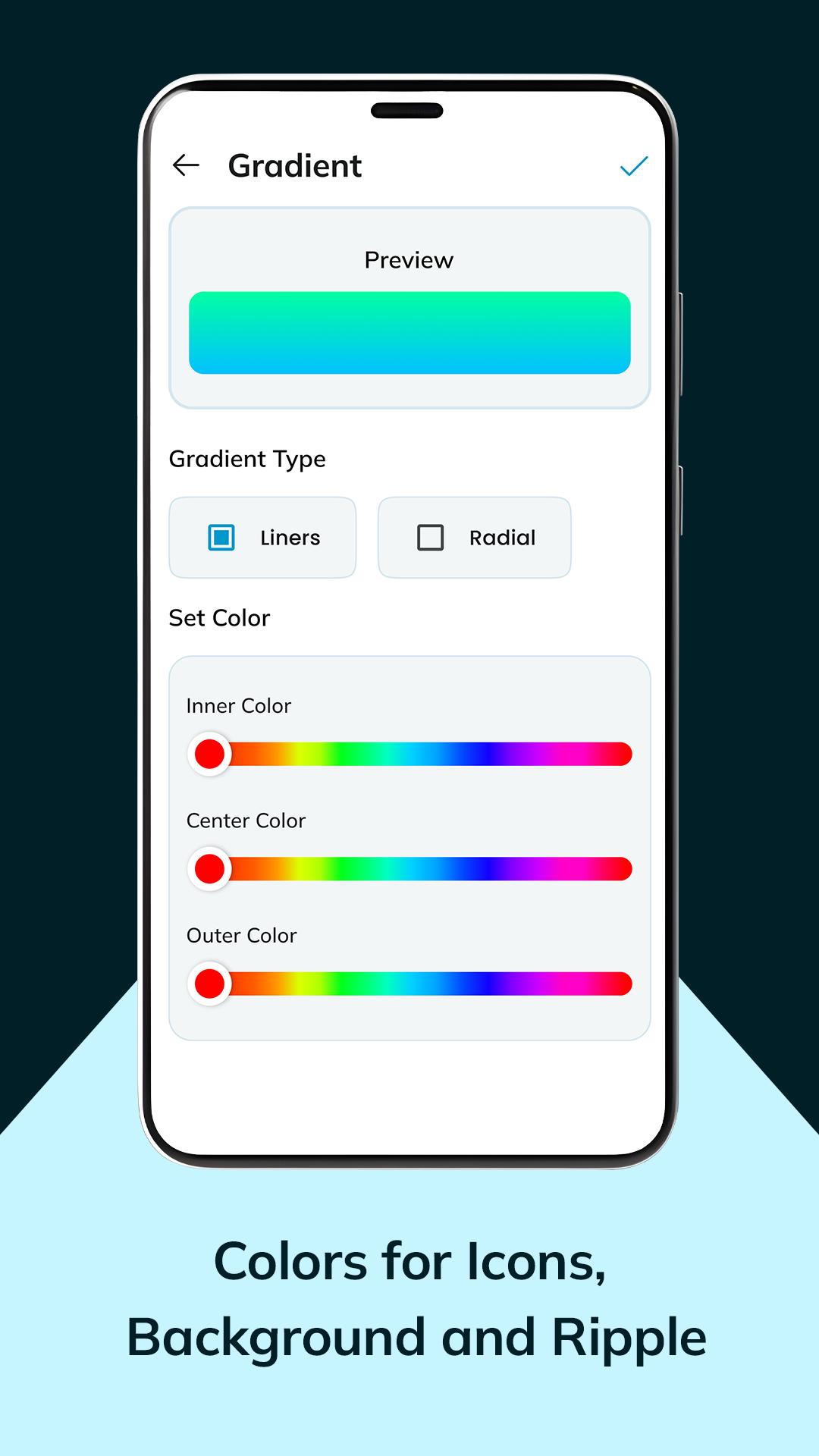
Gradient
⇒ Gradient type: Choose from linear or radial gradients
⇒ Set color: set distinct colors for top, center, and bottom sections.
Emojis
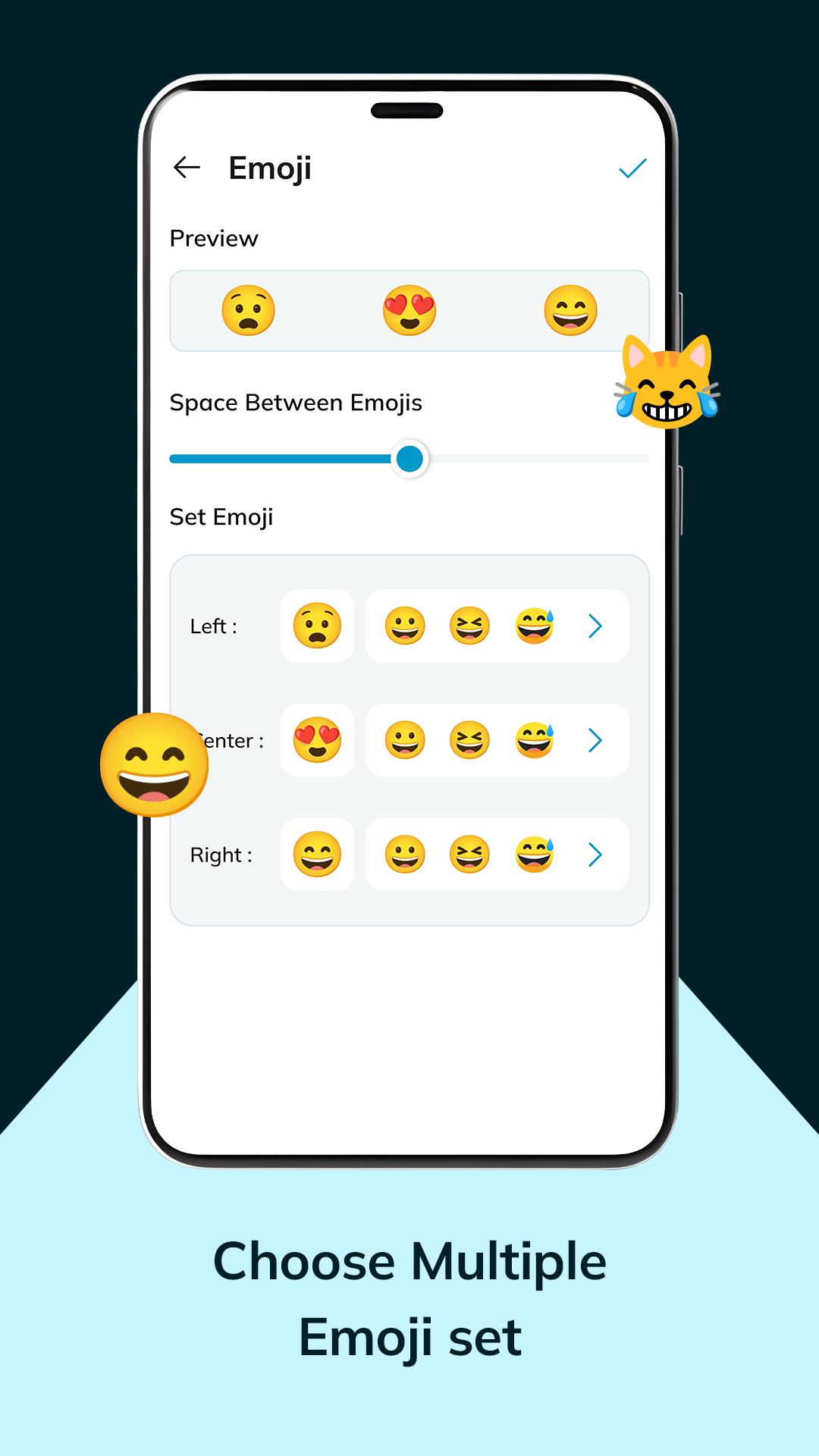
⇒ Access 30 diverse emojis🤩😀, adjust spacing,
⇒ Set emoji position them left, center, or right.
Battery: Explore 5 battery status themes for seamless usage
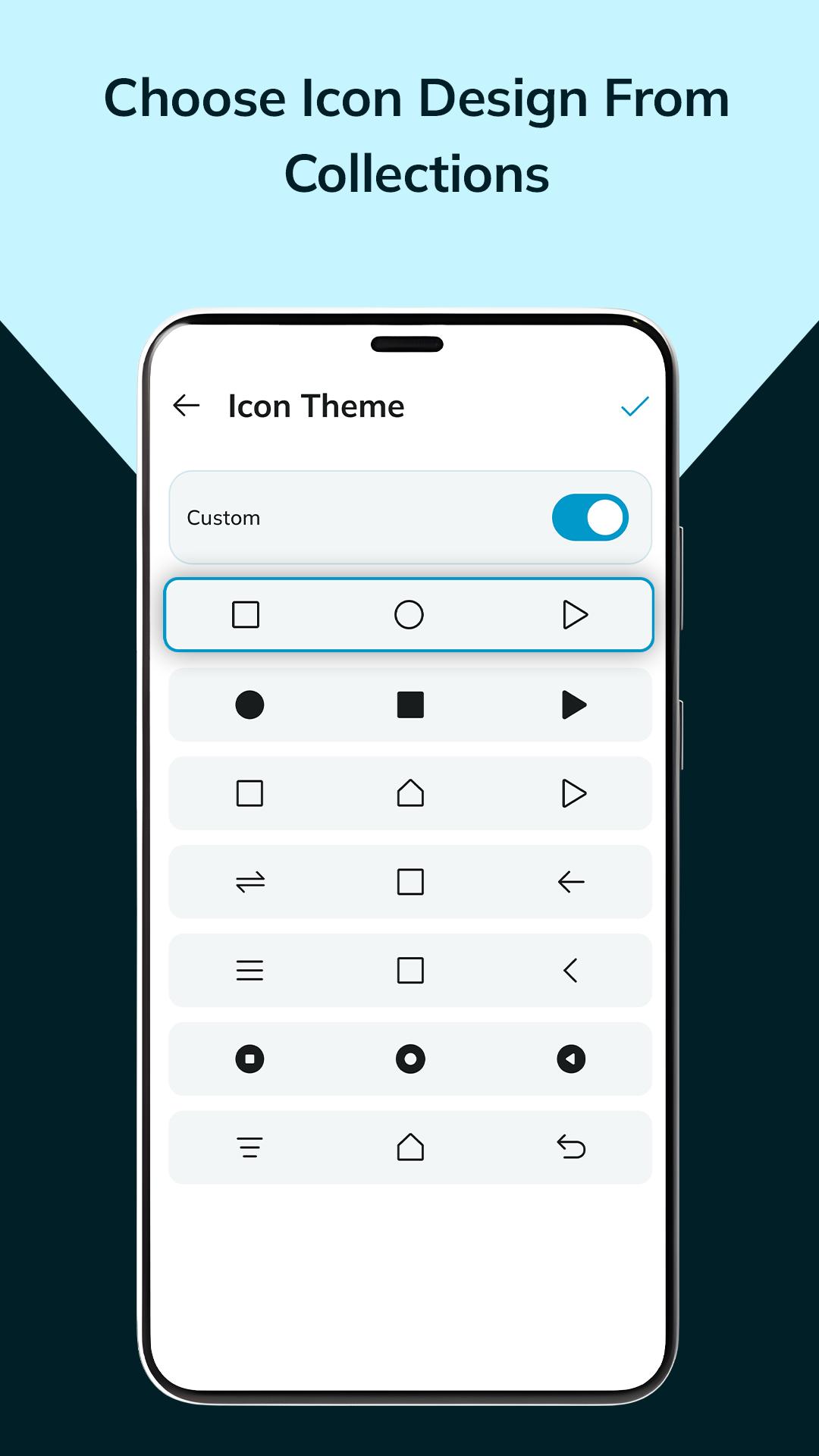
Icon theme: Explore 20 diverse icon button themes and craft your custom design.
◉ Settings :-
⇒ Customize button position for convenience.
⇒ Set button press vibration levels: low, medium, high.
⇒ Effortlessly share your navigation preferences.
Say goodbye to rigid interfaces—soft buttons offer a tactile, user-friendly experience, effortlessly guiding you through sections and features. This app redefines navigation, transforming it into a personalized, dynamic journey tailored to your unique tastes and needs.
⦿ This app uses the AccessibilityService API.
- We do not collect any personal information through accessibility services.
- Accessibility services are required for the following functions:
· back button
· recent button
· screenshot
· notification panel
· power menu
· split screen
Versi Terbaru
3.0Dimuat naik oleh
Thet Paing Oo
Memerlukan Android
Android 5.0+
Category
PERCUMA Pemperibadian APLIKASIPenilaian Kandungan
Everyone
Laporkan
Tandai sebagai tidak sesuaiLast updated on Feb 1, 2024
Versi ini mengandungi pembaikan pepijat kecil dan penambahbaikan umum. Kemas kini kepada versi terkini untuk pengalaman terbaik.


APKPure - Sebuah gedung aplikasi berbilang platform yang tertumpu terutamanya pada Android, menyediakan kandungan berkaitan aplikasi yang meluas. Temui aplikasi yang anda mahukan dengan lebih mudah, pantas, dan selamat, dengan muat turun dan pemasangan yang cepat dan cekap.