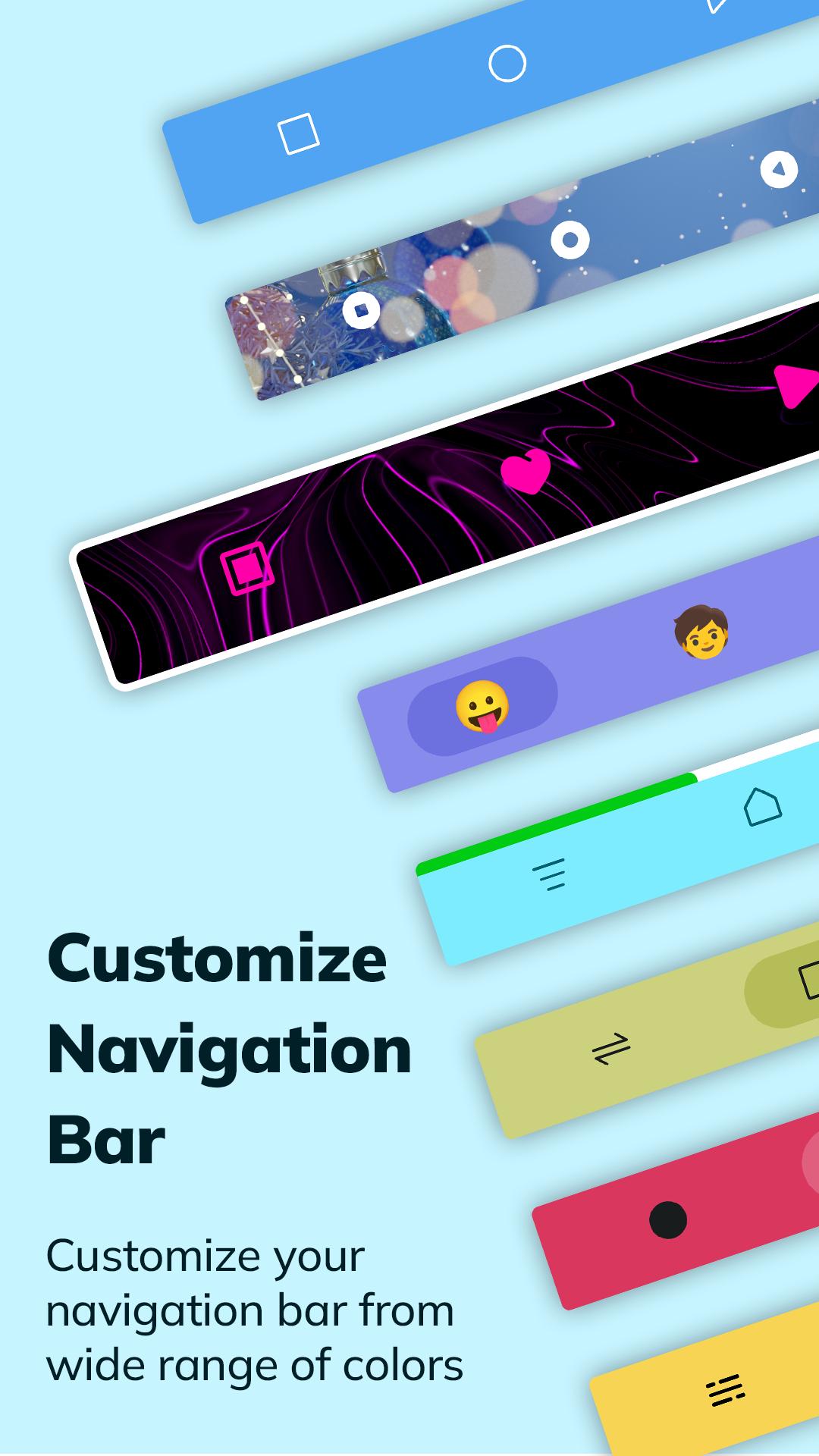
Introducing the Quick Navigation Bar, your all-in-one solution for personalized digital exploration. This innovative app integrates seamlessly with your interface, offering a palette of customizable options.
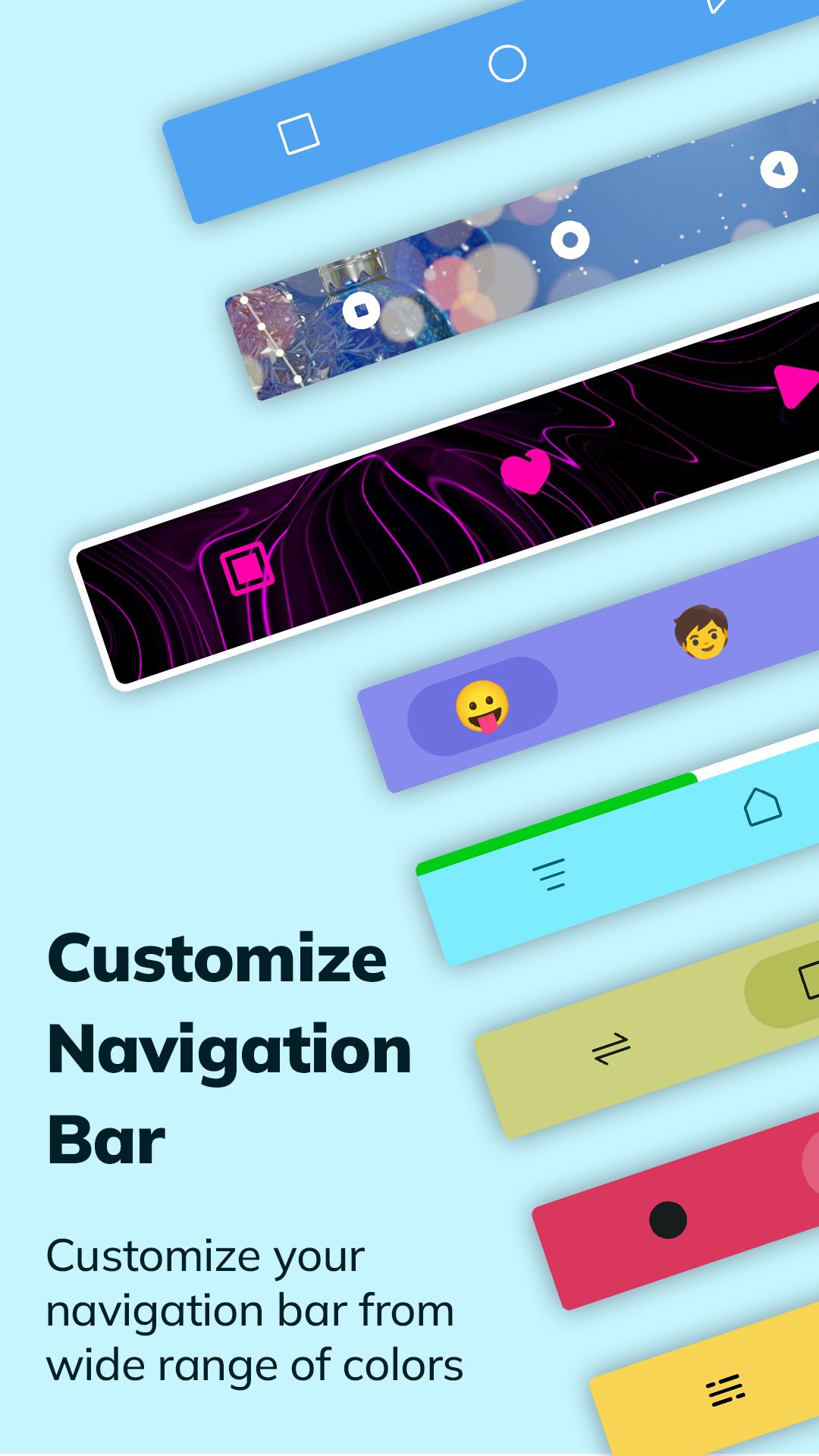
Choose from a vibrant spectrum of colors, gradients, and captivating animations to tailor your navigation experience. Elevate visual appeal with stunning images or inject personality with emojis—creating a navigation bar that reflects your style.
Battery-conscious design ensures efficiency, optimizing performance while providing quick, intuitive access to essential functions. With a diverse array of icon themes, the Quick Navigation Bar allows you to curate a collection that resonates with your preferences, further enhancing the visual aesthetics.
🔘 Features of Navigation Bar :-
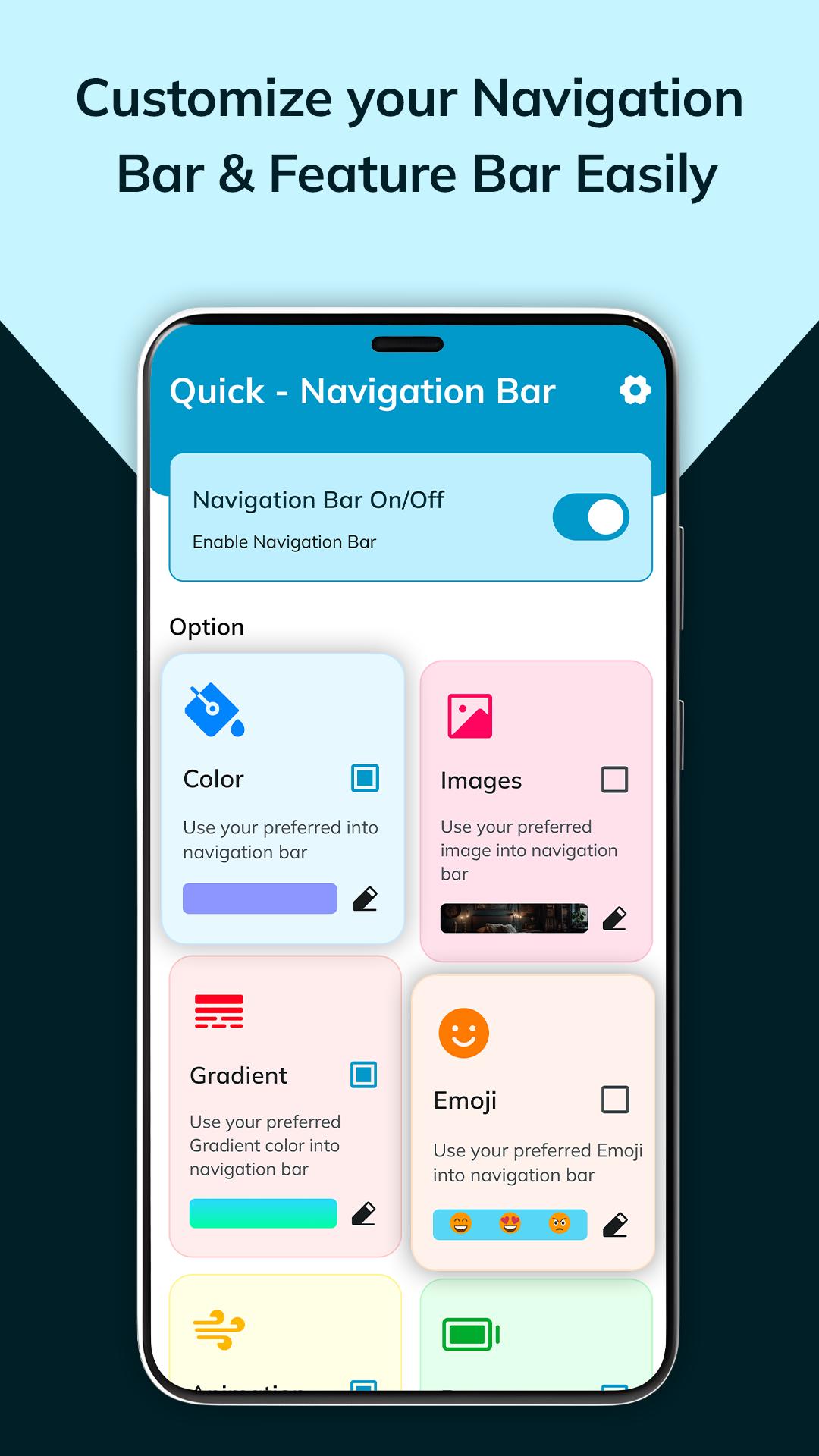
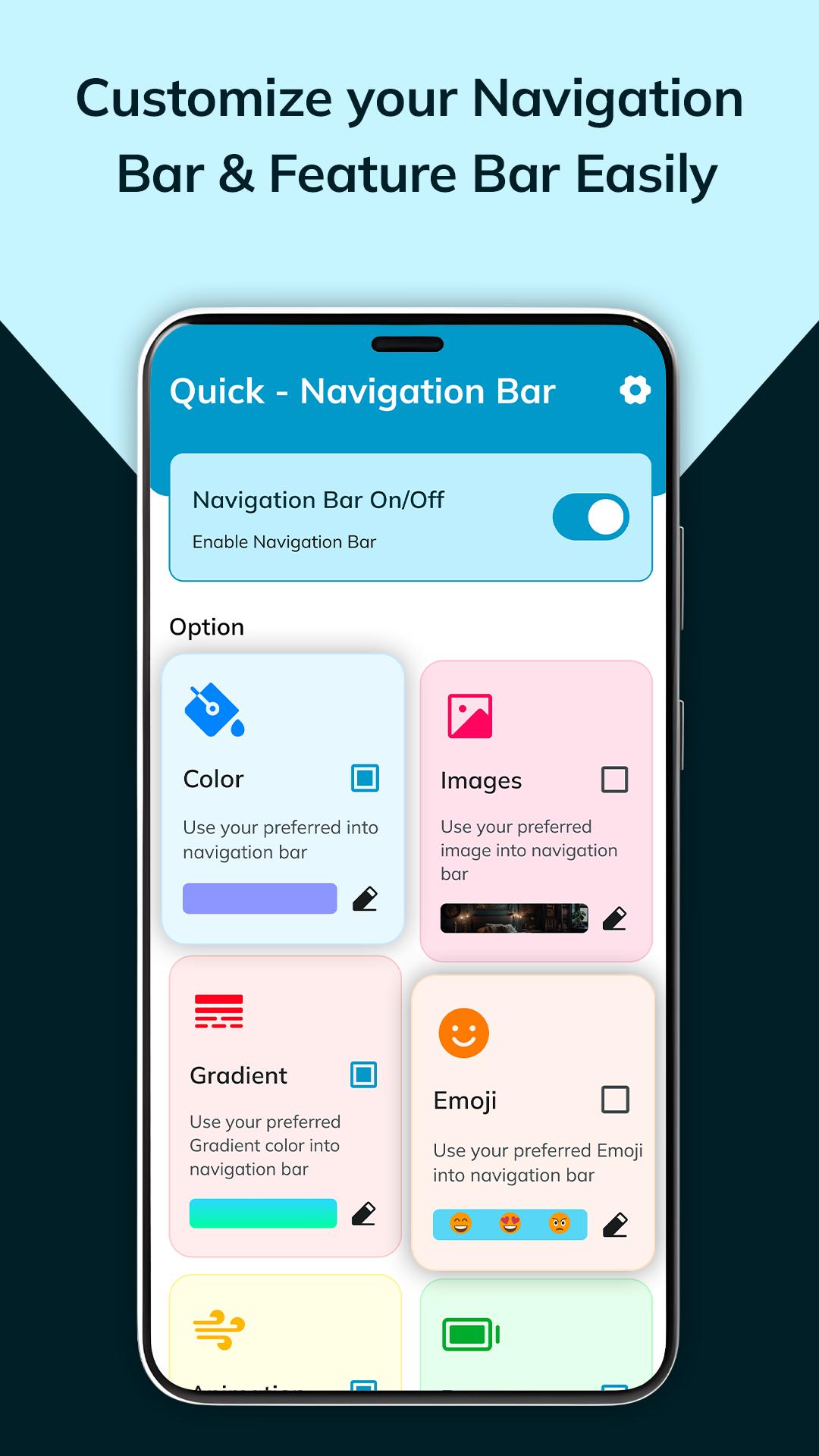
◉ Navigation bar on/off button:
⇒ Toggle your navigation bar with a single on/off button for effortless control.
◉ Options:
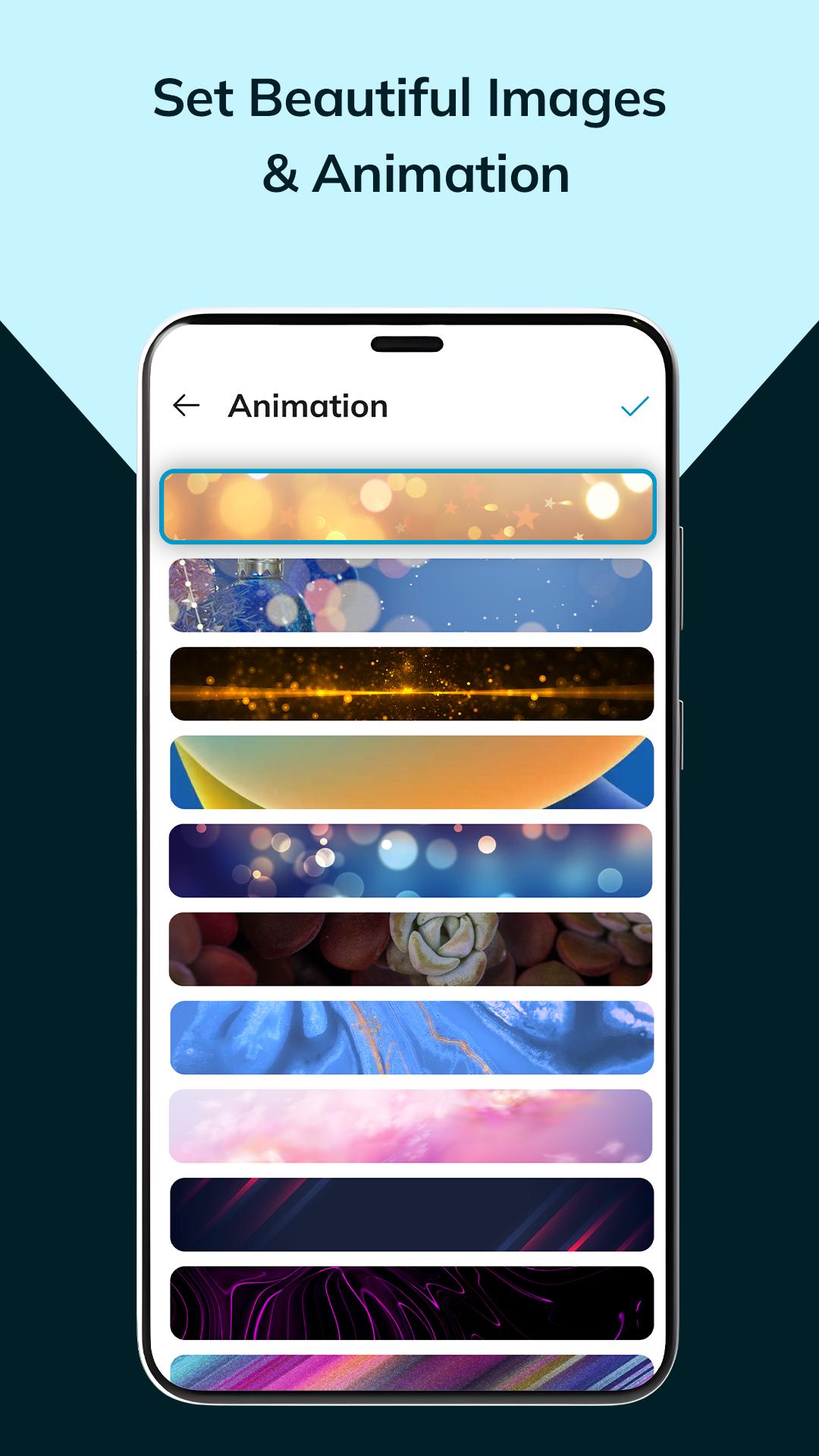
Images: Choose from 30 captivating images for a personalized touch.
Colors: Access a spectrum of vibrant colors to enliven your navigation experience.
Animation: Enjoy 15 dynamic animations for added flair.
Camera Option: Customize your navigation button with a cropped favorite photo for a personalized touch.
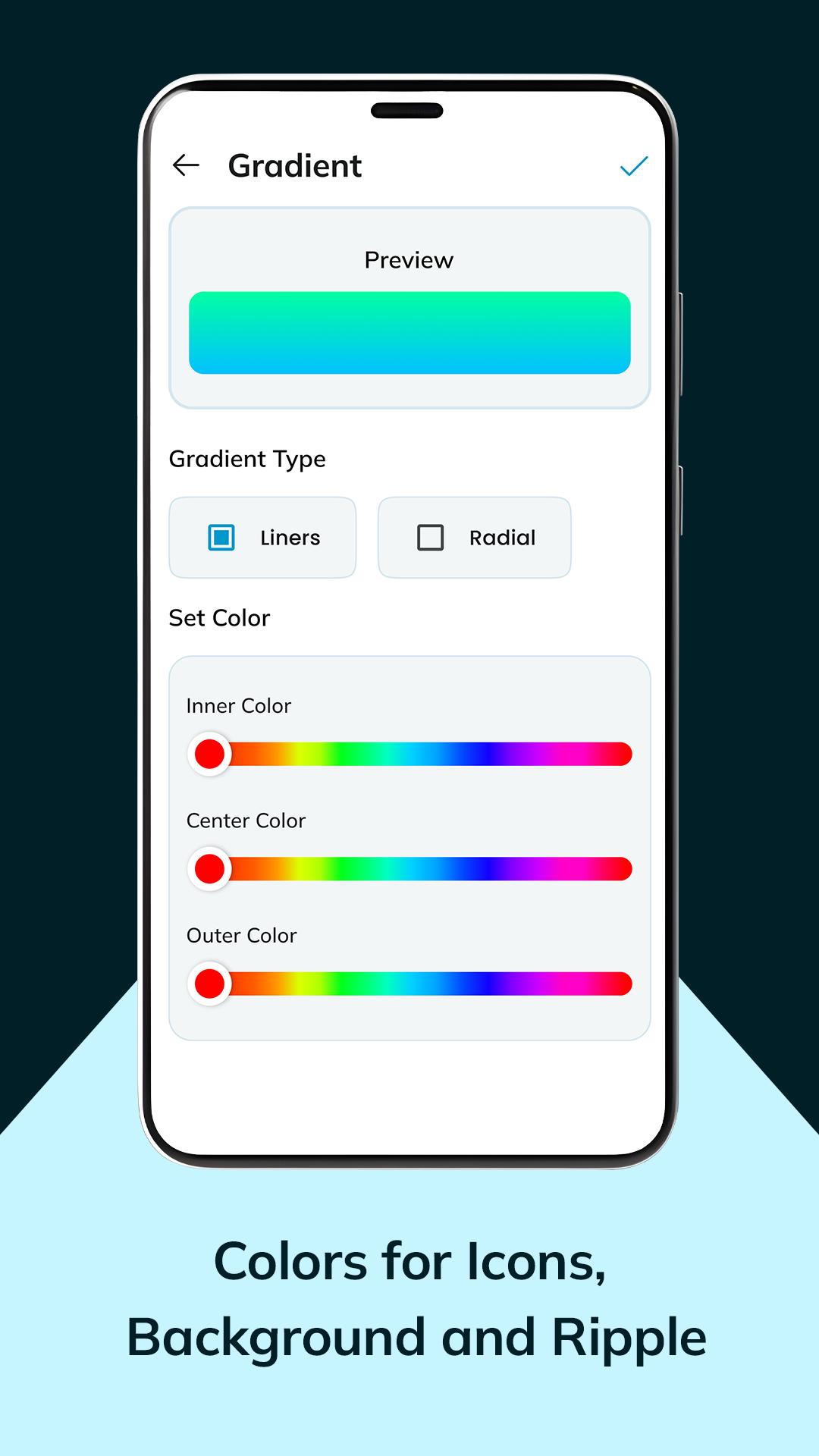
Gradient
⇒ Gradient type: Choose from linear or radial gradients
⇒ Set color: set distinct colors for top, center, and bottom sections.
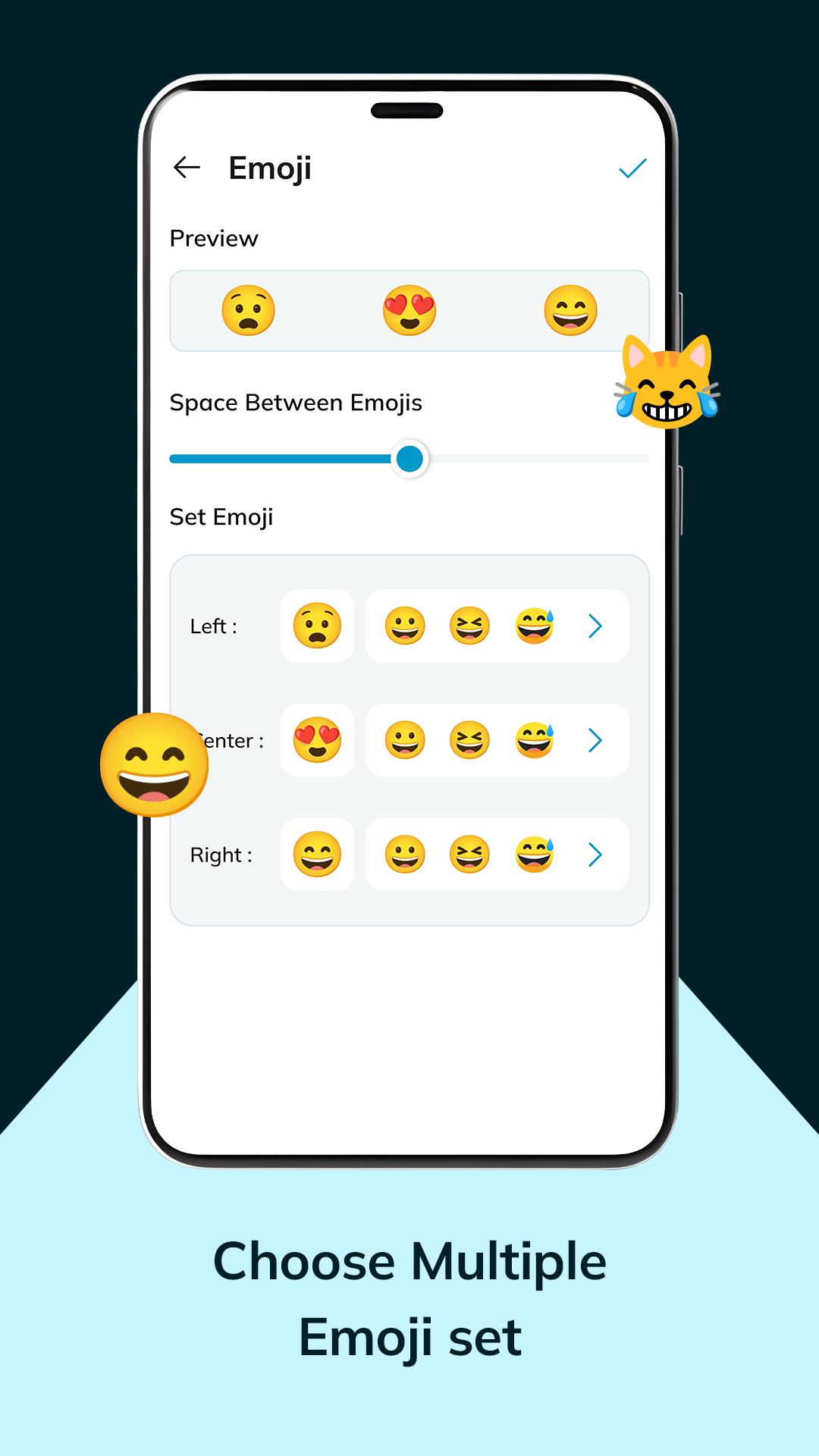
Emojis
⇒ Access 30 diverse emojis🤩😀, adjust spacing,
⇒ Set emoji position them left, center, or right.
Battery: Explore 5 battery status themes for seamless usage
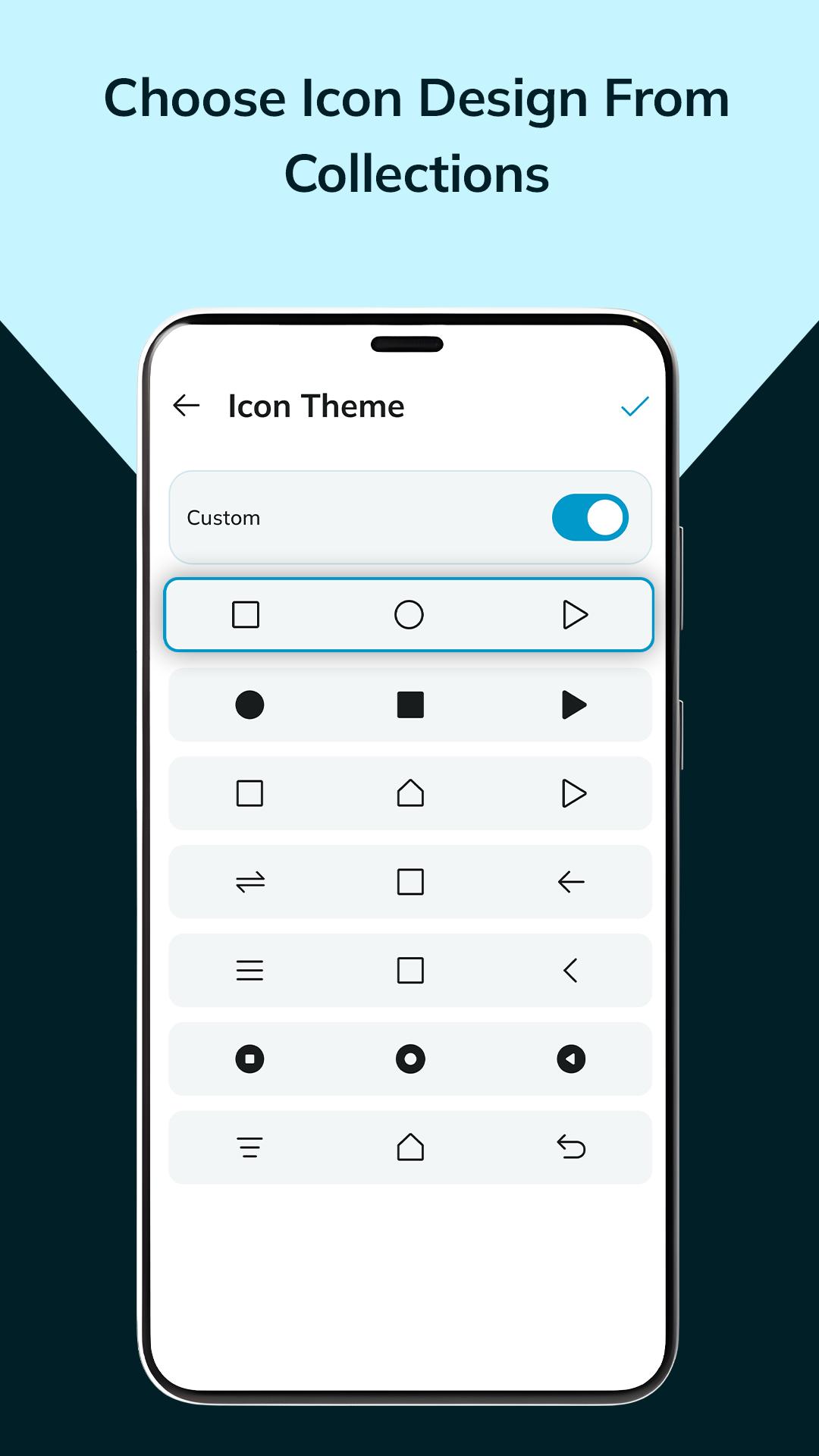
Icon theme: Explore 20 diverse icon button themes and craft your custom design.
◉ Settings :-
⇒ Customize button position for convenience.
⇒ Set button press vibration levels: low, medium, high.
⇒ Effortlessly share your navigation preferences.
Say goodbye to rigid interfaces—soft buttons offer a tactile, user-friendly experience, effortlessly guiding you through sections and features. This app redefines navigation, transforming it into a personalized, dynamic journey tailored to your unique tastes and needs.
⦿ This app uses the AccessibilityService API.
- We do not collect any personal information through accessibility services.
- Accessibility services are required for the following functions:
· back button
· recent button
· screenshot
· notification panel
· power menu
· split screen
Ultima versione
3.0Caricata da
Thet Paing Oo
È necessario Android
Android 5.0+
Categoria
Gratuita Personalizzazione APPClassificazione dei contenuti
Everyone
Segnala
Segna come inappropriataLast updated on Feb 1, 2024
Questa versione include correzioni di bug minori e miglioramenti generali. Aggiorna alla versione più recente per un'esperienza ottimale.


APKPure - Un app store multi-piattaforma principalmente incentrato su Android, che fornisce un'ampia gamma di contenuti relativi alle app. Scopri l'app che desideri in modo più facile, veloce e sicuro, con download e installazioni rapidi ed efficienti.