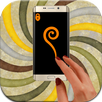
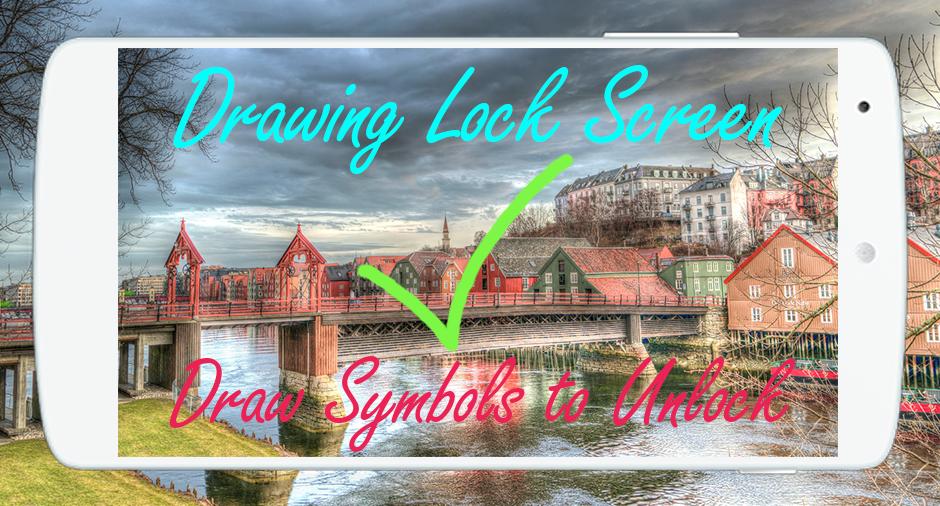
🌟 Drawing Lock Screen is a gorgeous and an amazing app for android phones, you can secure your phone using a variety of signature s : Signatures, Symbols, Numbers and Letters and all that by downloading free Drawing Lock Screen.
🌟 Drawing Lock Screen has a variety of beautiful wallpapers to draw your personal signature to unlock your phone.
🌟 Drawing Lock Screen allows you to draw and save your Drawing, signature as the numbers, letters, Drawings and contextual to unlock your phone (Drawing Lock Screen) easily and safely.
🌟 Drawing Lock Screen is the best solution ever if you’re looking for something different to lock /unlock your phone and tired using old pattern locks.
🌟 Drawing Lock Screen is designed especially for those who want to block some personal application to launch with a simple finger signature, it’s a dynamic and a strong application to lock anything you want.
🌟 🌟 How to use Drawing Lock Screen 🌟🌟
🌟 1) First of all, Install Drawing Lock Screen.
🌟 2) Then create your own first signature (signatures, letters, numbers or anything…) to unlock your phone.
🌟 3) Then enter the recovery password 4 digit for total security.
🌟 4) In case you forget your personal Drawing, use the recovery password to unlock your phone.
🌟 🌟 Top Features of Drawing Lock Screen 🌟 🌟
🌟 Create any drawing, shape, letters, numbers, signature... provided that. In single stroke without picking up your finger or stylus.
🌟 Hide Drawing Lock Screen stops when drawing
🌟 Lock Set Default or background from mobile gallery on your screen.
🌟 Show app notifications on lock screen: unread messages, missed calls, music player, alarm…
🌟 Double tap app notification to draw signature to unlock and open app.
🌟 Drawing Lock Screen support 2 mode: one stroke and multi stroke.
🌟 Use as your screen lock a simple password or Drawing ,signatures, shapes, letters….
🌟 Show the date/time on the Drawing Lock Screen.
🌟 Specify the recovery password (4 to 8 digit passwords)
🌟 Edit / Drawing signature on password.
🌟 If you forget the Drawing , enter the backup password to unlock the phone.
🌟 Battery percentage % indicator.
🌟 Set a customer ringtone as unlock, lock, error sounds.
🌟 Stealth mode: hide signature strokes when drawing.
🌟 Supports both single stroke (one touch drawing) and multiple strokes.
🌟 Unlock Draw signature.
🌟 If you Like our application Drawing Lock Screen for android, please rate it with 5 🌟.
🌟 Download and enjoy this Drawing Lock Screen app & also share this Drawing Lock Screen with your friends. And don’t forget to send us your Feedback.
Versi Terbaru
1.0.0Dimuat naik oleh
Naing Lin
Memerlukan Android
Android 2.3.2+
Category
PERCUMA Gaya hidup APLIKASIPenilaian Kandungan
Everyone
Laporkan
Tandai sebagai tidak sesuaiLast updated on May 27, 2017
Versi ini mengandungi pembaikan pepijat kecil dan penambahbaikan umum. Kemas kini kepada versi terkini untuk pengalaman terbaik.





APKPure - Sebuah gedung aplikasi berbilang platform yang tertumpu terutamanya pada Android, menyediakan kandungan berkaitan aplikasi yang meluas. Temui aplikasi yang anda mahukan dengan lebih mudah, pantas, dan selamat, dengan muat turun dan pemasangan yang cepat dan cekap.