
Scan Date:Sep 24, 2025
Show More

WeDJ suits quick practice sessions and casual sets when you only have your phone or tablet. It helps you try transitions with headphones, then plug into speakers when you are ready to play. The interface is clear and animated, so you can see your timing while you learn. You can also connect supported controllers for hands-on control if needed. For users who prefer an APK install path, the term WeDJ APK may be relevant depending on your setup.
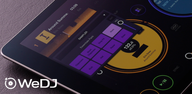
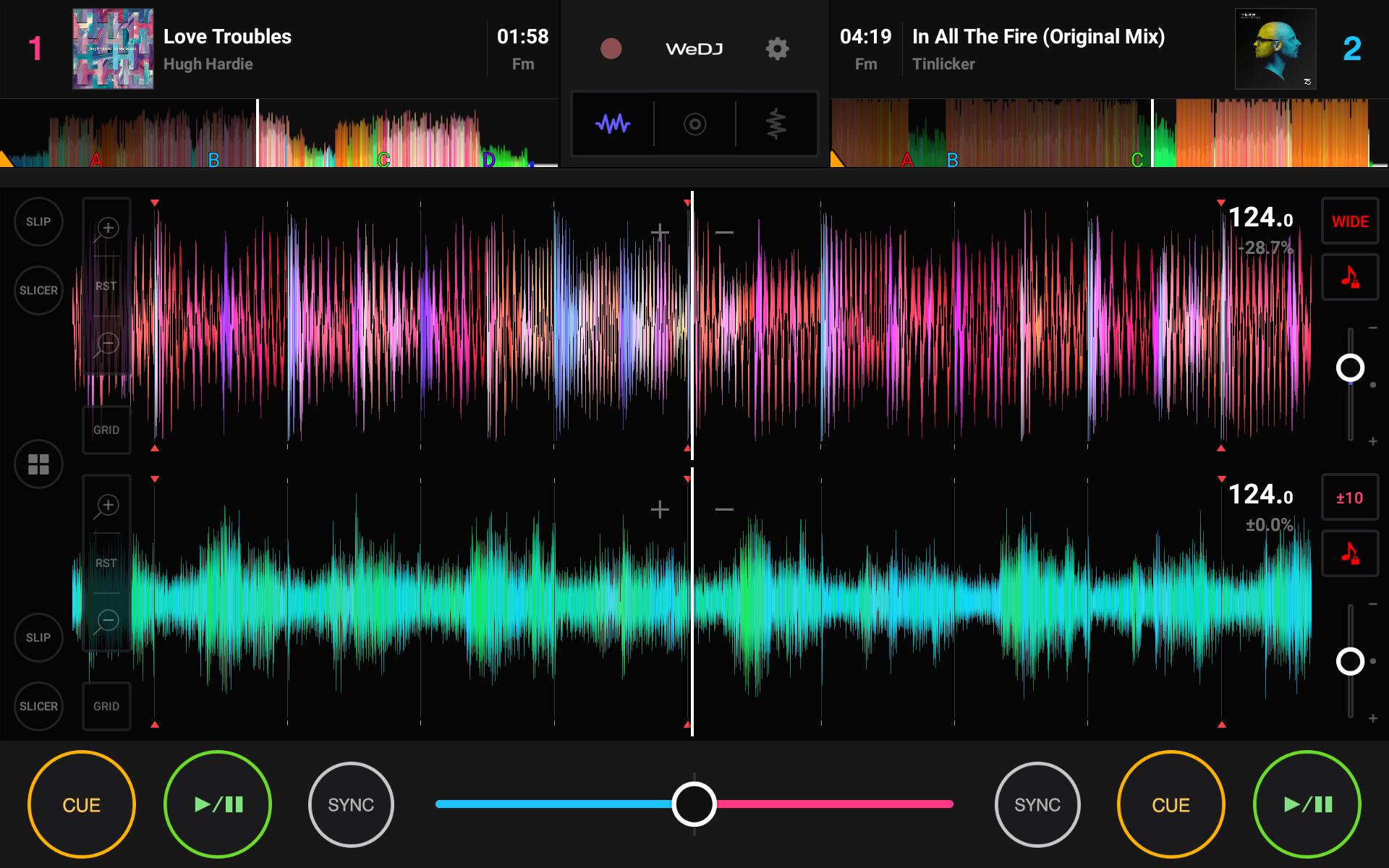
WeDJ shows two decks with jog wheels, overview waveforms, play and cue buttons, tempo sliders, and a crossfader. You can load tracks from your device and see the beat positions while you adjust your mix. The layout keeps core controls visible, so you can focus on timing and transitions.
Creative performance tools and FXYou can set Hot Cues to jump to parts of a song or use Loops to extend sections. The Sampler, Pad FX, and Combo FX add quick textures for build ups and breaks. Advanced FX use an X Y pad, which lets you move your finger to shape effects in real time.
Flexible layout and clear visualsWeDJ lets you switch between jog wheels with overview waveforms or large waveforms. The large view can be horizontal or vertical, which helps on different screen sizes. Colors adapt to album art to make deck recognition fast and reduce mistakes when you switch focus.
Mixing aids for smoother blendsYou can use Beat Sync to match tempo and phase for easier transitions while you learn. The crossfader helps you balance the blend as you bring the next track in. If you need to check a mix before the audience hears it, pre cueing is available with split cable monitoring.
Automix and recording optionsWeDJ can Automix a playlist when you want background music without manual control. You can record your set, play it back, and share it later. To get started fast, the app includes 32 Loopmasters samples for simple fills, stabs, and hits.
Installation is free. Some functions require in app purchases to unlock a full license. The free version limits playback to five songs per session, which makes it useful for testing before you upgrade. If you plan to download WeDJ for regular use, check the access model so your sessions match your needs.
WeDJ works with Pioneer DJ controllers like the DDJ 200, DDJ WeGO4, and DDJ WeGO3 for tactile control. The DDJ 200 Transition FX are not supported in this app, so plan your mixes using the standard FX and tools. Pairing a controller can make learning easier if you prefer physical jogs and faders.
WeDJ uses music stored on your Android device. Organize files and playlists on your phone so tracks are easy to find and load. If you depend on streaming sources, consider how you will prepare local files before starting a set with the WeDJ latest version.
Start with basic mixing, then add FX and samples once your timing feels stable. For users who prefer an APK install method, download WeDJ and open it on your device to begin.
WeDJ helps you practice and play simple DJ sets using the music already on your device. If you plan to install the WeDJ latest version, review the access model and any controller needs before your first session.
For official details and support, visit the developer website.
Latest Version
1.1.3.2Uploaded by
ေအာင္ႏႈိင္သူ ေအာင္ႏႈိင္သူ
Requires Android
Category
Free Music & Audio AppContent Rating
Everyone
Security Report
Report
Flag as inappropriateLast updated on Sep 24, 2025
- Stability enhancements and various minor issues have now been resolved.
- Note: This version requires Android 13 or later.




APKPure - A multi-platform app store primarily focused on Android, providing extensive app-related content. Discover the app you want easier, faster, and safer, with quick and efficient downloads and installations.