
Mobile Faker addresses cases where apps respond to certain phone models or device details. It lets those apps read a different identity for your phone. A rooted device and an active Xposed Framework on Android 4.0 or higher are required. However, if you are unfamiliar with Xposed, this app will not work. Because changes can affect system behavior, back up your ROM and important data before use. Users who plan to download Mobile Faker should confirm these requirements in advance.
Device identity spoofing
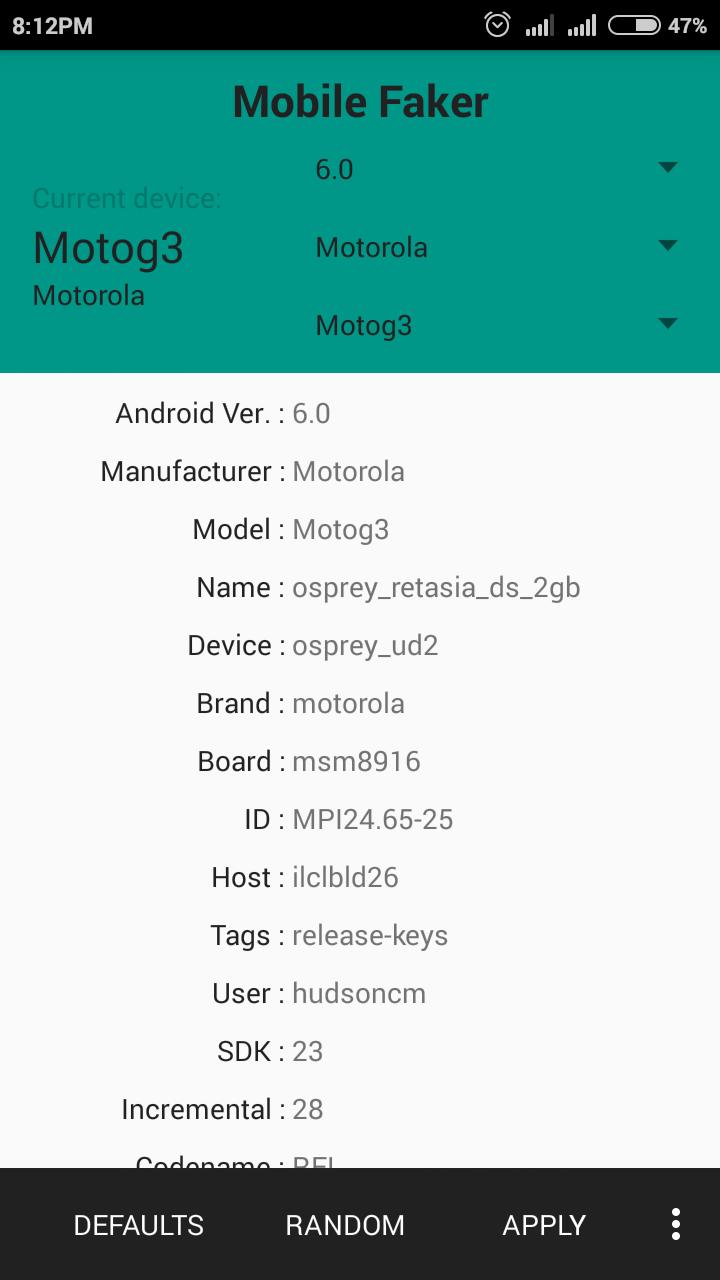
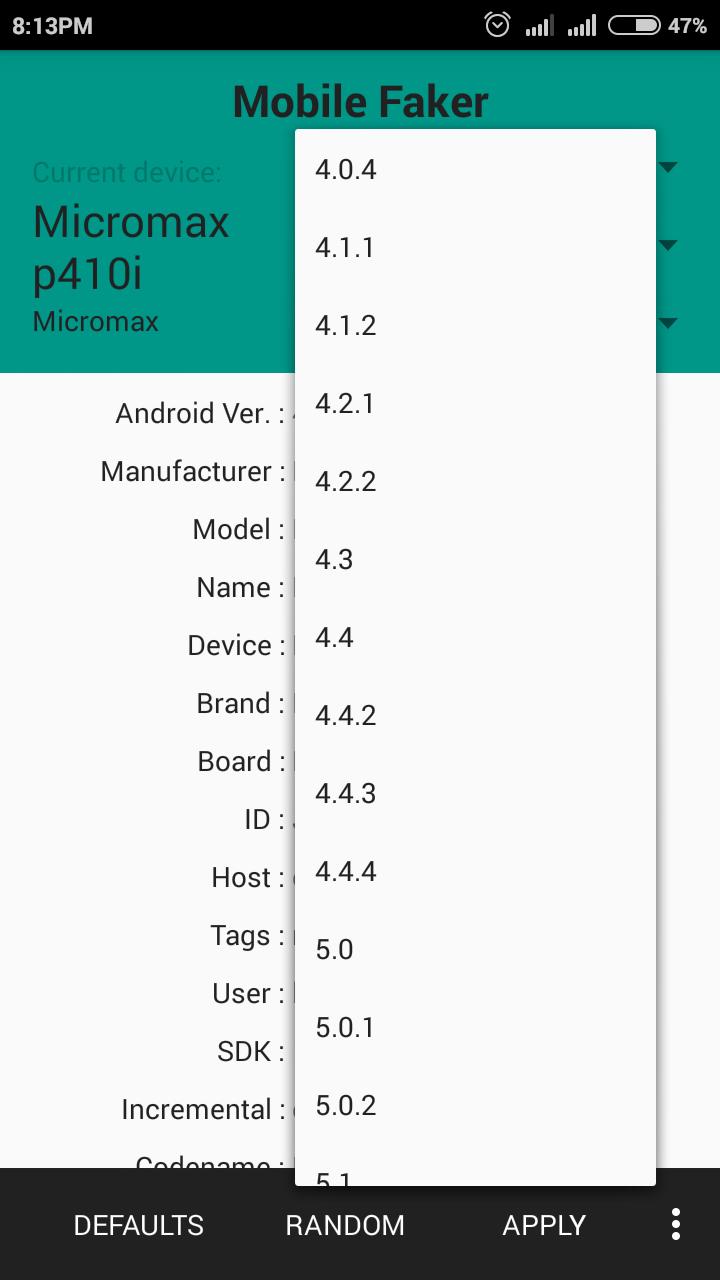
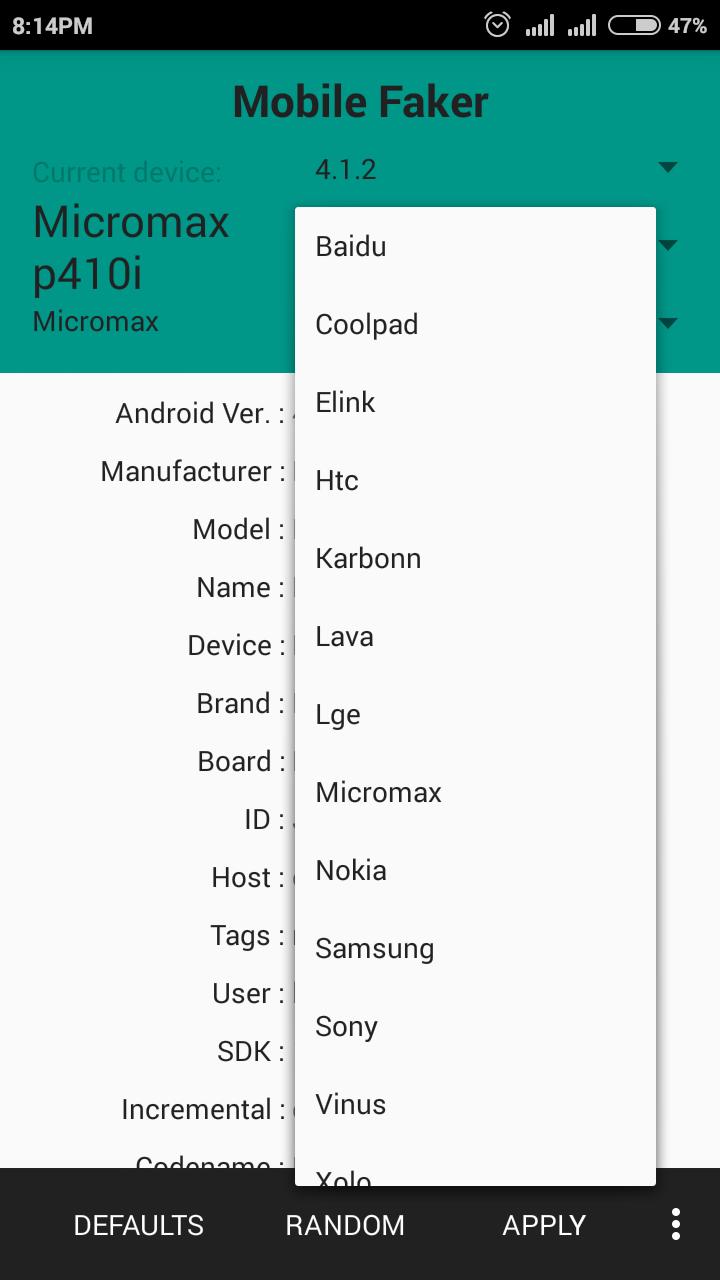
Mobile Faker makes apps see your phone as another device model. This helps when testing app behavior or passing device checks without changing hardware. Outcomes depend on your device and how each app reads system data.
Xposed module setup
Reboot controls
No full reboot is required on many phones after changes. Some devices may still need a restart. A Soft Reboot button is available in the Plus version for quicker restarts when needed.
Quick randomization and ads
You can apply a random device profile with one tap. Additionally, the Plus version offers an ad-free experience. Function behavior can differ across phones, so verify results after each change and adjust settings as required.
Review the requirements and set up the module before making changes. Keep a complete backup in case you need to restore. Make sure your device meets them before installing the Mobile Faker latest version.
Latest Version
1.78Uploaded by
Ciro Iovi
Requires Android
Android 4.0+
Category
Free Tools AppContent Rating
Everyone
Report
Flag as inappropriateLast updated on Nov 17, 2017
v1.78
Fixes for Android Nougat. No reboot required.
Bug fixes


APKPure - A multi-platform app store primarily focused on Android, providing extensive app-related content. Discover the app you want easier, faster, and safer, with quick and efficient downloads and installations.