This application helps you to remotely change smart TV picture, sound and other settings over WI-FI by your mobile phone or tablet.
To do this, use USB debug console via ADB communication protocol. Some Smart-TV models on Android-TV are supported this application.
To be able to connect to TV over Wi-Fi, you must enable USB debugging access in TV settings. Please note that this will block one of the USB ports.
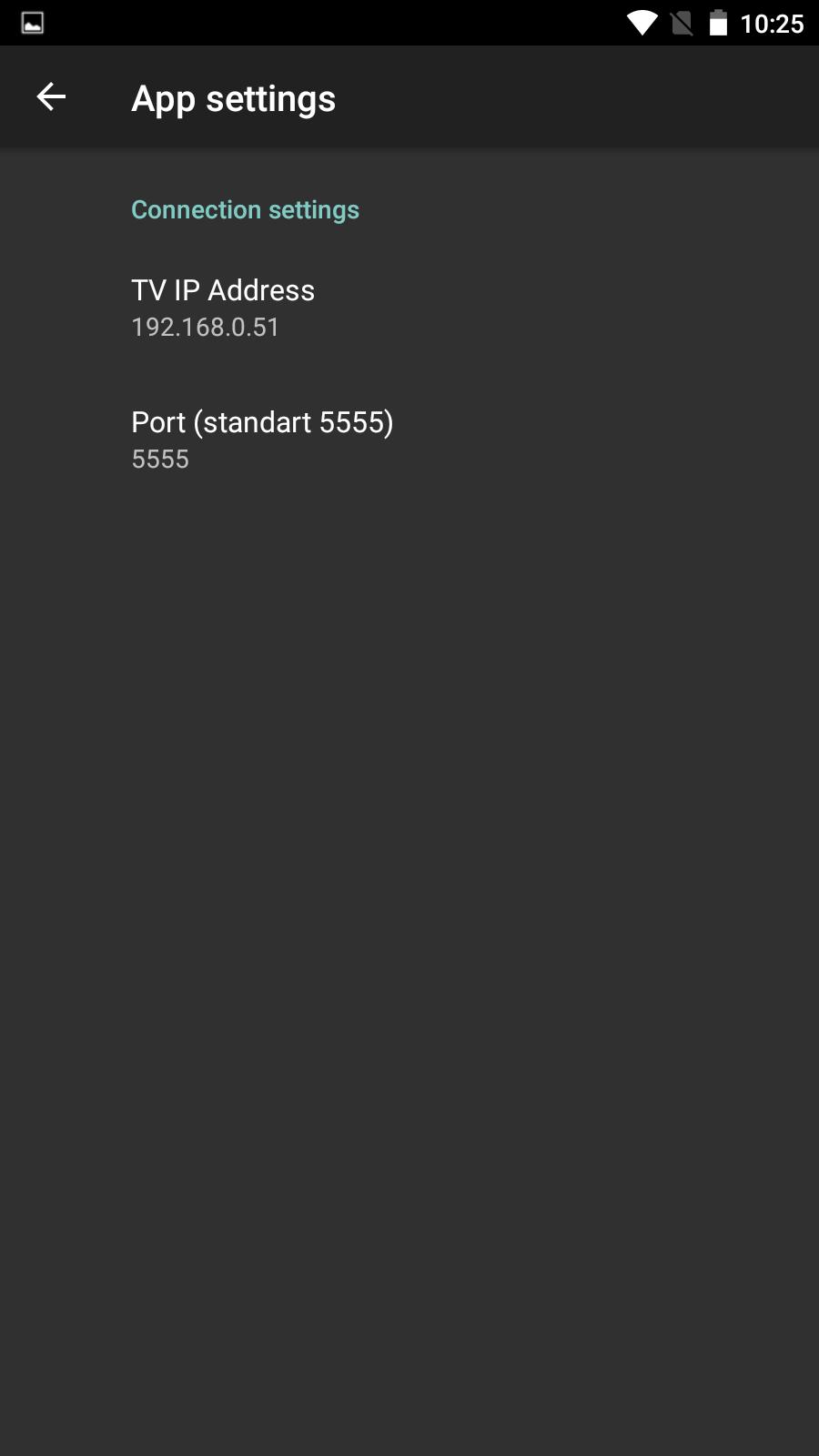
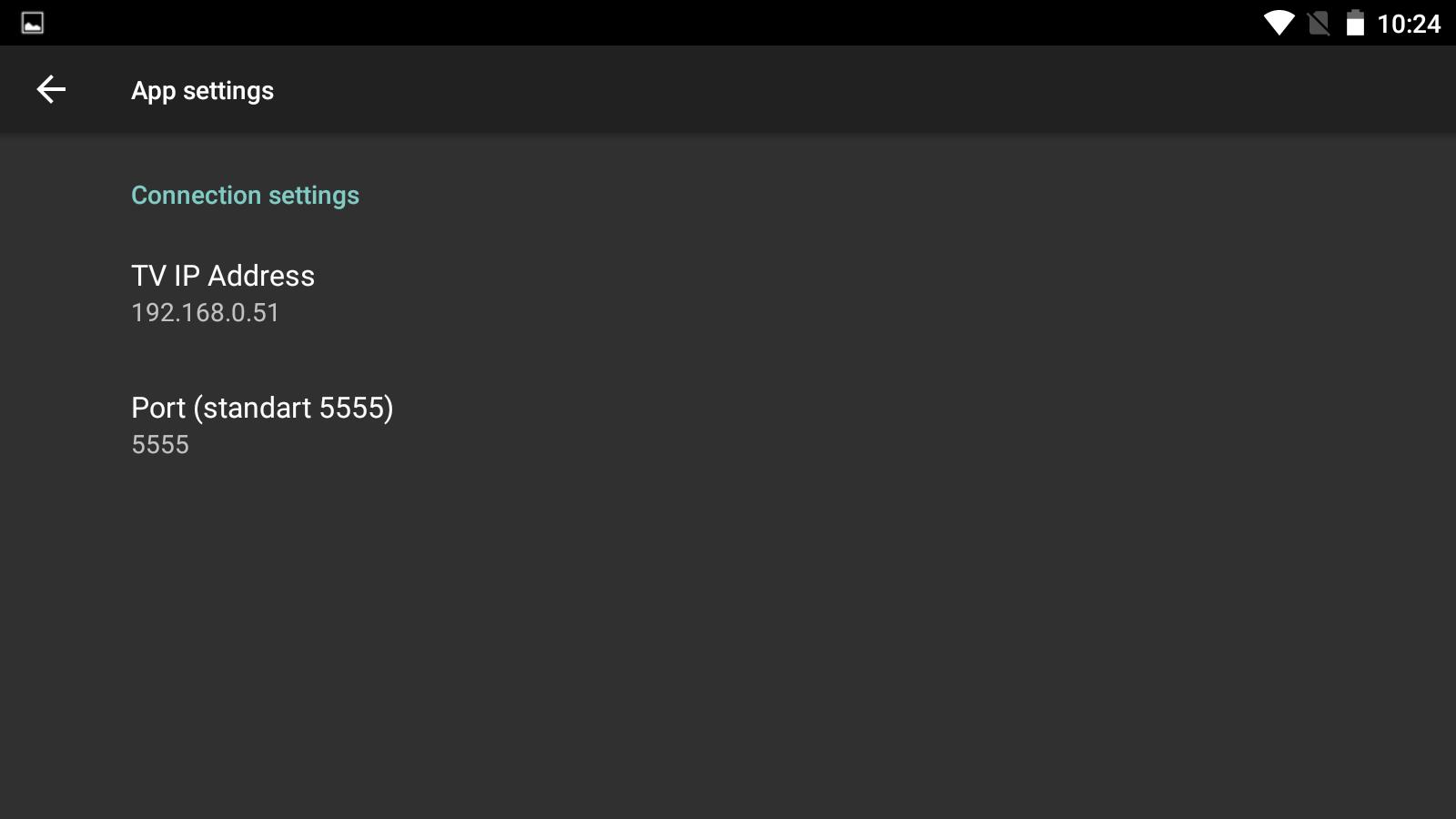
In application settings, you need to specify network address of TV and the standard connection port 5555 of ADB protocol.
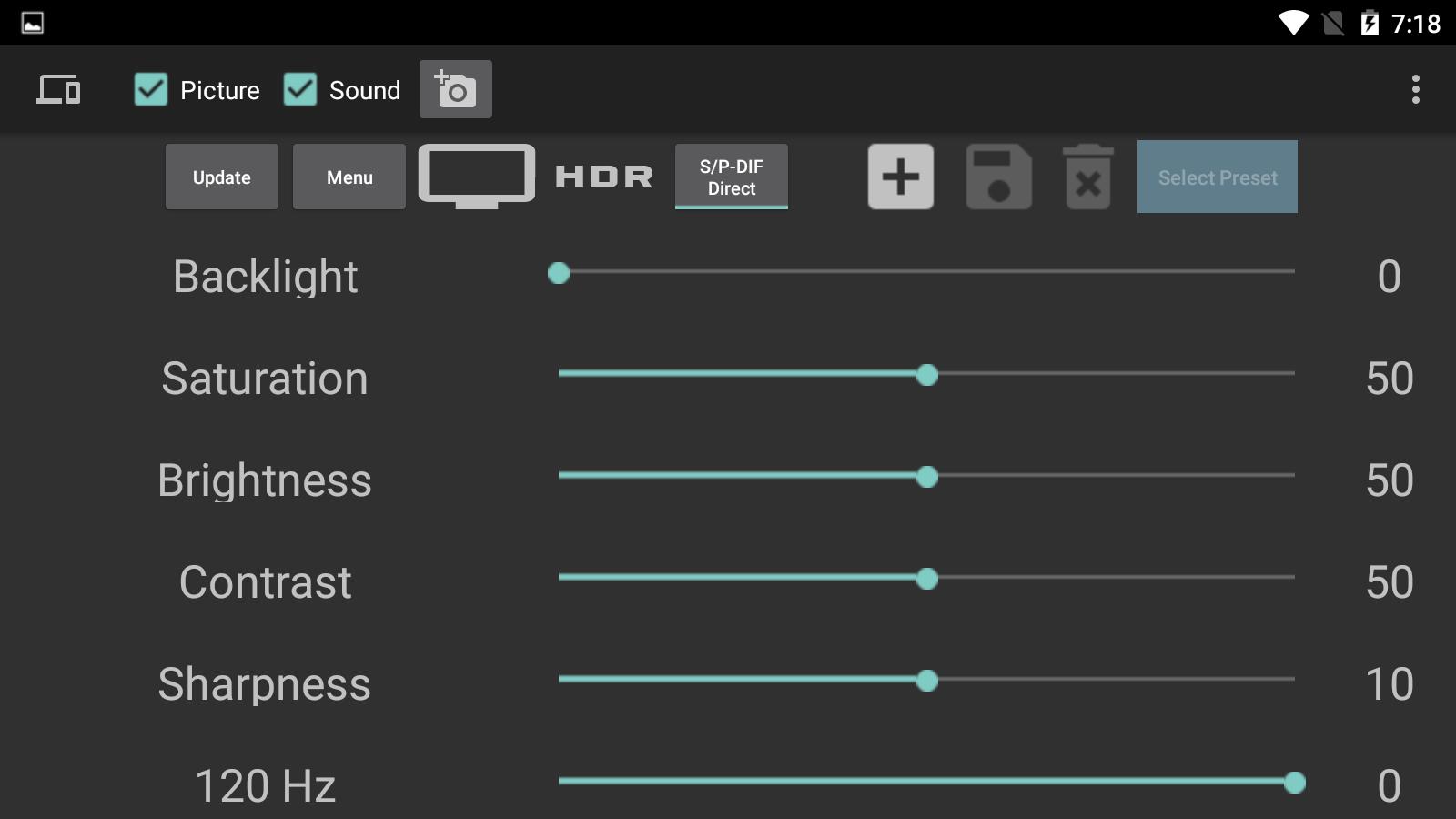
You can fast and easy adjust the following settings:
- Screen on / off
- Enable / disable HDR mode
- Backlight
- Saturation
- Brightness
- Contrast
- Sharpness
- Sound Equalizer (so that you can adjust these parameters, you must first change once them on TV)
- Take Screenshots on TV
Also you can manage settings presets, send command "Open settings" on TV and block or hide seekbars.
Latest Version
2.2.Uploaded by
Karina Alves Cavalcanti
Requires Android
Android 5.0+
Category
Free Tools AppContent Rating
Everyone
Report
Flag as inappropriateLast updated on Jul 5, 2021
fix some error





APKPure - A multi-platform app store primarily focused on Android, providing extensive app-related content. Discover the app you want easier, faster, and safer, with quick and efficient downloads and installations.