Mirror VPN helps when you need privacy on public WiFi or want to reach blocked pages. It focuses on simple controls, so you can confirm protection before opening apps and sites. Moreover, it supports everyday browsing, streaming, and gaming with a clear, straightforward layout. Try the Mirror VPN latest version to handle these common situations.
Quick connect and auto start
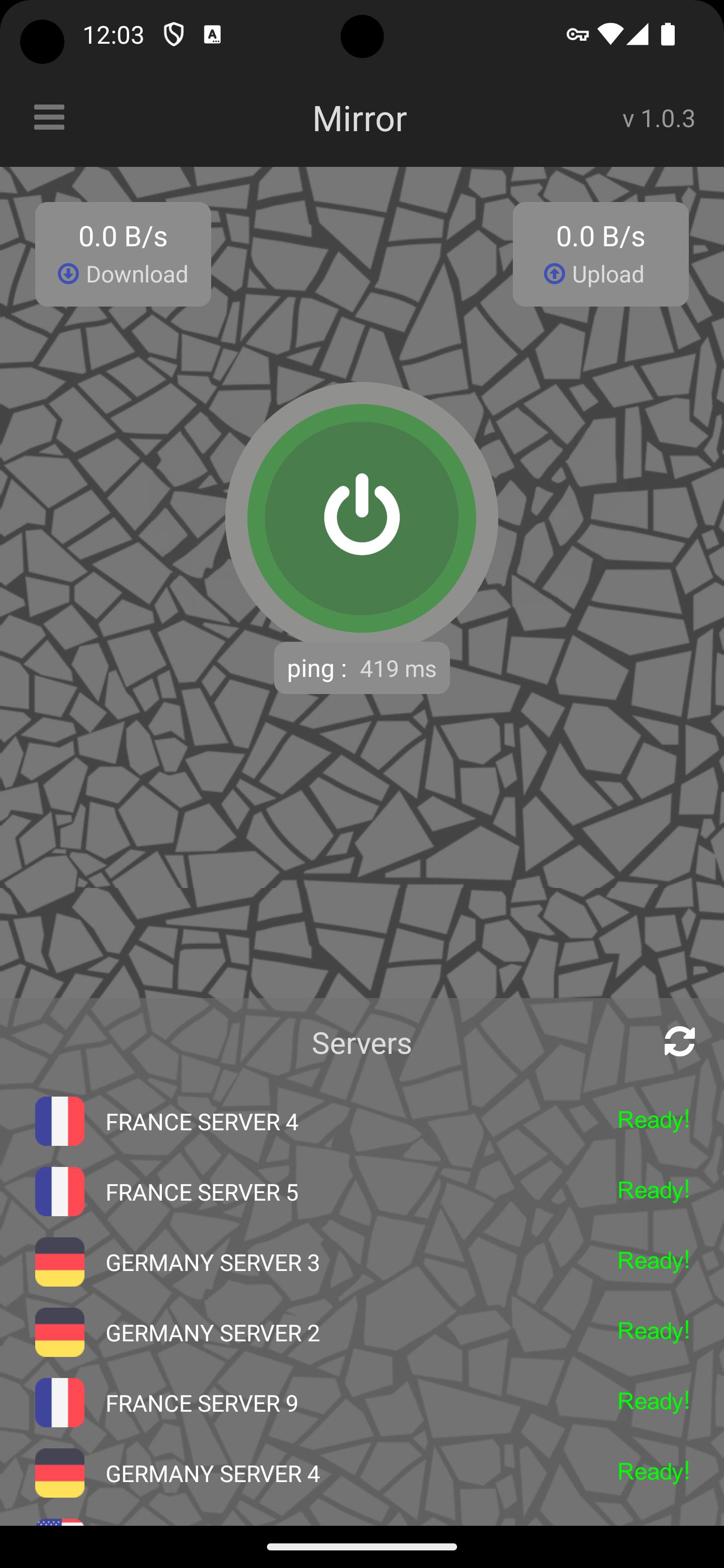
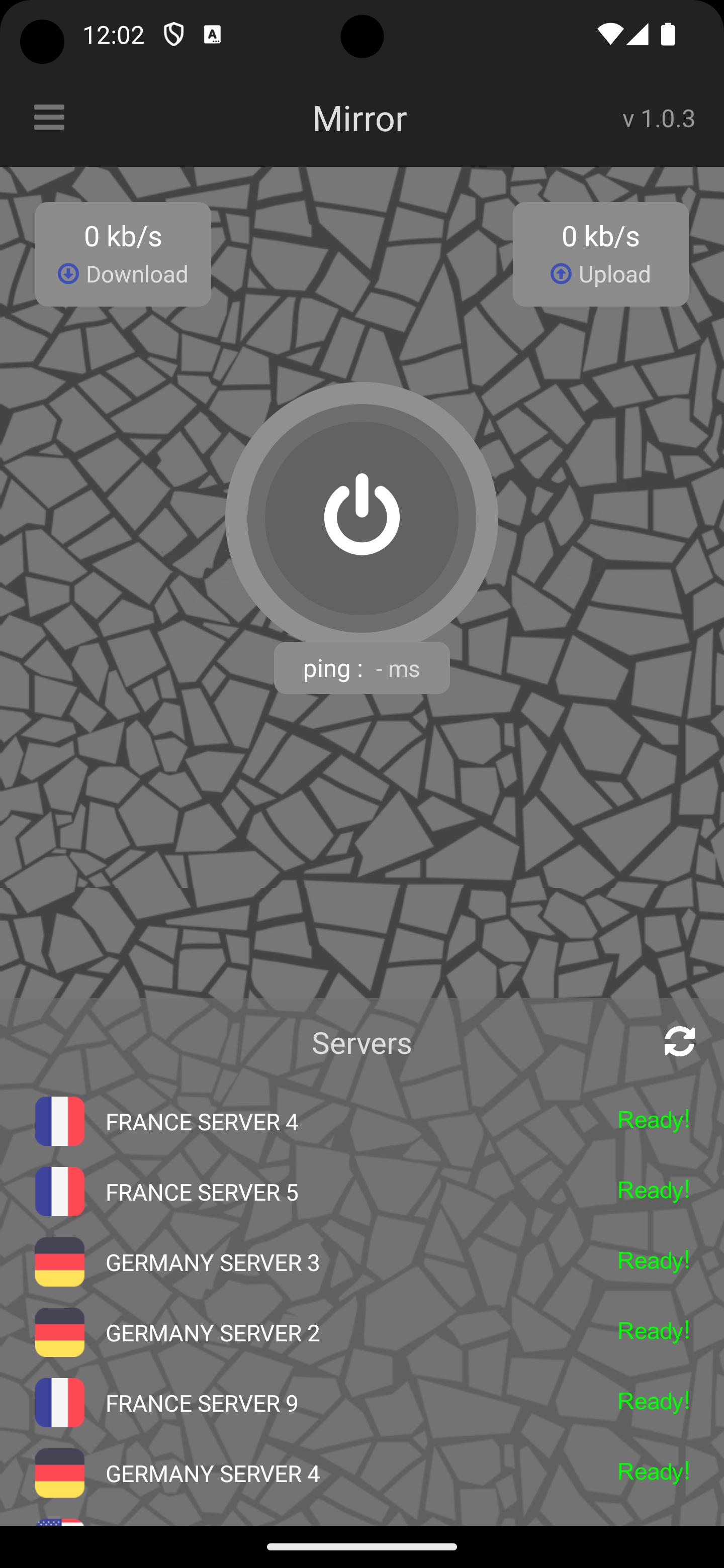
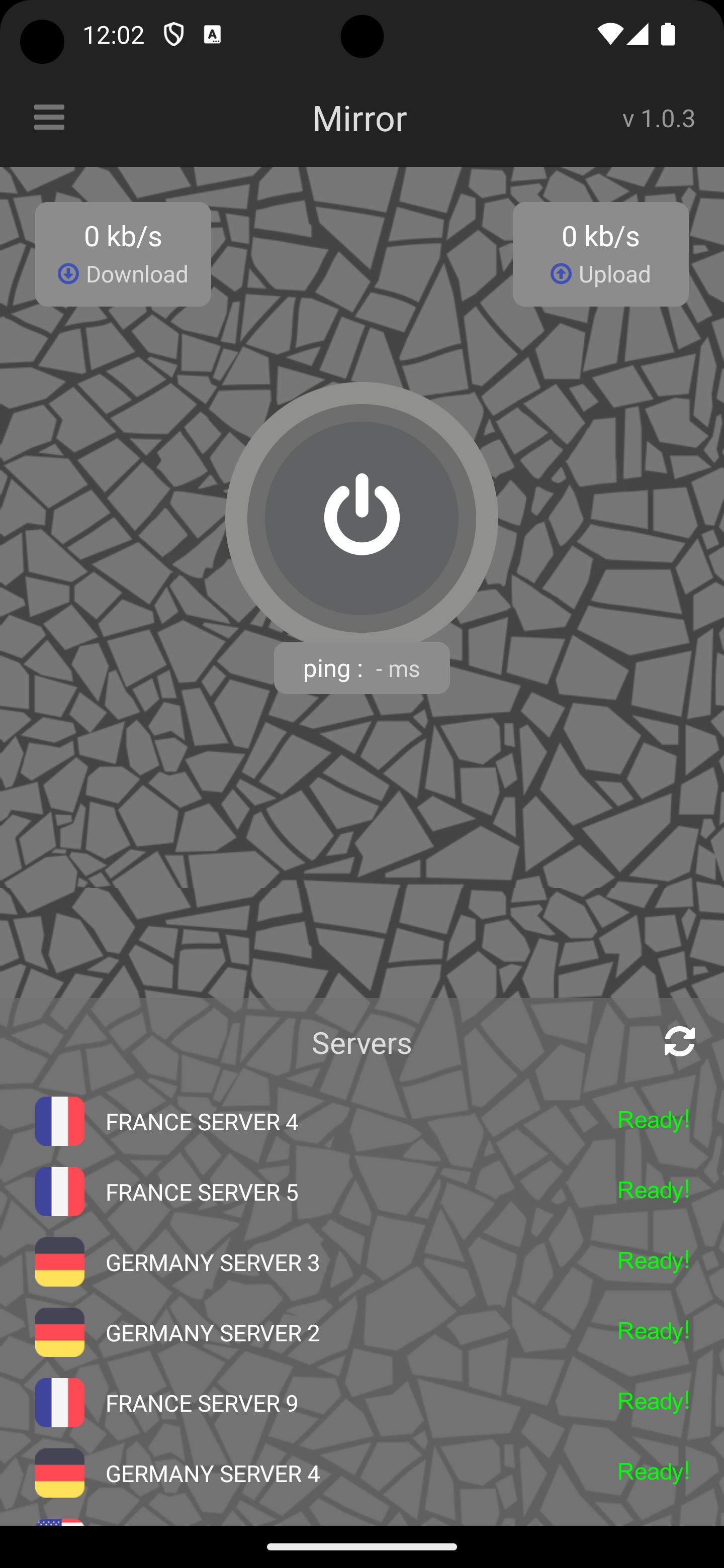
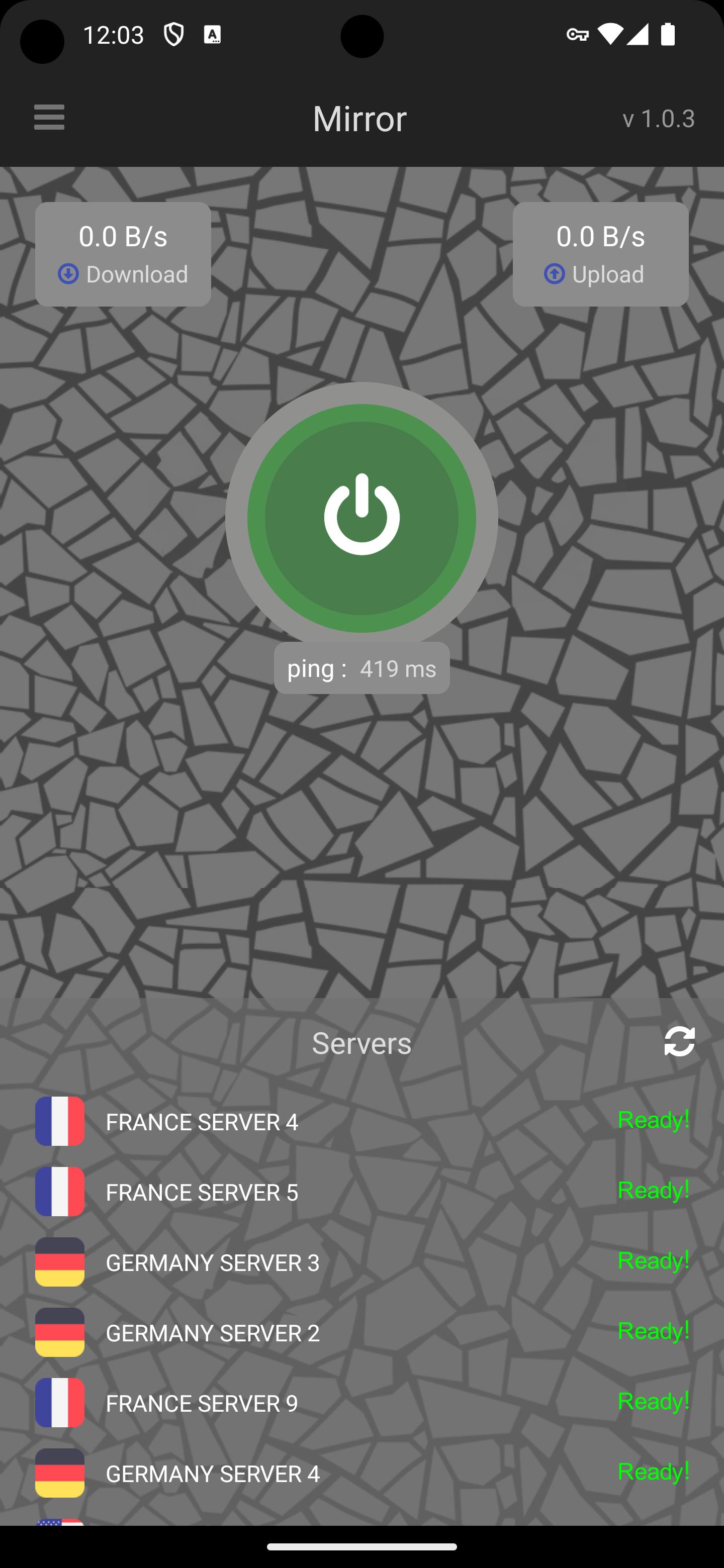
Mirror VPN offers quick connect with a large Connect button and a clear status indicator. Enable auto start in settings to stay protected as your device boots. This setup makes it easy to secure traffic at cafes, airports, and home. If performance dips, a brief reconnect can help.
Global servers for content access
After connecting, you can choose servers by country to access regional sites, streaming libraries, or game lobbies. Pick nearby regions for lower latency, or switch when a site still looks restricted. Bandwidth is unlimited, yet overall speed depends on server load and your internet conditions.
Protocol choices for speed and stability
Additionally, you can choose OpenVPN or IKEv2 to balance speed and stability. IKEv2 often reconnects faster on mobile, while OpenVPN works well on restrictive networks. Switching protocols takes only seconds, and it frequently resolves access or buffering issues.
Privacy and usage notes
To begin, install, allow the VPN permission, and tap Connect to secure traffic. If access seems slow, switch servers or change protocol in settings. For Android users, look for the Mirror VPN APK and confirm the status indicator before opening sites or streaming apps.
Latest Version
1.0.75Uploaded by
نساني ما سئل عني
Requires Android
Android 5.0+
Category
Free Tools AppContent Rating
Everyone
Report
Flag as inappropriateLast updated on Feb 12, 2025
bug fixed


APKPure - A multi-platform app store primarily focused on Android, providing extensive app-related content. Discover the app you want easier, faster, and safer, with quick and efficient downloads and installations.