MIKU helps you share travel scenes, daily highlights, and live conversations with people around the world. It suits users who want simple ways to express themselves and stay connected while on the move. With clear tools and an easy flow, you can show what you see and discover what others post, all in one place. If you plan to download MIKU, expect a focus on immediate sharing and community discovery without complicated setup.
Go live to share moments
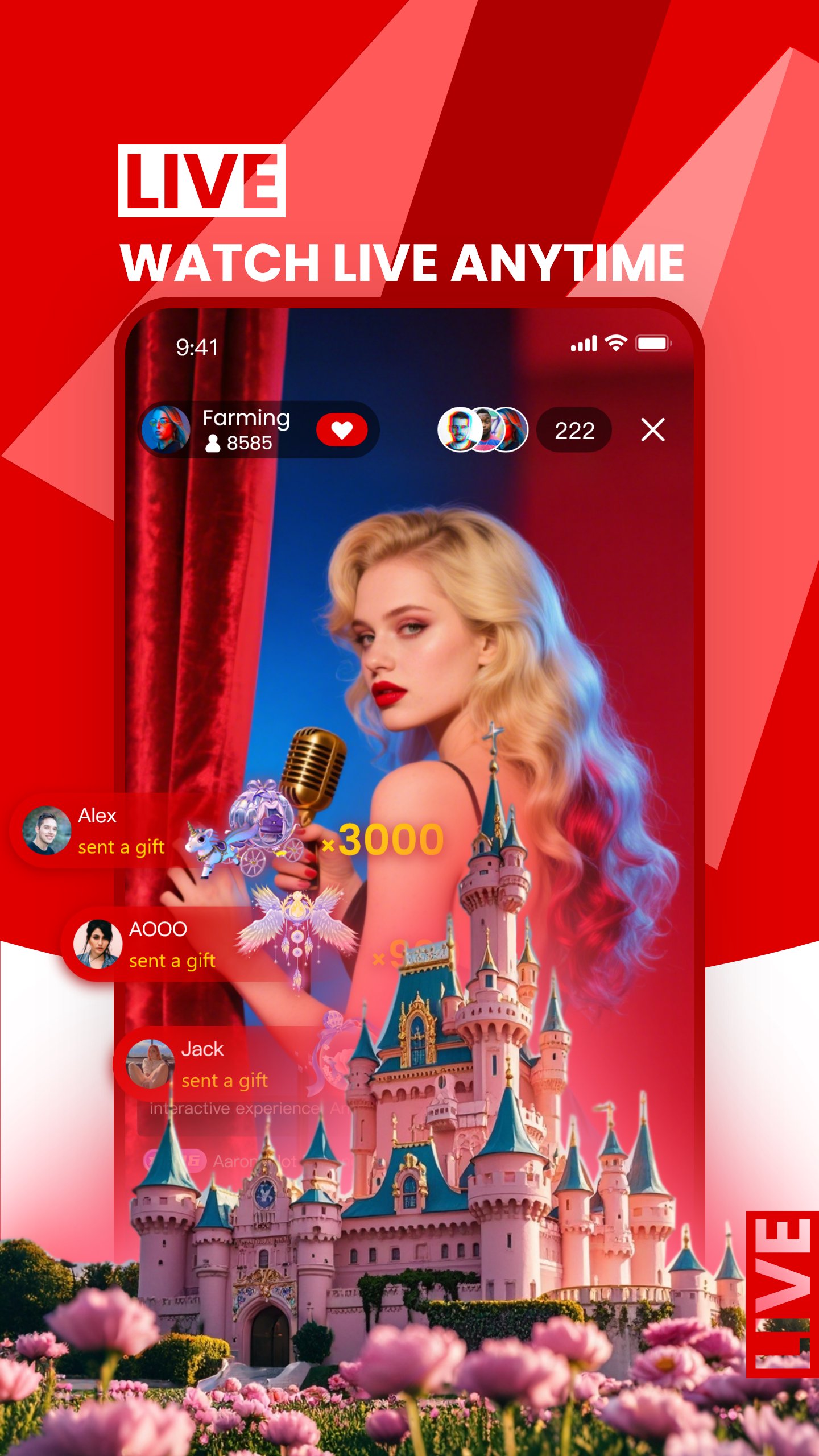
MIKU lets you start a live broadcast so friends and a wider audience can see what is happening now. You can share a scenic view during a trip or a small moment from your day. The live format focuses on being present, so your audience follows along as events unfold. As a result, your updates feel timely and direct.
Talk with viewers in real time
During a stream, you can read and respond to comments as they appear. This two way conversation helps you clarify details, answer questions, and keep energy in the moment. Viewers feel included, and you stay informed about what the audience wants to see next. This steady back and forth makes each live session more interactive.
Post stories with photos and text
Beyond live video, MIKU gives you a simple way to post stories that combine images and short text. You can capture a quick highlight, add context, and publish it for others to browse later. This helps you build a running diary without needing a full stream. It also makes it easy to share updates when you have only a few minutes.
Explore the community feed
You can browse a feed to see what other people share, from travel ideas to everyday tips. MIKU organizes posts so you can quickly find creators, places, and themes that match your interests. As you explore, you can save ideas for future trips or find new people to follow. This steady discovery complements your own posting routine.
AI ideas for trips and places
MIKU includes an AI assistant that suggests destinations, planning prompts, and exploration tips. You can use it to sketch a day plan or to gather ideas for a weekend trip. The assistant keeps suggestions practical so you can turn them into real itineraries. It works as a starting point when you do not know where to go next.
This listing is for the social live streaming app named MIKU. It is not the Mikucare or Miku Baby Monitor product, and it is not related to Hatsune Miku content. If your goal is a baby monitor or vocal character media, this app will not match those needs. For users looking for a live social platform with travel and story sharing, this is the correct MIKU.
Live content on MIKU focuses on public sharing and community interaction. Share only what you are comfortable making visible to others, and keep conversations respectful. When posting or going live, avoid sharing sensitive personal details. These simple habits help maintain a positive experience for you and for other users.
Streaming quality depends on your connection. If a live session pauses or ends unexpectedly, check your network signal and try again. Switching to a more stable connection often improves audio and video consistency. These steps help reduce interruptions during key moments.
Users who search for MIKU app download or MIKU APK often want the most current tools. Checking the MIKU latest version helps ensure access to recent improvements and stable performance on your phone.
MIKU focuses on fast sharing and easy discovery. To begin, open the app and choose whether to start a live session or post a simple story. If you use MIKU for Android for the first time, take a moment to learn the basic controls before going live.
MIKU brings live video, simple stories, and travel ideas together in one place, so you can share and explore quickly. When you are ready, use MIKU download to install the app and begin posting your moments.
Latest Version
1.0.35Uploaded by
Kenneth Muñoz
Requires Android
Android 7.0+
Category
Free Tools AppContent Rating
Teen · Diverse Content: Discretion Advised
Report
Flag as inappropriateLast updated on Jan 21, 2026
Payroll Agent Upgrade: Withdrawals Made Easier!




APKPure - A multi-platform app store primarily focused on Android, providing extensive app-related content. Discover the app you want easier, faster, and safer, with quick and efficient downloads and installations.