1. Inserts / captures the image
2. Press + / - to zoom in / out
3. Drag the image to fit the measurement area on the phone screen
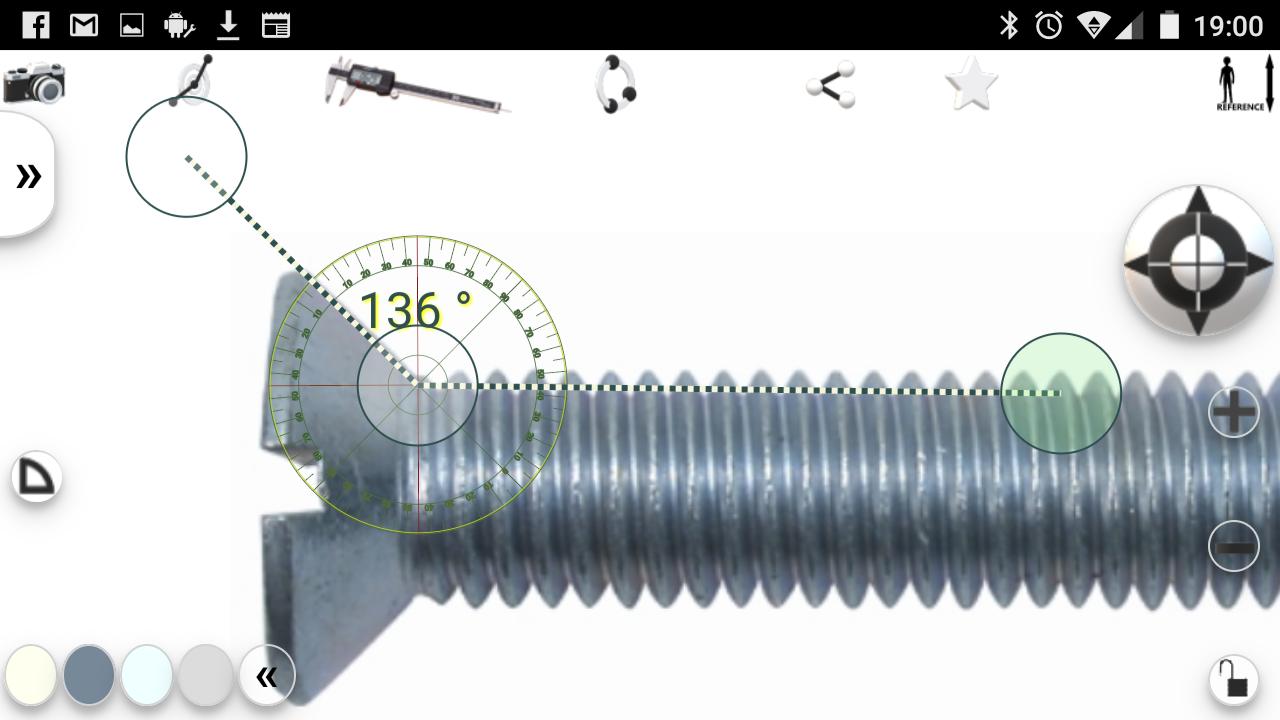
4. Press the caliper to make the measuring tool active.
5. Align the measuring instrument with the reference object
6. Press the top right button to enter the length of the reference object.
7. Now you can zoom in / out and make any measurements you want.
8.Change the instrument with the protractor to measure angles
9. capture the screen image (with dedicated phone software) to save the measurements
Latest Version
1.0Uploaded by
Bisso W Bass
Requires Android
Android 4.0+
Category
Free Tools AppContent Rating
Everyone
Report
Flag as inappropriateLast updated on Oct 14, 2019
Api level 28. Replacing some libraries





APKPure - A multi-platform app store primarily focused on Android, providing extensive app-related content. Discover the app you want easier, faster, and safer, with quick and efficient downloads and installations.