
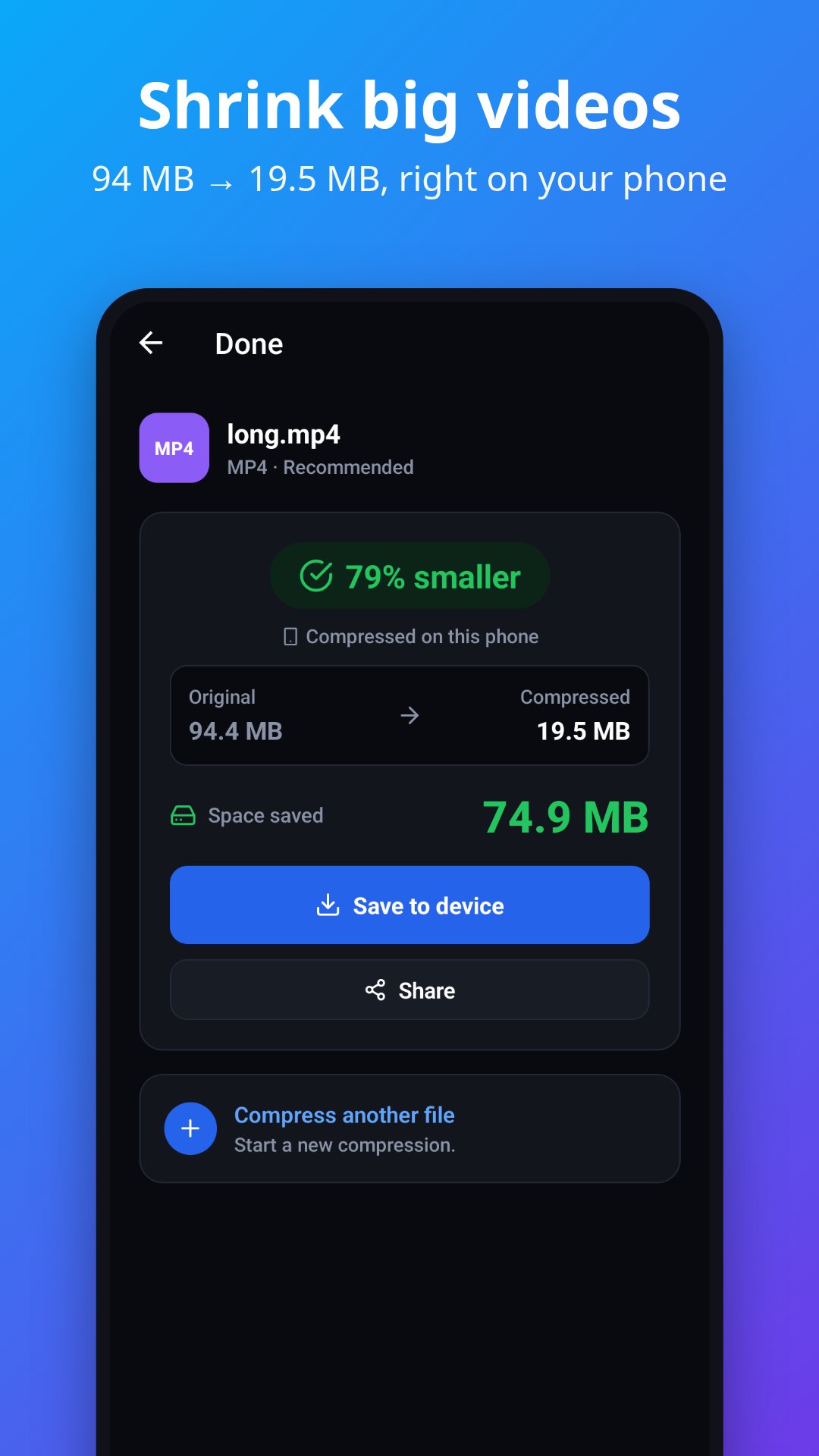
Make videos and photos small enough to send. Shrink a 3.5 MB photo to under 200 KB, get a video under Gmail's 25 MB limit, or resize a photo to the KB size a form asks for.
Photos and videos are compressed right on your phone whenever it can, so they don't need to be uploaded. PDF, Office, audio and archive files are compressed on MiCompress servers.
WHAT IT COMPRESSES
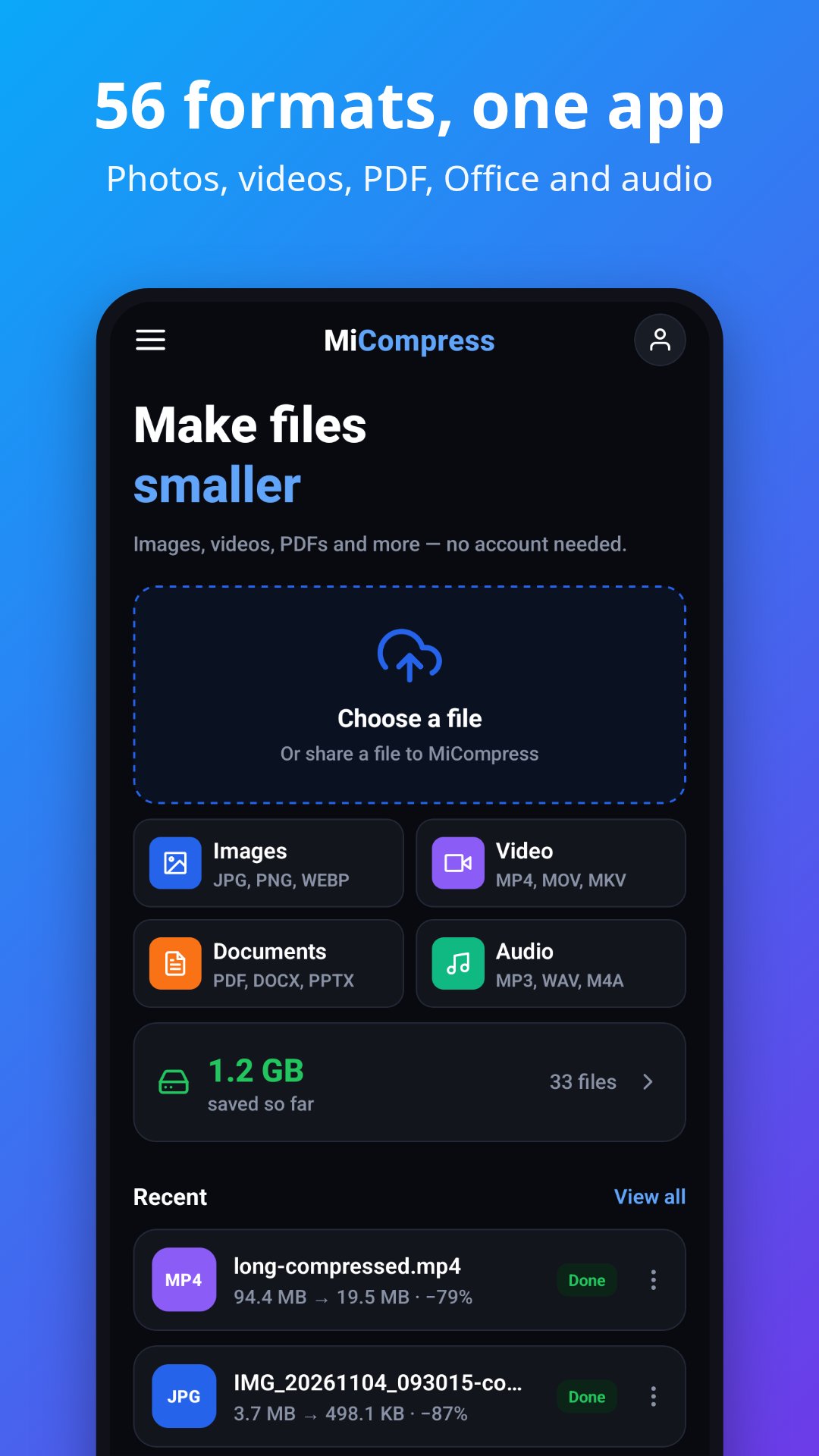
• Documents: PDF, Word, Excel, PowerPoint, EPUB, OpenDocument, RTF, TXT, CSV, JSON, XML
• Images: JPG, PNG, WebP, HEIC, AVIF, GIF, TIFF, BMP, SVG, ICO, PSD and camera RAW (CR2, NEF, ARW, DNG)
• Video: MP4, MOV, MKV, WebM, AVI, WMV, FLV, 3GP, MPEG
• Audio: MP3, M4A, AAC, WAV, FLAC, OGG, Opus, AIFF, WMA
• Archives: ZIP, 7Z, RAR, TAR
HOW IT WORKS
1. Pick a file — or share it to MiCompress from any other app.
2. Choose how hard to squeeze: Lossless, Recommended or Smallest. Images can also be resized.
3. See exactly how much you saved, then save or share the smaller file.
WHY MICOMPRESS
• 56 formats in one app, each with a tool built for it — not one generic setting for everything
• Works without an account. A free account raises the limit to 100 MB for every file type
• Files larger than 100 MB are uploaded in pieces, up to your account's limit
• If the app closes during a long compression, the result is waiting when you come back
• Keeps a history of your compressions on your phone
• Files are deleted from our servers within 24 hours and never shared
Photos and most videos are compressed on your phone. Other formats need an internet connection.
Latest Version
Varies with deviceRequires Android
Category
Free Tools AppContent Rating
Everyone
Report
Flag as inappropriateLast updated on Oct 30, 2026
This release includes minor bug fixes and general improvements. Update to the latest version for the best experience.



APKPure - A multi-platform app store primarily focused on Android, providing extensive app-related content. Discover the app you want easier, faster, and safer, with quick and efficient downloads and installations.