Package Name:com.duokan.phone.remotecontroller
SHA-256:b27e6caaf395f55b4adad8b115481502a06f0e1eacccc044334f9699251c6f2a
Show More


Mi Remote fits common home situations where the remote is missing or multiple devices need to be managed from one place. It turns an Android phone into a simple controller for living room equipment and helps reduce clutter without changing how you watch or listen. You can switch channels and adjust settings with familiar controls, and the guided setup lowers the effort to start. If you plan to download Mi Remote, it offers practical control options through infrared or network connections for everyday devices.
Universal control with IR blaster
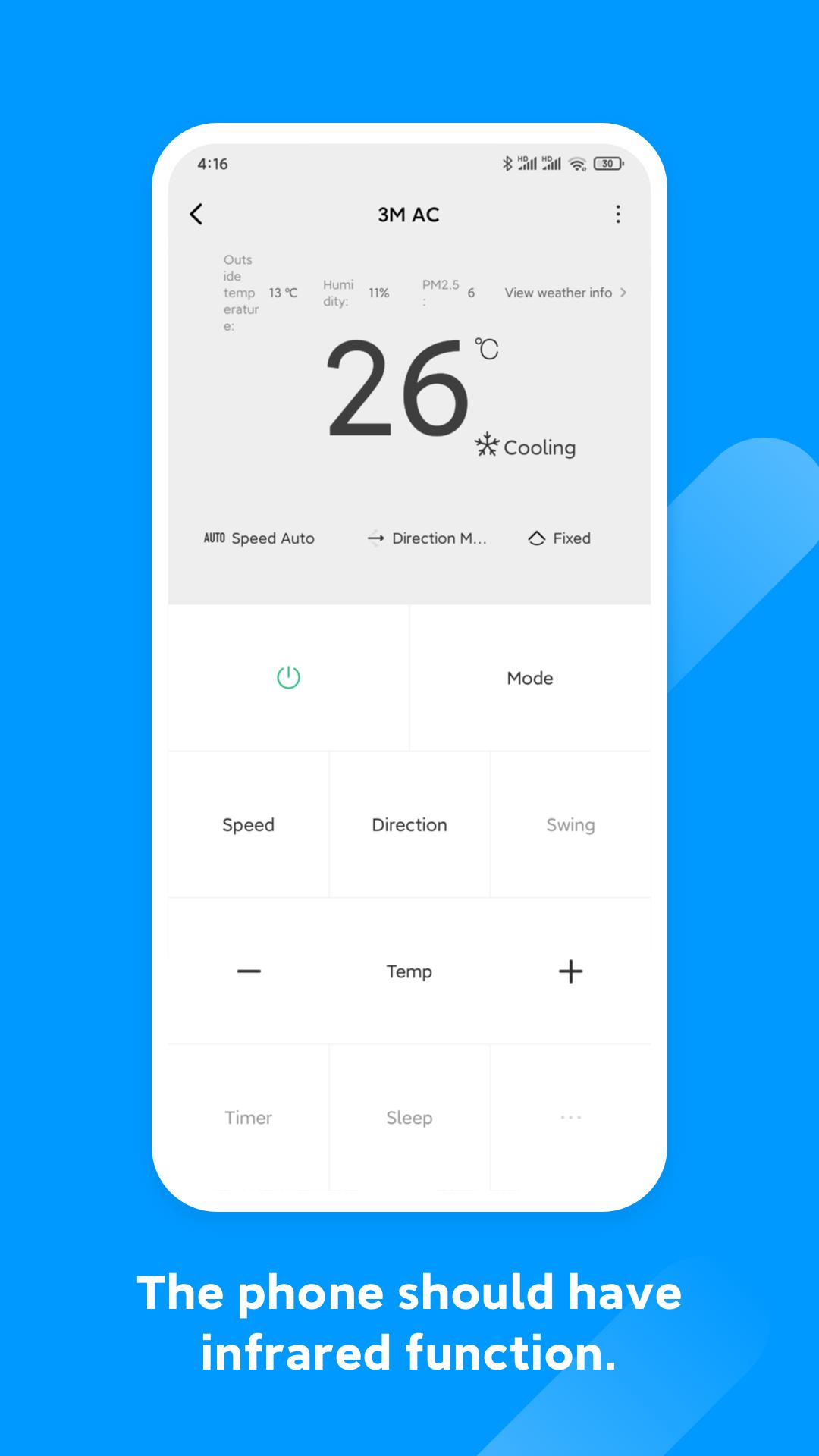
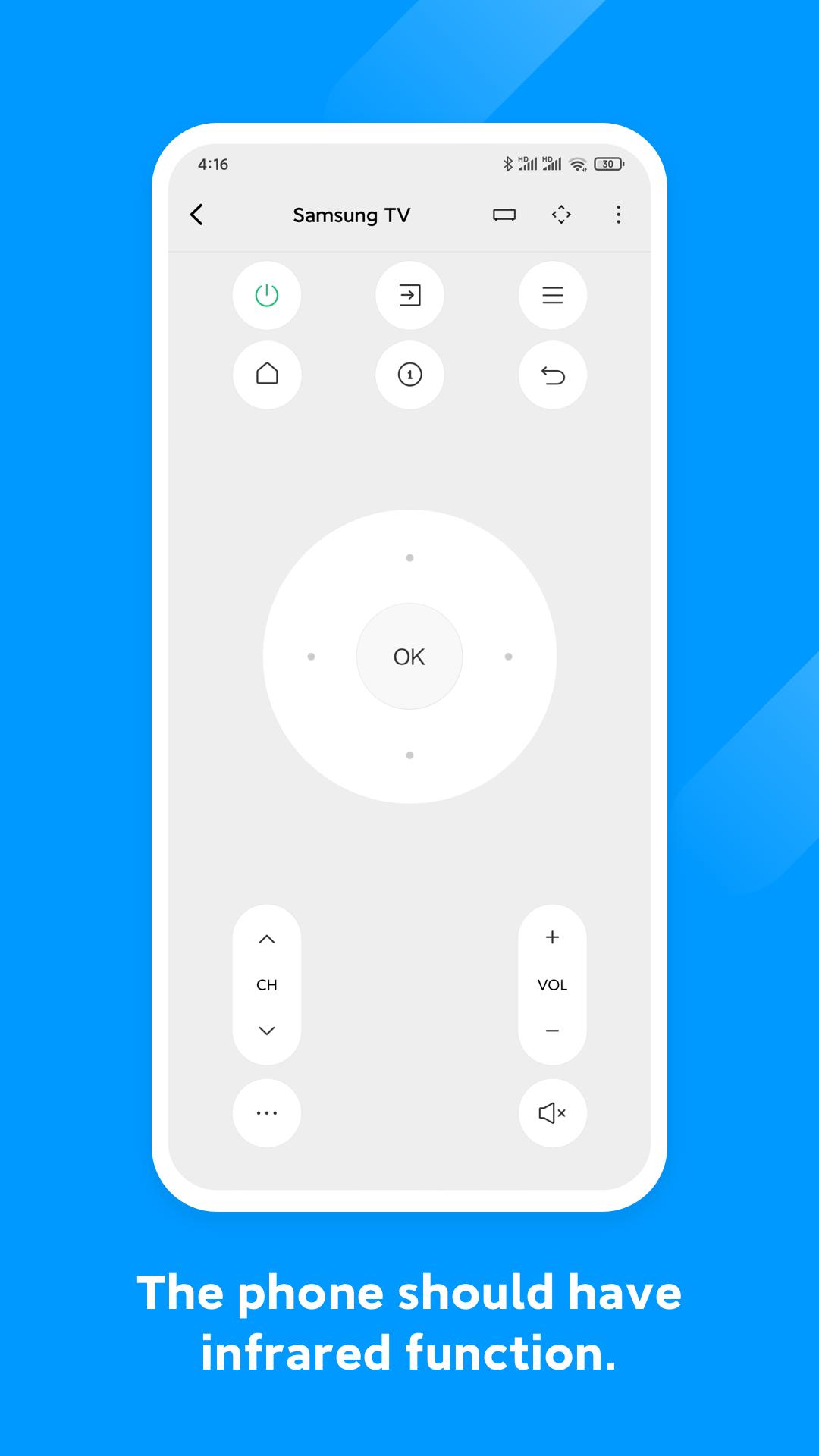
Mi Remote uses your phone’s infrared hardware to send remote codes to TVs and other appliances. You can keep controls for multiple rooms inside the app and switch between them when needed. This mirrors how a traditional remote behaves and responds as soon as the phone is pointed at the device.
Wi‑Fi control for Mi TV and smart boxes
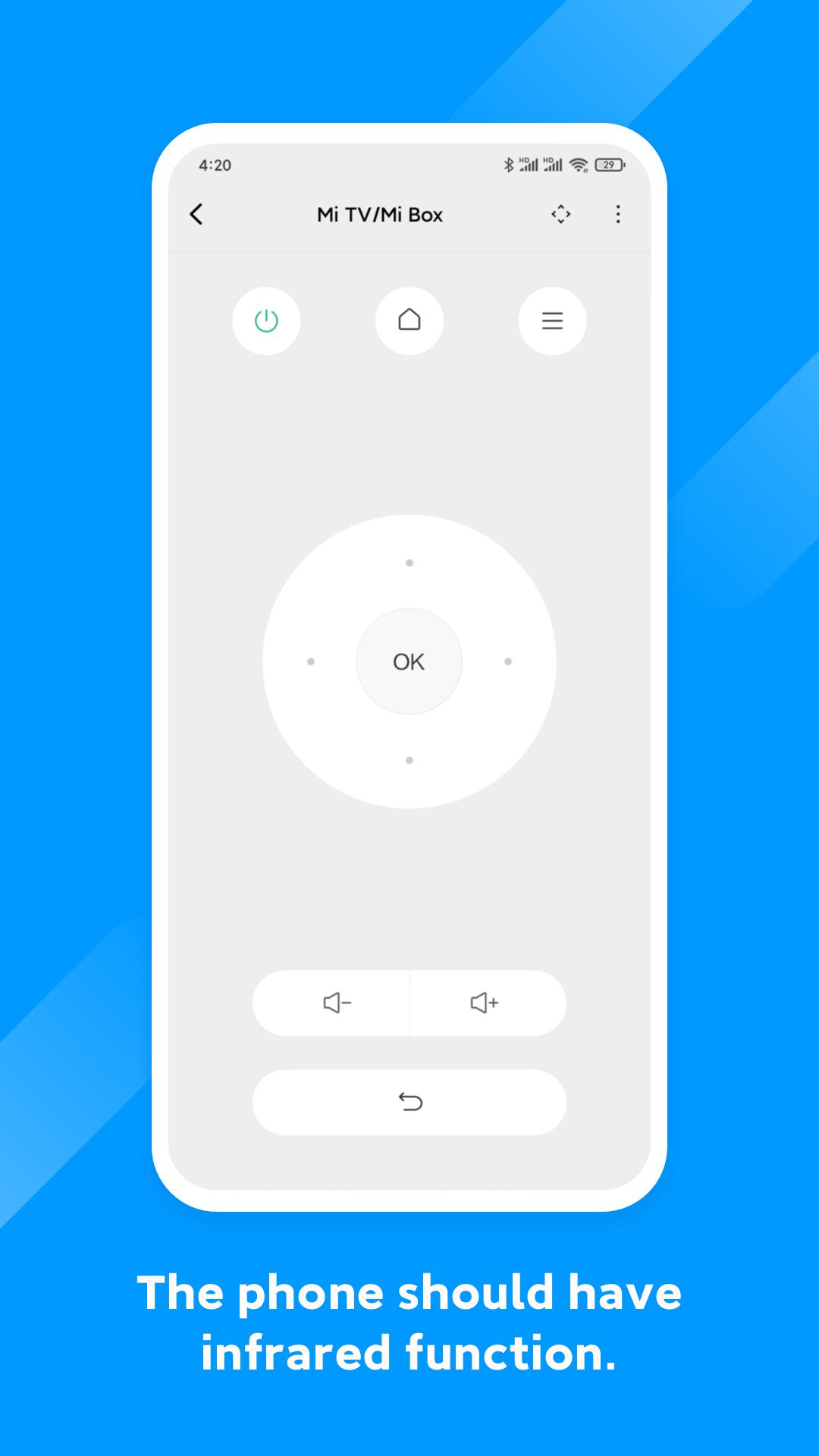
If your phone does not include an IR port, Mi Remote still controls Mi TV and Mi Box over Wi‑Fi. It also works with many smart TVs that accept standard network protocols. Connect when the phone and TV share the same network, then manage power, inputs, and navigation without line of sight.
Broad coverage for devices and brands
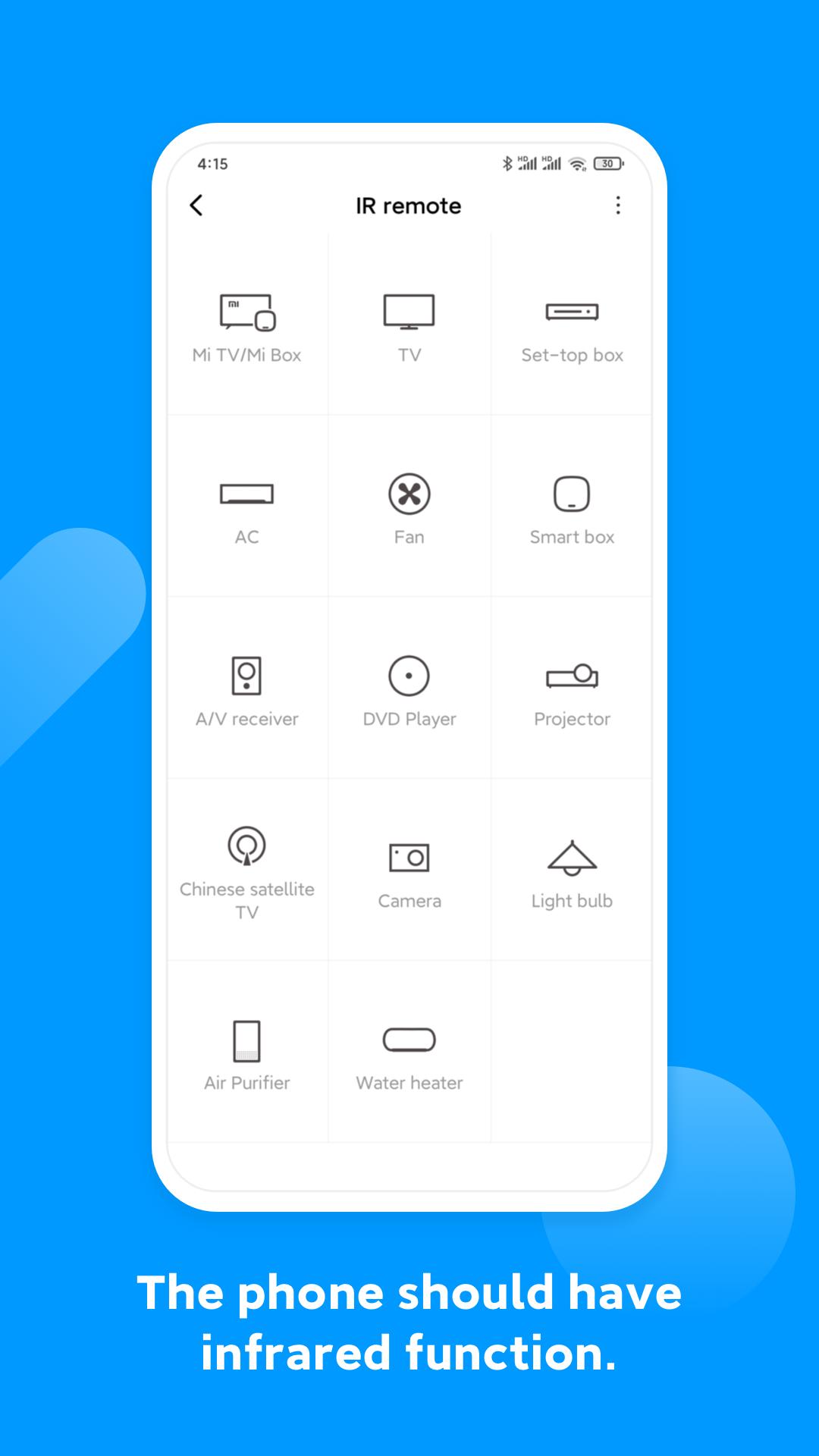
Mi Remote supports common living room and home appliances and provides ready-made remote profiles for major manufacturers.
This range helps users find matching codes for many models without manual configuration.
Phone compatibility and prerequisites
Phones with a built-in IR blaster can control IR-based devices directly. Sample supported models include Samsung Galaxy S4, S5, S6, Note 3, Note 4, HTC One series, Xiaomi Mi and Redmi phones, and Huawei Honor 3 and Honor 6. If a phone lacks IR hardware, you can still control Mi TV and Mi Box over Wi‑Fi using the same app.
Integrated TV schedules and show info
Mi Remote includes TV scheduling and program information so you can browse listings and view details. You can jump to the channel from the schedule or open selected content on mobile where supported. This integration shortens the steps between discovering a show and watching it.
Device support varies by model and region, so some appliances may not respond to certain codes. During setup, use the on-screen Power button test and follow prompts until the device turns on or off. If it does not respond, try another brand profile or provider option inside the app. Keeping Mi Remote latest version installed helps ensure the newest code updates and protocol improvements are available.
For Mi TV, Mi Box, and supported smart TVs, place the phone and TV on the same Wi‑Fi network. Network control does not require an IR port, which makes the app useful on phones without infrared hardware. If the TV has multiple network inputs, confirm the active connection before pairing to avoid timeouts.
After installation, open Mi Remote to add your first device and follow the guided pairing prompts. The app presents brand and provider choices and uses an on-screen test to confirm control. Users who install the Mi Remote APK can repeat these steps for each room or device.
Mi Remote turns an Android phone into a practical controller for many home devices, with IR and Wi‑Fi options for different setups. To organize remotes in one place and simplify everyday control, you can download Mi Remote APK and begin pairing in minutes.
For product guidance from the developer, see the official support article below.
Latest Version
7.1.3GUploaded by
မိ ဝိုင္း စိန္
Requires Android
Android 5.1+
Category
Free Tools AppContent Rating
Everyone
Security Report
Check Now
Report
Flag as inappropriateLast updated on Mar 29, 2025
Optimize the Design of Partial Interfaces, Such as the Addition Process and Remote Control Backup




APKPure - A multi-platform app store primarily focused on Android, providing extensive app-related content. Discover the app you want easier, faster, and safer, with quick and efficient downloads and installations.