Scan Date:Jul 22, 2025
Show More


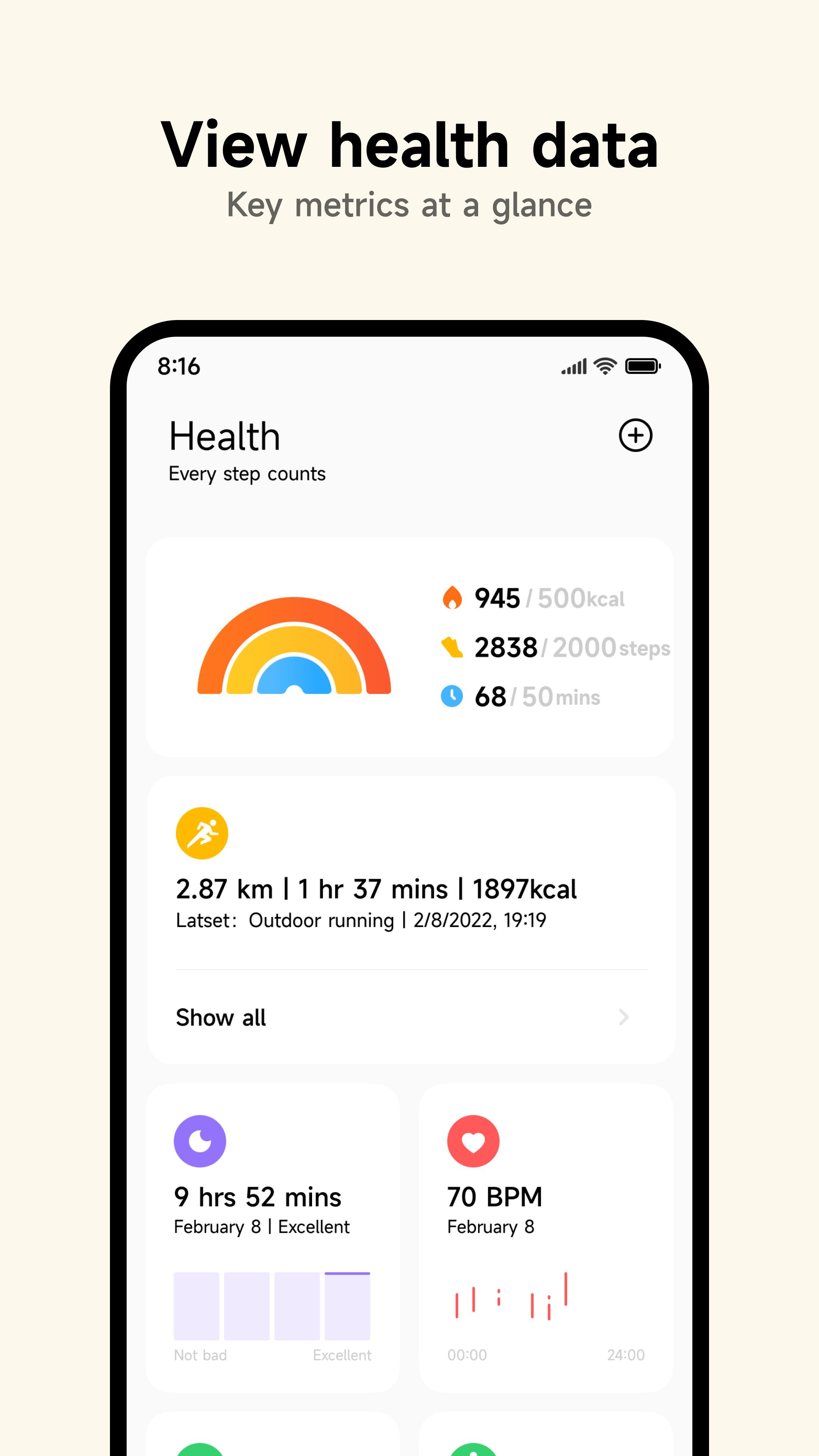
Mi Fitness helps users who own a Xiaomi watch or band set up the device and keep health data organized. It connects the wearable to your phone, syncs activity, and mirrors important alerts, so you can check key info on your wrist. Because different tools need different access, permissions are requested only when a feature needs them. Using the Mi Fitness APK, you manage pairing, workouts, and data sharing in one place, while keeping notification and location settings under your control.
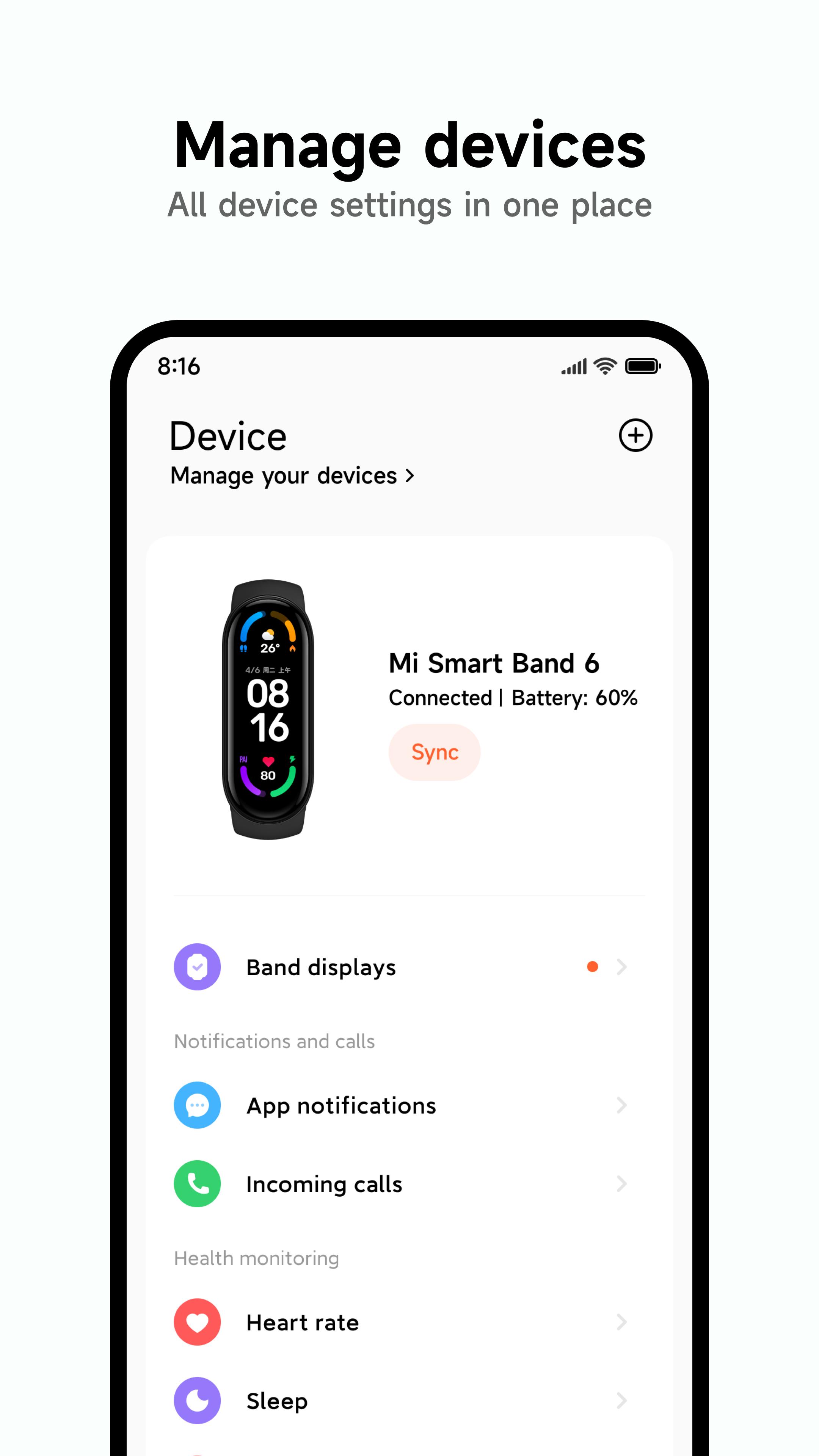
Mi Fitness detects nearby Xiaomi watches and bands over Bluetooth for quick setup. You can scan a QR code shown on the wearable to complete pairing without manual entry. The camera permission is used only for QR pairing when you choose that method. After connection, the app keeps your device linked for reliable syncing in the background.
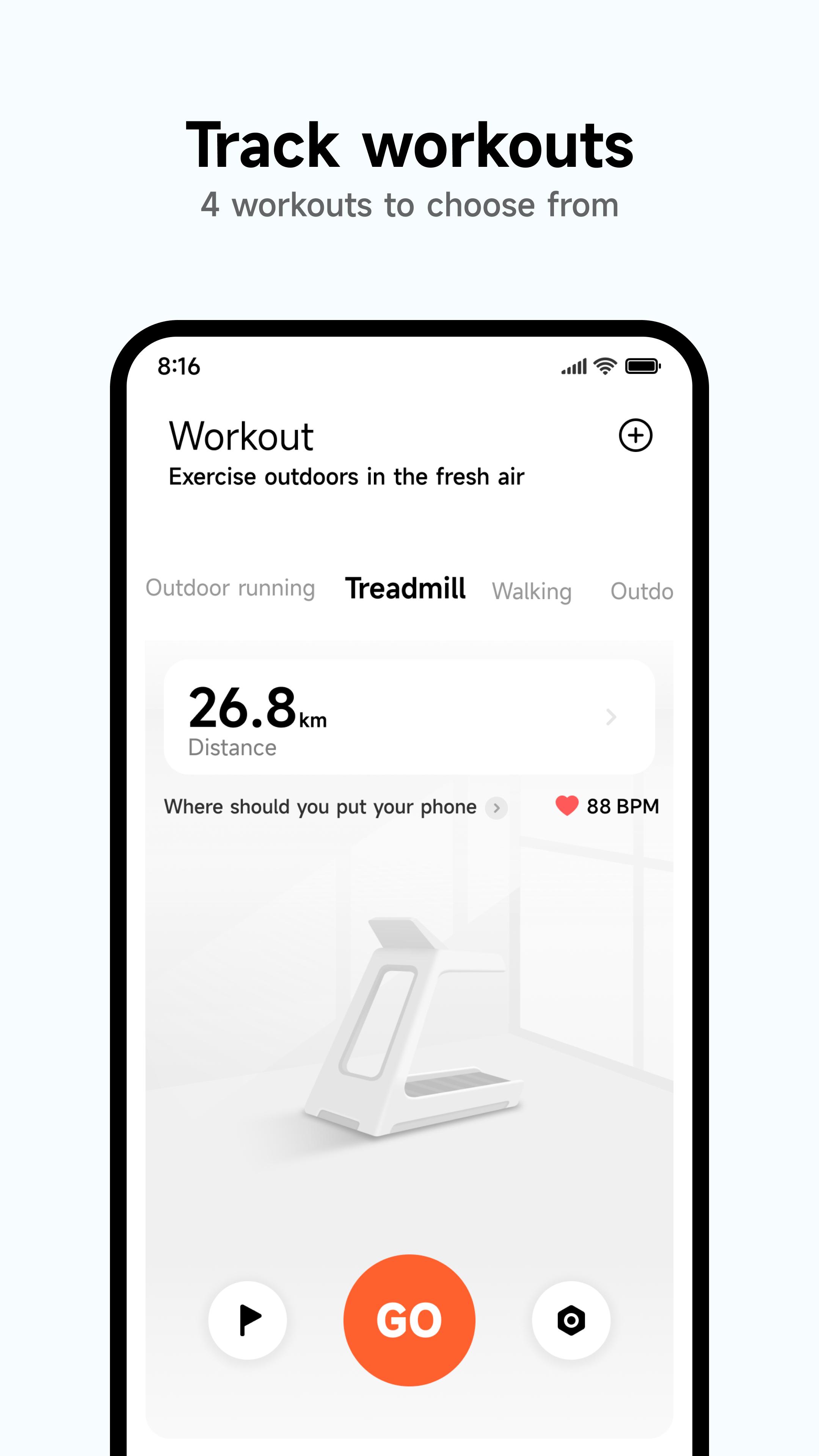
Activity and workout trackingYou can track steps, distance, and calories throughout the day, then review progress on your phone or wrist. Mi Fitness supports treadmill, outdoor running, walking, cycling, pool swimming, and freestyle modes to cover common routines. When location is enabled, outdoor runs and rides use GPS data to calibrate distance and improve route accuracy. Workout summaries help you see how each session went at a glance.
Notifications and calls on your wristMi Fitness mirrors phone notifications to your watch or band so you can view incoming calls, SMS, and app alerts without reaching for your phone. You can also see call history and synced contacts if you enable the related permissions. Settings let you choose which apps send alerts and whether call information appears on the wearable. This keeps important updates readable while you move.
Routes, weather, and SOSWith location services turned on, Mi Fitness records routes for supported outdoor activities and displays local weather on your wearable. Distance calibration improves accuracy over time, especially for outdoor running and cycling. If configured, Emergency SOS can send your location to a chosen contact, helping you share where you are when assistance is needed.
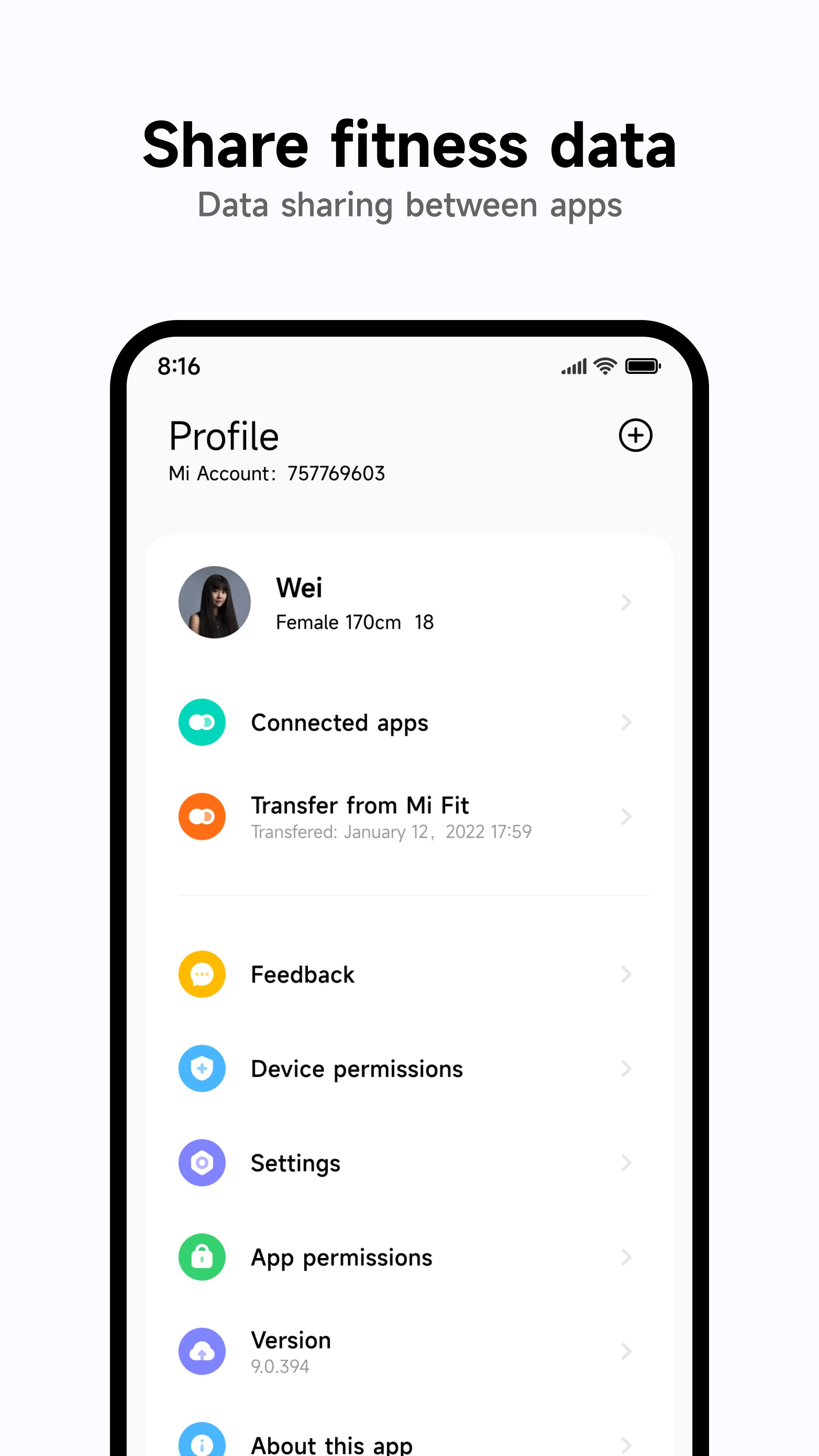
Health extras, data sync, and mediaMi Fitness can monitor snoring during sleep when microphone access is granted, adding extra context to sleep tracking. On supported devices, Physical Activity data appears on your wrist for quick checks. The app integrates with Health Connect to share eligible health metrics with other supported services you select. You can also manage local audio files for playback on your device and capture Sports Vlog clips when camera and microphone access is enabled.
The app may also appear as “Xiaomi Wear” in some materials, but it refers to the same official companion for Xiaomi wearables. Permissions in Mi Fitness are optional and feature-based, meaning the app asks for access only when you use a function that requires it, such as camera for QR pairing, microphone for snoring monitoring, contacts for on-wrist caller details, or location for routes and weather. You can adjust each permission anytime in your phone settings.
If you need a copy of your records, Mi Fitness supports data export. Go to Privacy, open Manage Your Data, choose Mi Fitness, then select Download and bind an email address as prompted. After the file is prepared, use the link sent to your email to retrieve your data.
To get started, download Mi Fitness on your phone and prepare your Xiaomi watch or band. The app guides you through pairing and essential settings. After setup, you can enable only the tools you want to use.
Mi Fitness helps you pair a Xiaomi wearable, track daily activity, and view key phone alerts on your wrist. For dependable tracking and current features, use the Mi Fitness latest version.
For official resources and help, visit:
Latest Version
9.8.348iUploaded by
Beijing Xiaomi Mobile Software Co.,Ltd
Requires Android
Android 8.0+
Category
Free Health & Fitness AppContent Rating
Everyone
Security Report
Report
Flag as inappropriateLast updated on May 13, 2026
Minor bug fixes and improvements. Install or update to the newest version to check it out!


APKPure - A multi-platform app store primarily focused on Android, providing extensive app-related content. Discover the app you want easier, faster, and safer, with quick and efficient downloads and installations.