Package Name:com.promisingapps.pdfinterleaver
SHA-256:f0fb188c7440ea1d299e4c343c2e9bb5b7e25690123d5673fedab045a483b042
Show More
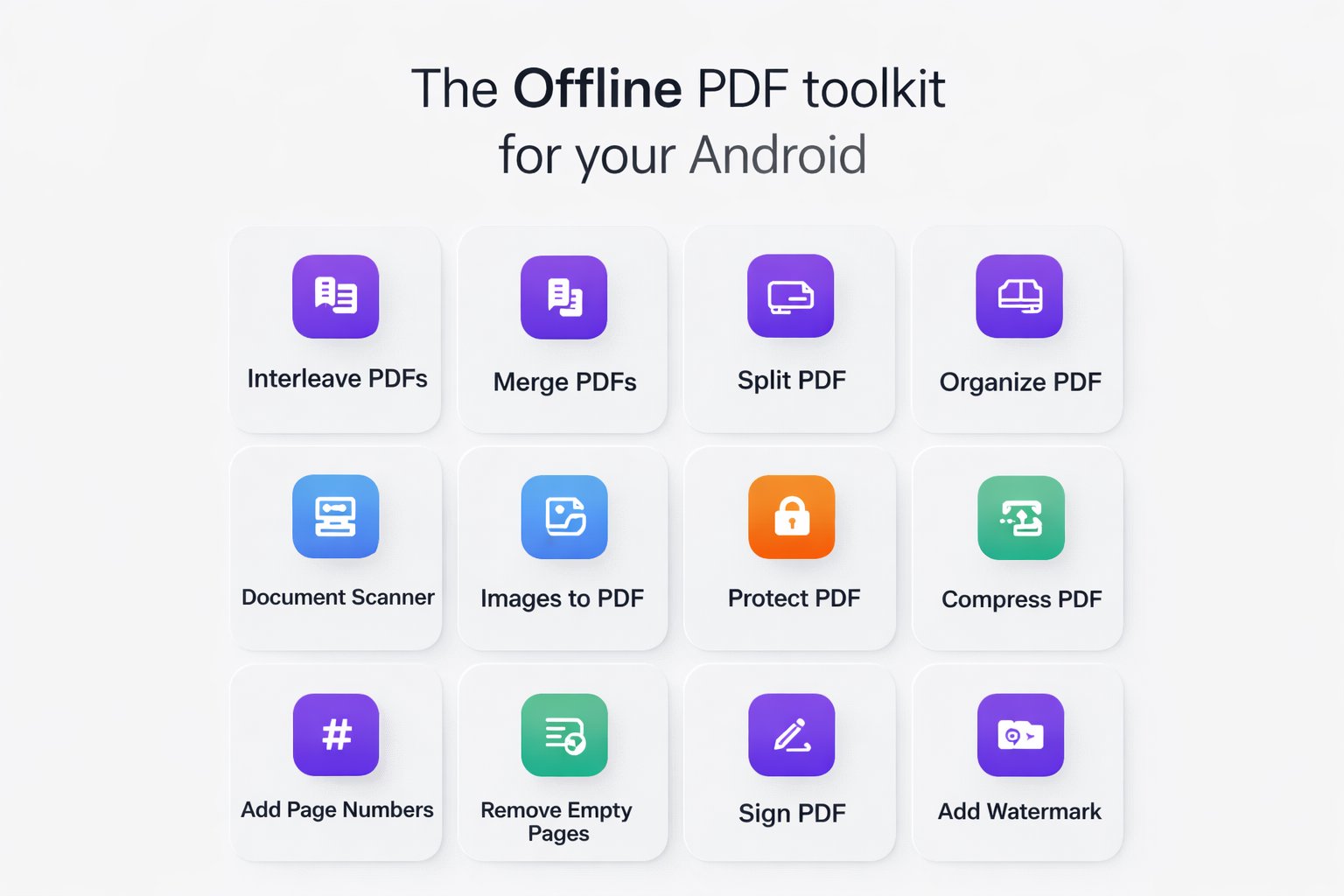
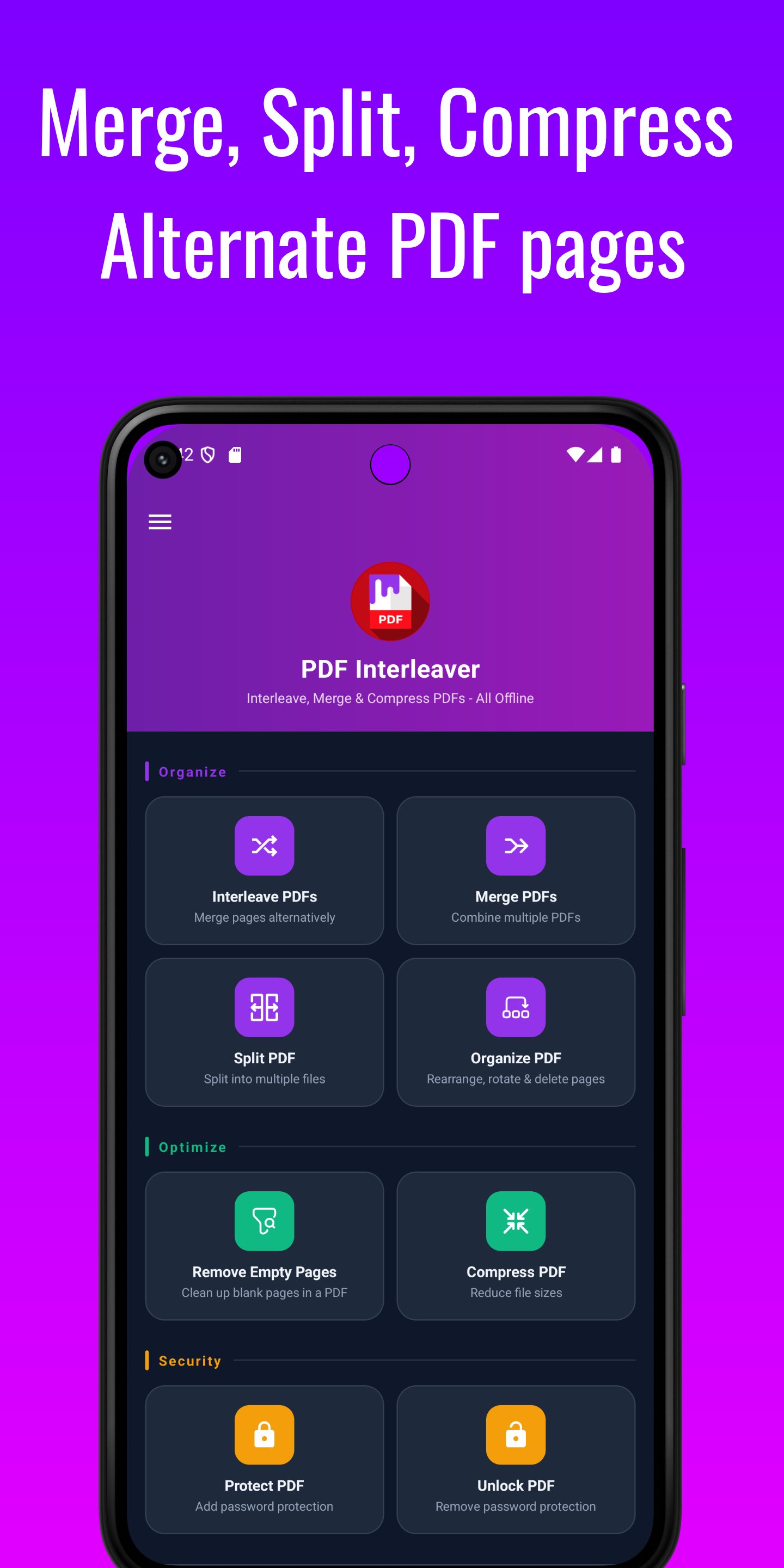
The PDF toolkit your Android deserves — 100% offline, no cloud uploads, no account required. Every operation runs locally on your device. Your documents never leave your hands.
17 tools. No ads. No subscription. No account required.
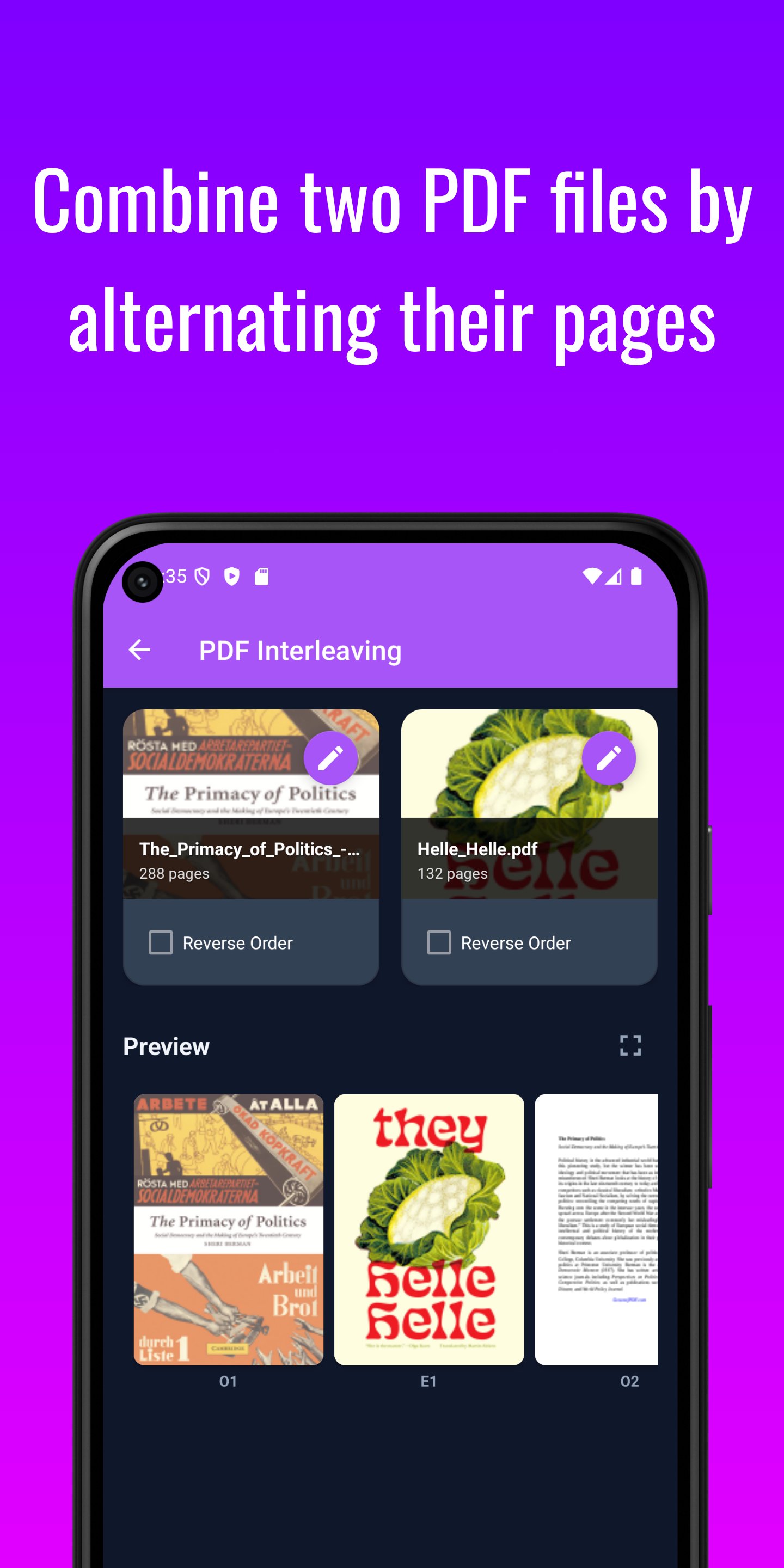
🔀 INTERLEAVE PDFS — OUR SIGNATURE FEATURE
The only Android app built specifically for alternating-page merging. Perfect for duplex scanner users: scan the front pages, scan the back pages, then merge them into the correct reading order automatically.
✓ Mix pages from two PDFs in sequence — odd from one, even from the other
✓ Reverse order support — fix backwards scans in one tap
✓ Works with PDFs of unequal page lengths
✓ Live preview before saving
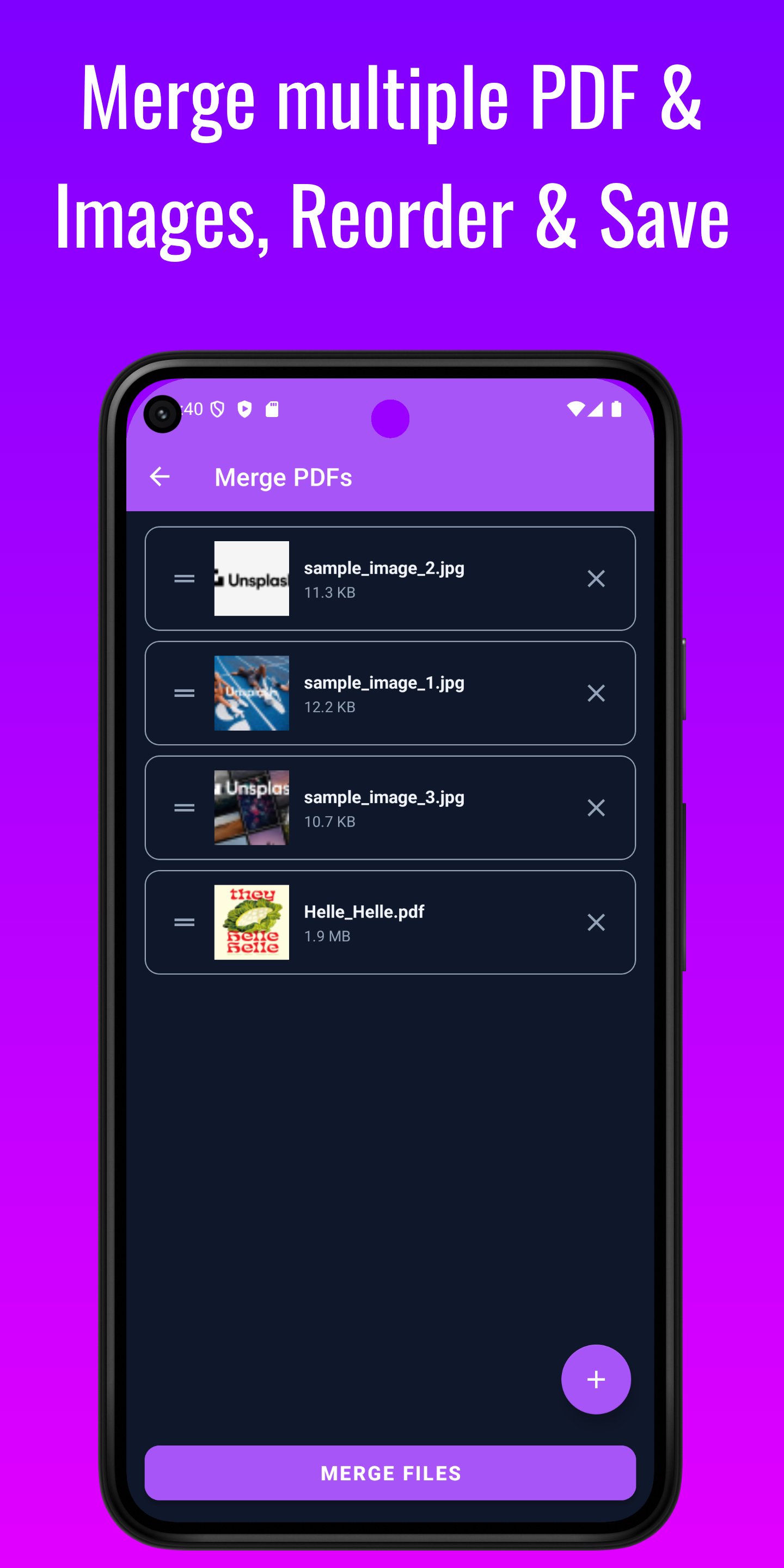
📄 MERGE PDFS & IMAGES
Combine multiple PDF, JPG, and PNG files into a single document in any order. Drag and drop to rearrange before saving. No file count limits.
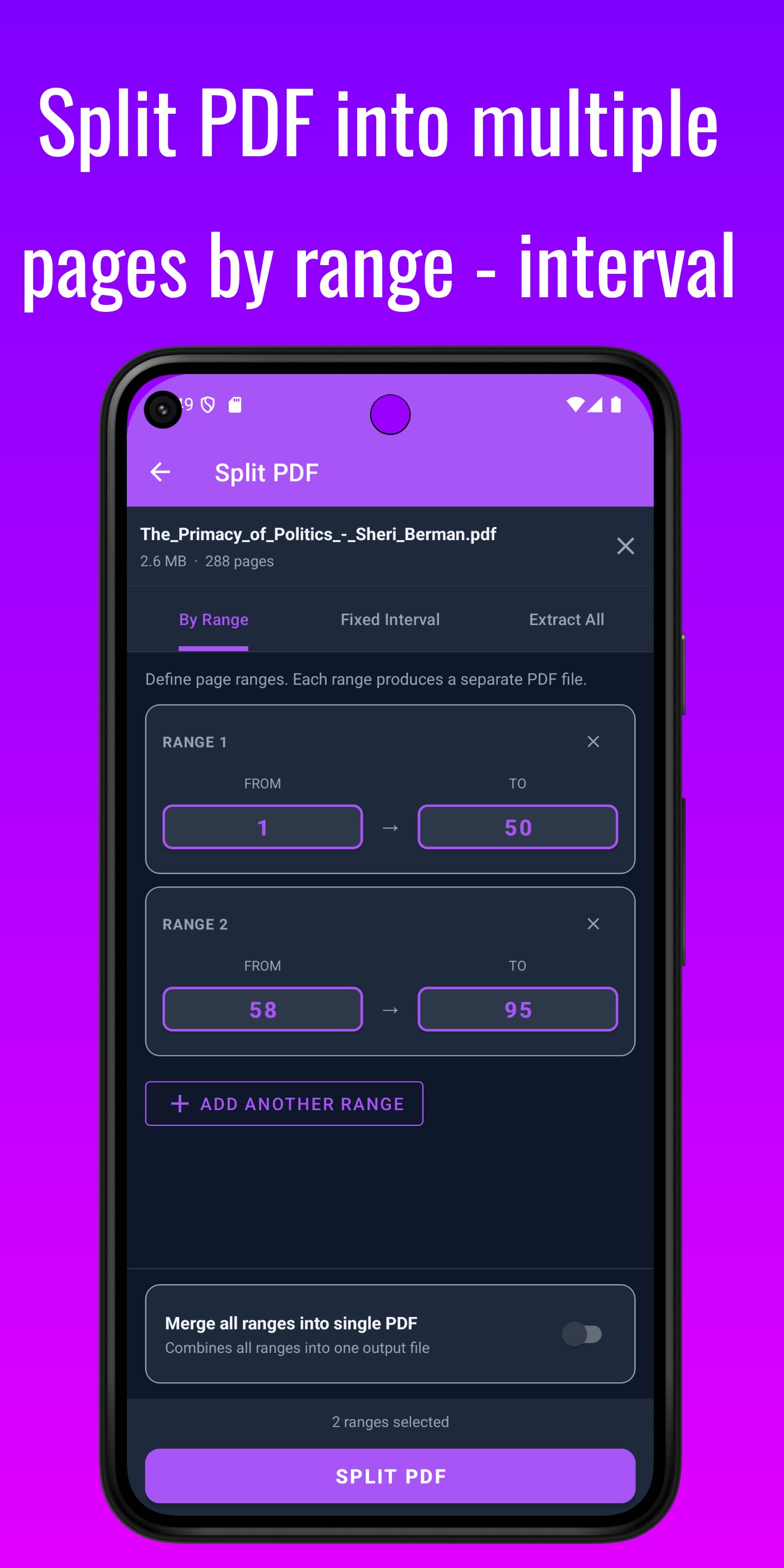
✂️ SPLIT PDF — THREE MODES
Break any PDF into exactly the pieces you need:
✓ By custom page ranges — optionally merge all ranges into one output file
✓ Every N pages automatically
✓ Extract every page as its own separate PDF
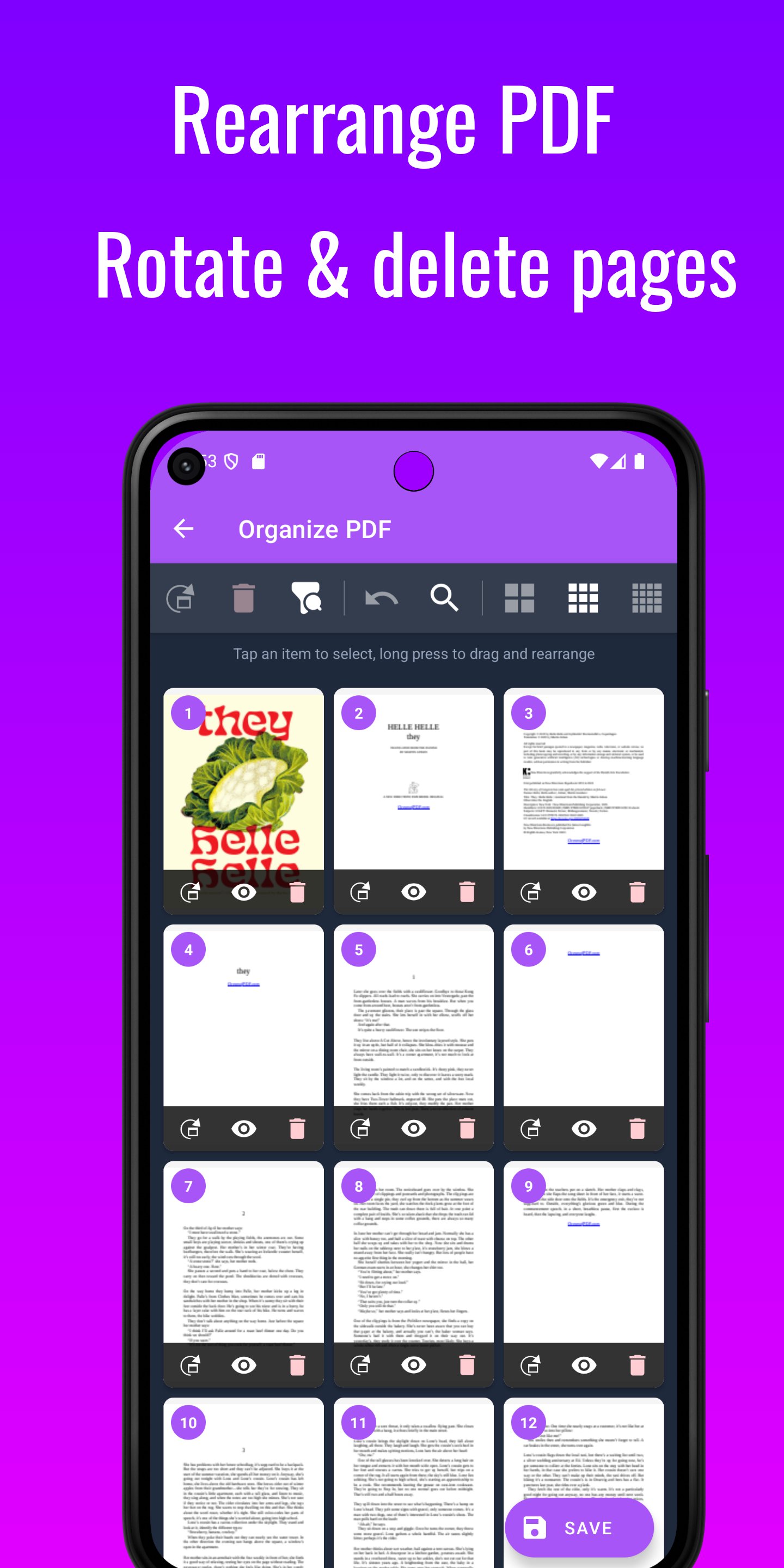
🔄 REARRANGE PAGES
Full drag-and-drop page management using a visual thumbnail grid. Rotate individual pages (90°, 180°, or 270°), delete or duplicate them, then drag to any position. Every action is undoable — rotate, delete, duplicate, or move.
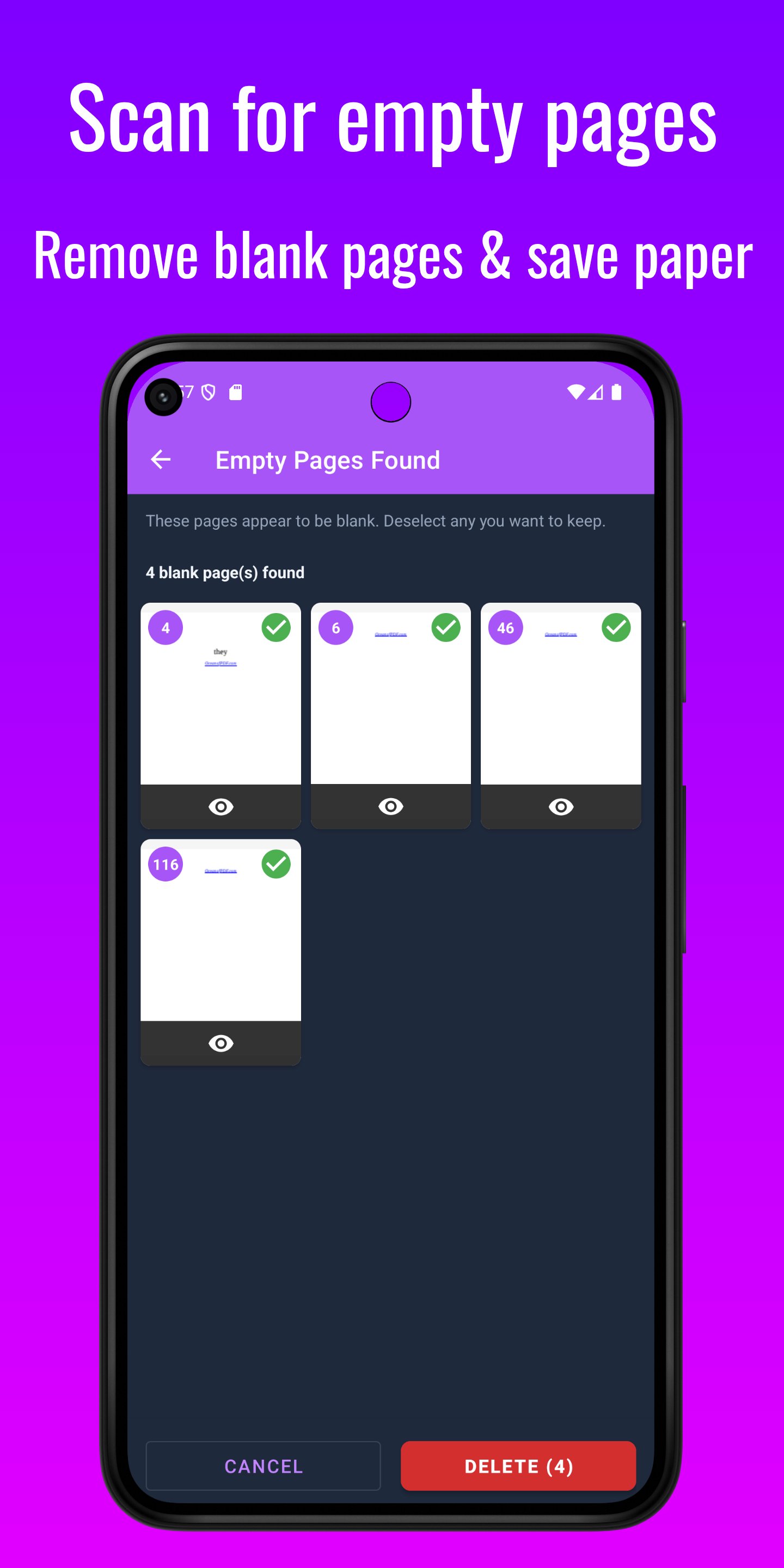
🧹 REMOVE BLANK PAGES
Automatically detect and remove empty or near-blank pages from scanned documents. Preview every flagged page before confirming removal — nothing is deleted without your approval.
🖼️ CLEAN SCAN
Remove yellowed and discoloured backgrounds from scanned PDFs — ideal for ink-saving reprints of old documents, photocopied papers, or faded receipts. Smart Auto mode adjusts whitening dynamically per page. Manual mode gives you direct brightness and contrast control. A live before/after preview shows the exact result before you save.
✍️ REMOVE ANNOTATIONS
Strip comments, sticky notes, arrows, highlights, and markup objects added by PDF editors — including Mac Preview, Adobe Acrobat, and others. Share clean copies without exposing internal feedback or review markups.
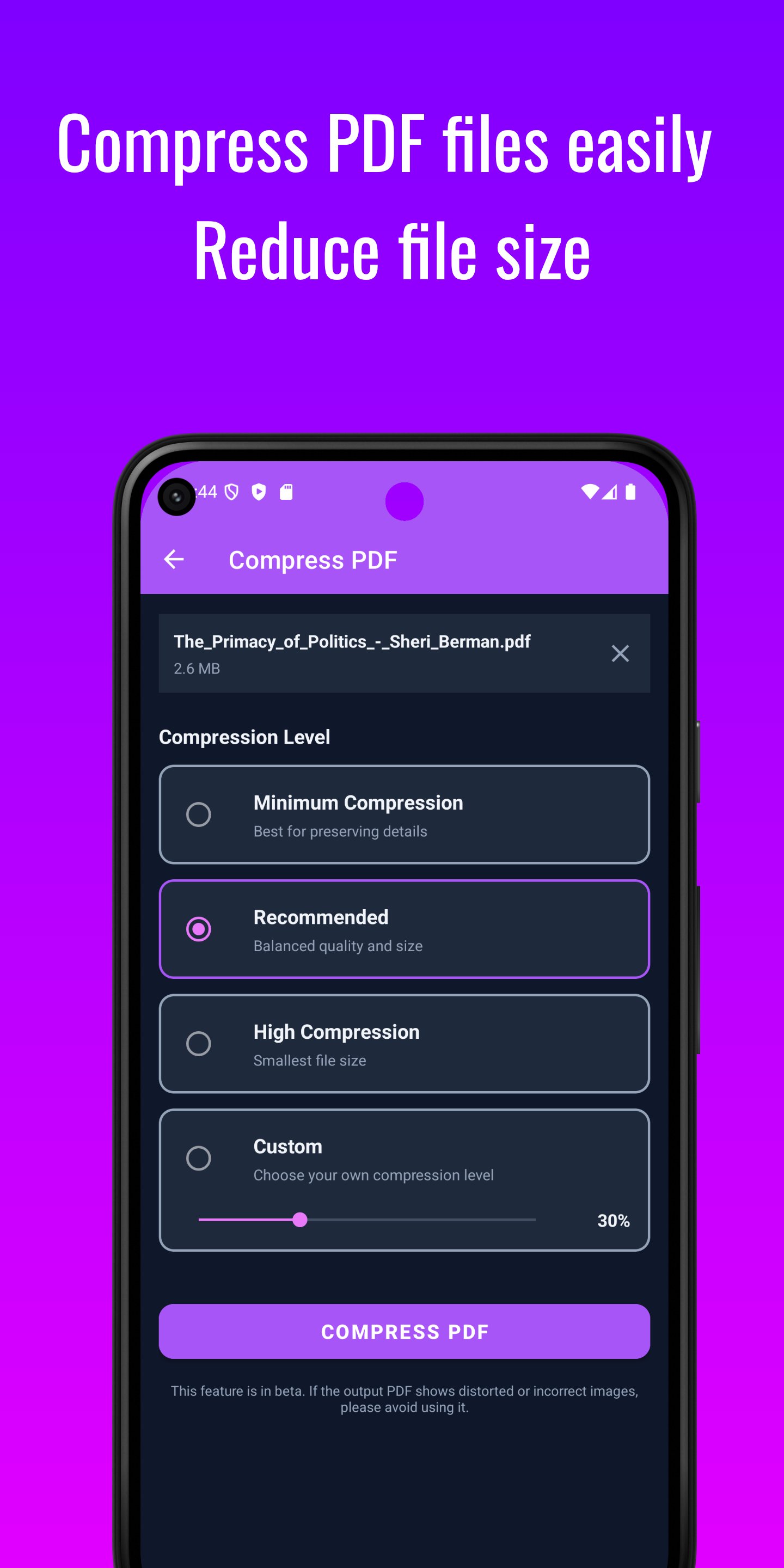
⚡ COMPRESS PDF
Reduce file size for email or storage. Three levels: Low (preserves image quality), Medium (balanced), High (smallest possible size). You choose the trade-off.
🔒 PROTECT & UNLOCK PDF
Add 128-bit password encryption to any PDF in seconds. Or remove protection from documents you own — without needing a separate tool.
📷 SCAN DOCUMENTS & BUILD PDFS
✓ Scan physical pages directly with your camera (ML Kit-powered)
✓ Convert JPEG, PNG, or WebP images into a PDF — configure layout, page size, orientation, margins, and compression
✓ Export individual PDF pages as high-quality JPG images
🔢 MORE PDF TOOLS
✓ Page Numbers — choose position, format, font size, and colour, with live preview
✓ Watermark — text or image, with opacity, rotation, and position control
✓ Flatten PDF — rasterise all content, or form fields only
👥 WHO USES PDF INTERLEAVER?
Lawyers reassembling duplex-scanned case files. Accountants collating multi-page financials. Students merging lecture notes and handouts. Researchers compiling papers. Office workers fixing scanner output. Anyone who needs a fast, private PDF tool on Android — without depending on the internet.
🔐 PRIVACY & SECURITY
No internet. No cloud. No account. No data collection. No tracking. All processing happens on-device. Your files never leave your phone.
No ads. No subscription. Full tools, always free of interruptions.
Dark mode support. Material 3 design. Small install size. Instant startup.
📩 Questions or suggestions? developer.promisingapps@gmail.com
Latest Version
10Uploaded by
Jack Nord
Requires Android
Category
Free Tools AppContent Rating
Everyone
Security Report
Check Now
Report
Flag as inappropriateLast updated on Mar 24, 2026
Fixes: Fixes for app crashes and more effective merge algorithms.
New features:
* Flatten PDF - Make the pdf read-only by merging comments and notes to background layer
* PDF to JPG - Extract PDF pages to images
* Add Page Numbers - Add page numbers to your pdf, fully customizable.
* Add Watermark to PDF
* eSign PDF - Add your signature image or draw a signature and embed them in your pdf.


APKPure - A multi-platform app store primarily focused on Android, providing extensive app-related content. Discover the app you want easier, faster, and safer, with quick and efficient downloads and installations.