Package Name:com.allset.merchant
SHA-256:2fc71db1d9d98bc5372caf82929b2022f11bbf2e3ef082ca2d7895090d0ed2ca
Show More

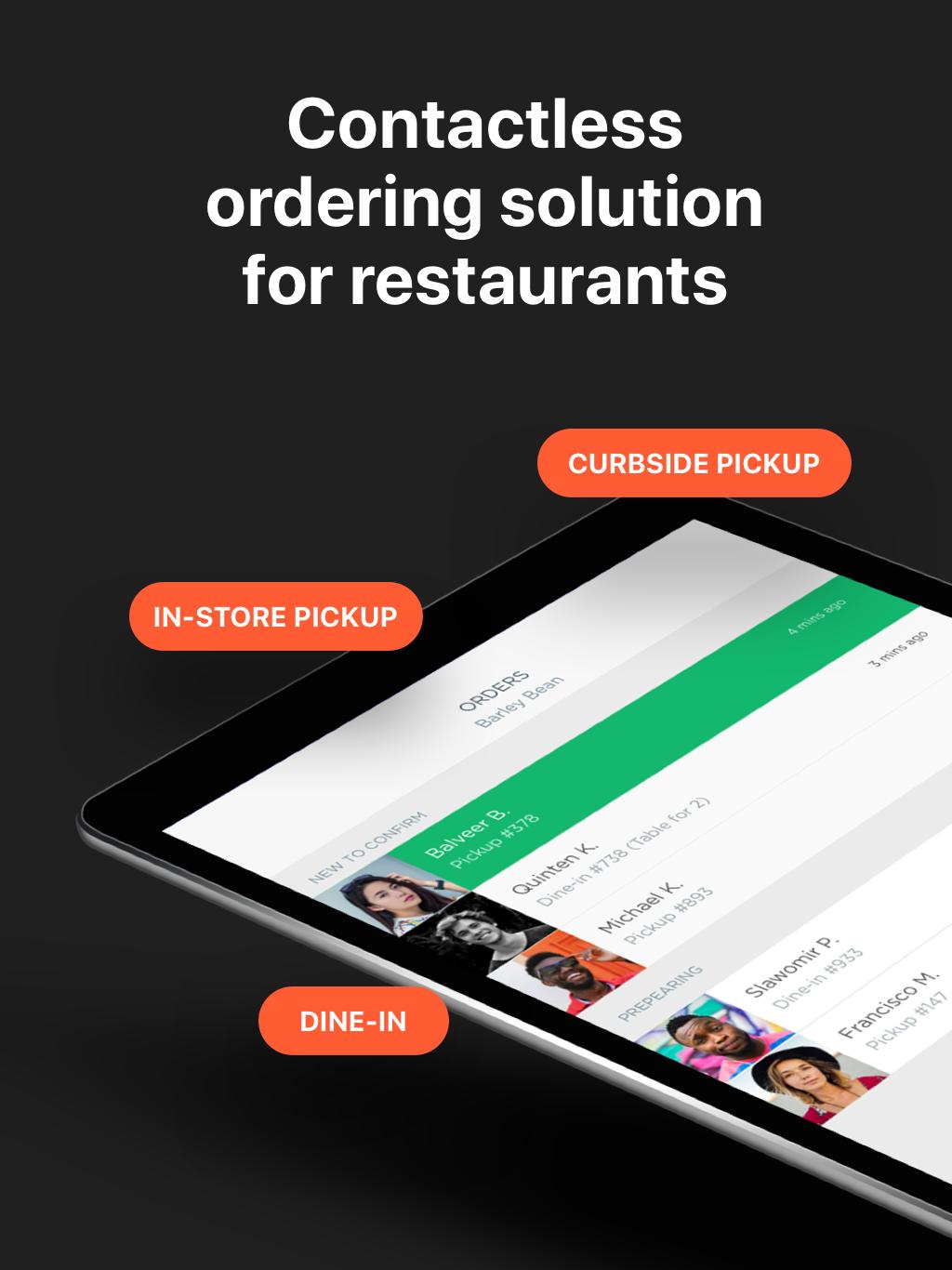
Download the latest version of the Allset Merchant App on your Android device to access the new features.
It’s another step to provide you with a contactless ordering solution and make order management experience less time-consuming for you.
Here's what you can do with the Allset Merchant App:
Keep your menu up-to-date
Anyone on your team can now adjust item availability directly from the Allset Merchant App. Simply go to 'Settings' > 'Disable menu items' and you will be redirected to your mobile menu. You'll see options to mark items as 'Unavailable Today' (user will see the item as Sold Out, the item will appear available the next day) or 'Unavailable Indefinitely' (the item will be hidden until you manually make it active again).
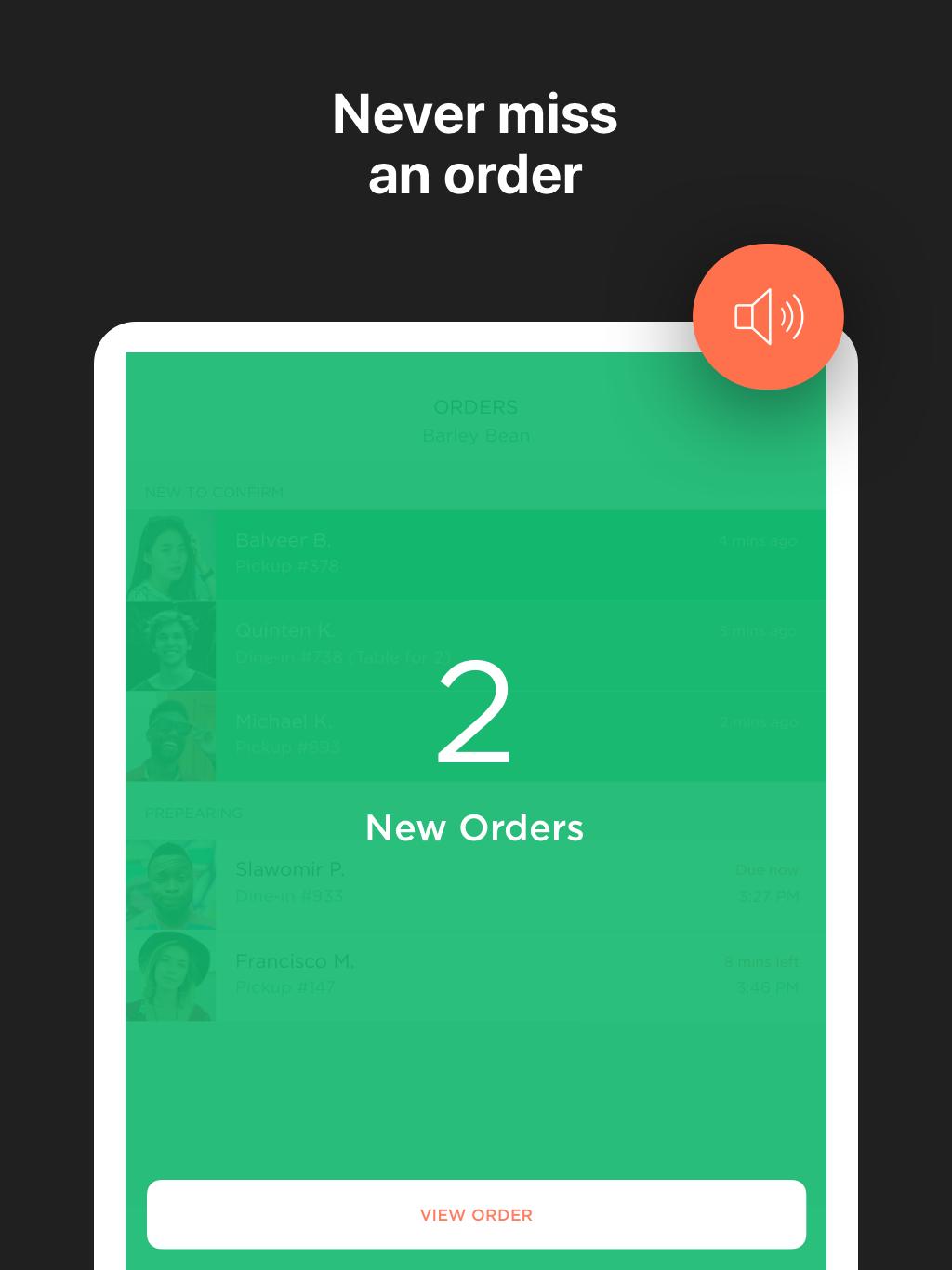
Receiving new orders
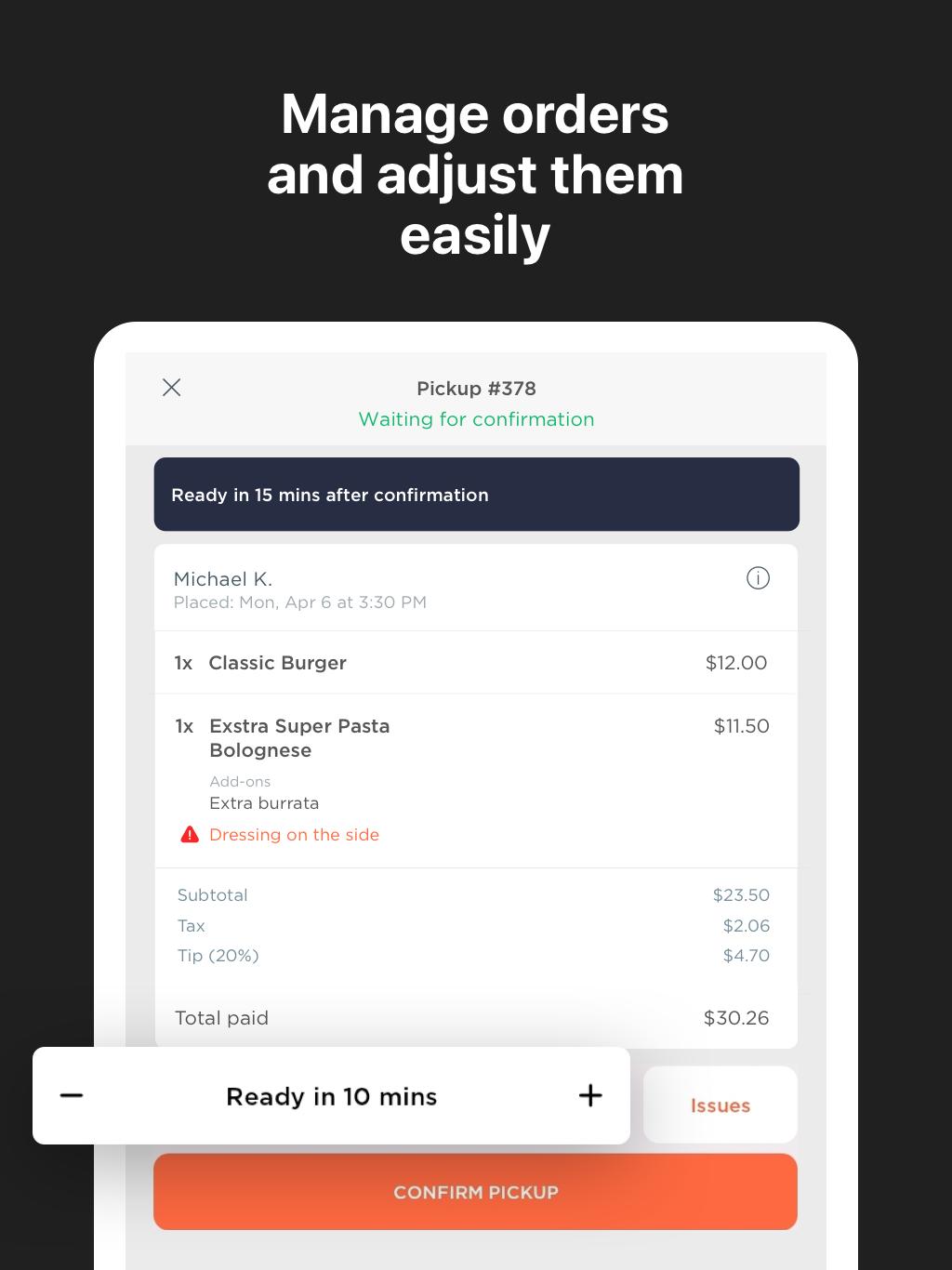
When you receive a new order, you’ll have a chance to review the order, adjust prep time and report sold out items if needed, and confirm you are preparing it. We recommend to review and confirm orders as soon as possible to avoid cancellations from users.
Confirming new orders
Tap the ‘CONFIRM’ button only once you start preparing the order. This lets the customer know their order is being prepared. The customer will see the time needed to prepare the order for their pickup.
Order preparation time
We set your average order preparation time according to the information provided by you upon registration. You can view it in your Merchant Dashboard > Business Setting. Plus, you can now adjust the prep time for each order before confirmation. When reviewing an order, you can easily change the default prep time by using the + or - symbols.
Report sold out items before order confirmation
When reviewing a new order, tap ‘More Options’ in the bottom right corner and choose ‘Issue with Item.' Then, mark an item as Unavailable Today or Indefinitely and we'll contact the customer to resolve the issue.
The Merchant App remains the easiest way to receive Allset orders and we highly recommend you to download it today.
The Allset Merchant App allows you to:
- Receive and manage orders for In-Store Pickup, Curbside Pickup, and Dine-In (commission-free for your customers)
- Adjust prep time
- Resolve item availability on the go and report sold out items before order confirmation
- Print order receipts
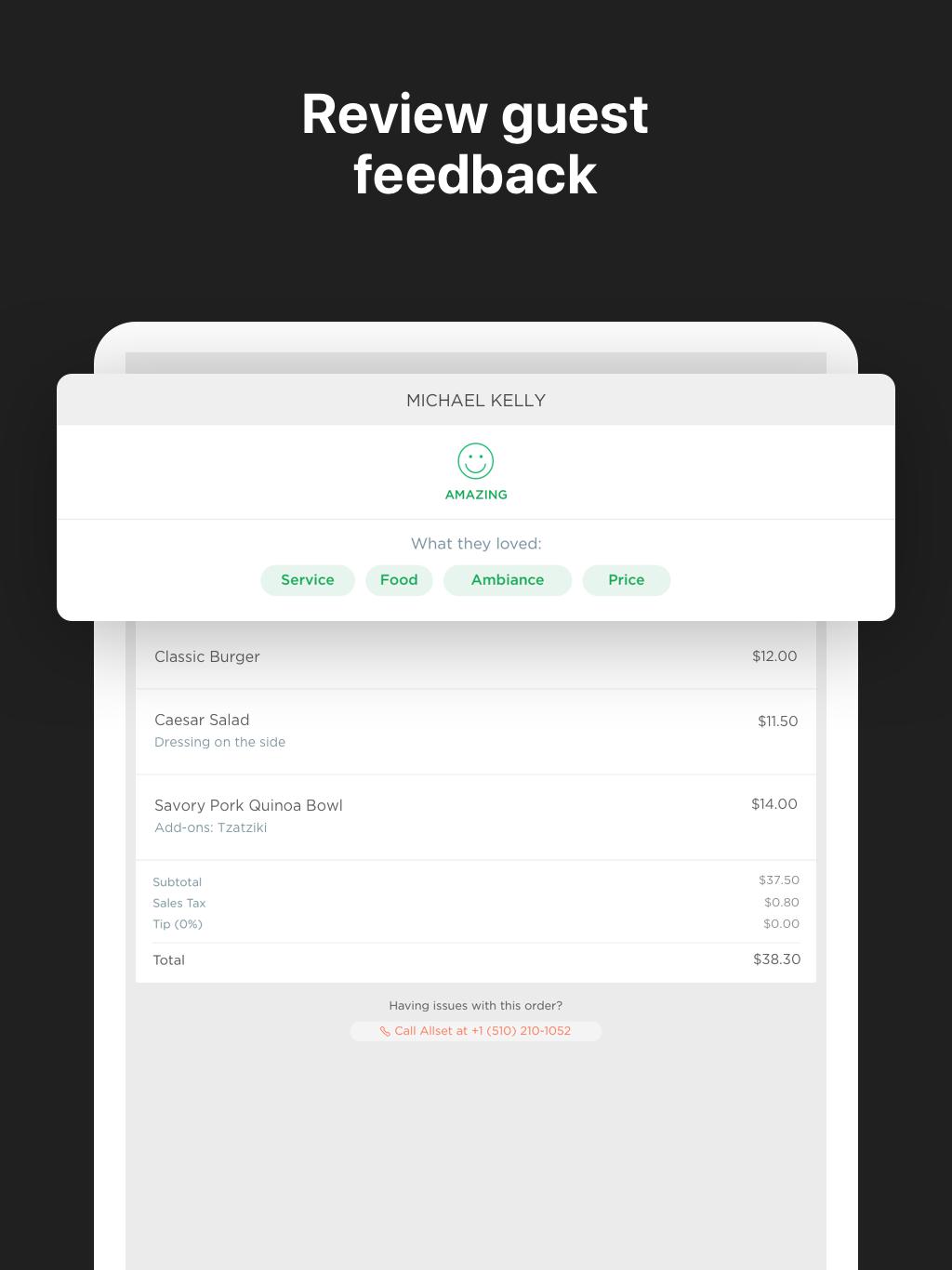
- Review guest feedback
- Contact our live chat support and get help anytime
Once downloaded, use your Allset Merchant Dashboard login information to sign in.
If you have any questions, reach us at restaurants@allsetnow.com or (510) 210-1052.
Note: This app serves as a tool for restaurants working with Allset. Learn how to become an Allset partner and receive contactless orders commission-free: https://allsetnow.com/for-restaurants
Latest Version
1.19.2Uploaded by
Игорь Петров
Requires Android
Android 5.0+
Category
Free Business AppContent Rating
Everyone
Security Report
Check Now
Report
Flag as inappropriateLast updated on Jan 12, 2023
Thank you for using Allset at your local faves!
What’s New:
Bug fixes and minor enhancements for a better app experience.
Like Allset? Please rate our app
Have a question? Email us at support@allsetnow.com






APKPure - A multi-platform app store primarily focused on Android, providing extensive app-related content. Discover the app you want easier, faster, and safer, with quick and efficient downloads and installations.