Package Name:media.control.dvl
SHA-256:36fd75350c7aa0b4d1a5ec4b2e721de903a1bb7f83414895e6c281c7eec91ccc
Show More

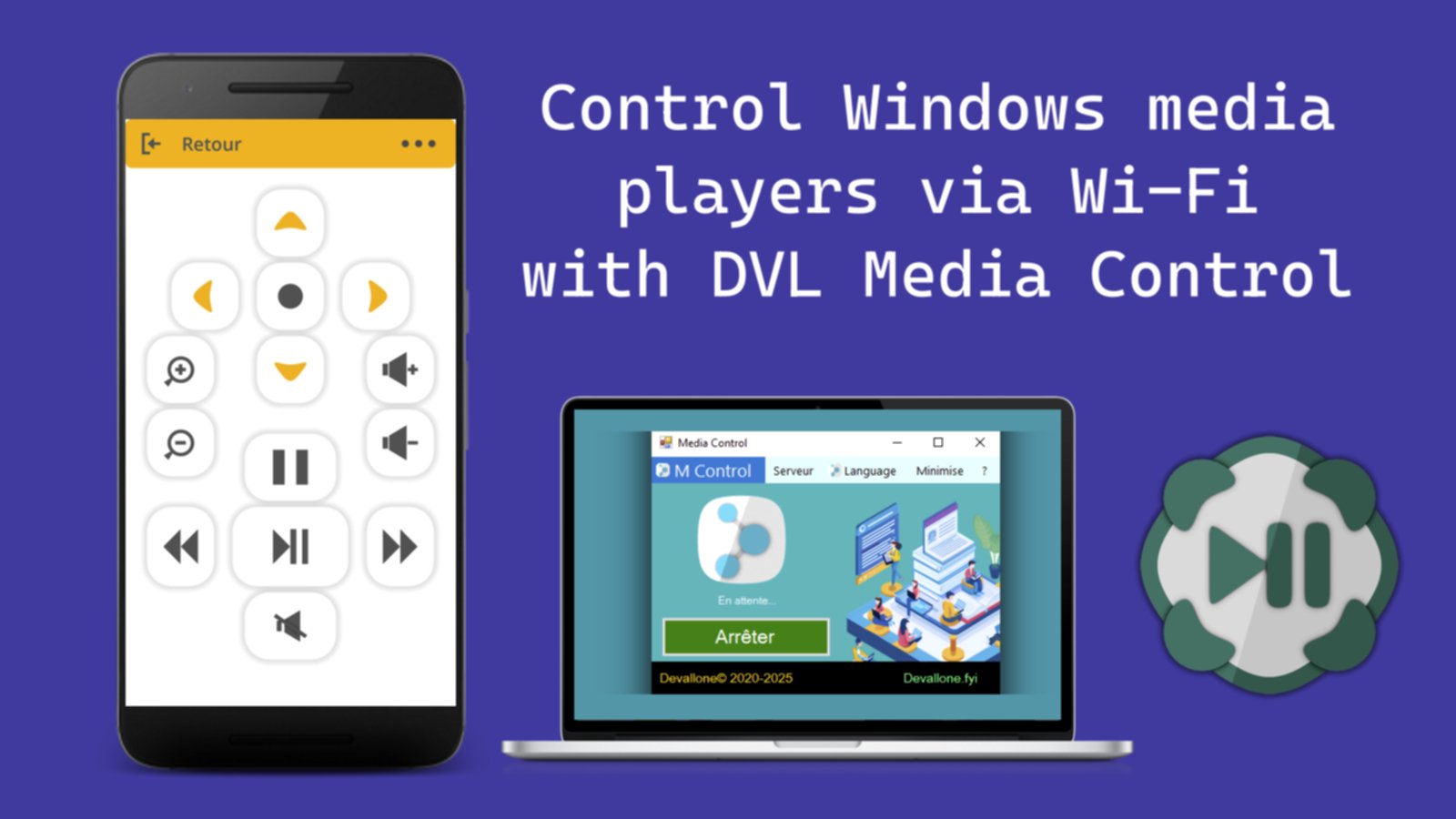
Media Control DVL lets you control media playback on your Windows PC remotely via Wi-Fi. Manage audio, video, images, and media players with ease.
How to Use:
Download the Server:
Visit devallone.fyi to download the Media Control DVL Server for your Windows PC.
Install the Server:
Install and run the server on your PC.
Connect via Wi-Fi:
Ensure both your phone and PC are connected to the same Wi-Fi network.
Launch the App:
Open the Media Control app on your phone.
Control Your PC:
Once connected, you can control audio, video, images, and media players directly from your phone.
Key Features:
Control volume, media playback, and zoom.
Manage video, audio, and image players remotely.
Reliable communication via UDP for smooth control.
Ideal for controlling media on your Windows PC from anywhere on your Wi-Fi network.
Latest Version
1.0.0Uploaded by
Handi Talab
Requires Android
Android 7.0+
Category
Free Tools AppContent Rating
Everyone
Security Report
Check Now
Report
Flag as inappropriateLast updated on Sep 23, 2025
API 35



APKPure - A multi-platform app store primarily focused on Android, providing extensive app-related content. Discover the app you want easier, faster, and safer, with quick and efficient downloads and installations.