Scan Date:Mar 30, 2026
Show More


Max Player ™ suits users who already have an IPTV provider and want to watch on phone or TV with one consistent player. It works as a viewer for Live TV, video on demand, series, and catch up once you add your playlist or API details. It is not an OTT streaming service and includes no content by default, which helps avoid confusion with the similarly named MX Player app. Sometimes written as MaxPlayer™, the app focuses on playback only. For easy access, search for Max Player ™ APK on the app page.
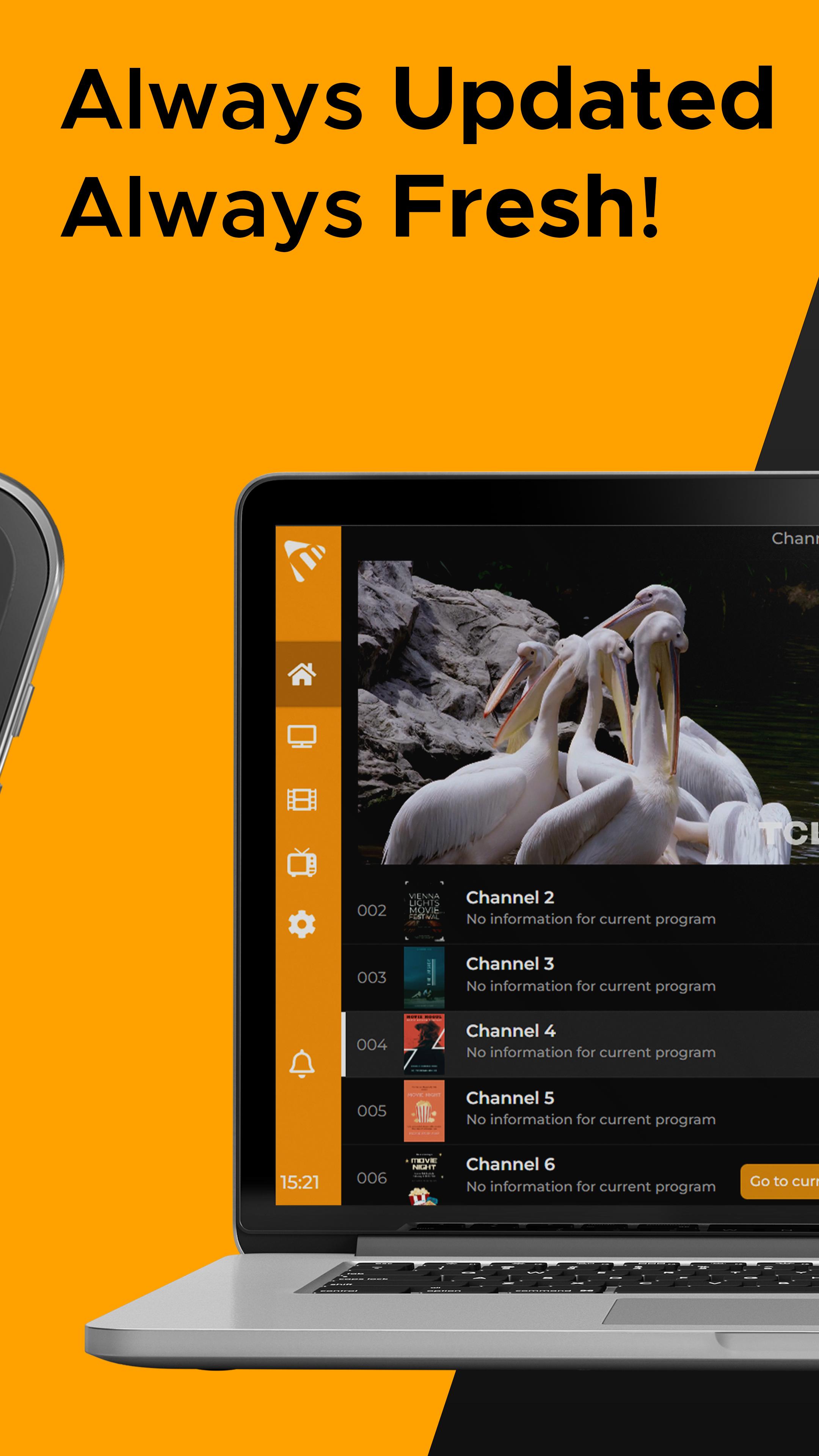
Max Player ™ organizes your IPTV playlist into clear sections for Live TV, VOD, series, and catch up. Scheduled EPG updates provide current program information so you see what is on now and what comes next. This structure makes it easier to move between channels and on demand titles without switching apps.
TV optimized interface with Favorites and searchMax Player ™ presents a clean layout that works well with remotes and touchscreens. You can mark channels or titles as Favorites for quick access. Additionally, fast search helps you find a channel or show by name without scrolling through long lists.
Cross device coverageMax Player ™ runs on Android TV, phones, and tablets, as well as Fire TV, Google TV, Apple TV, and Windows desktop. It also supports Samsung Tizen and LG webOS smart TVs. This broad coverage lets you keep the same viewing setup across living room TVs and personal devices.
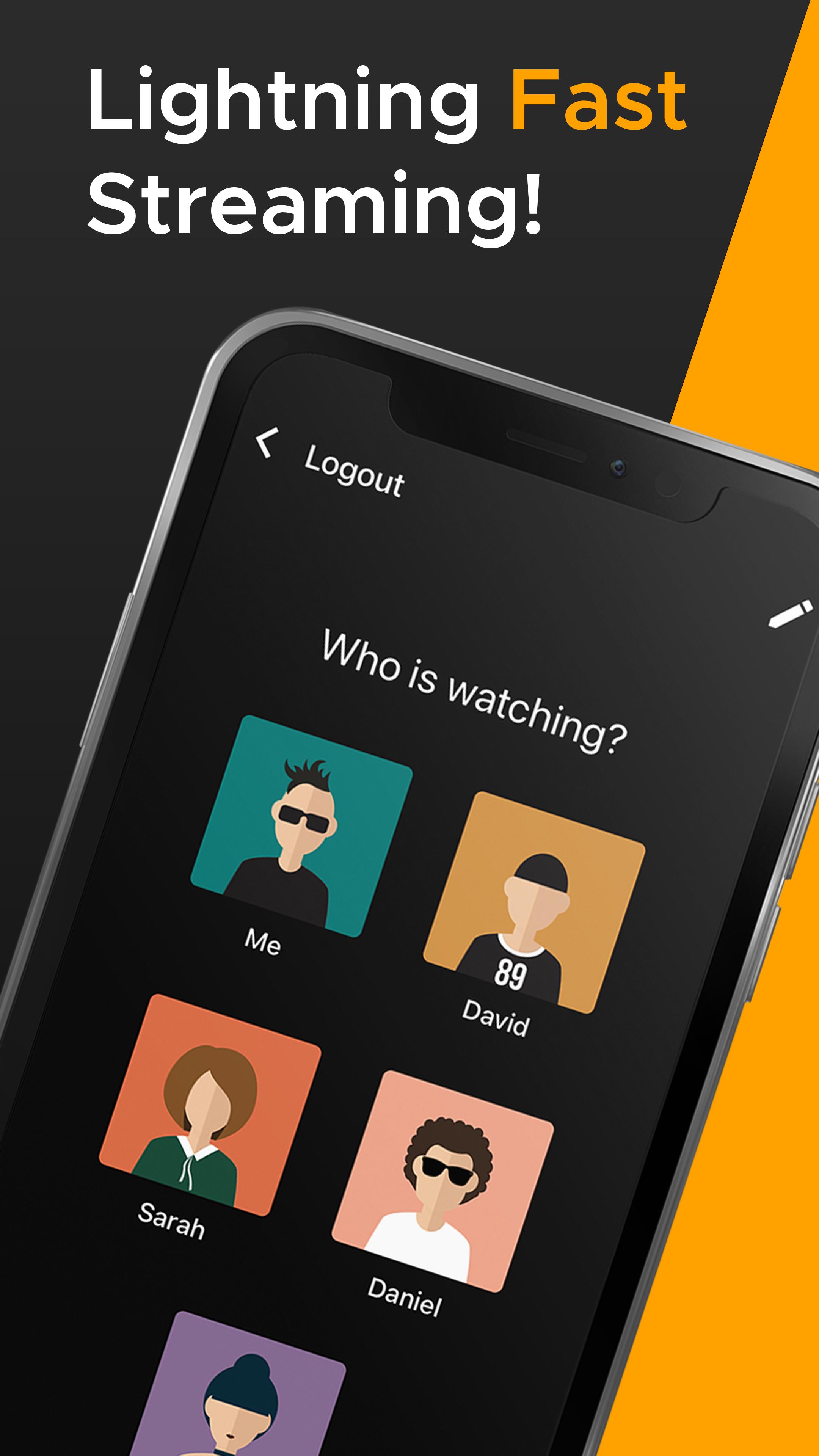
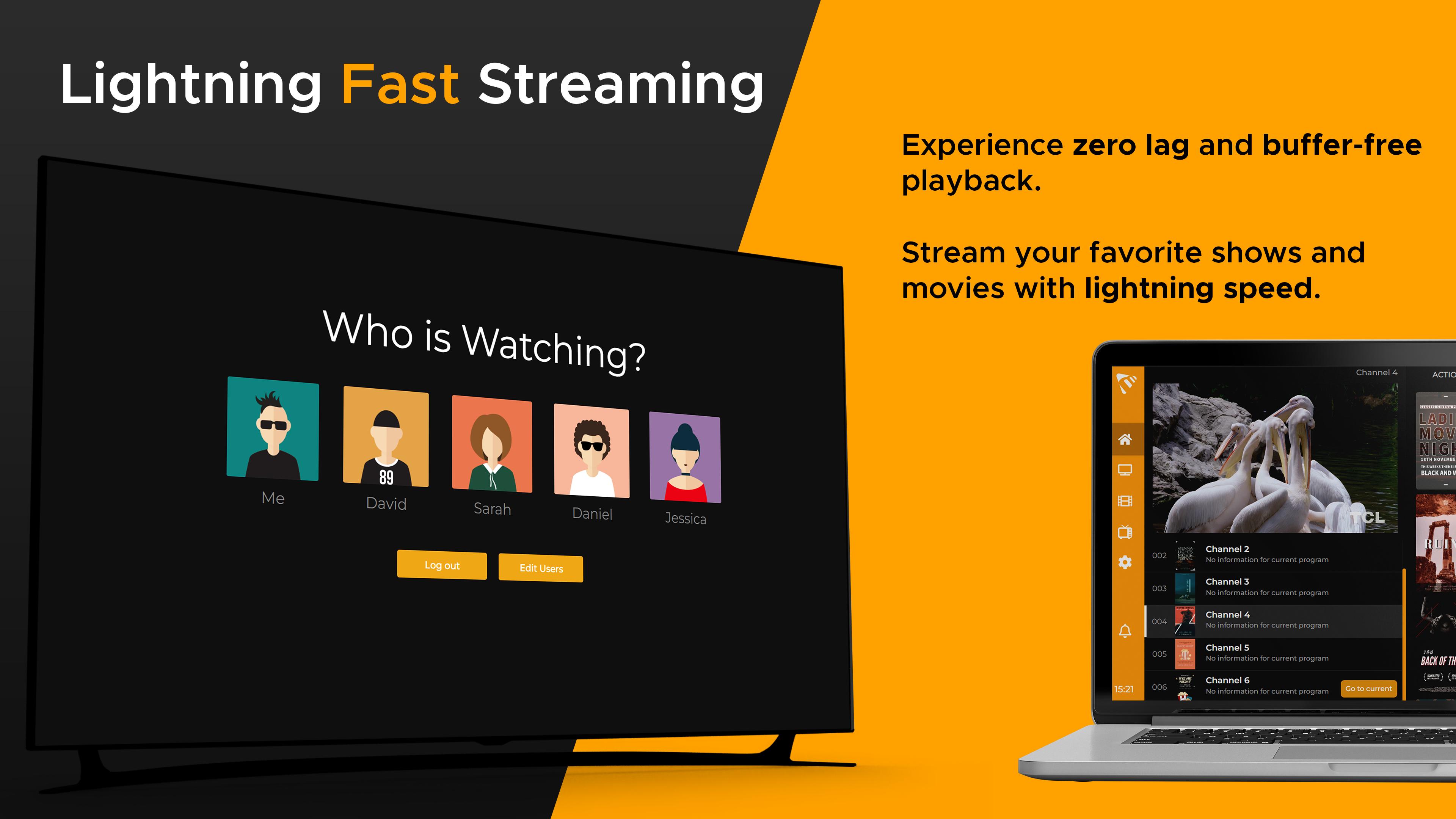
Flexible account sharing and sub usersOne account supports up to five devices and five sub users. You can create separate profiles so preferences and Favorites stay private for each viewer. For example, use the same account on a living room TV, a bedroom TV, a phone, a tablet, and a Windows PC while assigning profiles to different family members.
Playlist integration and complianceMax Player ™ supports M3U playlists and Xtream Codes API, so you can add content from your own provider. The app does not include streams or subscriptions, and it does not host any media. Users are responsible for adding valid credentials and following provider terms and regional laws.
Max Player ™ is an IPTV player, not an OTT streaming service. It is distinct from the “MX Player” video app and its Pro edition. If you came here looking for that app, note that Max Player ™ requires user-provided playlists and API credentials to function. This difference helps you decide whether an IPTV player or an OTT service fits your needs.
Max Player ™ does not supply channels, movies, or series. All on-screen content depends on the playlists or API details you add. Screenshots are illustrative and may show generic layouts rather than actual channels. Before you start, confirm your provider allows playback in this app and supports M3U or Xtream Codes.
If you need Max Player ™ latest version for your device, check the version information shown on the app page before installing. Features depend on your playlist and provider capabilities, so version updates focus on stability and playback improvements. Always verify your credentials are correct when moving between versions.
To begin on Android, add your IPTV details, then organize your channels and titles. If you plan to download Max Player ™ on multiple devices, link the same account to keep preferences in sync.
Max Player ™ is a focused IPTV player for user-supplied playlists across phones, TVs, and desktops. Add your provider details and keep profiles organized for your household. When ready, download Max Player ™ and sign in to start viewing.
For official information and policies, visit:
Latest Version
1.1.149Uploaded by
Chaimongkhol Panomsuai
Requires Android
Android 7.0+
Category
Free Video Players & Editors AppContent Rating
Everyone
Security Report
Report
Flag as inappropriateLast updated on Mar 30, 2026
Minor bug fixes and improvements. Install or update to the newest version to check it out!





APKPure - A multi-platform app store primarily focused on Android, providing extensive app-related content. Discover the app you want easier, faster, and safer, with quick and efficient downloads and installations.