
Mav is free anti malware to protect your phone from ransomware and trojan.
Why choose Mav ?
+ Real time protecting from harmful apps.
+ Real time protecting from junk notification.
+ Reducing power consumption on your phone.
+ Help you secure your phone from theft.
+ Helps you to backup or move your apps to another device.
New note!
Mav is able to detect windows viruses/malware. Flash drives or sdcards are openings for viruses to enter your computer so scan your phone with mav anti-malware before connecting your phone to your PC/Laptop to keep your computer safe.
How the features in mav anti-malware work?
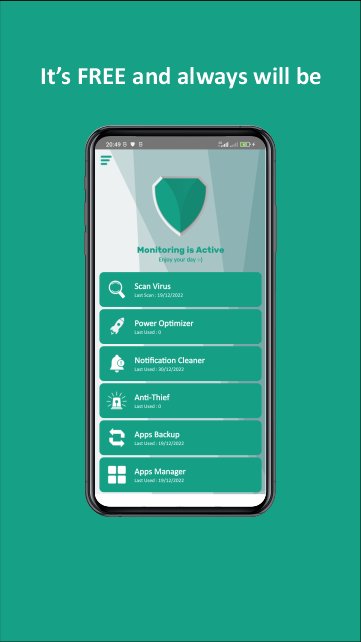
Scan virus : it scans installed apps and files on internal and external storage.
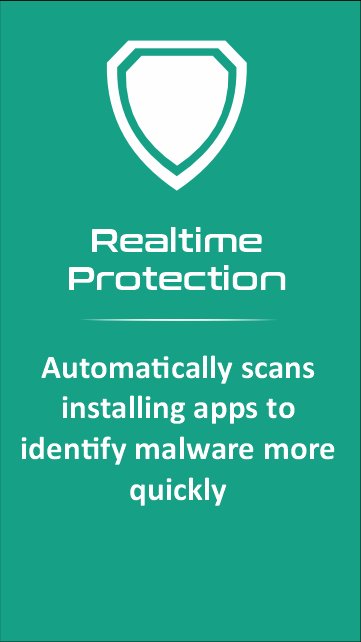
Realtime Protection : it will scan automatically newly installed apps. it will alert you of the threat quickly without having to scan it manually.
Power Optimizer : it kills unused apps, disable bluetooth, reduce screen timeout and reduce phone brightness to reduce power consumption.
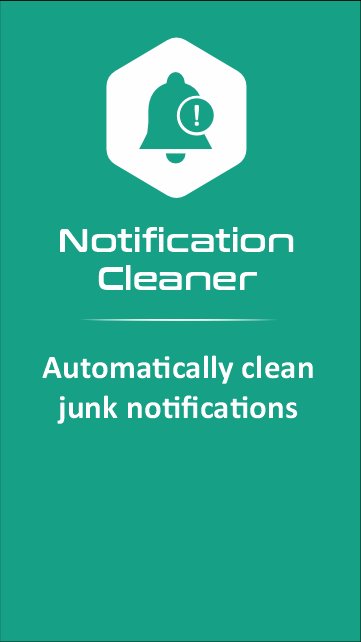
Notification cleaner: it monitors and cleans up notifications that overflow automatically. You can define the application notifications yourself that you want to block.
Anti Thieft : this will give a warning sound if your phone is in a state unplugged from the charger, changing positions or out of your pocket.
Apps Backup : this function is to back up your apps to internal storage.
Apps Manager: this displays information about apps, internal and external storage.
Latest Version
1.4Uploaded by
Kyaw Soe Htay
Requires Android
Android 9.0+
Category
Free Tools AppContent Rating
Everyone
Report
Flag as inappropriateLast updated on Dec 22, 2022
+ Adding new feature "Notification Cleaner"
+ Adding scan option
+ Adding databases
+ Adding scheduler reminder
+ Small improvements




APKPure - A multi-platform app store primarily focused on Android, providing extensive app-related content. Discover the app you want easier, faster, and safer, with quick and efficient downloads and installations.