Scan Date:Jan 11, 2026
Show More

Where Tasker Scenes fall short and are unreliable and slow, Material Design Plugin allows completely customizable actions to be shown quickly and effectively. This Tasker Plugin allows customization and control of the diverse range of Material Design functions.
Check out my website for more details and tutorials on how to use the plugin! http://www.nicknackdevelopment.com/
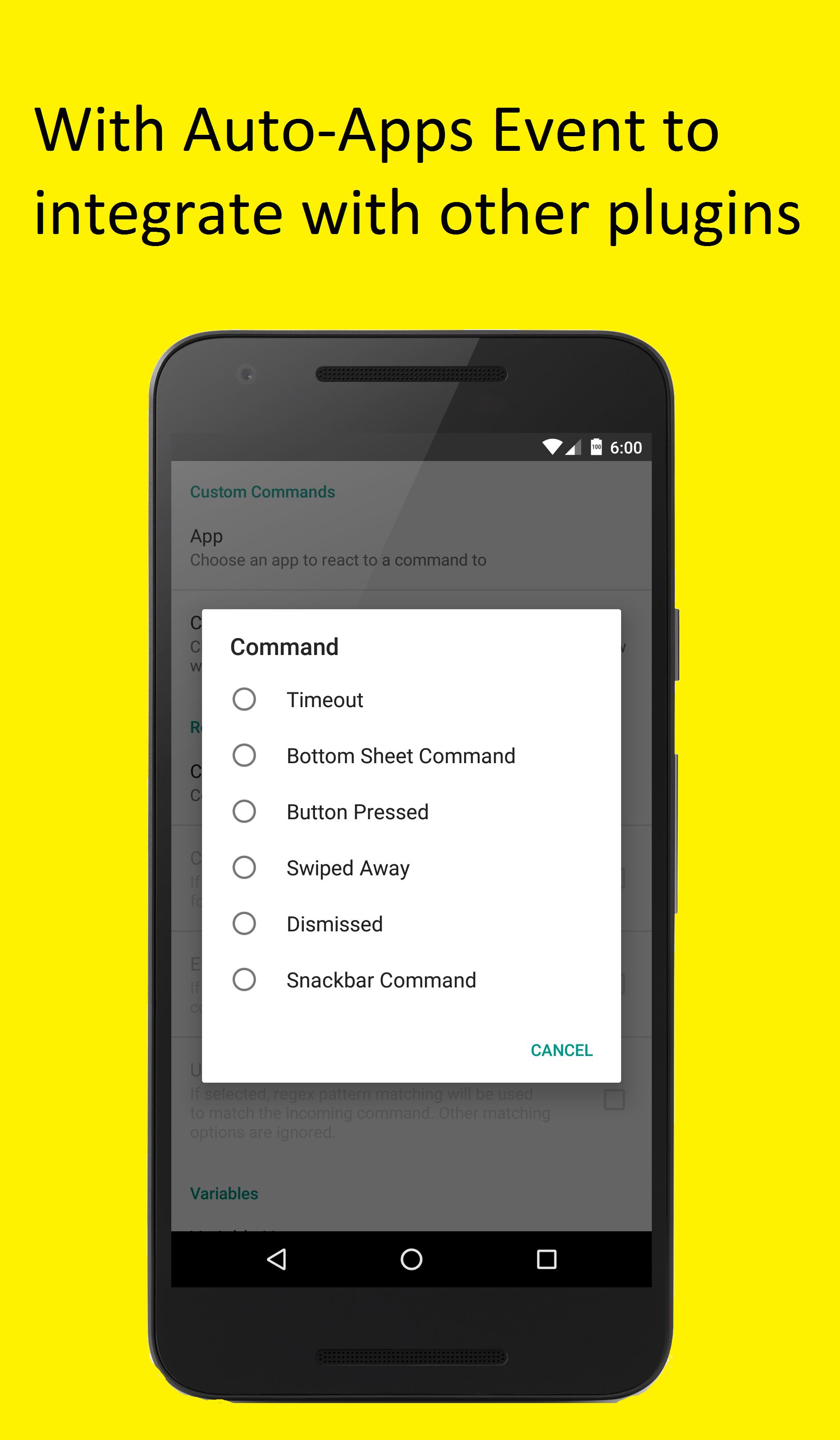
This Tasker Plugin integrates directly with the Auto-Apps Suite so you can use your existing Auto-Apps trigger along with this new Material Design plugin!
As seen on XDA Tasker Week: http://www.xda-developers.com/tasker-week-theming-and-design-using-scripts-and-scenes/
- Main Features:
• Great replacement for unreliable and slow Tasker Scenes
• Lightweight app!
• Easy to use!
• Many different forms of tutorials to make setup a piece of cake!
• Multiple types of actions to get the exact look/functionality you are looking for
• A great Dev that will make things right if you are having issues with the plugin
Main Actions:
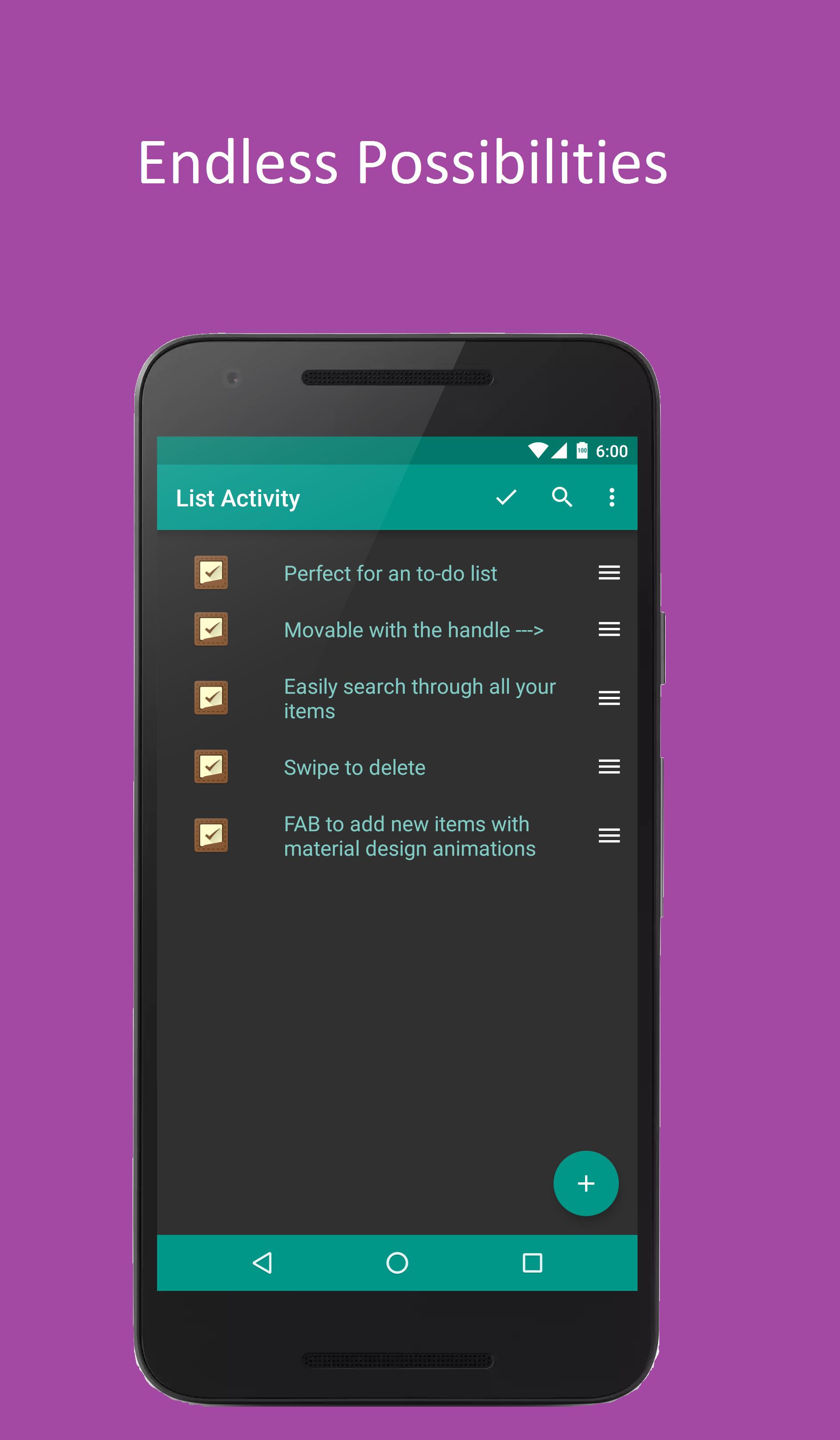
- List Activity:
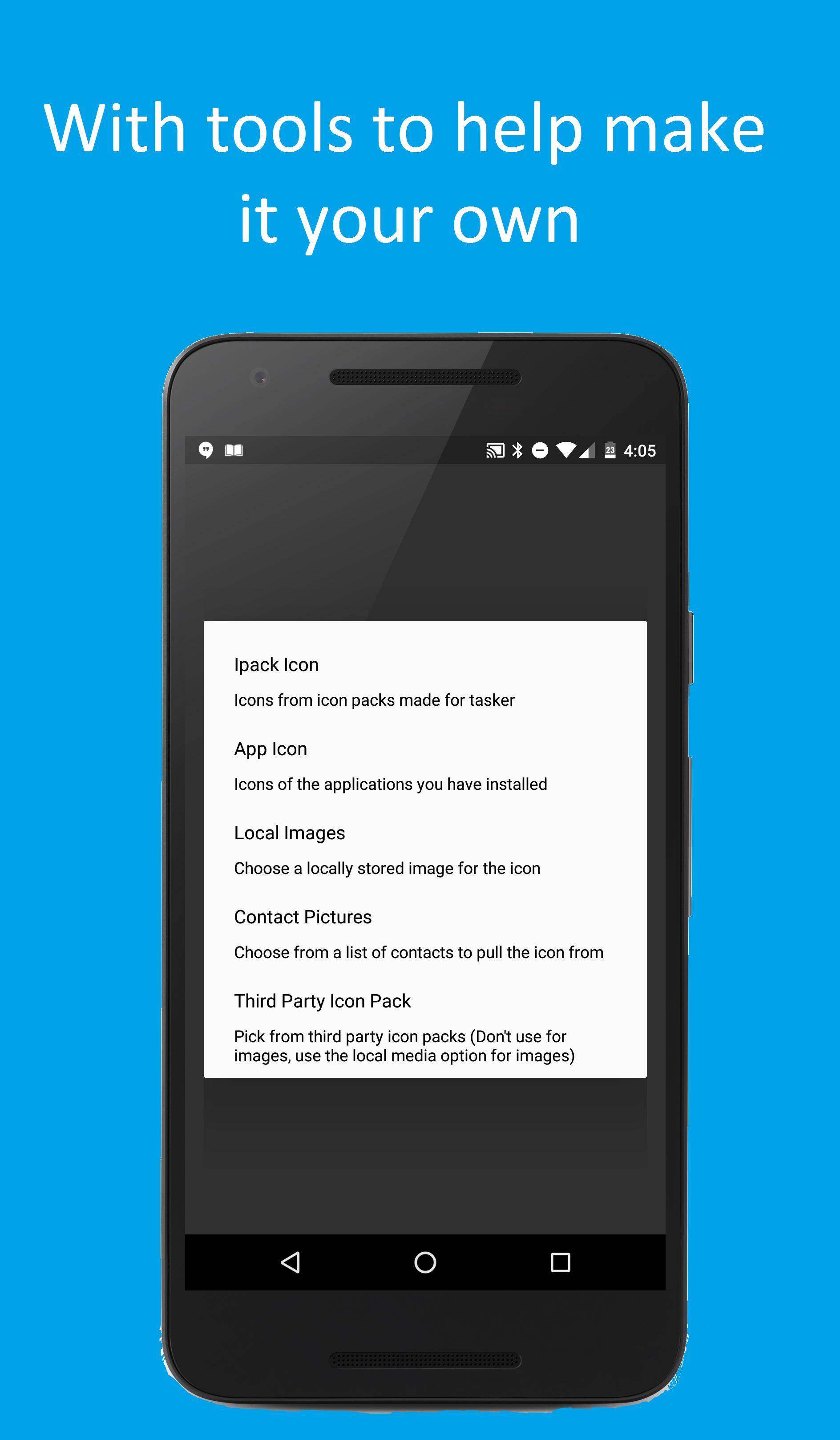
• Customize title, action bar color, status bar color, navigation bar color, list items, list item icons
• Customize attributes of items like their ability to be moved, deleted, and clicked
• Add search feature so you can easily search through any tasker data
• A list which is extremely versatile for any situation
• perfect for a todo list, or a normal activity with lots of buttons
• The possibilities are endless!
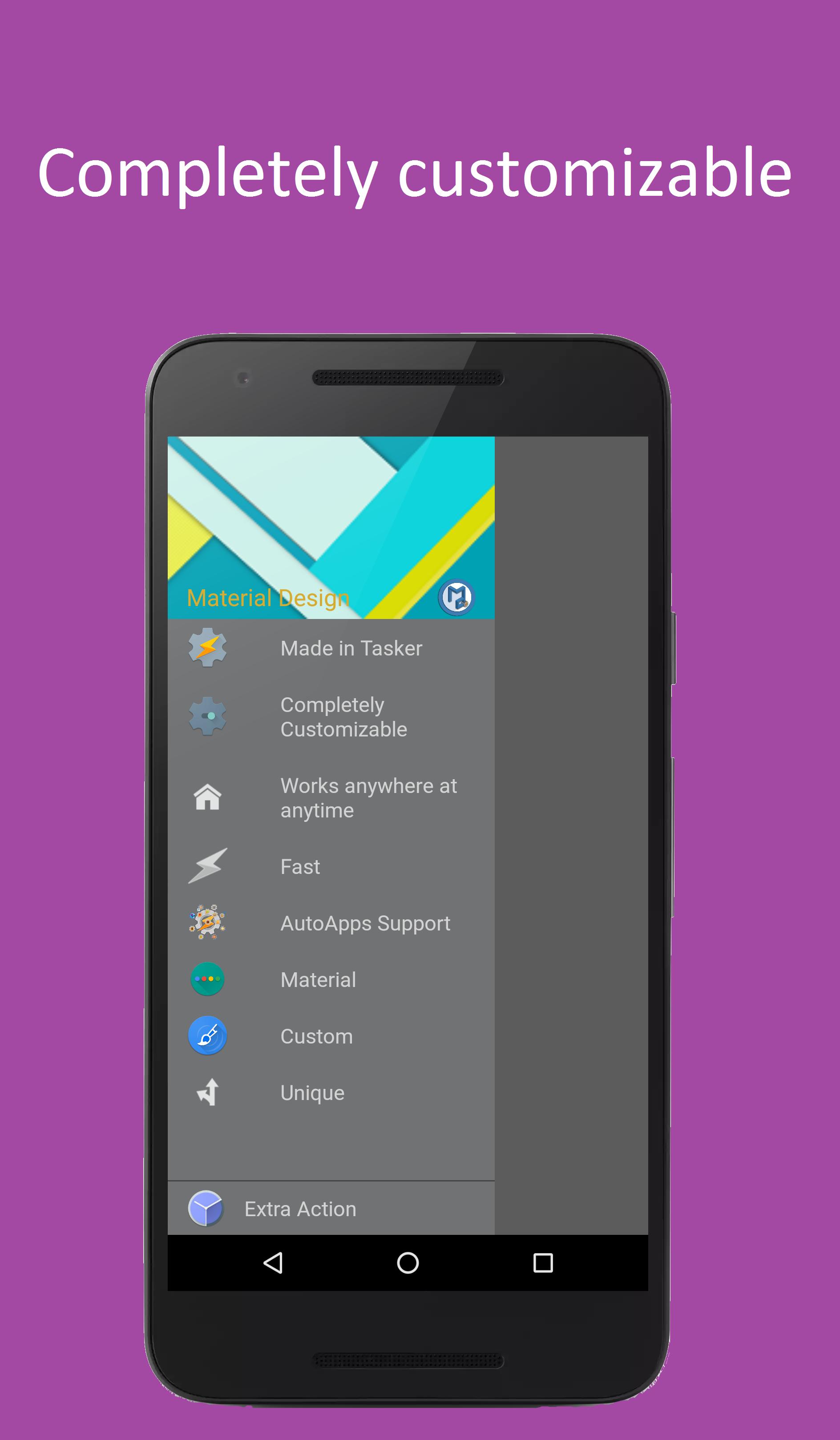
- Navigation Drawer:
• Customize title, title icon, title color, title section color
• Customize a list of items, their icons, text, and text color
• Customize side that the drawer appears
• Customize bottom section that is stationary at the bottom
• Real drawer behavior with dimming, dragging, and dismiss on outside tap
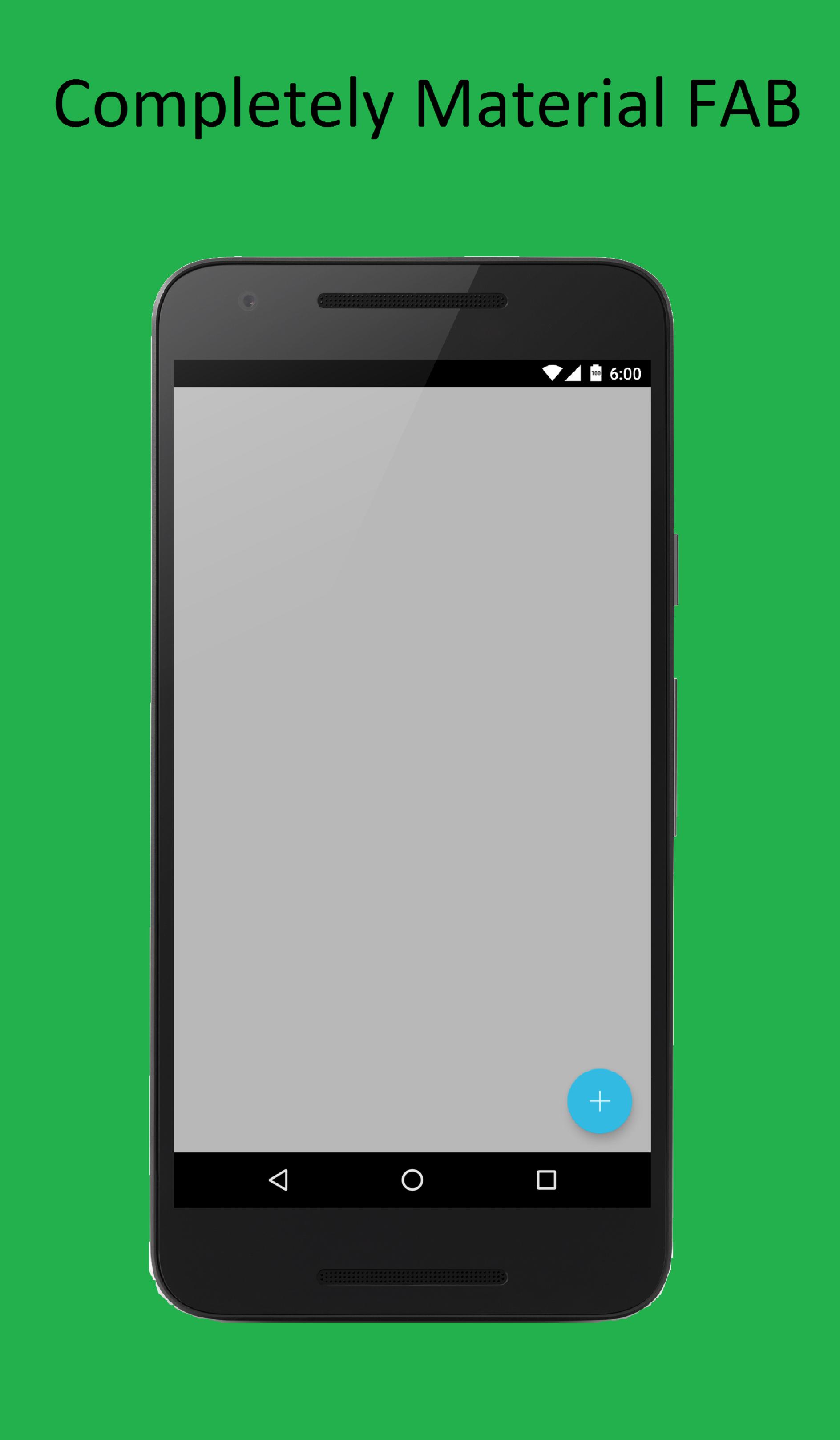
- FAB:
• Customize icon, color, and placement
• Complete any action
• Shows easily and effectively
- Fingerprint Dialog:
• Simple and material design dialog to lock users out of any app unless fingerprint is scanned
• Secure and follows Google's Design Correctly
• Quick and simple yet very versatile
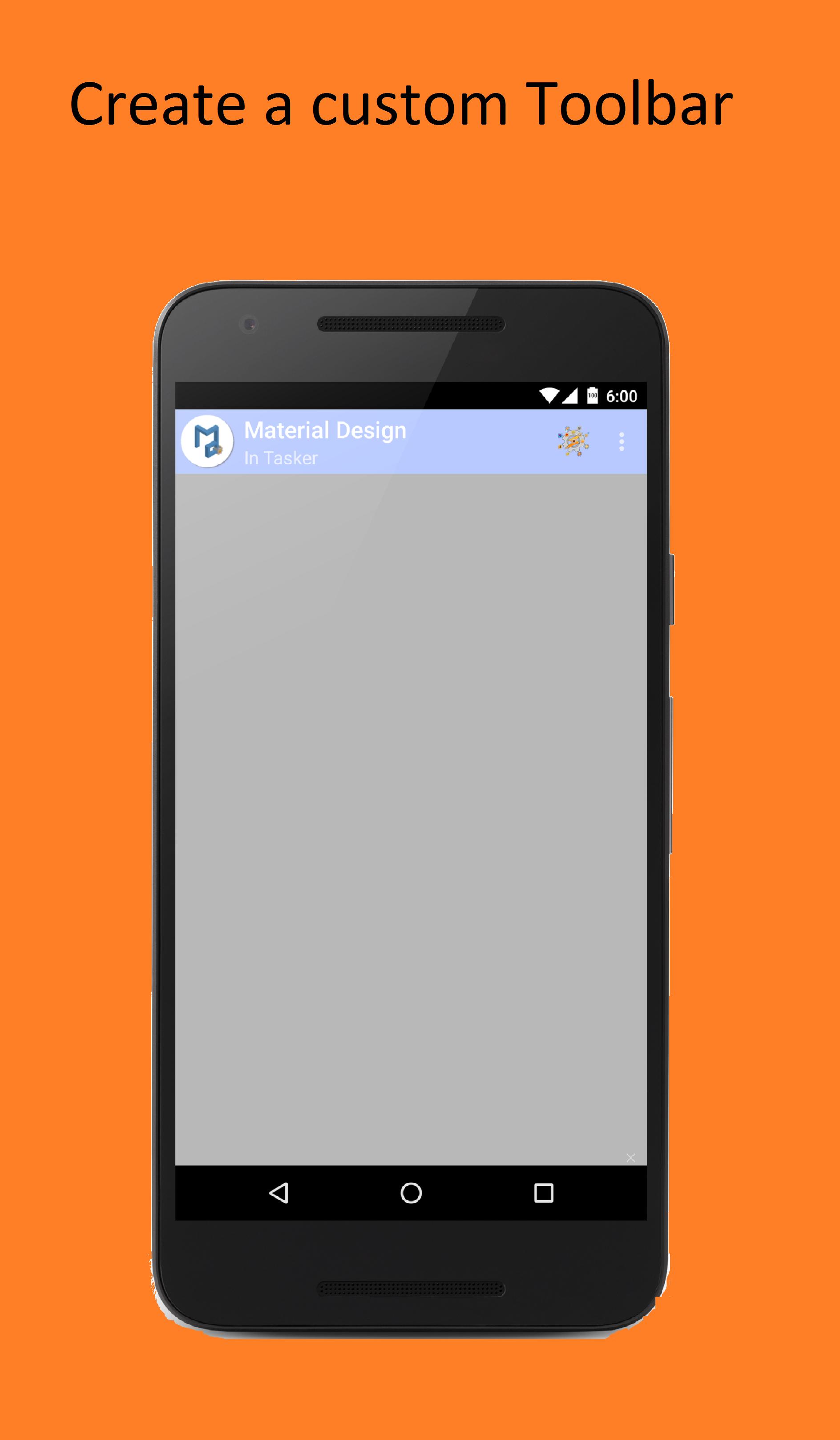
- Toolbar:
• Customize icon, color, and placement
• Customize menu items, and action bar items
• Customize shows easily and effectively
- Google Search Overlay:
• Show Google's own search overlay over any app at anytime for search at your fingertips
• Quick and easy
• Search is right from the Google app so there will be complete sync
• Note: Many incidents of issues have been reported on Android Kitkat
Latest Version
7.1.3Uploaded by
Hoàng Anh Tho
Requires Android
Android 5.0+
Category
Free Tools AppContent Rating
Everyone
Security Report
Report
Flag as inappropriateLast updated on Sep 23, 2019
• Lots of bug fixes




APKPure - A multi-platform app store primarily focused on Android, providing extensive app-related content. Discover the app you want easier, faster, and safer, with quick and efficient downloads and installations.