
Master for Minecraft(Pocket Edition)-Mod Launcher suits players who want quick tools and extra content in Minecraft Pocket Edition. It requires the base game installed. The app adds a floating window with common actions, plus a hub for maps, skins, textures, seeds, mods, and addons. You can apply downloads with a tap and import addons from local files as needed. Master for Minecraft(Pocket Edition)-Mod Launcher APK brings these functions together in one place, and it helps you manage both gameplay settings and resources with fewer steps.
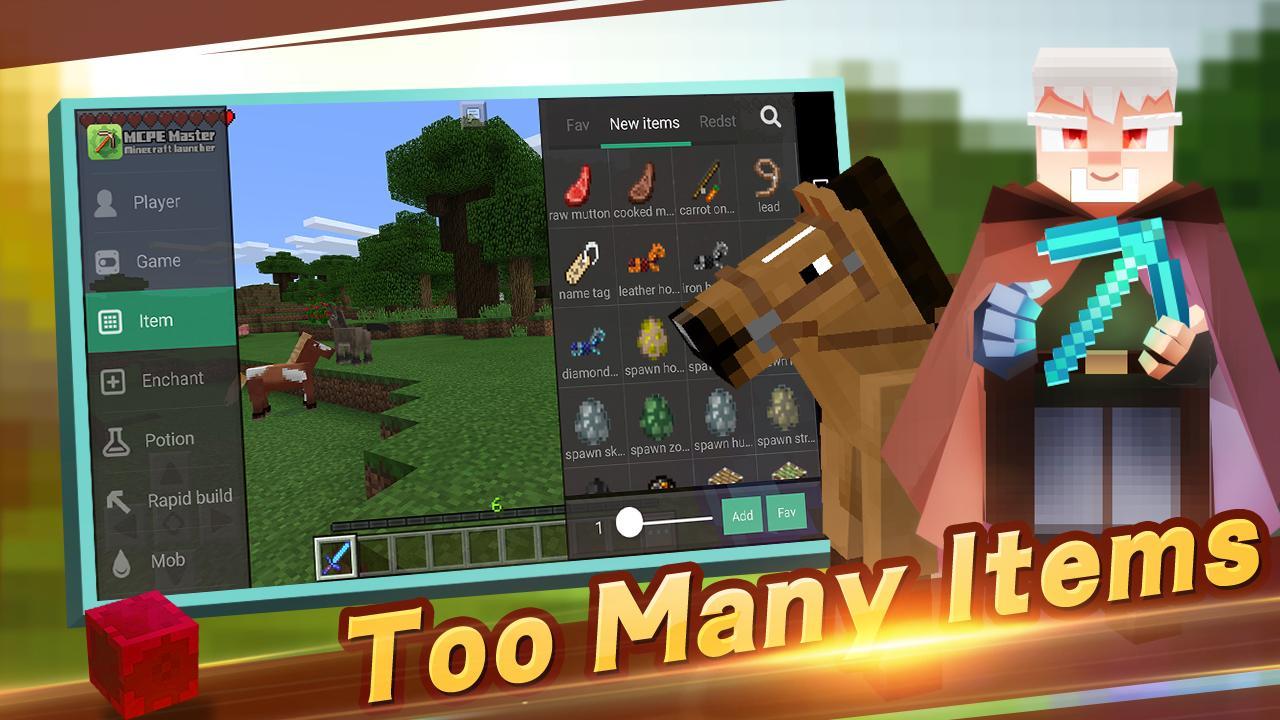
On-screen editor and controls
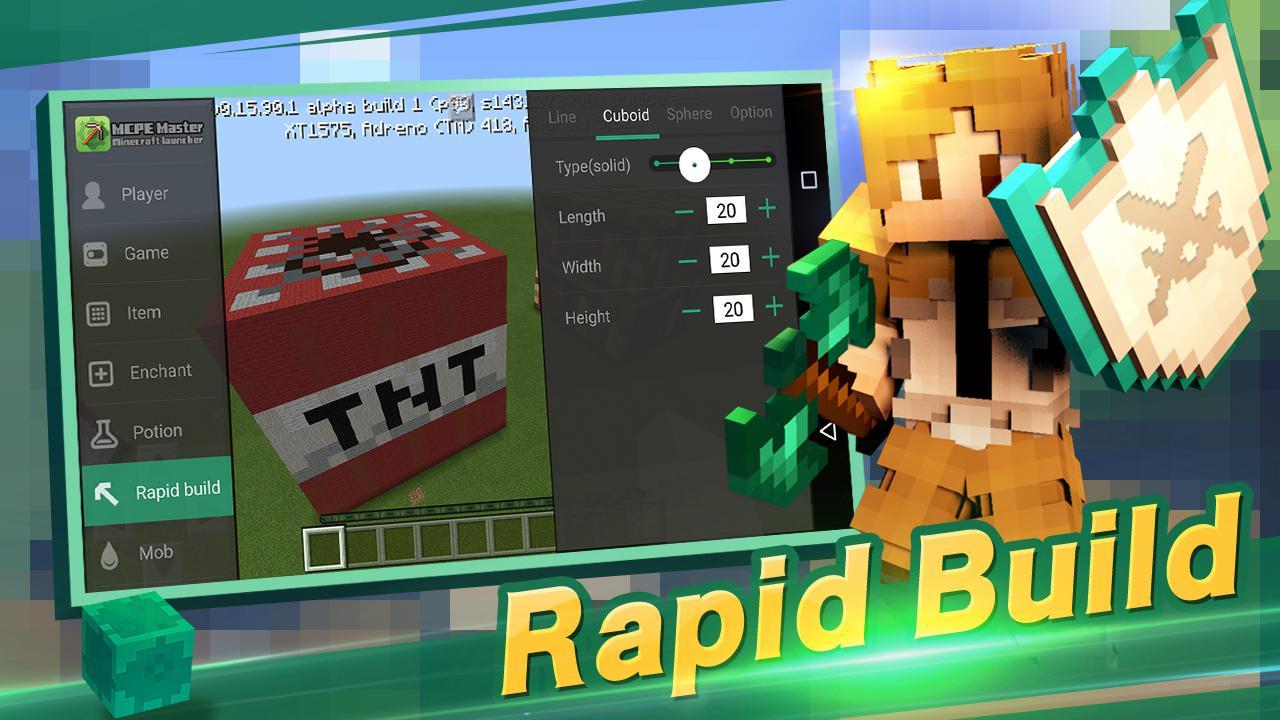
Rapid build tools
Create basic structures fast. You can place lines, cuboids, and spheres with a tap to speed up building and testing.
Content download and addon import
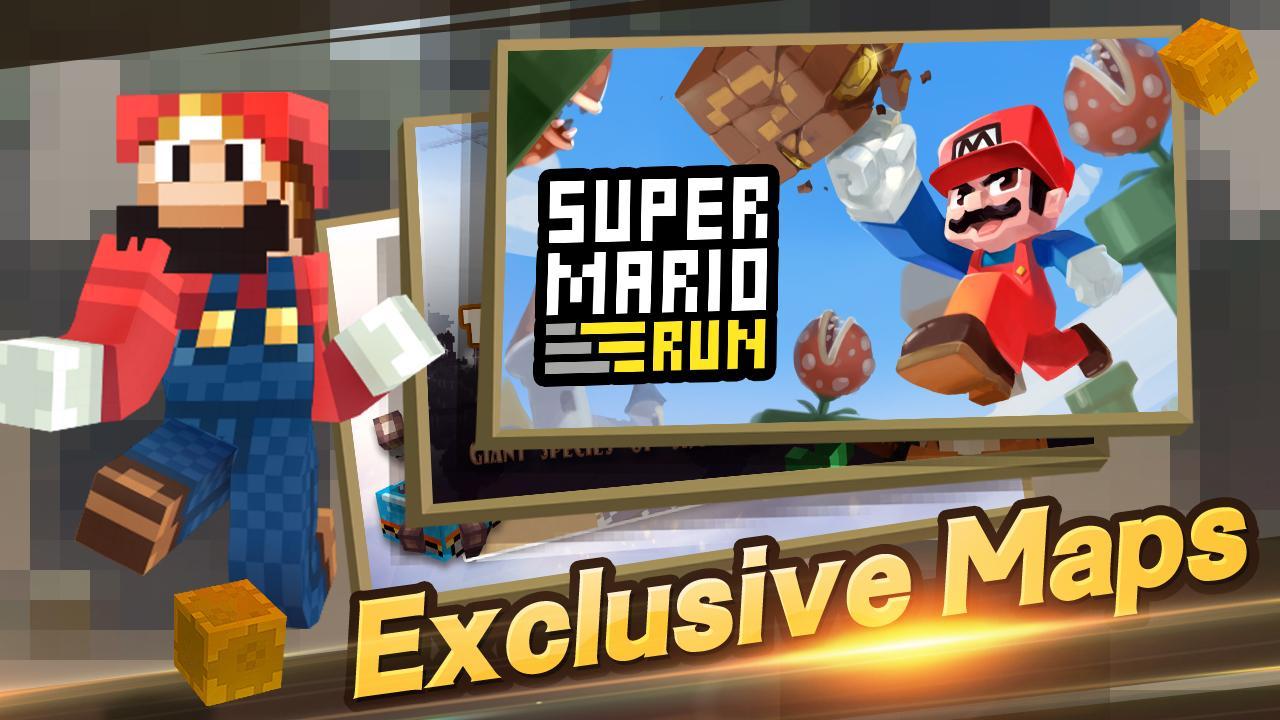
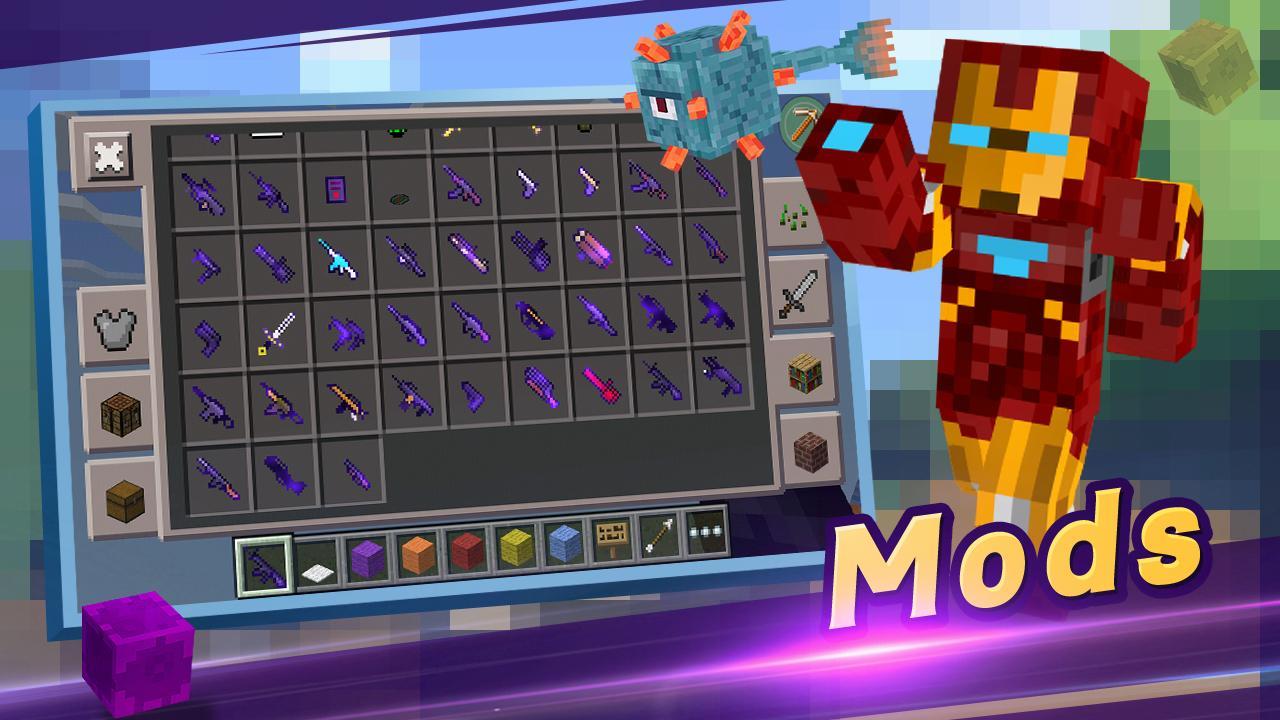
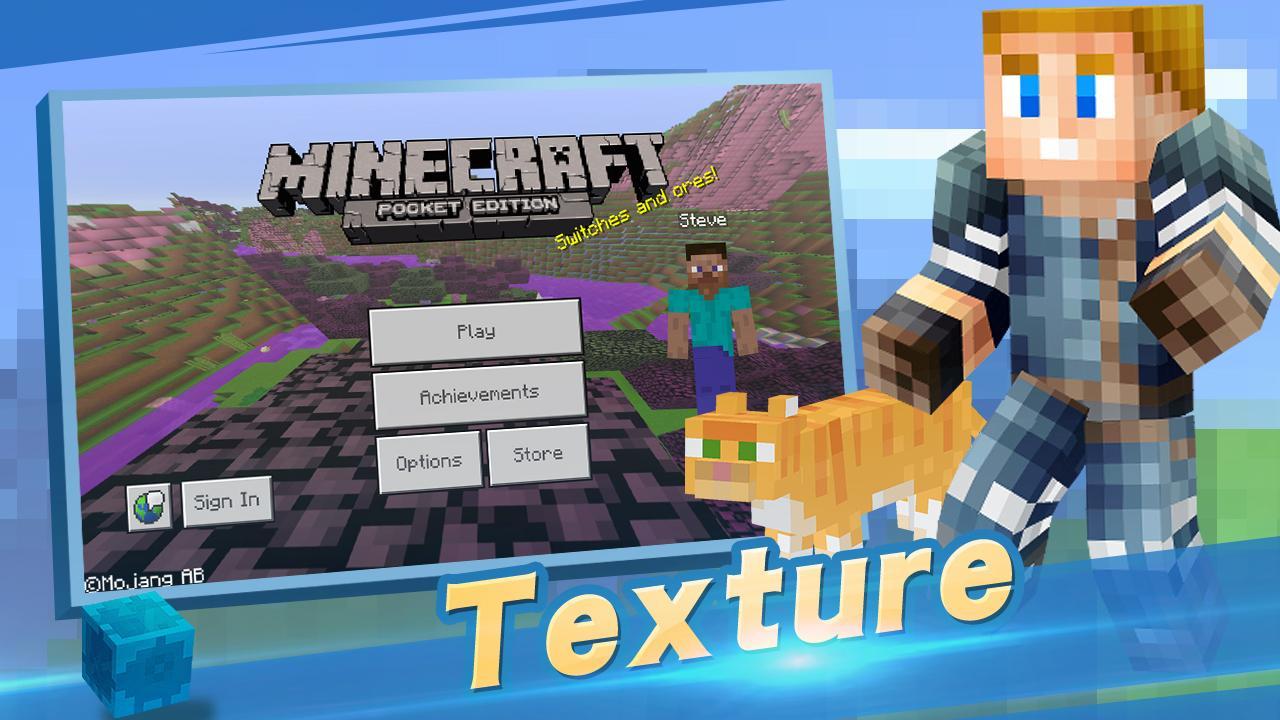
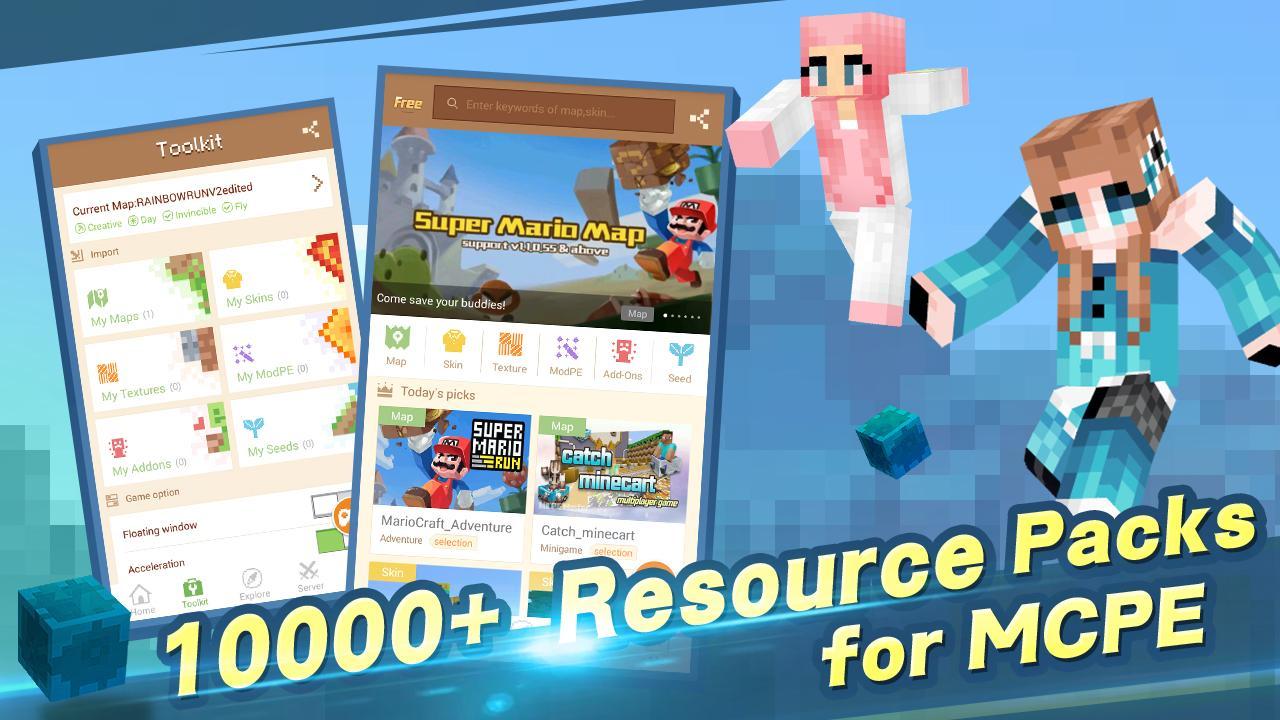
Browse maps, textures, skins, seeds, mods, and addons in one place. Apply content directly to Minecraft Pocket Edition, or import addon files from your device storage when needed.
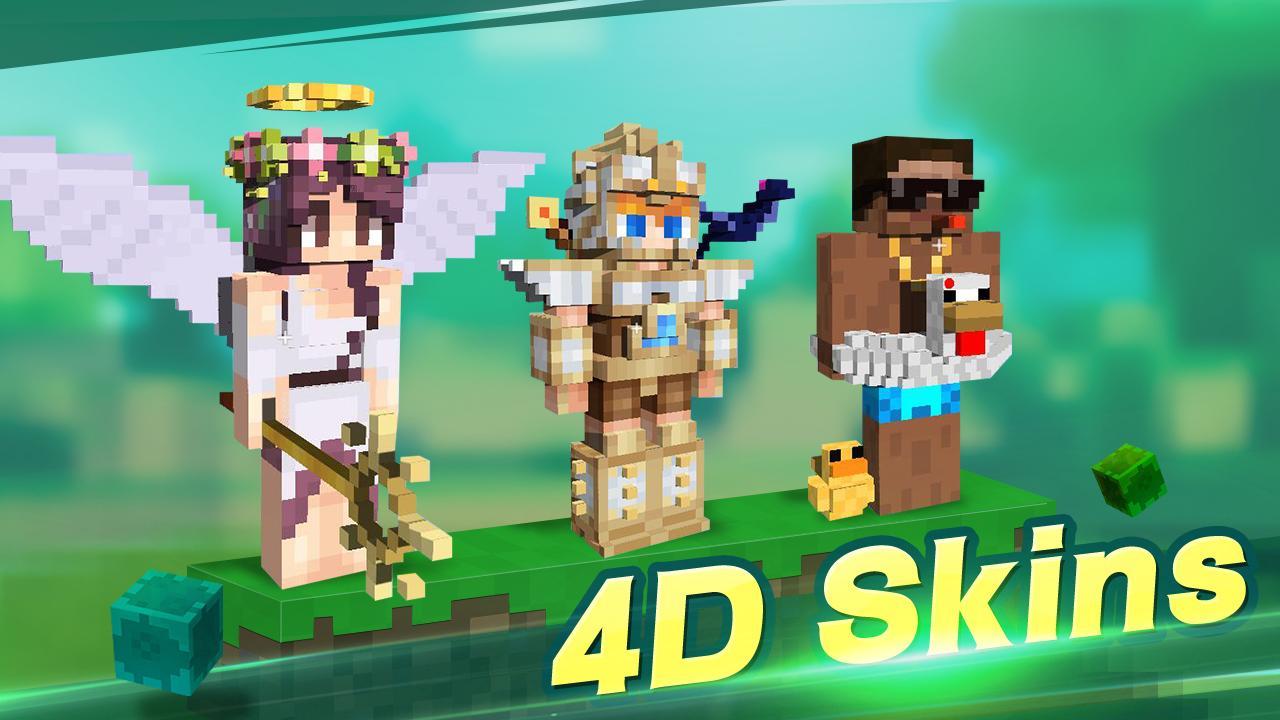
Skin browser with 3D preview
Preview skins in 360 degrees before use, then apply the one that fits your style.
Feature availability can change in the Master for Minecraft(Pocket Edition)-Mod Launcher latest version. Check in-app notes for details.
To use these tools and content in MCPE, download Master for Minecraft(Pocket Edition)-Mod Launcher and follow the on-screen prompts. Make sure Minecraft Pocket Edition is installed on your device before launching. This tool is not affiliated with Mojang, and all related assets belong to their owners.
Latest Version
2.2.5Uploaded by
Anuchit Chanaman
Requires Android
Android 4.0.3+
Category
Free Tools AppContent Rating
Everyone
Report
Flag as inappropriateLast updated on Jul 26, 2019
Update:
1. Floating window support MCPE1.12.0.28.
2. 1.12.0.28 Support MasterClub Mod.
3. Fix Bug.
--Close 0.14-1.0 Floating window support.


APKPure - A multi-platform app store primarily focused on Android, providing extensive app-related content. Discover the app you want easier, faster, and safer, with quick and efficient downloads and installations.