Scan Date:May 9, 2026
Show More

Building Mods for Minecraft suits players who want to create houses and large builds without long planning. It streamlines placement and setup so you can focus on exploring and customizing your world. You decide the location, review it, and confirm when ready. For a quick start that reduces manual effort, download Building Mods for Minecraft to begin shaping maps with less time spent on instructions.
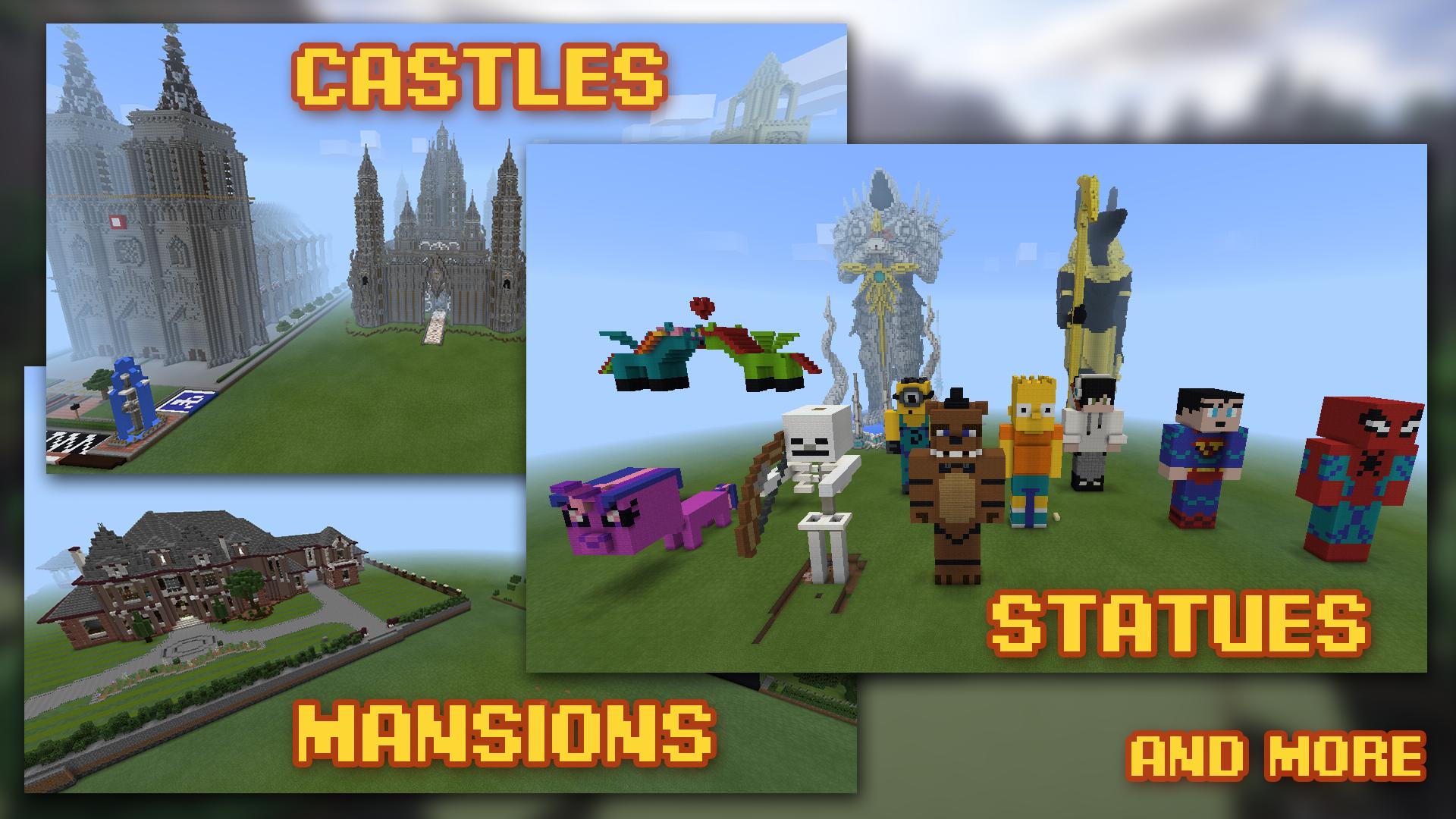
Automatic building placement
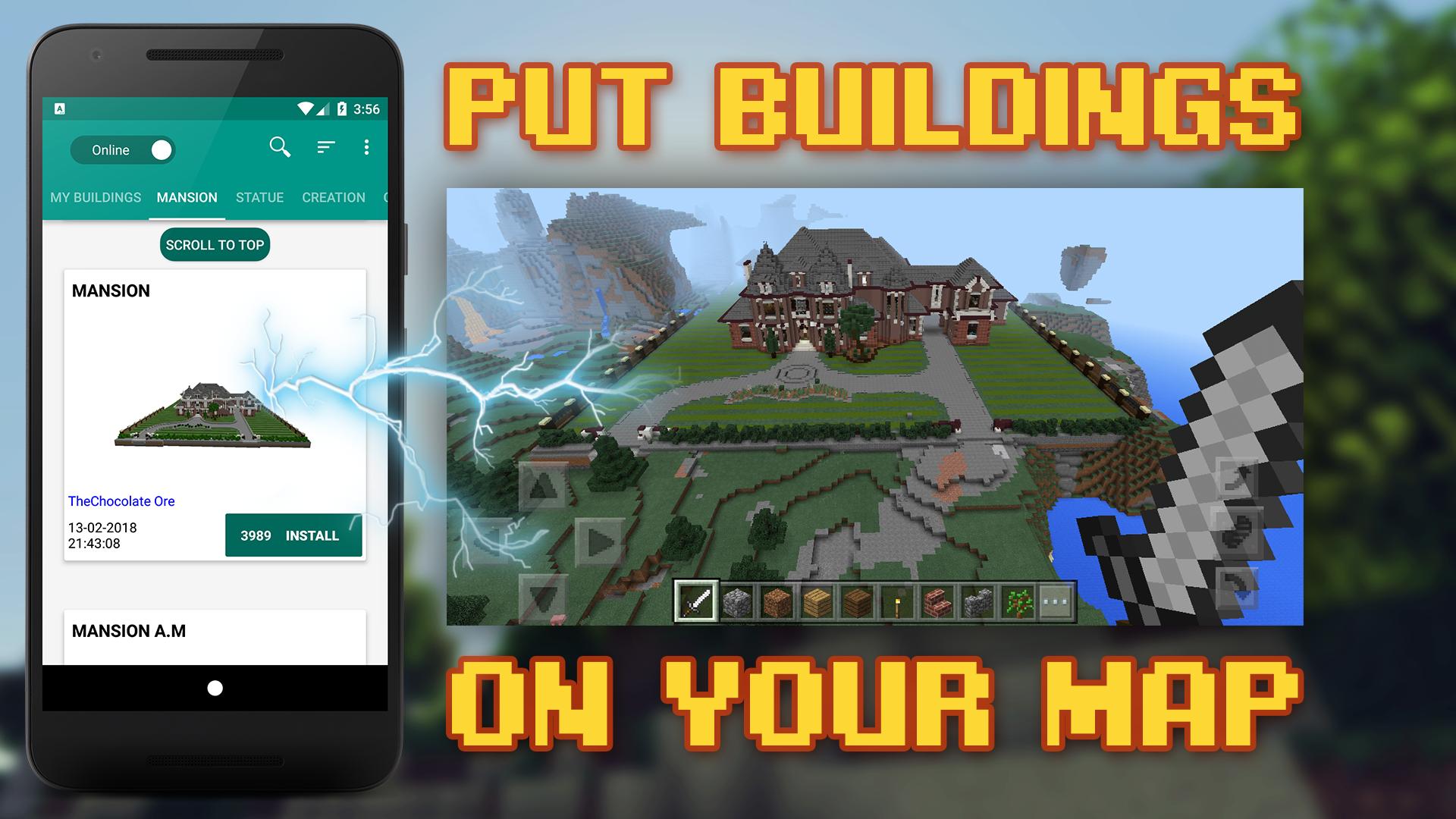
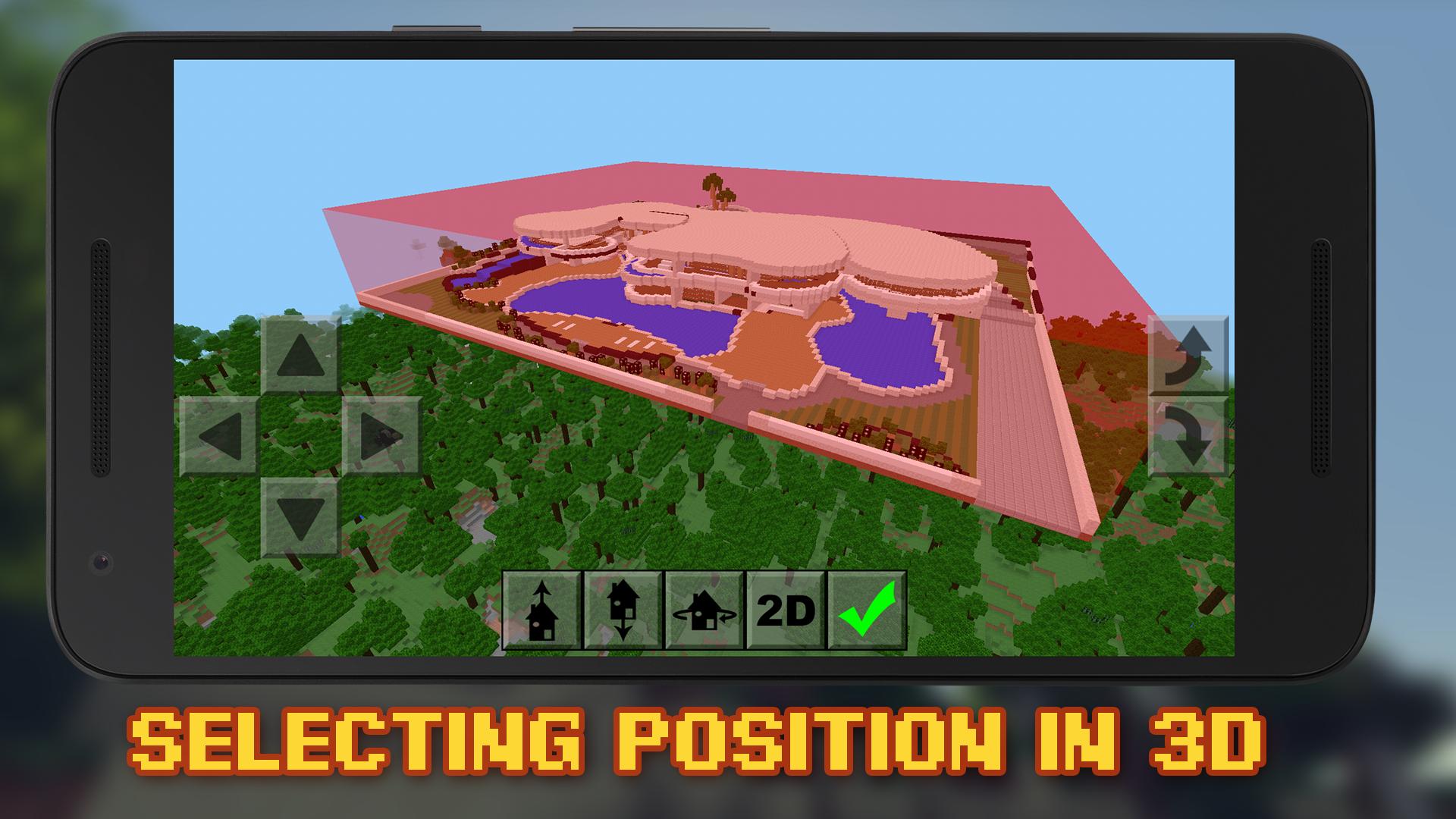
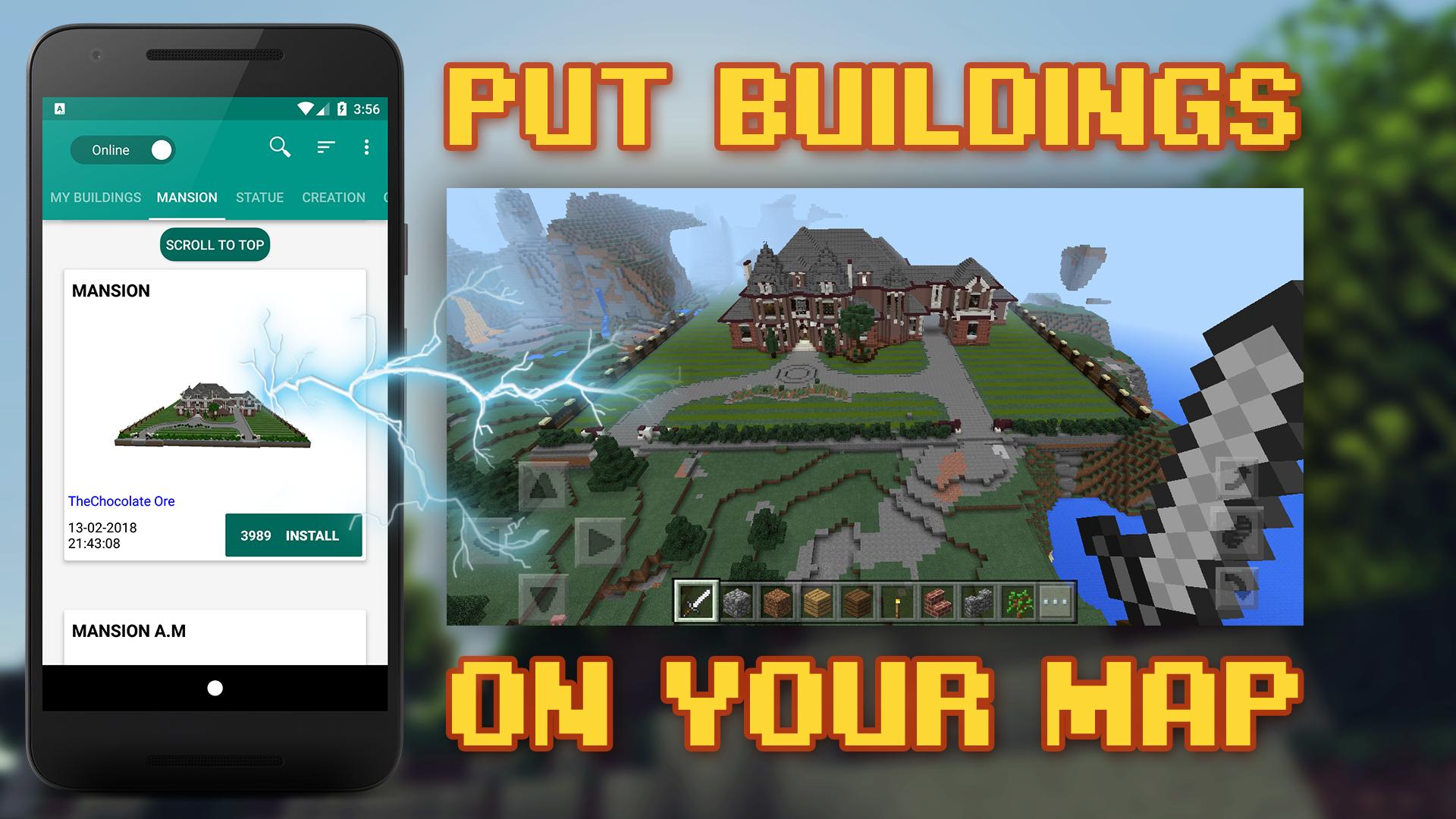
Building Mods for Minecraft installs ready made structures directly onto your map. You choose the exact position, adjust height in 3D, and preview before applying. If the placement does not fit the terrain, move it and check again until it matches your layout. This reduces repetitive block placing and keeps world changes clear.
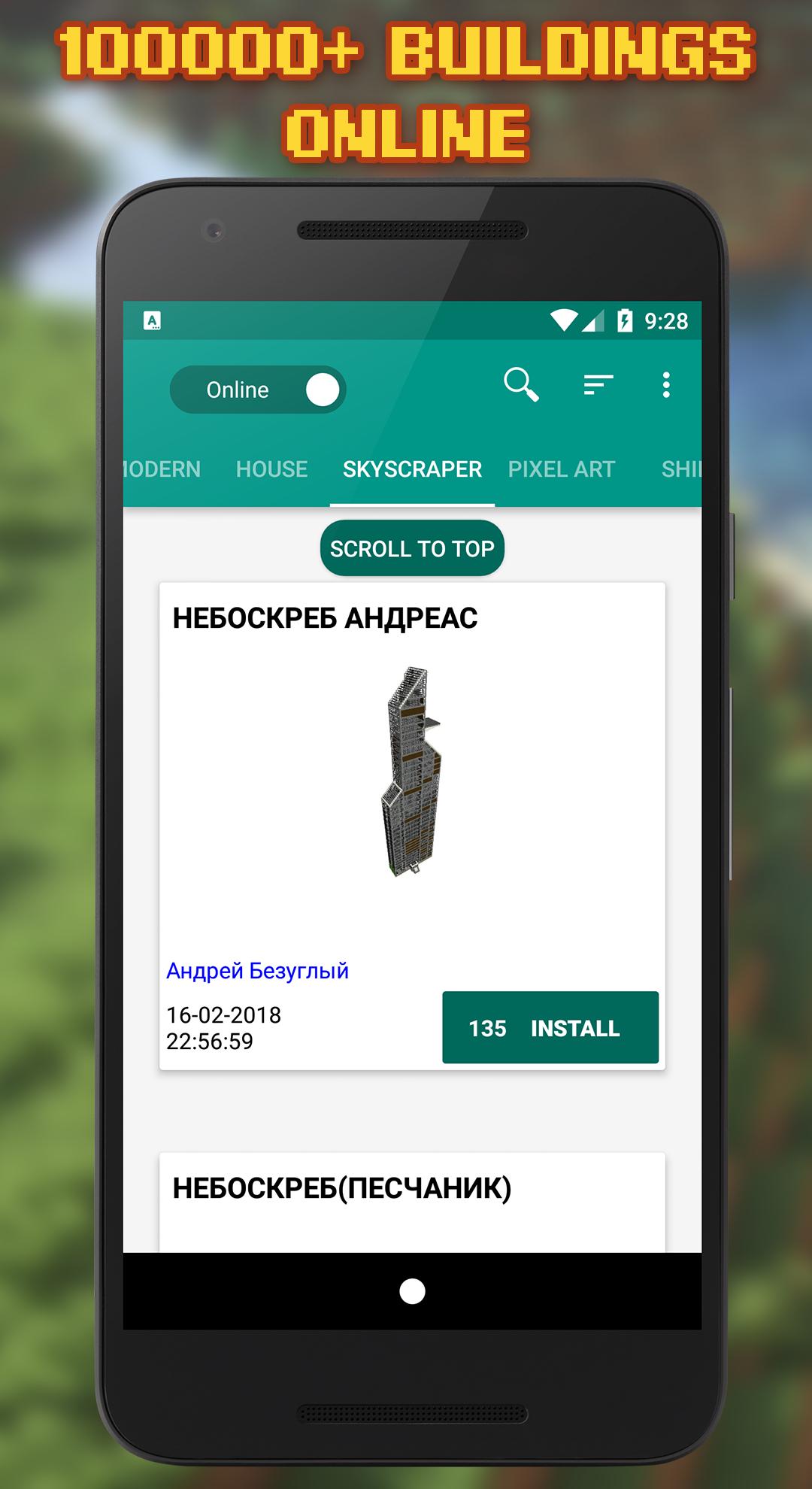
Large object catalog and search
Personal builds and world transfer
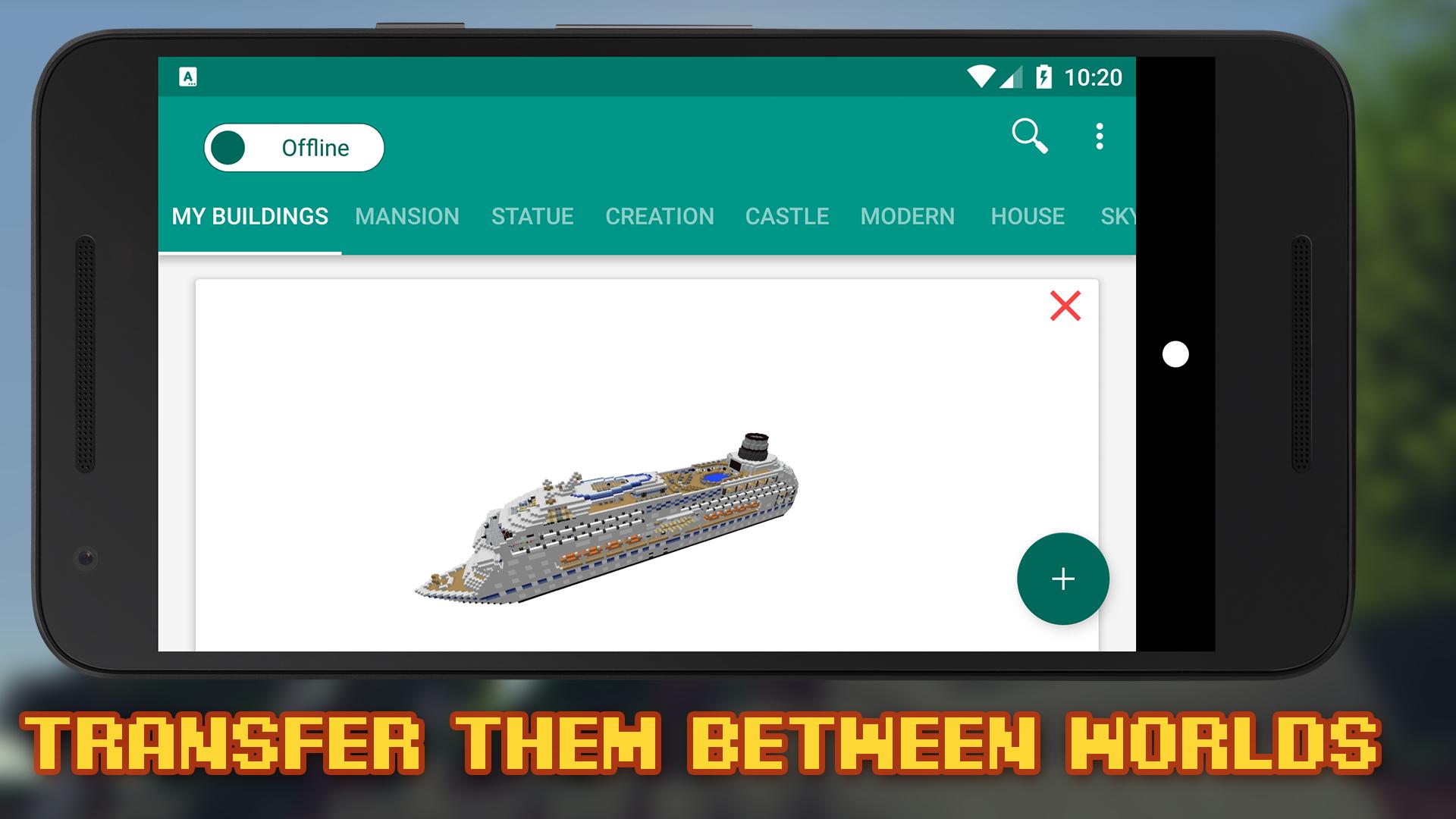
You can add your own buildings and transfer them between worlds. When testing placements, use the backup system to undo map changes if needed. Save states help recover from mistakes and let you try multiple layouts safely before committing to a build.
Compatibility and no extra launcher
The app supports all versions of Minecraft and works without any launchers. Controls are straightforward on touchscreen, so selecting, placing, and confirming an object feels quick on mobile.
Building Mods for Minecraft provides simple tools for placing complex structures with less effort. For Android users ready to install, get the Building Mods for Minecraft APK and begin placing houses, ships, and more in minutes. Review each placement, then apply changes when the preview matches your plan. This helps keep worlds organized while you build.
Latest Version
19.2Uploaded by
I Komang Agus Ariawan
Requires Android
Category
Free Entertainment AppContent Rating
Teen · Language
Security Report
Report
Flag as inappropriateLast updated on May 9, 2026
Big update!
- improved performance, now worlds are loading much faster
- new world generator, works better on minecraft 1.19+ (only for chunks that were not saved by minecraft)
- fixed black textures after several installing
- double tap on buttons to move faster, overall better movement experience
- building position indicator (follow the red box if you lost your building while in 3d)


APKPure - A multi-platform app store primarily focused on Android, providing extensive app-related content. Discover the app you want easier, faster, and safer, with quick and efficient downloads and installations.