Scan Several QR Codes in Quick Succession.
Usage:
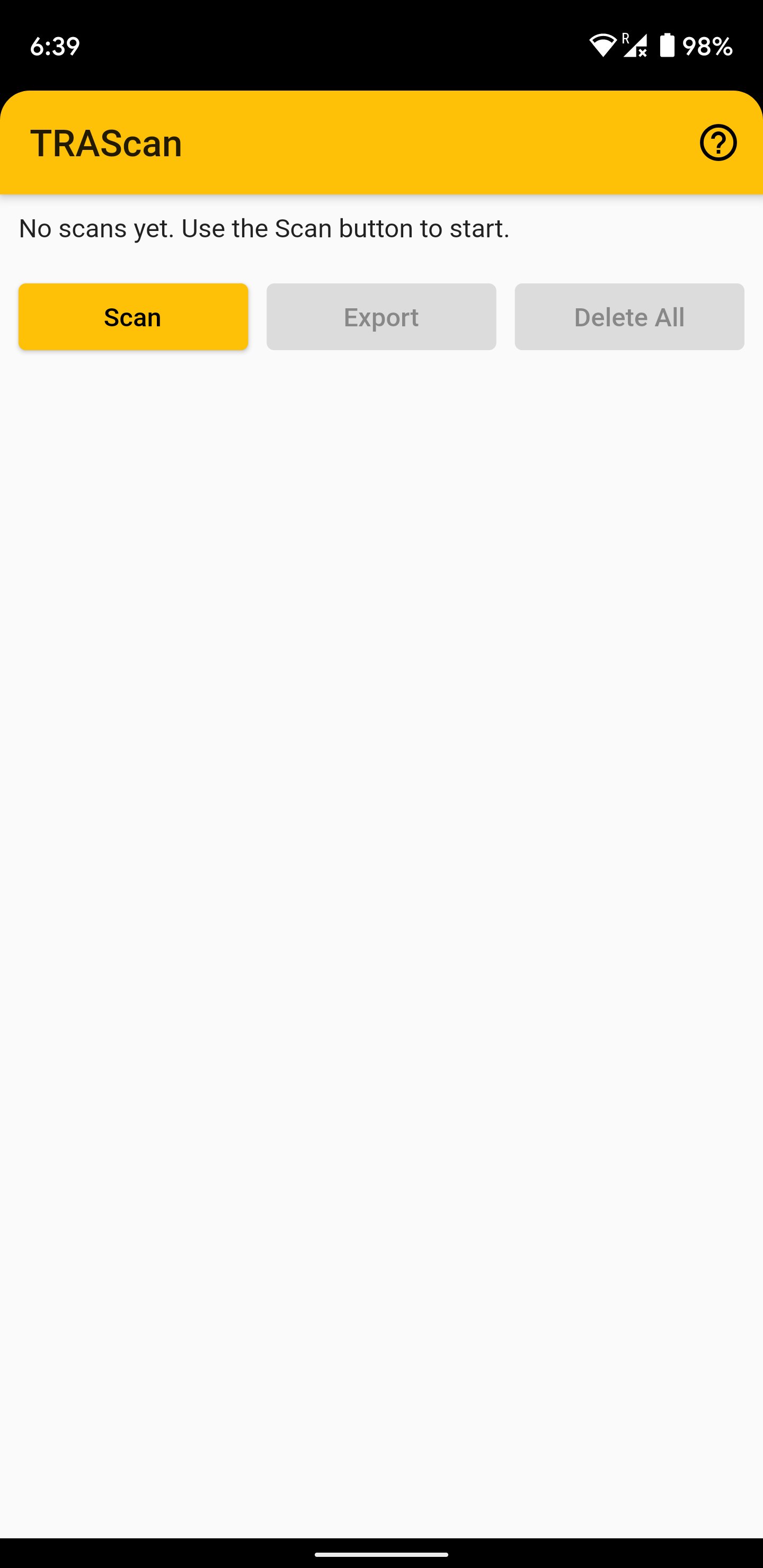
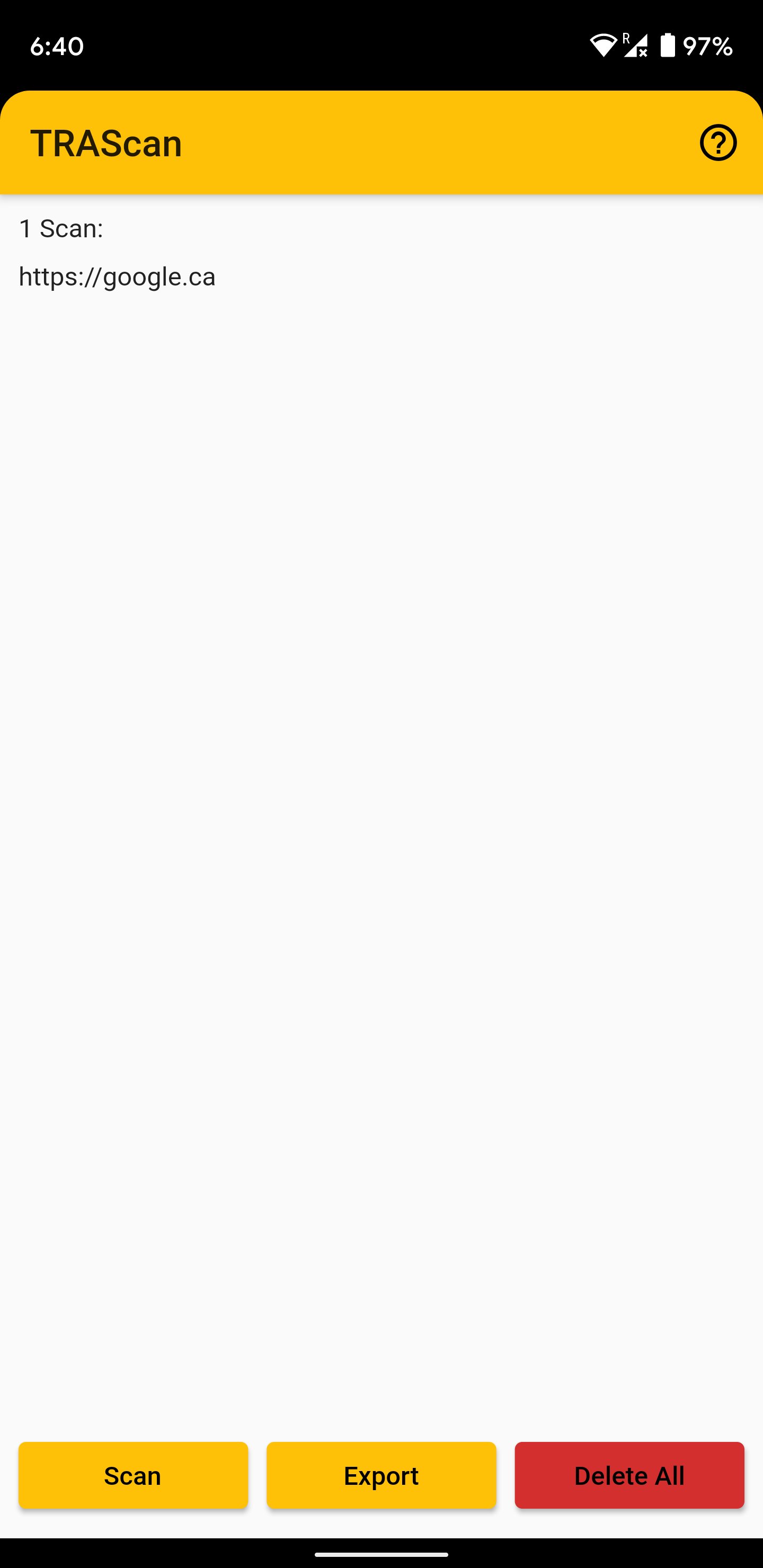
- Press the scan button to scan QR codes and add them to the scans list. Duplicate entries are skipped automatically.
- After scanning all codes, go back to the main screen to view them.
- Use the Export button to share the list to other apps.
- You may want to use the Export feature to email the list to yourself. Be sure to do this BEFORE exiting the app, as the in-app list is not stored permanently.
Latest Version
1.0.1Uploaded by
Mariana Ovares
Requires Android
Android 5.0+
Category
Free Productivity AppContent Rating
Everyone
Report
Flag as inappropriateLast updated on Mar 15, 2023
Changes since previous version:
- Renamed app to 'MassQR' (from 'TRAScan') as it is no longer intended just for TRA receipts (the 'TRAExtract' companion desktop app is obsolete).
- Removed funny sound effects (as this app is now general purpose - no longer meant just for a niche use case for use by one person).
- Manual resume button removed as it is no longer needed (automatic resume now used).
- Various bugfixes and code dependency updates.




APKPure - A multi-platform app store primarily focused on Android, providing extensive app-related content. Discover the app you want easier, faster, and safer, with quick and efficient downloads and installations.