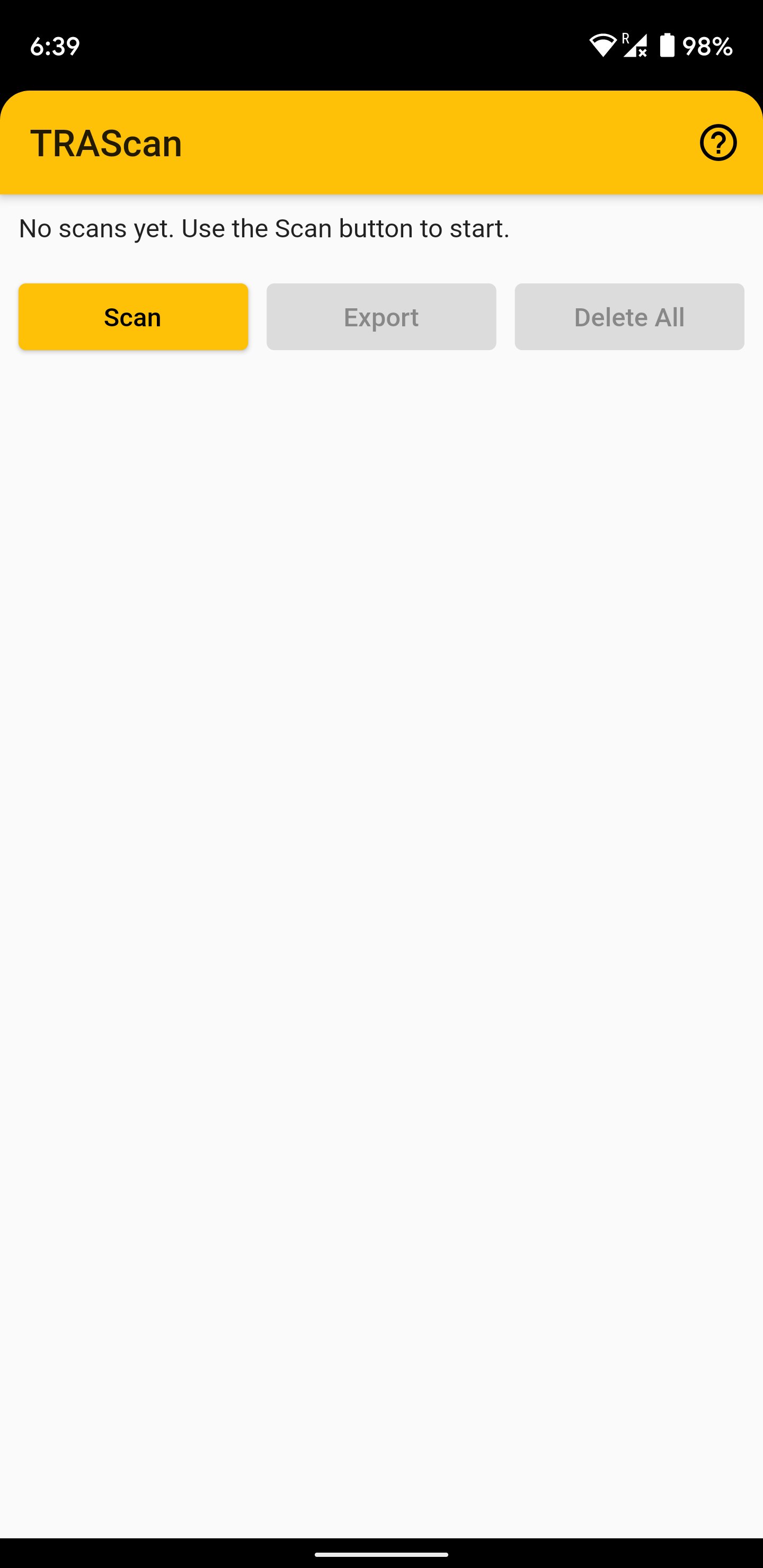
いくつかのQRコードをすばやく連続してスキャンします。
使用法:
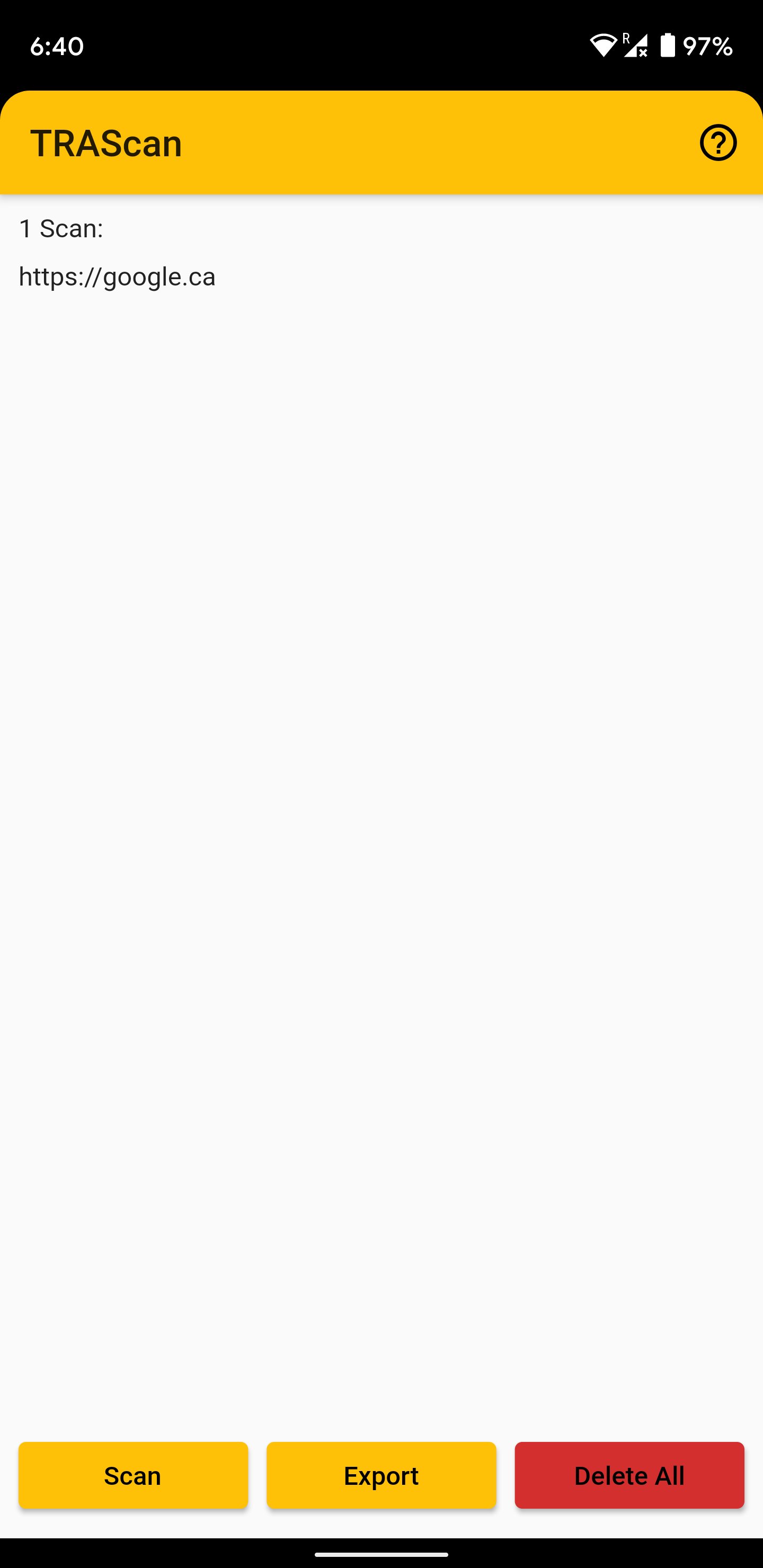
-スキャンボタンを押してQRコードをスキャンし、スキャンリストに追加します。重複するエントリは自動的にスキップされます。
-すべてのコードをスキャンした後、メイン画面に戻ってコードを表示します。
-[エクスポート]ボタンを使用して、リストを他のアプリと共有します。
-エクスポート機能を使用して、リストを自分宛てに電子メールで送信することをお勧めします。アプリ内リストは永続的に保存されないため、アプリを終了する前に必ずこれを行ってください。
Last updated on 2023年03月15日
Changes since previous version:
- Renamed app to 'MassQR' (from 'TRAScan') as it is no longer intended just for TRA receipts (the 'TRAExtract' companion desktop app is obsolete).
- Removed funny sound effects (as this app is now general purpose - no longer meant just for a niche use case for use by one person).
- Manual resume button removed as it is no longer needed (automatic resume now used).
- Various bugfixes and code dependency updates.




APKPure - Androidを中心としたマルチプラットフォームのアプリストアで、豊富なアプリ関連コンテンツを提供しています。より簡単に、より速く、より安全にアプリを見つけることができ、ダウンロードとインストールも迅速かつ効率的です。