Scan Date:May 7, 2026
Show More

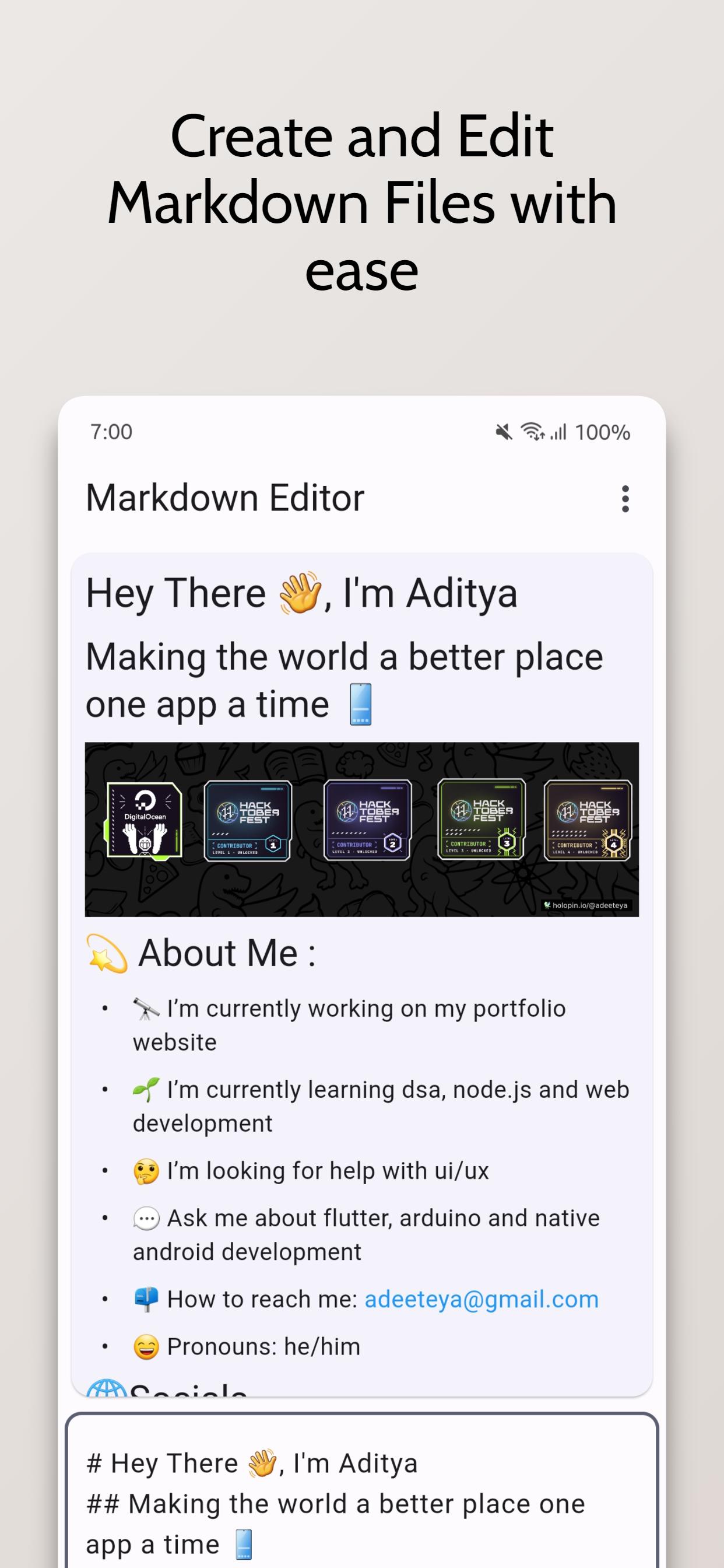
Introducing the Markdown Editor app, the perfect tool for anyone who needs to create and edit markdown files with ease. With the ability to open ".md" files directly from the explorer, you can easily access your files and start working on them right away.
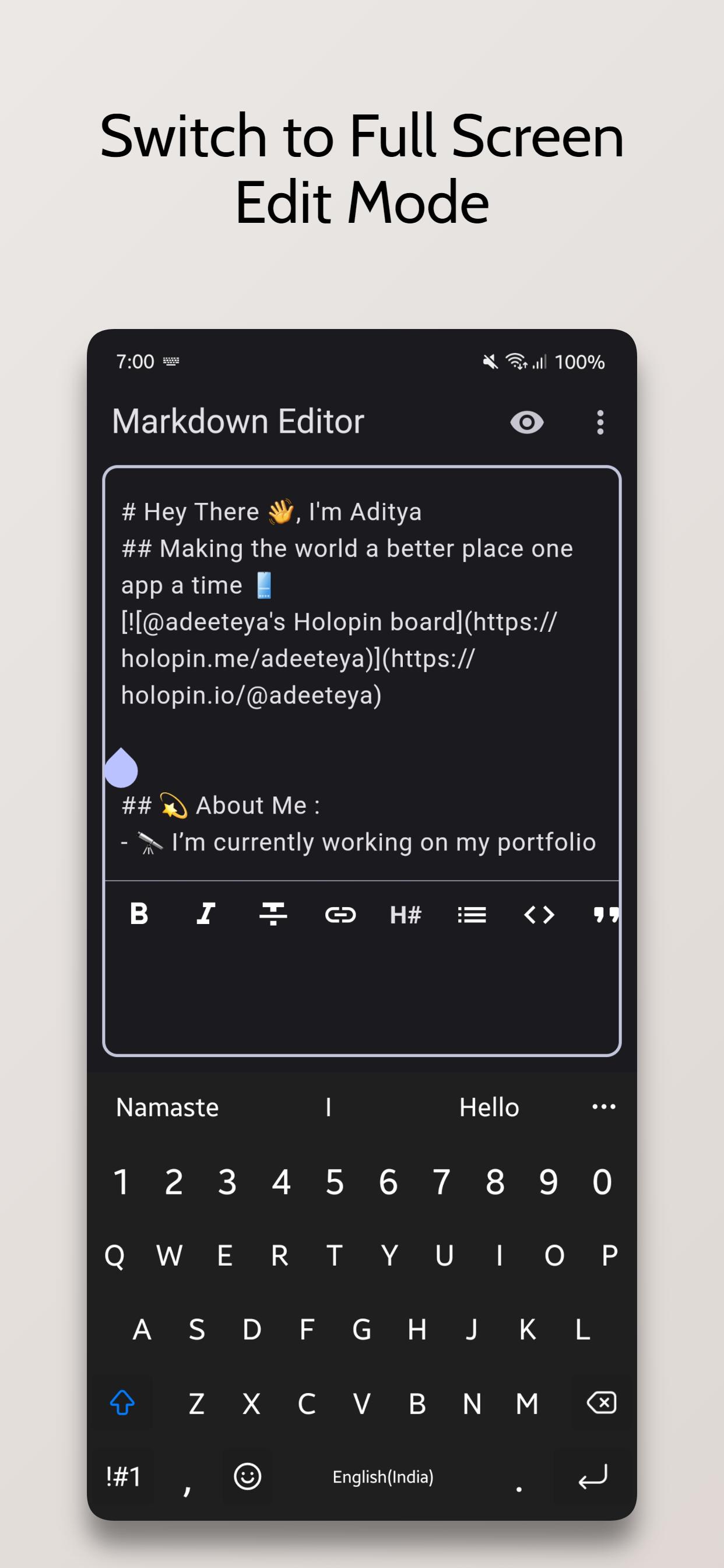
The app also offers a convenient way to style your text with options such as bold, italics, headings, and more. Adding links is also a breeze with the simple interface.
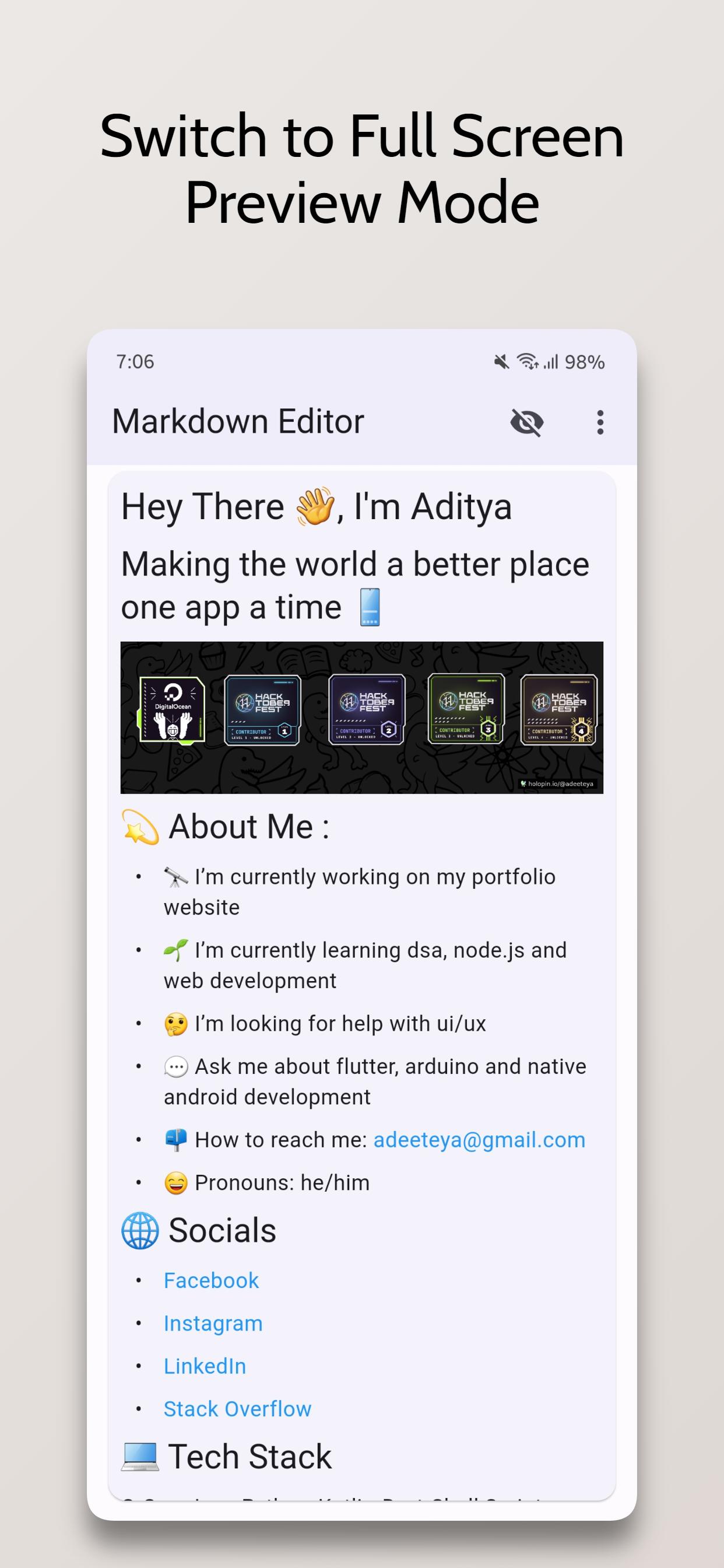
In addition, you can preview JPEG, PNG, GIF, WebP, BMP, and WBMP image formats right within the app. You can easily open links from the preview, making it easy to navigate between different files and sources.
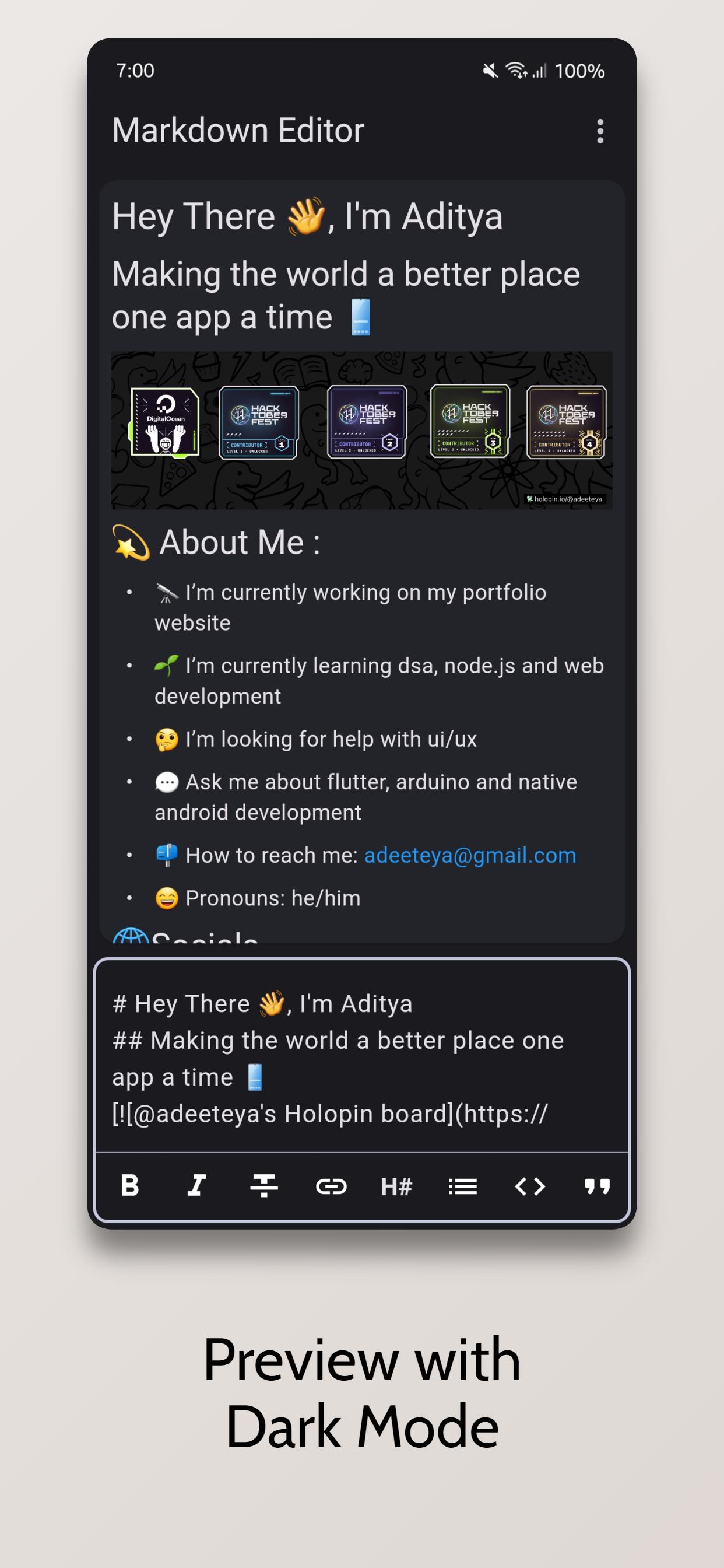
Choose between Light and Dark Theme Modes, and use the Dual View Mode to simultaneously view both the preview and editing views. Alternatively, you can use Single View Mode to focus on either the preview or editing view.
The app also offers the ability to clear text and start from scratch, as well as create new .md files or edit existing ones.
This Editor was developed using Flutter and is mainly targeted for mobile devices as currently there aren't any standalone markdown editors available.
The Source Code for this app is available at https://github.com/adeeteya/FlutterMarkdownEditor
Latest Version
2.1.0Uploaded by
زياد المايسترو القيصر
Requires Android
Android 7.0+
Category
Free Tools AppContent Rating
Everyone
Security Report
Report
Flag as inappropriateLast updated on May 7, 2026
Added
- Integrated dynamic color support for improved theme customization.
- Added sharing functionality with options for plain text, markdown, and PDF.
- Custom tag style for code blocks in PDF export.
Fixed
- Platform brightness detection in device preference notifier.
- Various UI fixes and improvements.




APKPure - A multi-platform app store primarily focused on Android, providing extensive app-related content. Discover the app you want easier, faster, and safer, with quick and efficient downloads and installations.