View your contacts in the map.
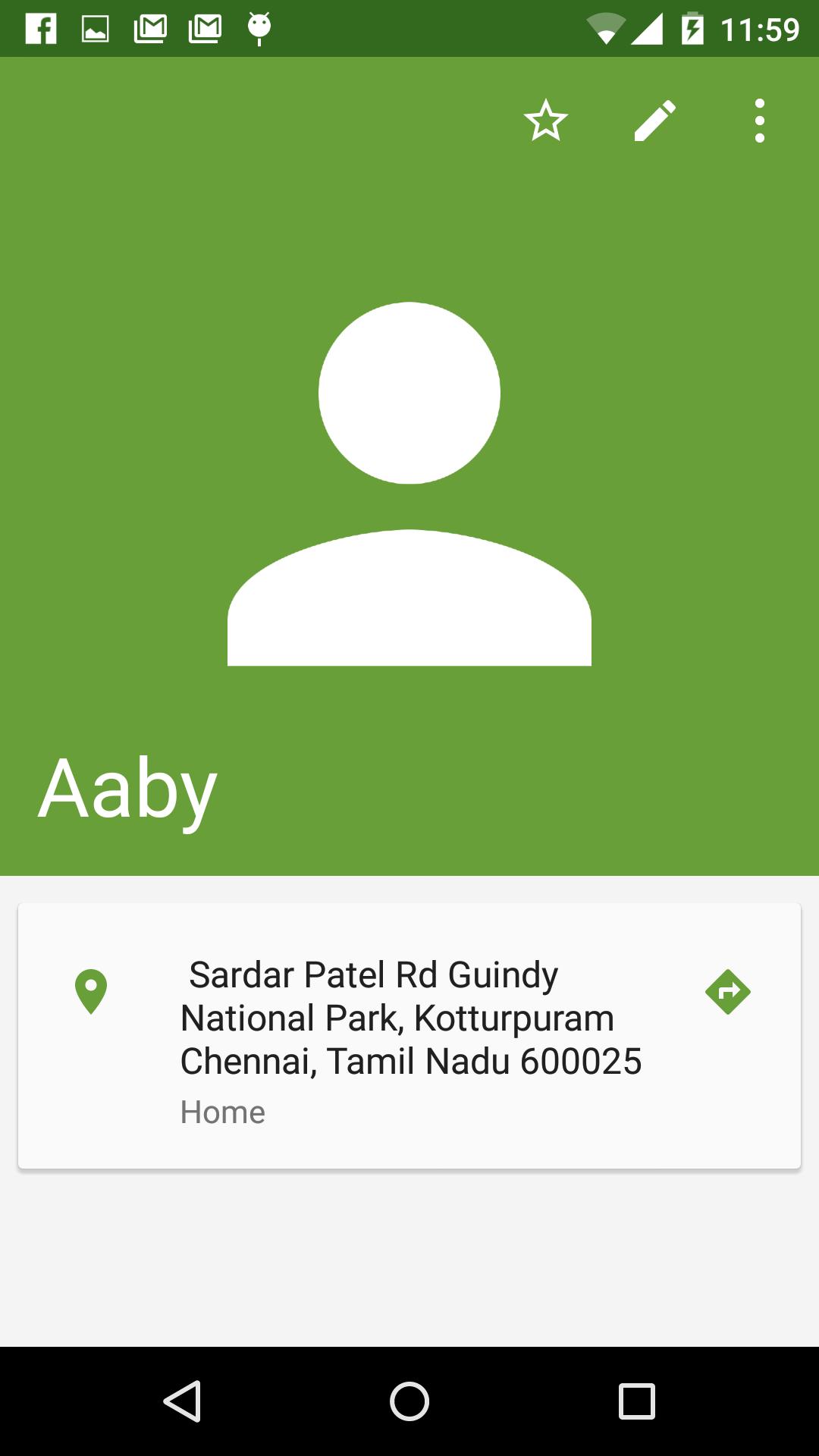
Navigating to your Contacts home or Office will be much easier if you have updated your Contact with the Address.
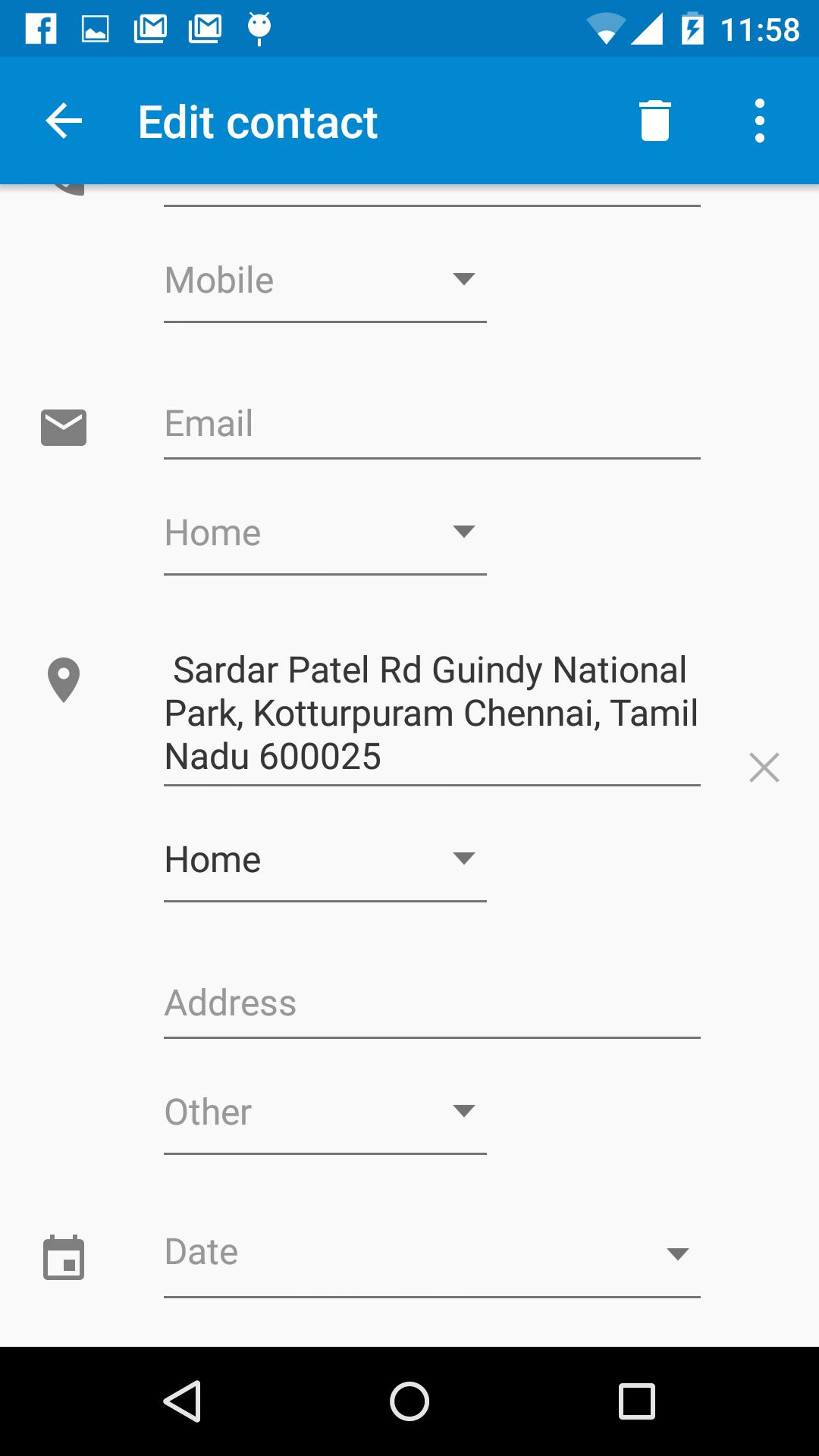
This app simplifies that by helping you locate your contacts address in the map and adding it to the Contact.
Features:
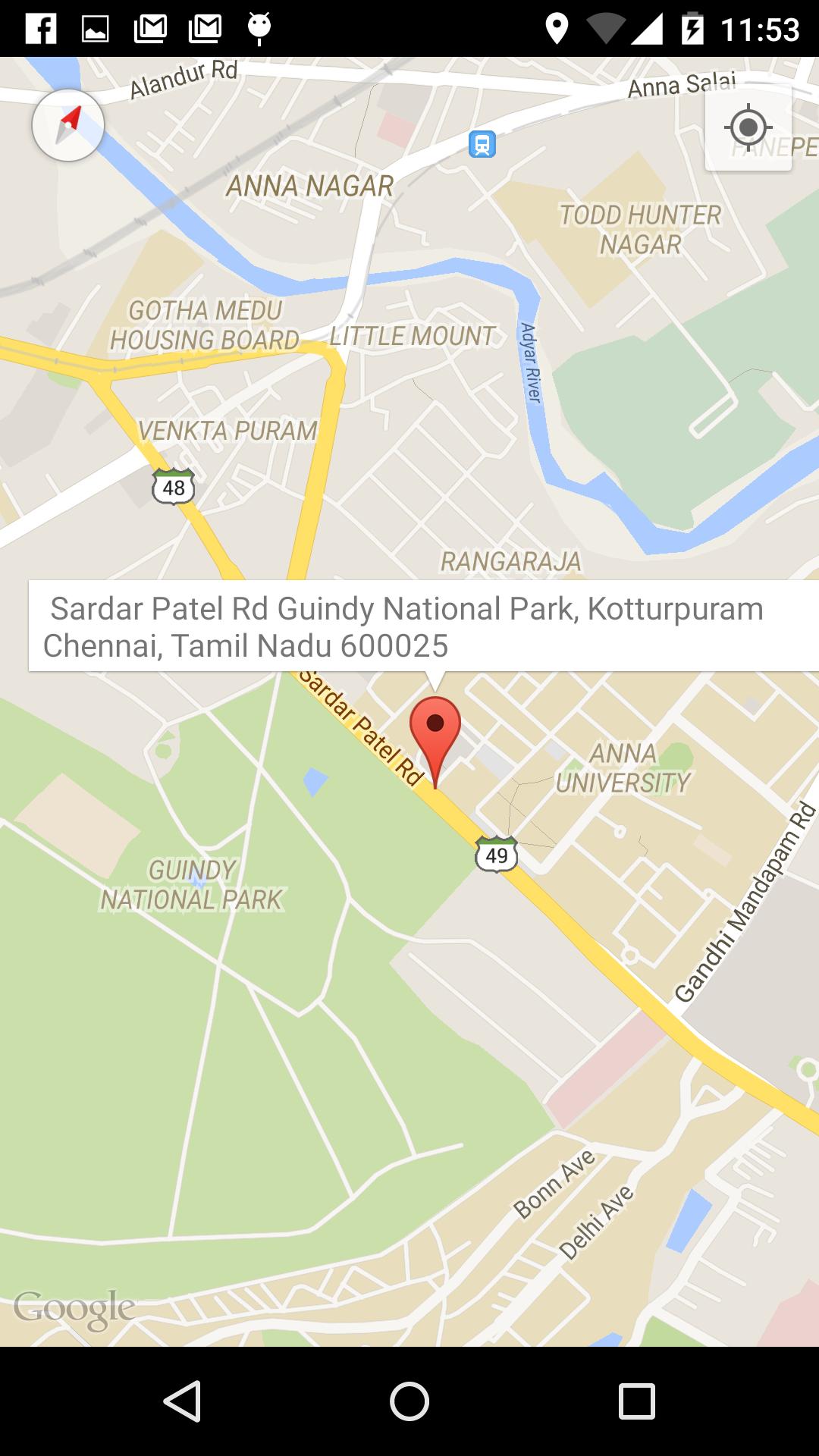
1. Locate a Address in the map and the Street Address is displayed.
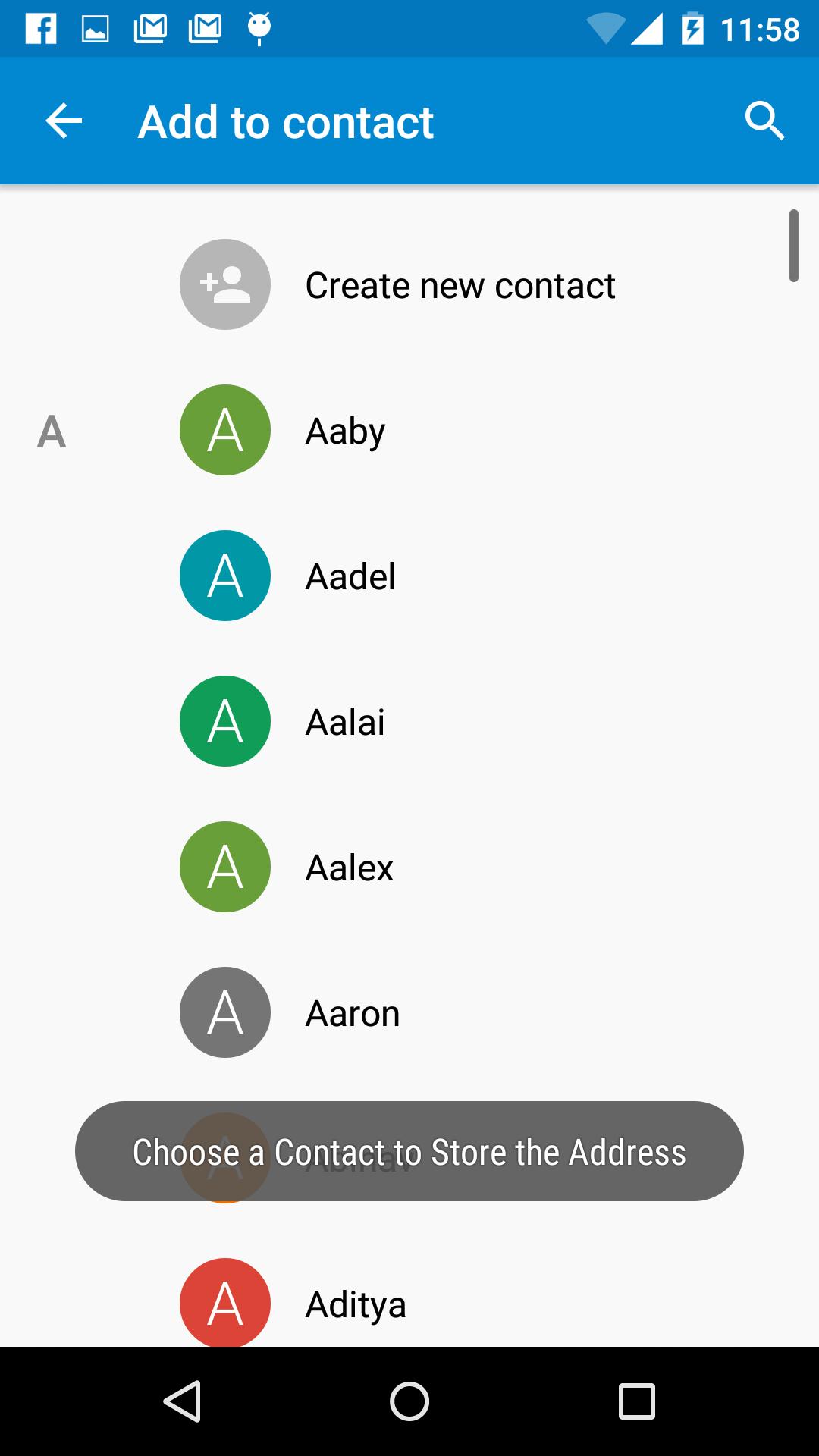
2. Click on the Address Info Window to store the address to a Contact.
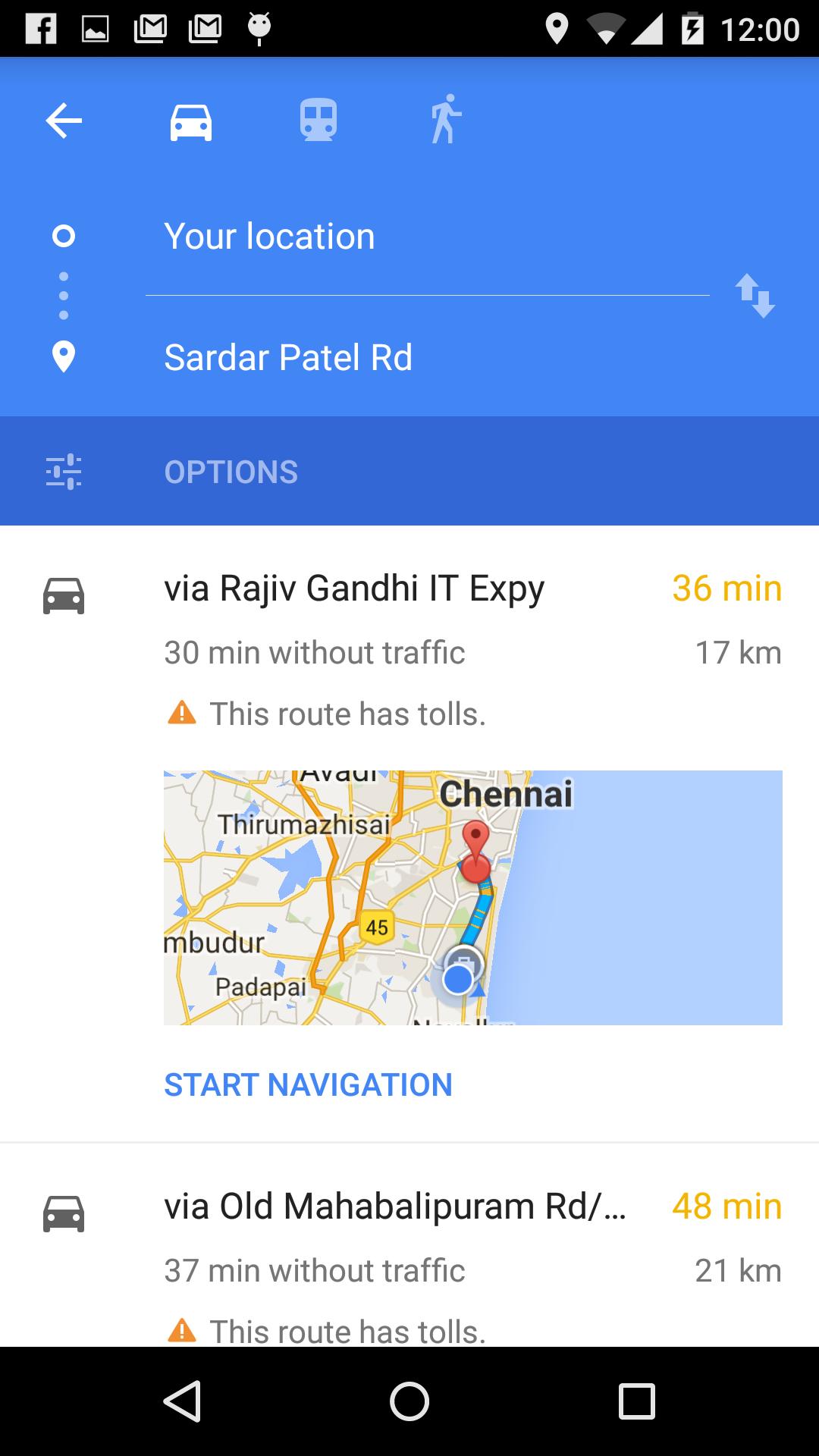
3. One Touch Navigation to Contacts Home/Address from Contact using Google Navigation.
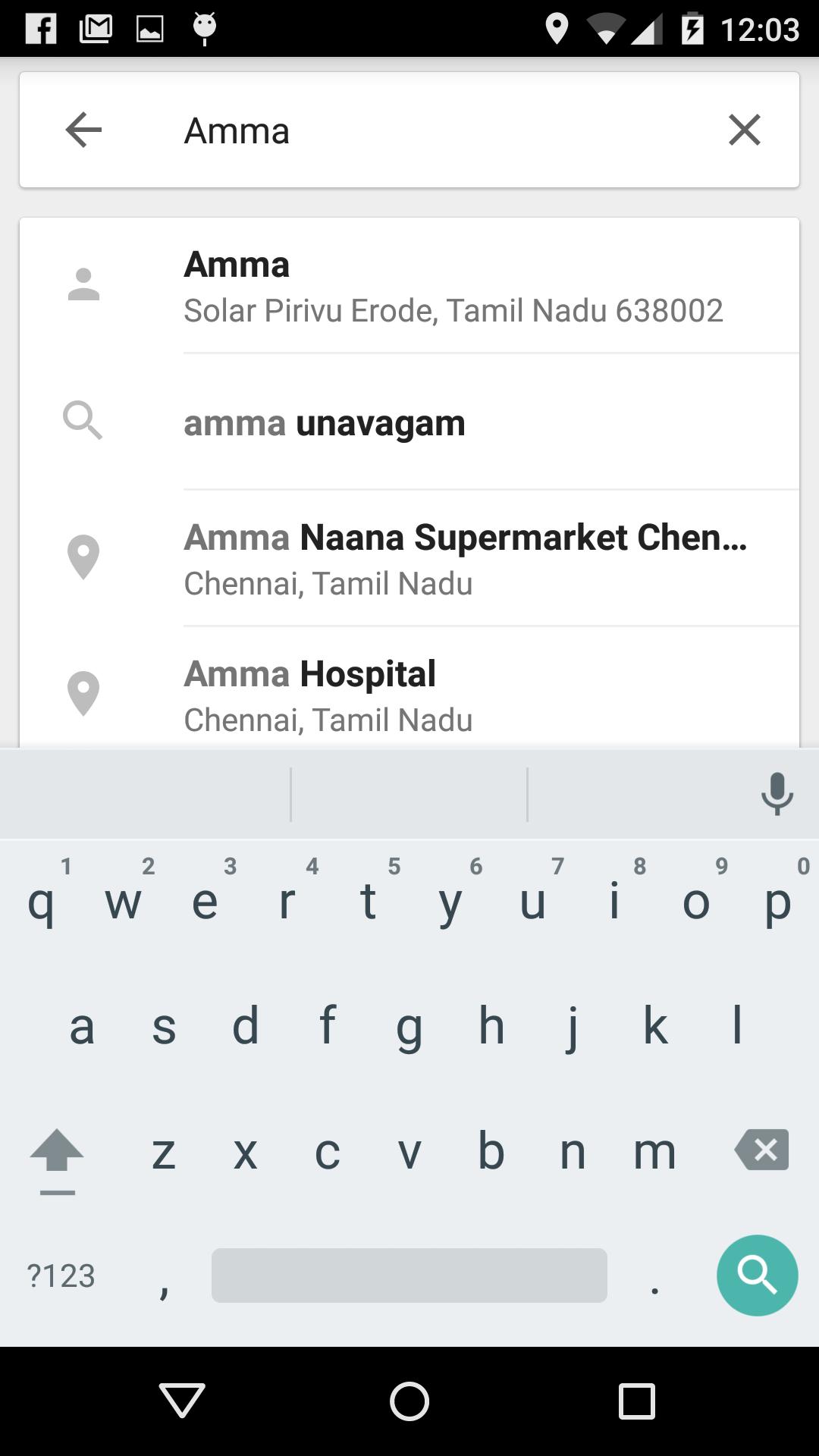
4. Search for your Contact name in the Google Maps for the Address.
Latest Version
1.8Uploaded by
Tin Ko Ko
Requires Android
Android 4.0.3+
Category
Free Tools AppContent Rating
All ages
Report
Flag as inappropriateLast updated on Oct 8, 2016
Added feature to view all contacts in the map view
Option to search and locate an area in the map added.
Ads Removed

APKPure - A multi-platform app store primarily focused on Android, providing extensive app-related content. Discover the app you want easier, faster, and safer, with quick and efficient downloads and installations.