View your contacts in the map.
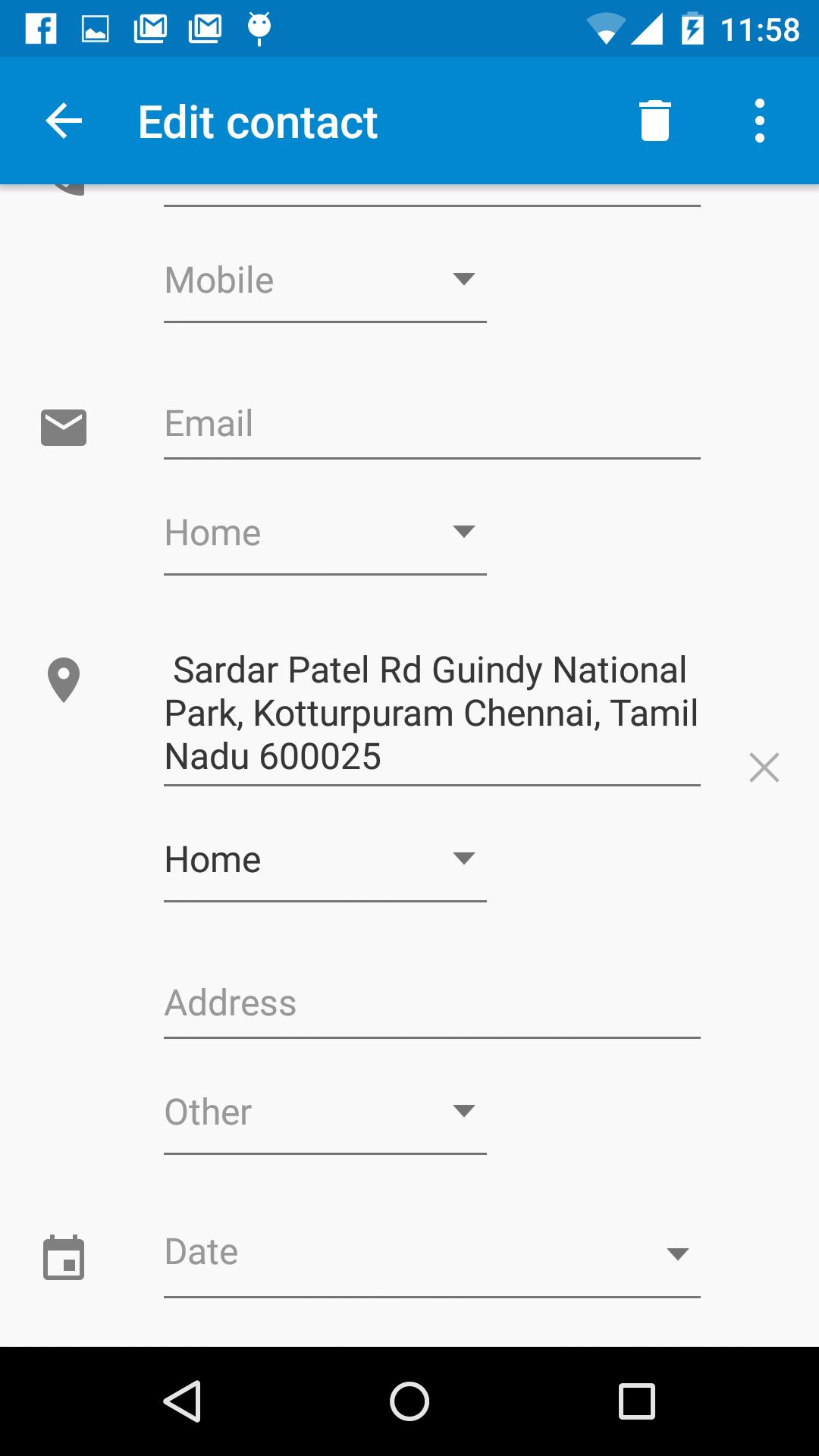
Navigating to your Contacts home or Office will be much easier if you have updated your Contact with the Address.
This app simplifies that by helping you locate your contacts address in the map and adding it to the Contact.
Features:
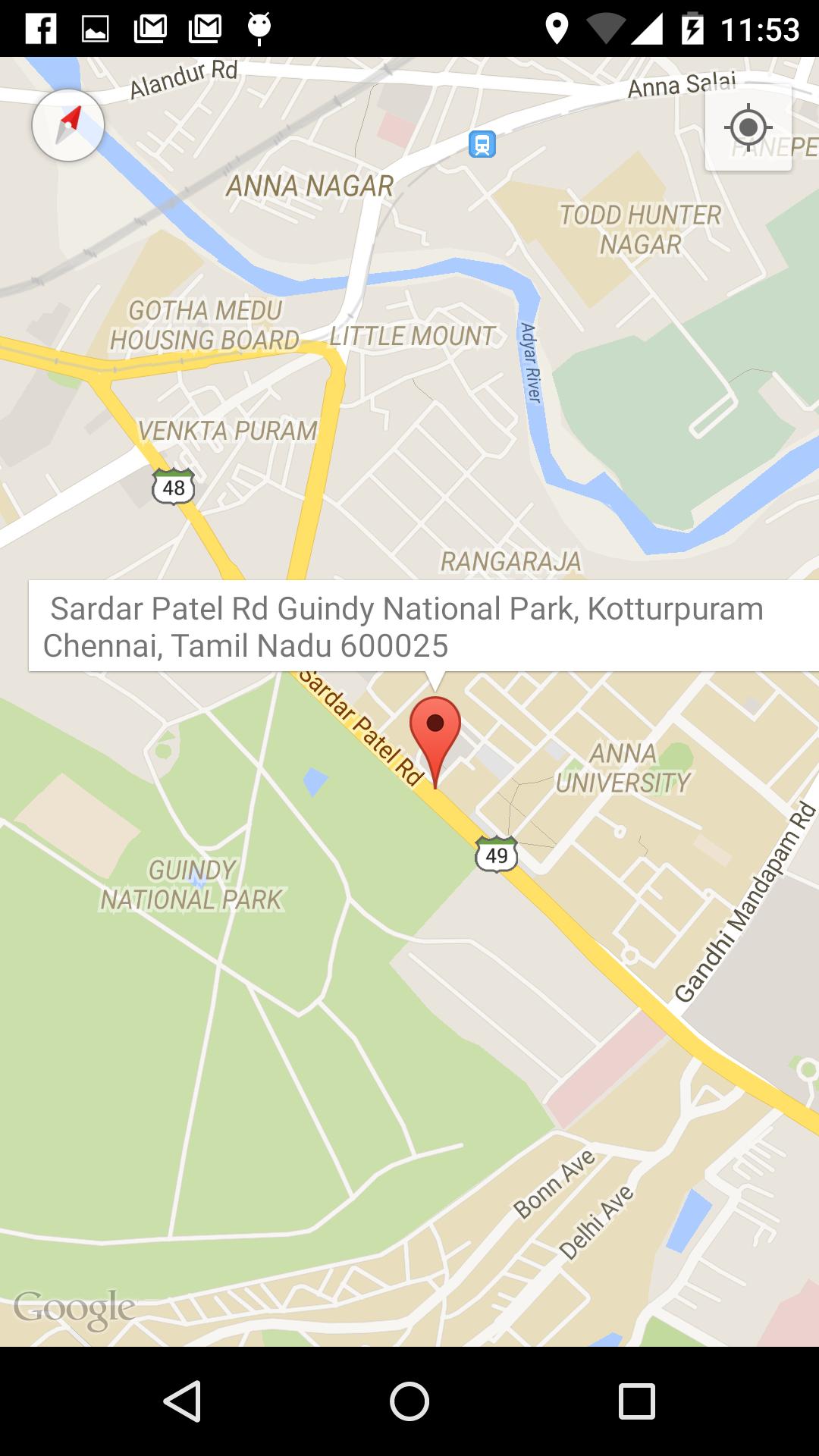
1. Locate a Address in the map and the Street Address is displayed.
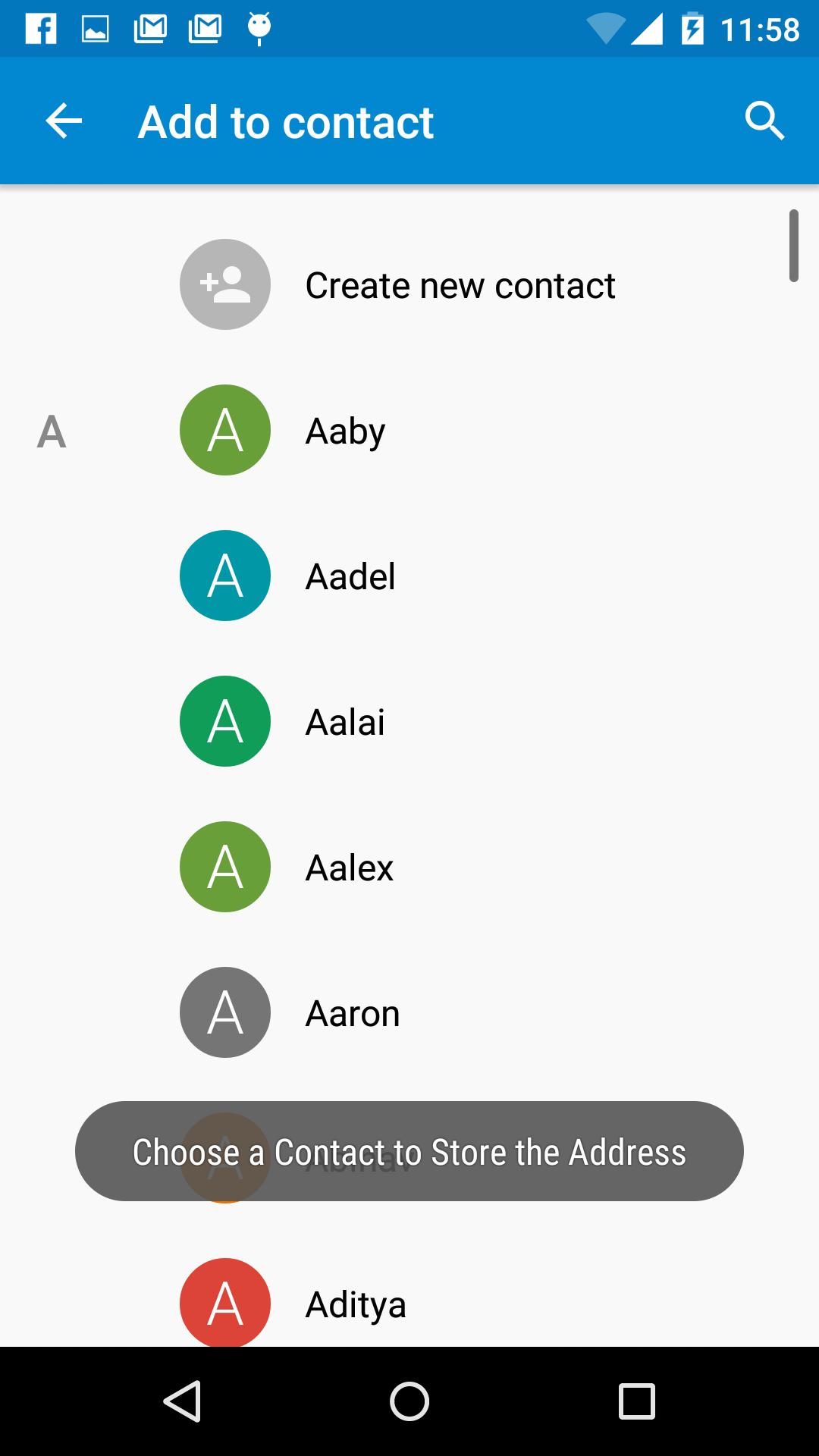
2. Click on the Address Info Window to store the address to a Contact.
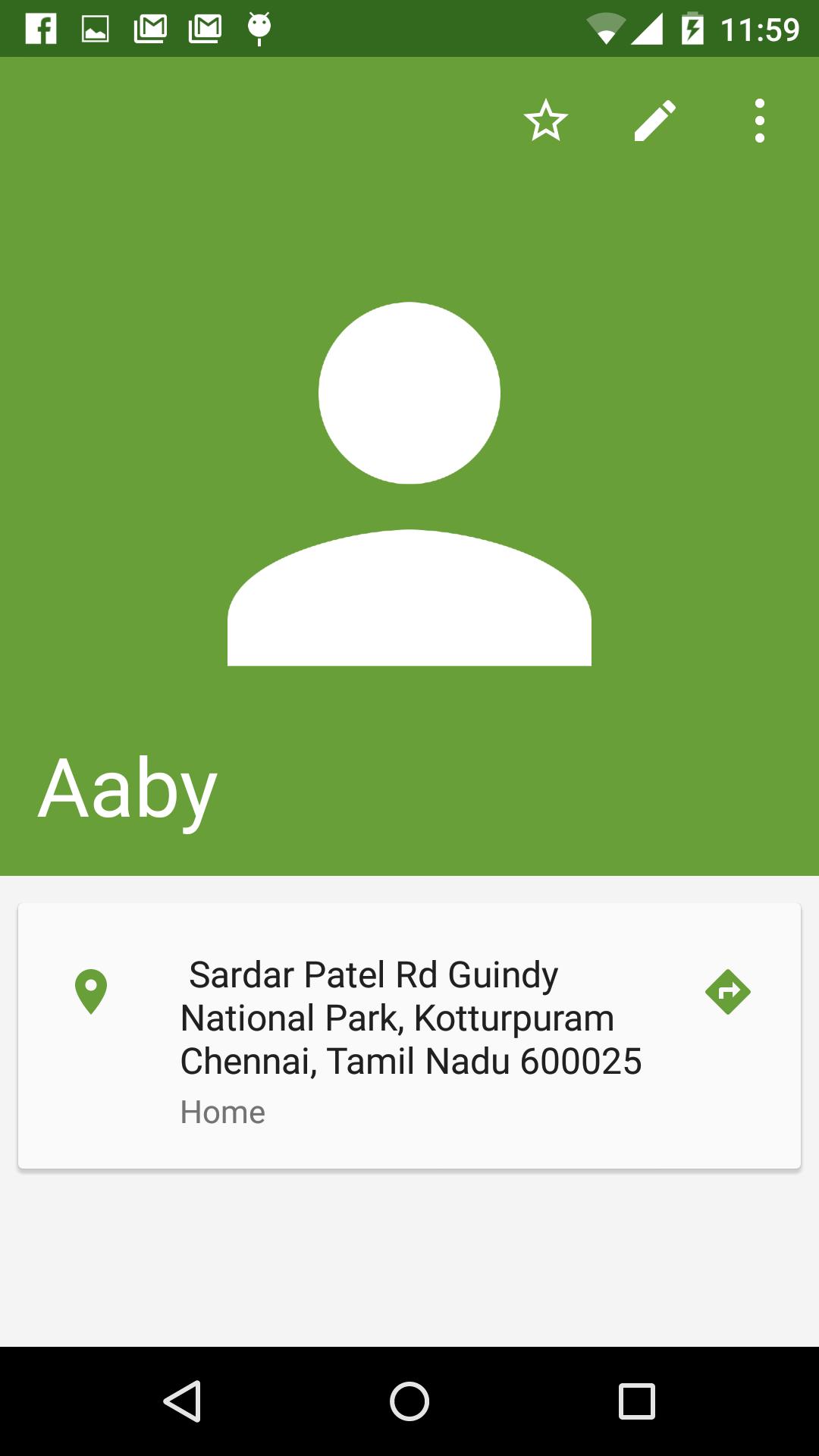
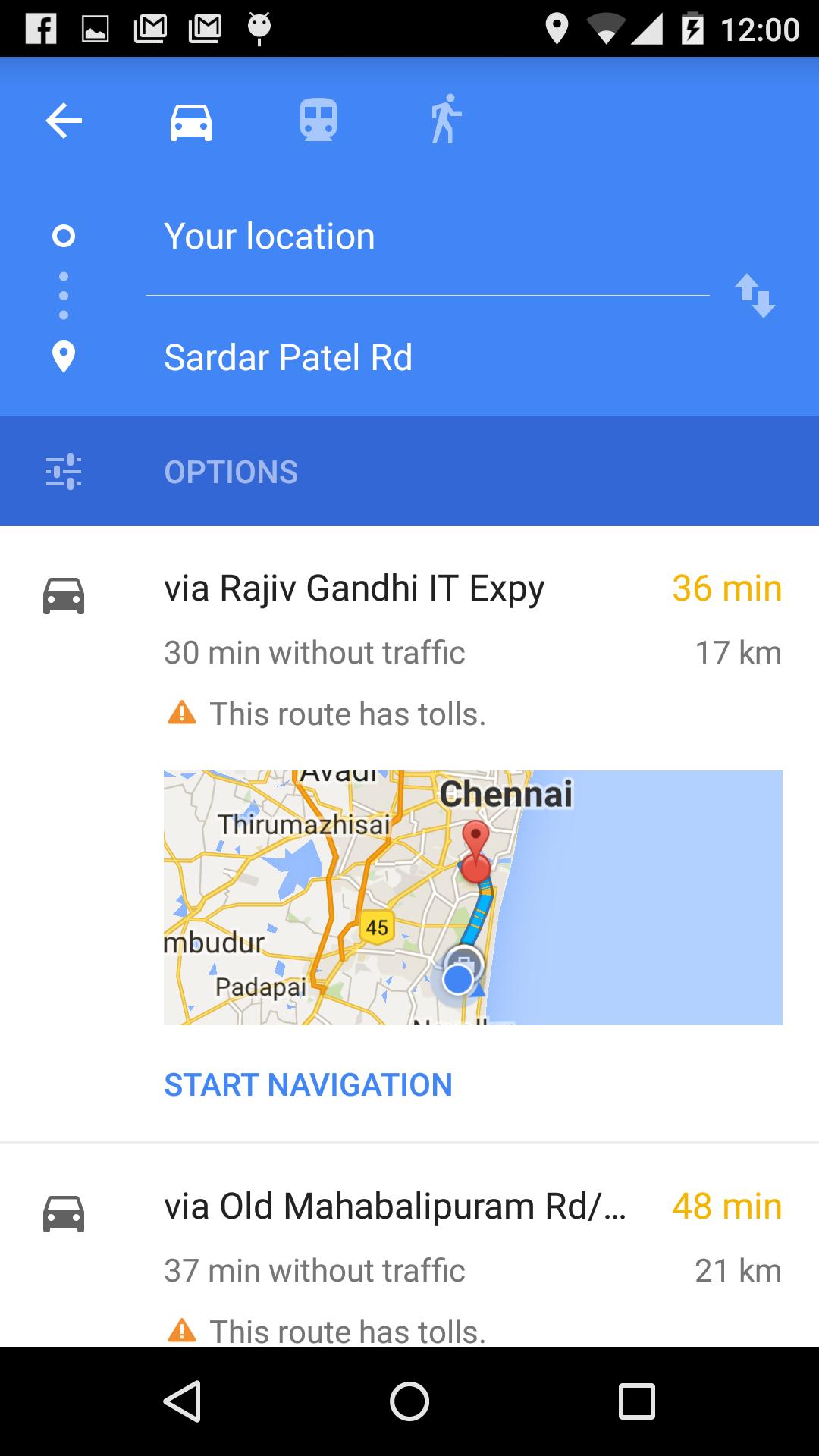
3. One Touch Navigation to Contacts Home/Address from Contact using Google Navigation.
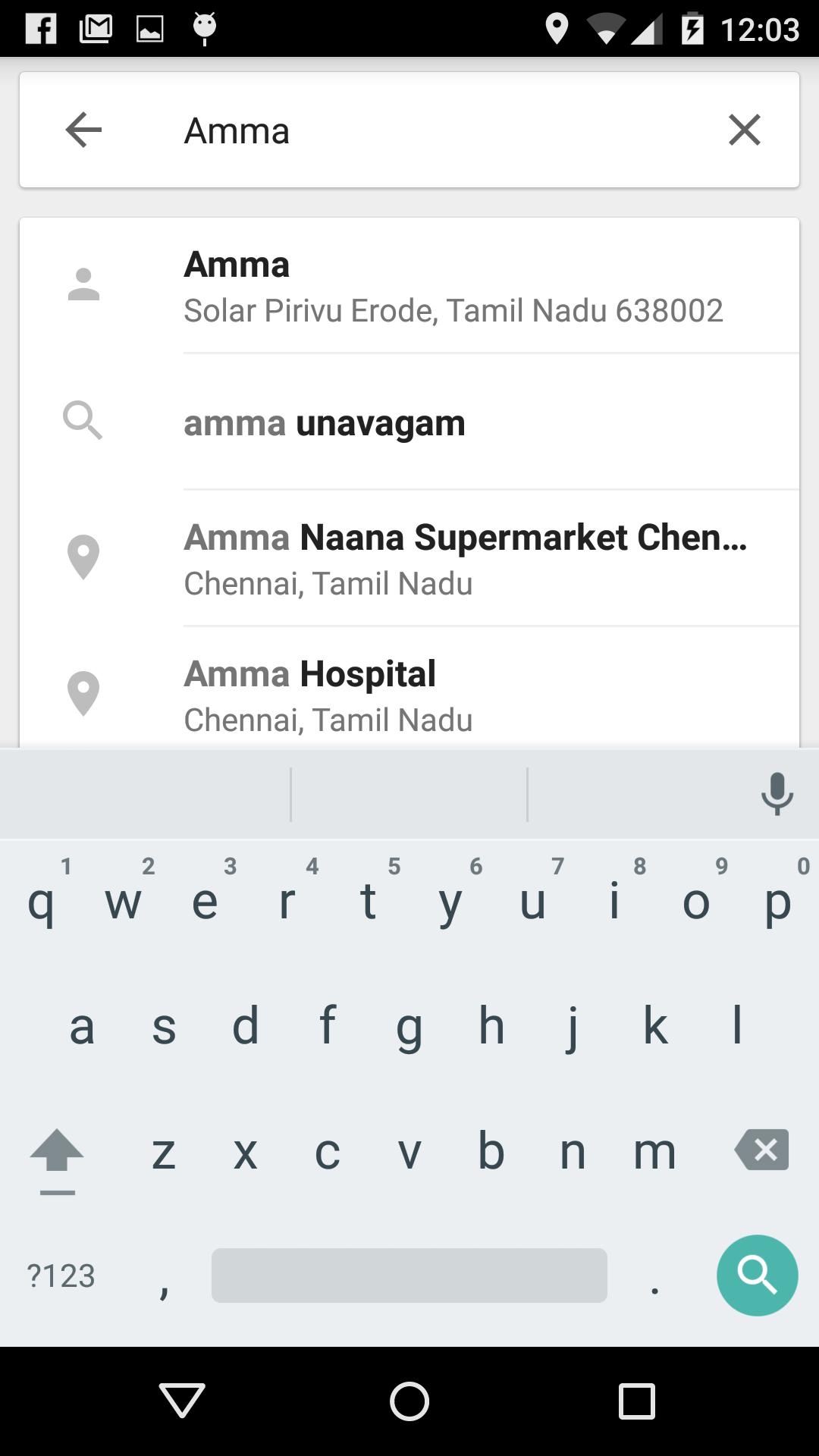
4. Search for your Contact name in the Google Maps for the Address.
Última Versión
1.8Presentado por
Tin Ko Ko
Requisitos
Android 4.0.3+
Categoría
Gratis Herramientas APPClasificación de contenido
All ages
Reportar
Marcar como inapropiadoLast updated on 08/10/2016
Added feature to view all contacts in the map view
Option to search and locate an area in the map added.
Ads Removed


APKPure - Una tienda de aplicaciones multiplataforma enfocada principalmente en Android, que proporciona un amplio contenido relacionado con aplicaciones. Descubre la aplicación que deseas de forma más fácil, rápida y segura, con descargas e instalaciones rápidas y eficientes.