Package Name:de.schliweb.makeacopy
SHA-256:d11350c16396c39d8e09cb1f4d045cc01d31c75550cd0245f76ea5904990642d
Show More

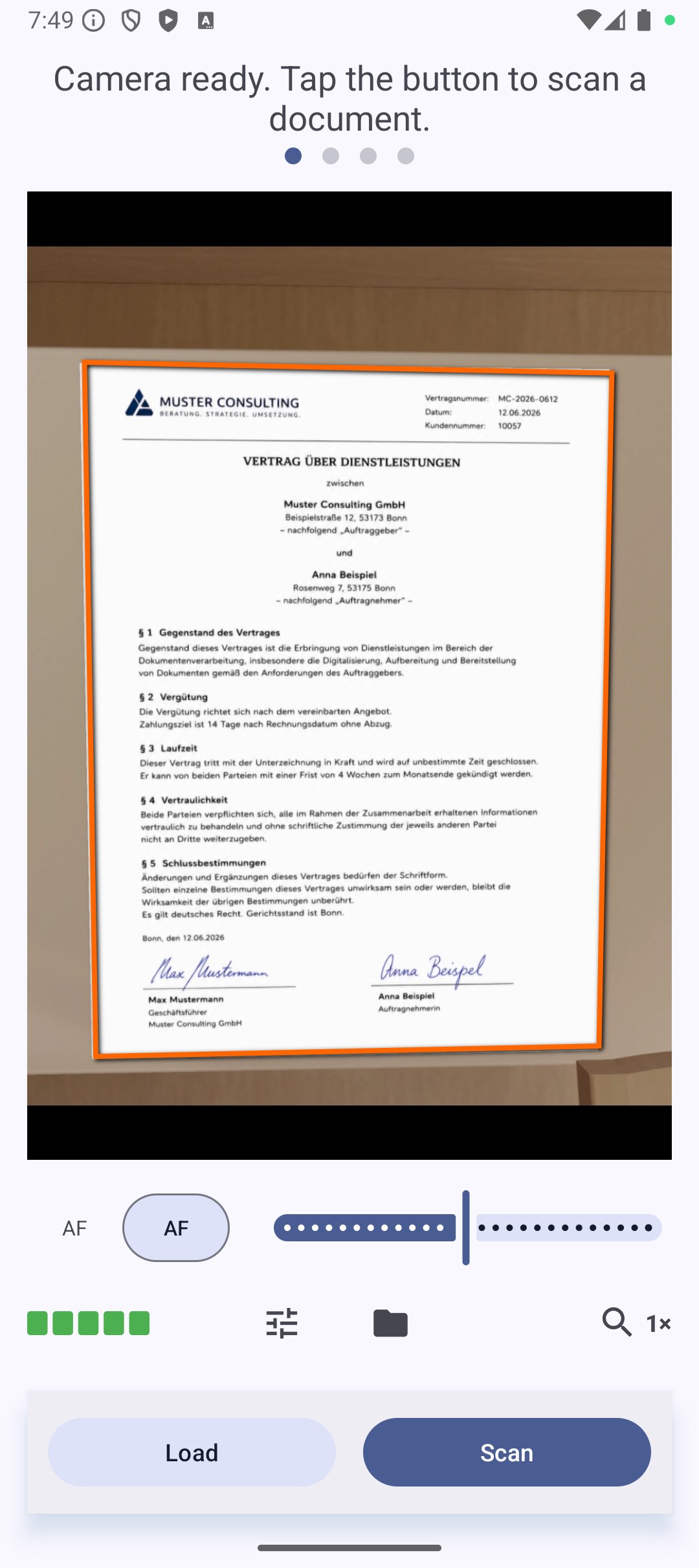
MakeACopy is an open-source document scanner for Android that lets you digitize paper documents fully offline — with on-device OCR, no ads, and no tracking.
Your scans, text, and data stay 100 % on your device.
Main features
• 📸 Camera scanning — Capture documents with your device camera
• 🖼️ Edge detection — Automatic document boundary detection using OpenCV
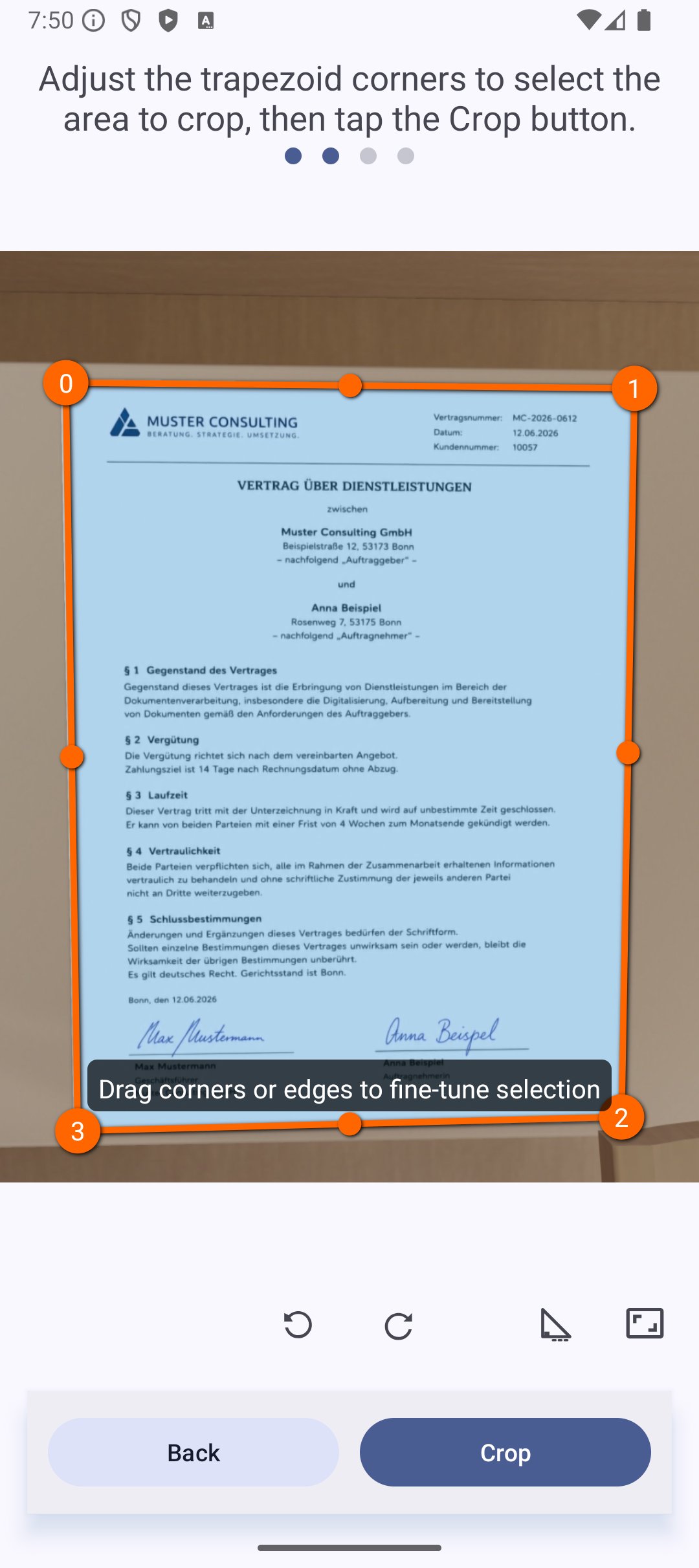
• 📐 Perspective correction — Adjust document shape automatically or manually
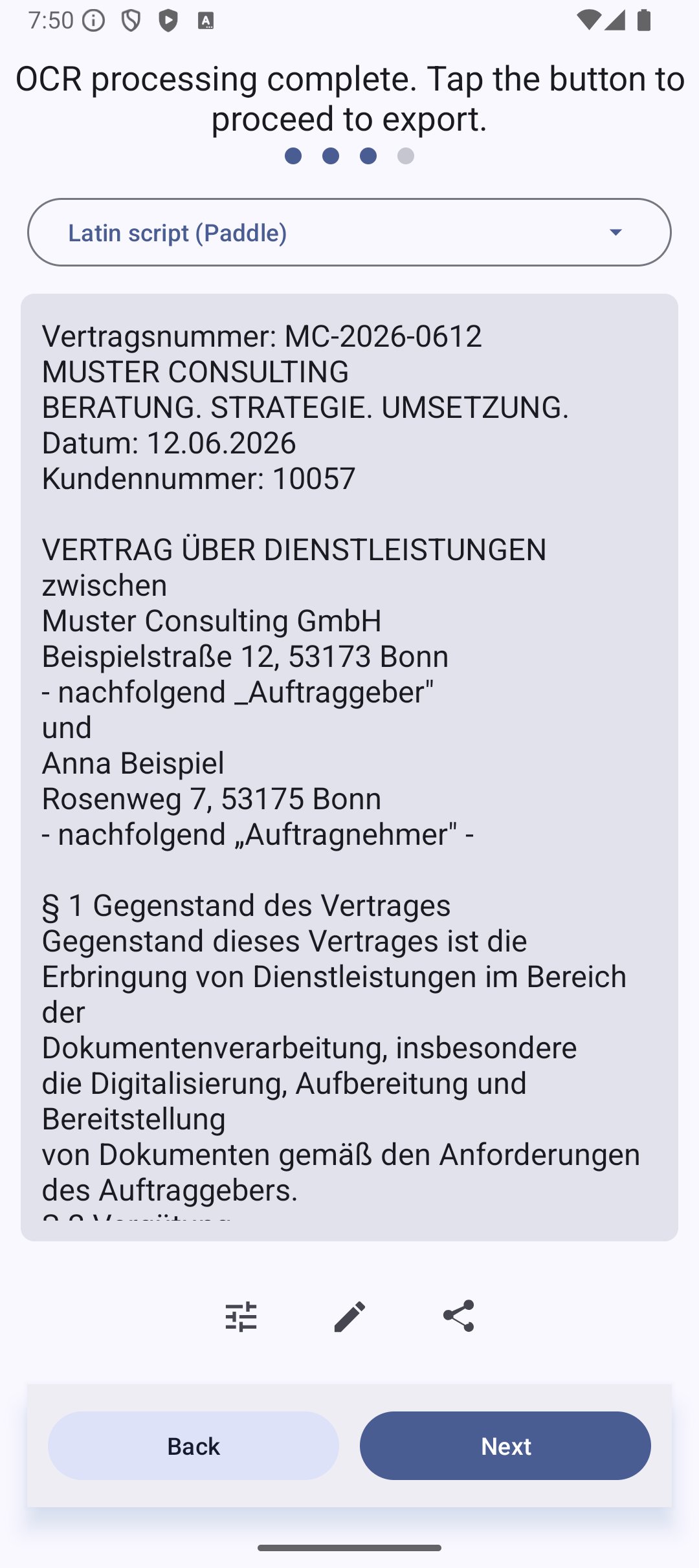
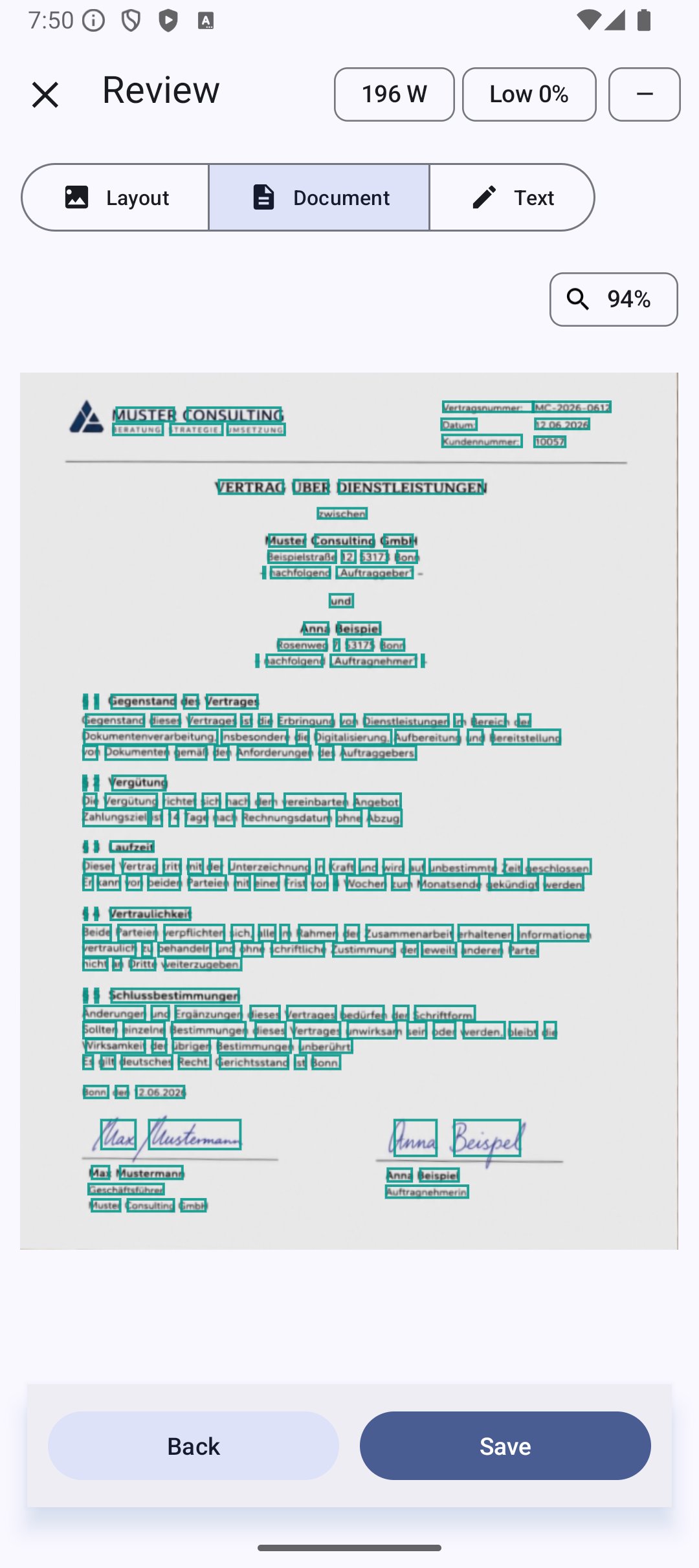
• 🔠 Offline OCR — Recognize text on-device using PaddleOCR in the published paddle flavor
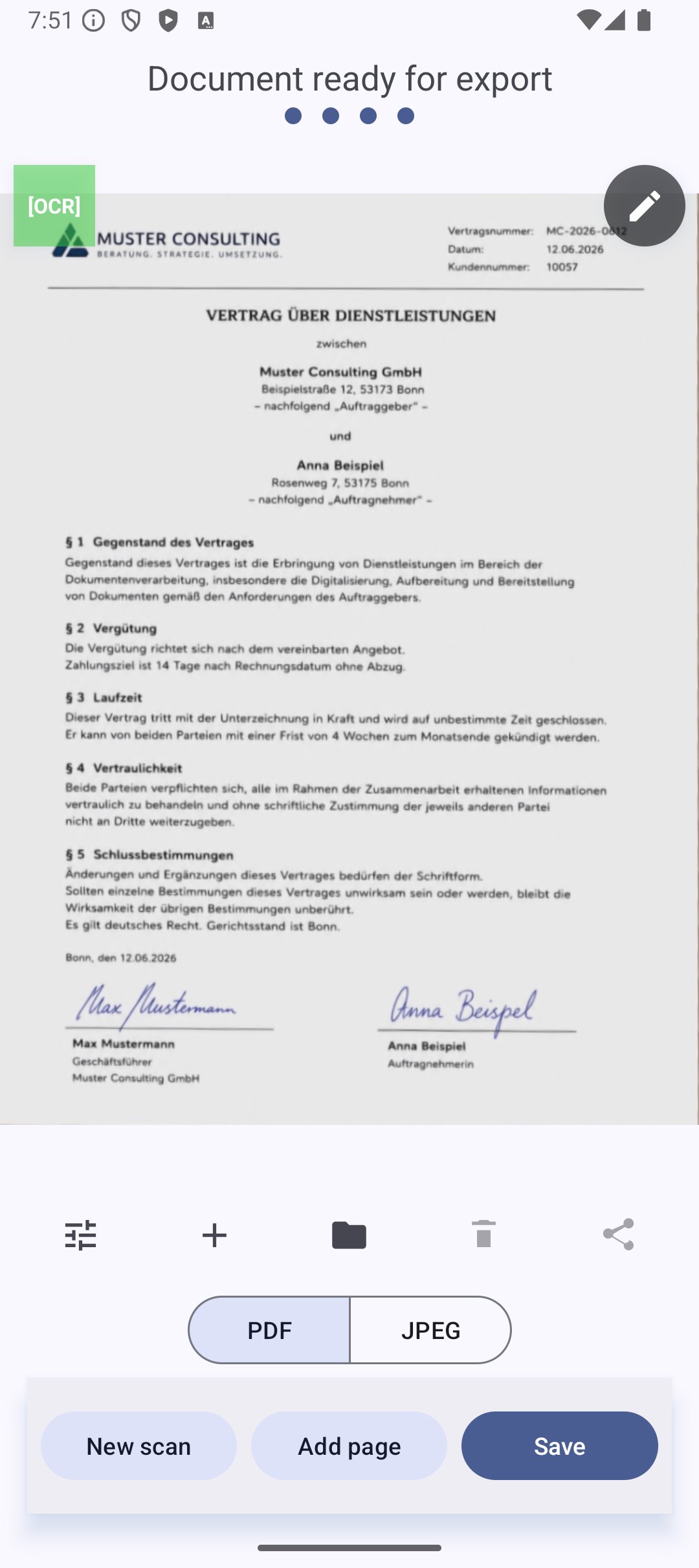
• 📄 Searchable PDF export — Save as searchable PDF or plain text
• 💾 Share & save — Export locally or share with other apps
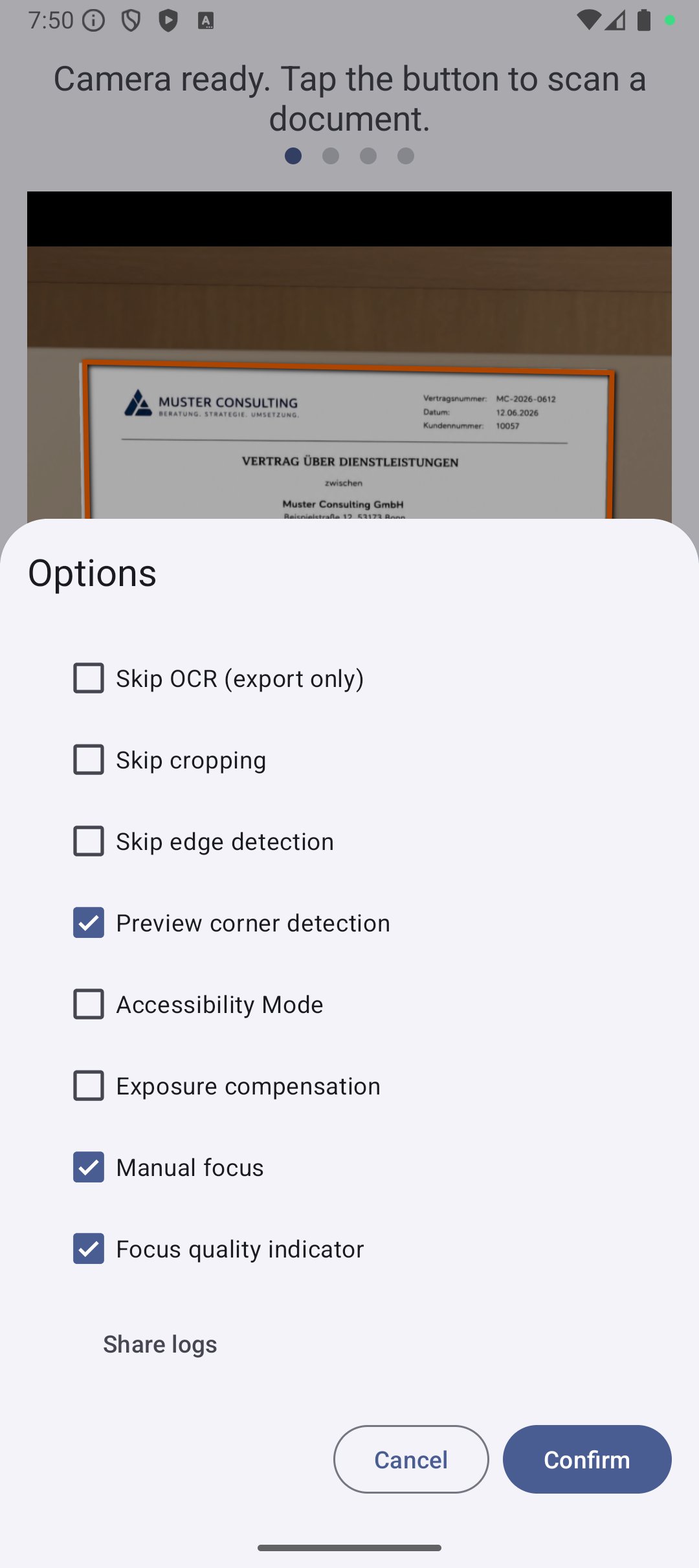
• 🌙 Dark mode — Material 3 theme with light and dark appearance
• 🔒 Privacy-first — No ads, no tracking, no cloud — everything stays local
Open source & reproducible
MakeACopy is F-Droid compliant. All OpenCV native libraries are built from source during the build process — no prebuilt binaries, no hidden dependencies.
The F-Droid and Google Play listings provide the paddle flavor with PaddleOCR. The standard flavor with Tesseract remains available through GitHub Releases for users who still need Tesseract language data or workflows.
Every component is open source and respects your privacy.
License: Apache License 2.0
Latest Version
4.9.2Uploaded by
حمودي الانيق
Requires Android
Android 10.0+
Category
Free Tools AppContent Rating
Everyone
Security Report
Check Now
Report
Flag as inappropriateLast updated on Nov 9, 2026
MakeACopy 4.9.2
* Improved: photos from high-resolution cameras (e.g. 50 MP) use far less memory.
* Changed: a file shared into the app opens in the running app; with a document open, you add it or start a new one.
* Fixed: a possible crash when reviewing very large images.
* Fixed: changes in the options (e.g. output colour) sometimes only took effect after opening the options a second time.


APKPure - A multi-platform app store primarily focused on Android, providing extensive app-related content. Discover the app you want easier, faster, and safer, with quick and efficient downloads and installations.