

Package Name:com.magmaplayer
SHA-256:392d316efd83f0a295a4450c62cd89a9c26911ae1a2f2ed02c6ae582a0ceb2ab
Show More

Magma suits users who keep a mix of DVD rips, web clips, and high quality audio in one library. It focuses on reliable playback so you can open files directly and start watching or listening right away. In addition, it reduces common format errors that interrupt viewing. This approach helps users who do not want to manage conversions or multiple players. For simple setup and dependable results, Magma APK provides a single place to play your media.
Wide video codec support
Magma plays popular modern video formats including H.264 (AVC), H.265 (HEVC), and VP9. You can open compressed videos from many sources while keeping visual quality intact. This range helps you avoid failed openings when files come from different devices or editors.
Flexible audio options
Magma supports MP3 for everyday tracks and AAC for better quality at lower bitrates. It also reads FLAC for lossless listening and WMA for older music collections. As a result, you can keep one player for albums gathered over many years.
Legacy standards included
Magma handles MPEG-2 and MPEG-4 with DivX and Xvid profiles. Early web videos and DVD era files remain usable alongside newer downloads. This keeps long saved content playable without hunting for a second app.
Play without converting
Magma focuses on maximum compatibility so files open the first time. You can press play without running converters or renaming extensions. This removes extra steps that slow you down when testing clips or checking old backups.
Consistent, interruption free playback
Magma reduces playback errors and interruptions to provide clear viewing and listening. You can move between different file types with the same controls and behavior. This consistency keeps the experience straightforward across a mixed library.
This app is a multimedia player designed for local video and audio playback. It is not related to the drawing or collaboration platform that uses a similar name. If you are looking for a player that opens files other apps reject, this listing matches that need.
Codec support evolves over time as new encoders and settings appear. Installing the Magma latest version helps keep compatibility current, especially for newer H.265 or VP9 files and fresh AAC or FLAC encodes. Updating also supports users with large, long term collections that continue to grow.
Magma player fits users with mixed sources such as DVD rips, web clips, and lossless audio albums. It suits anyone who wants to play files directly without converting or sorting by app. If you maintain backups from old devices and download newer media, one player simplifies day to day use.
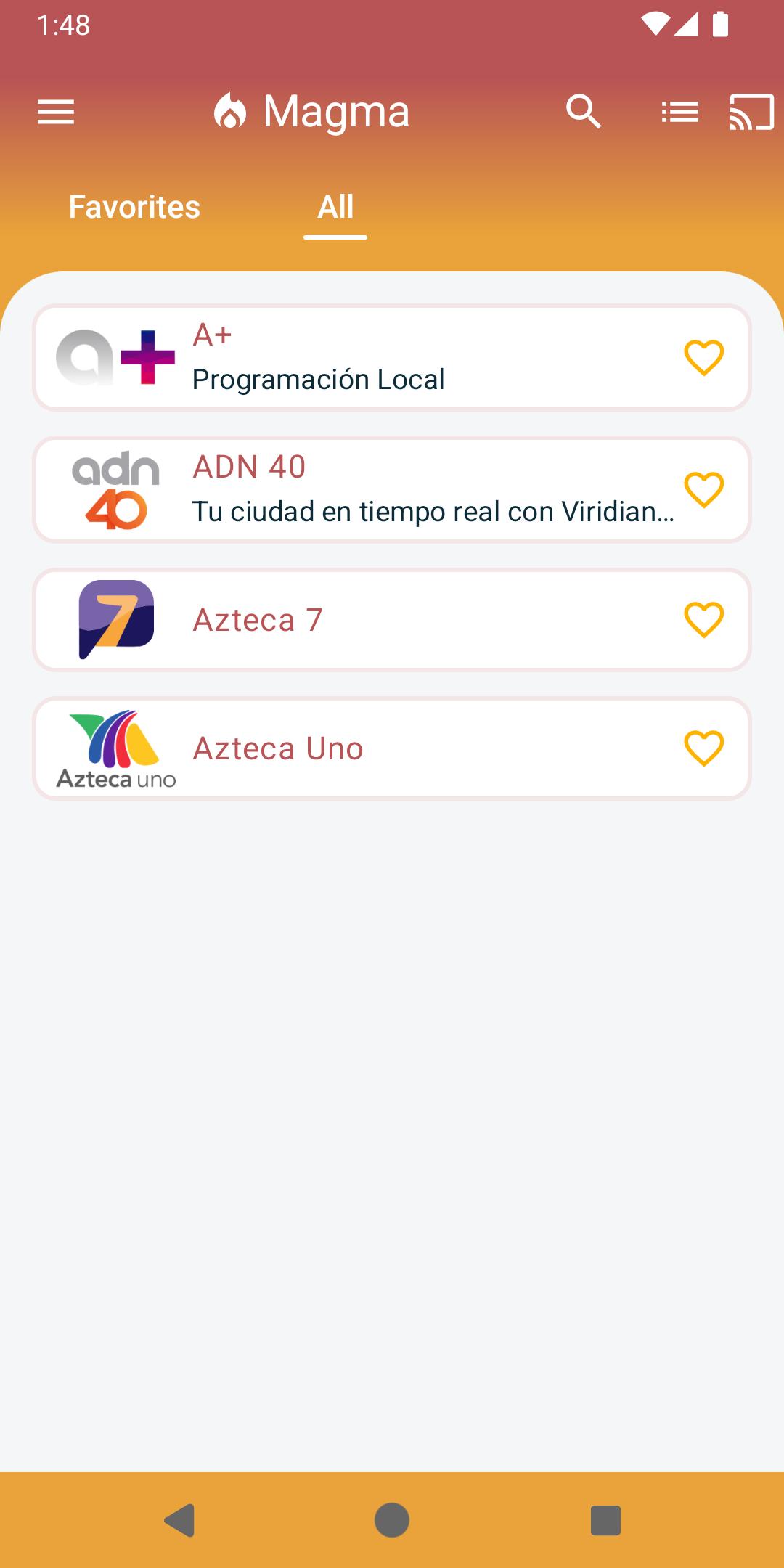
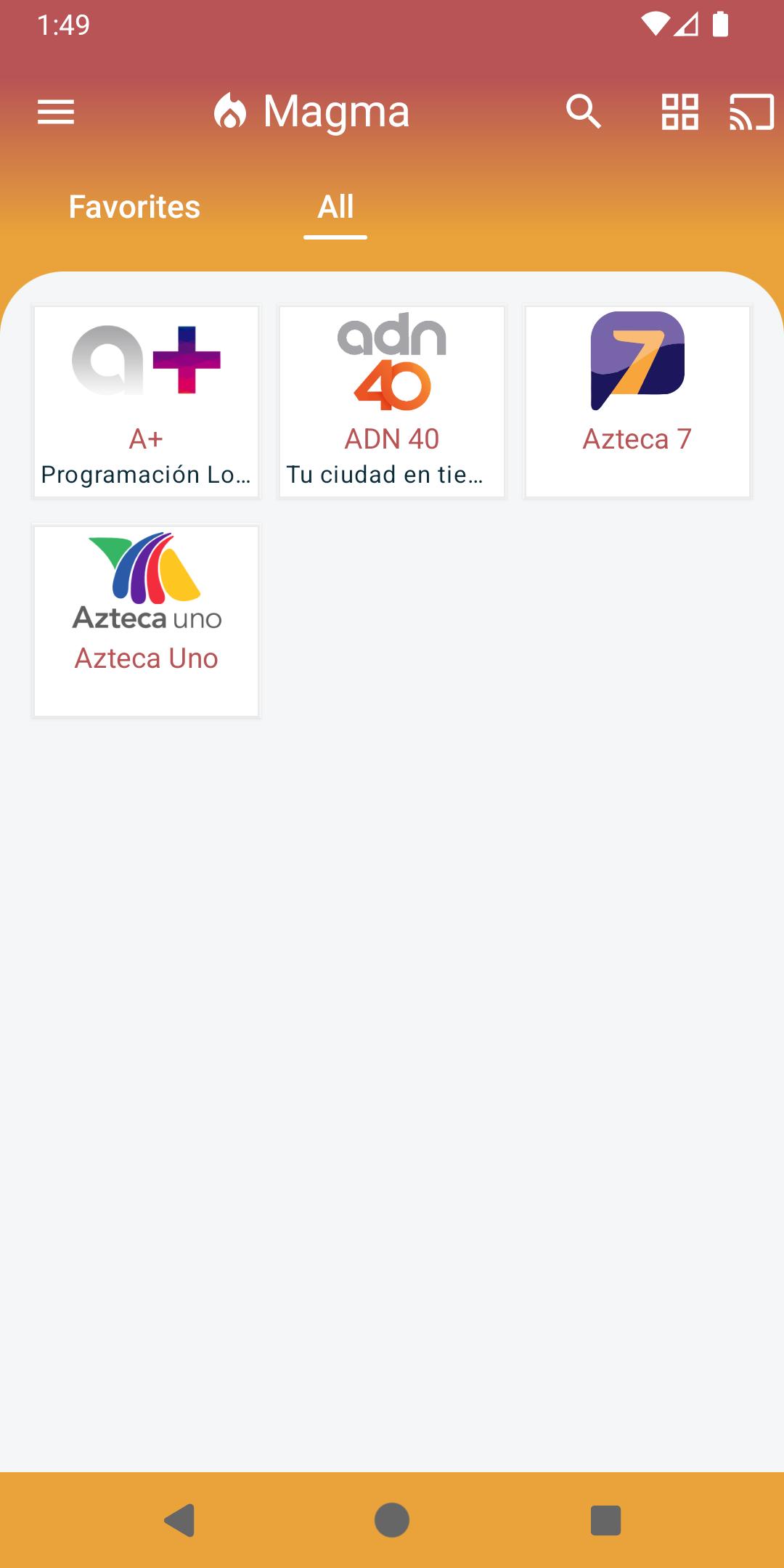
After you download Magma, it opens videos and music from your device storage without extra tools. The process is small and direct, so you can start playback quickly. Use the steps below for a typical setup on an Android phone.
Install Magma and open it from your app drawer.
Allow storage access if prompted, so the app can read your media folders.
Browse your internal storage or SD card to find the video or music you want.
Tap a file to start playback. Magma plays the format directly without converting.
Use on screen controls to pause or seek, then return to your folders to pick another file.
Magma brings old and new formats into one straightforward player. It opens videos and audio reliably so you can focus on playback, not conversions. To keep support current, install the Magma latest version when available.
Latest Version
1.0.9Uploaded by
Hyder Mohammed
Requires Android
Android 5.0+
Category
Free Video Players & Editors AppContent Rating
Everyone
Security Report
Check Now
Report
Flag as inappropriateLast updated on May 30, 2025
Minor changes


APKPure - A multi-platform app store primarily focused on Android, providing extensive app-related content. Discover the app you want easier, faster, and safer, with quick and efficient downloads and installations.