* Magic Brush *
Magic Brush encourages creativity and imagination with beautiful pictures that can be painted and animated your photo.
Magic Brush is an easy to use and powerful photo editor with magic brush effects!
Add emoticons to your photos with Emojis smiles and smiles and snap text on photo.
Magic Photo Editor boasts one of the vastest collections of stylish and funny photo effects.
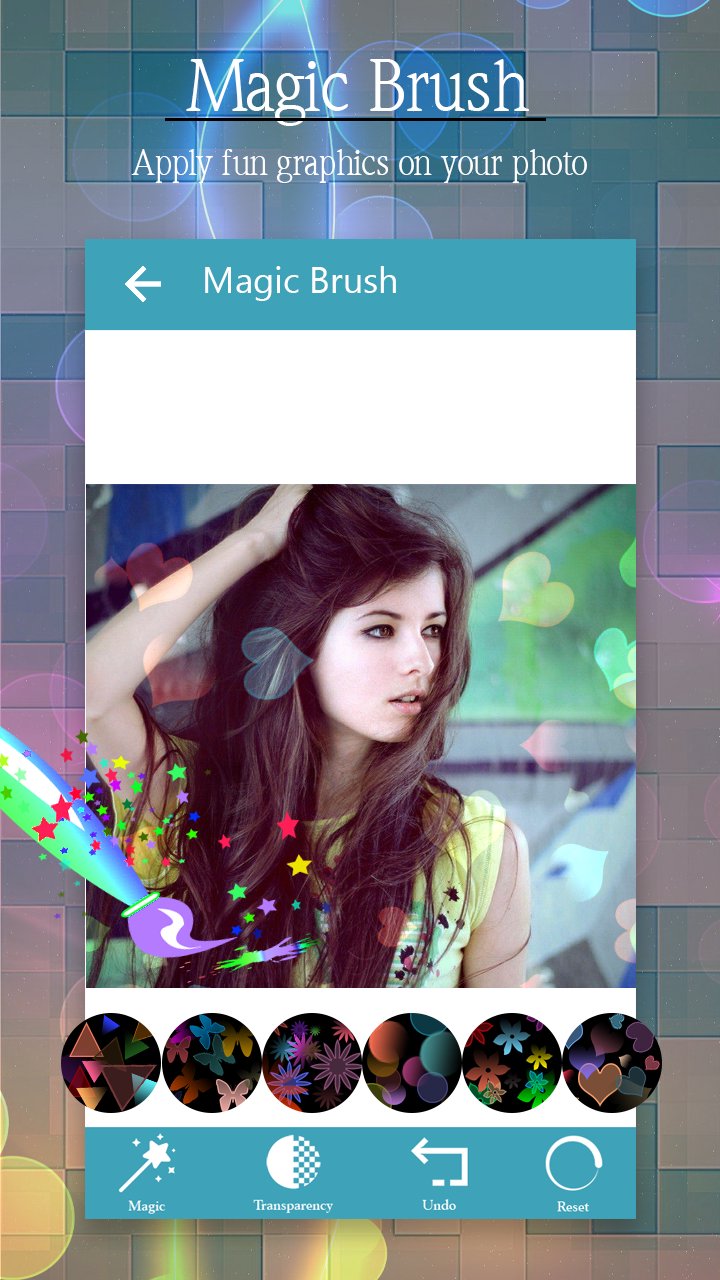
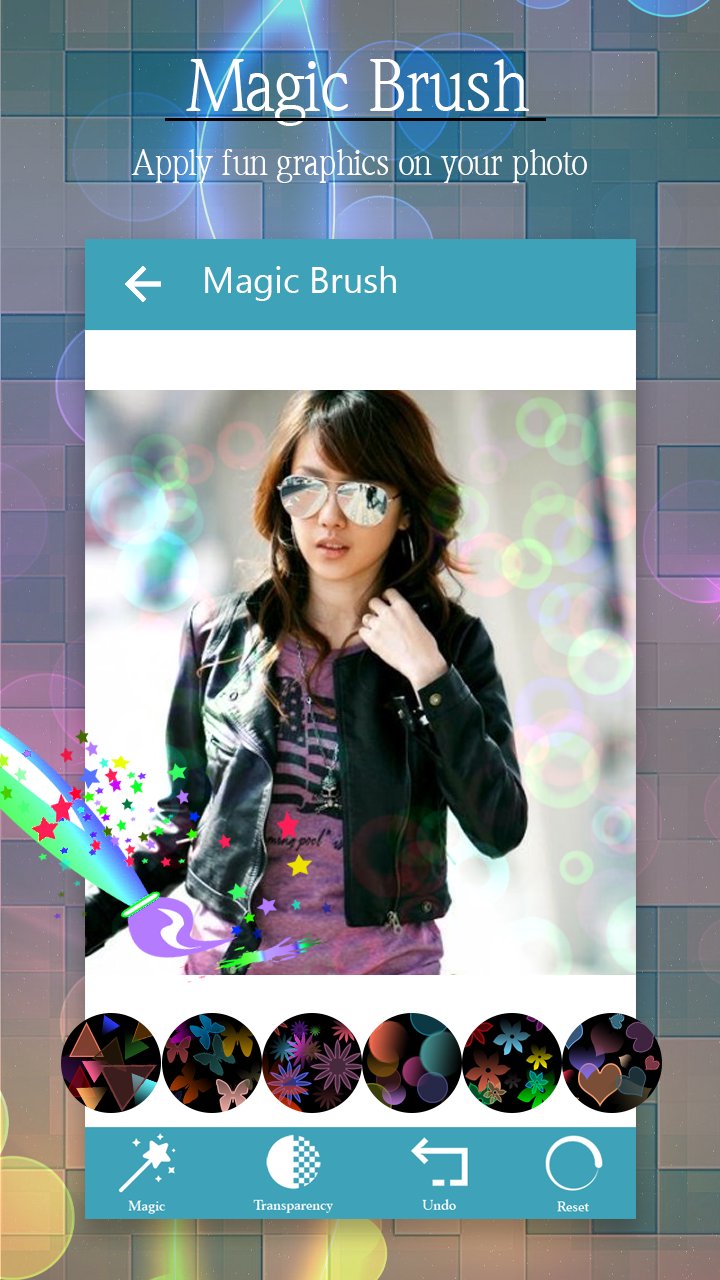
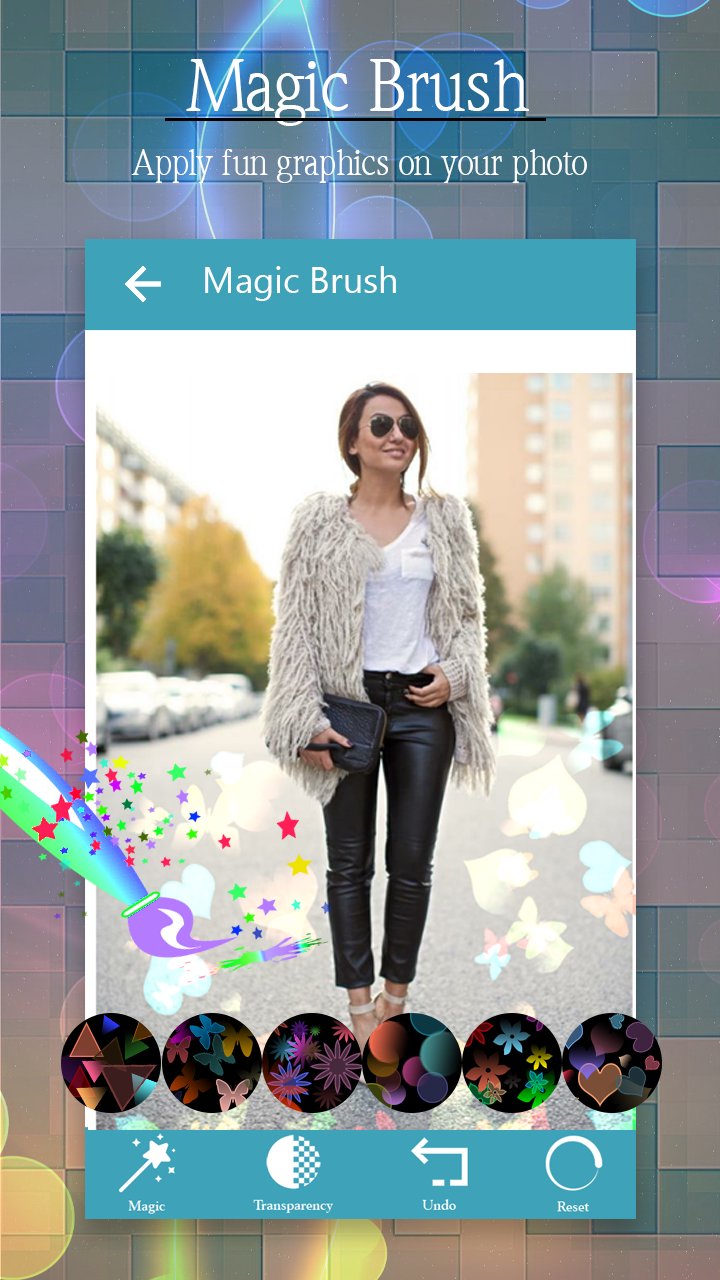
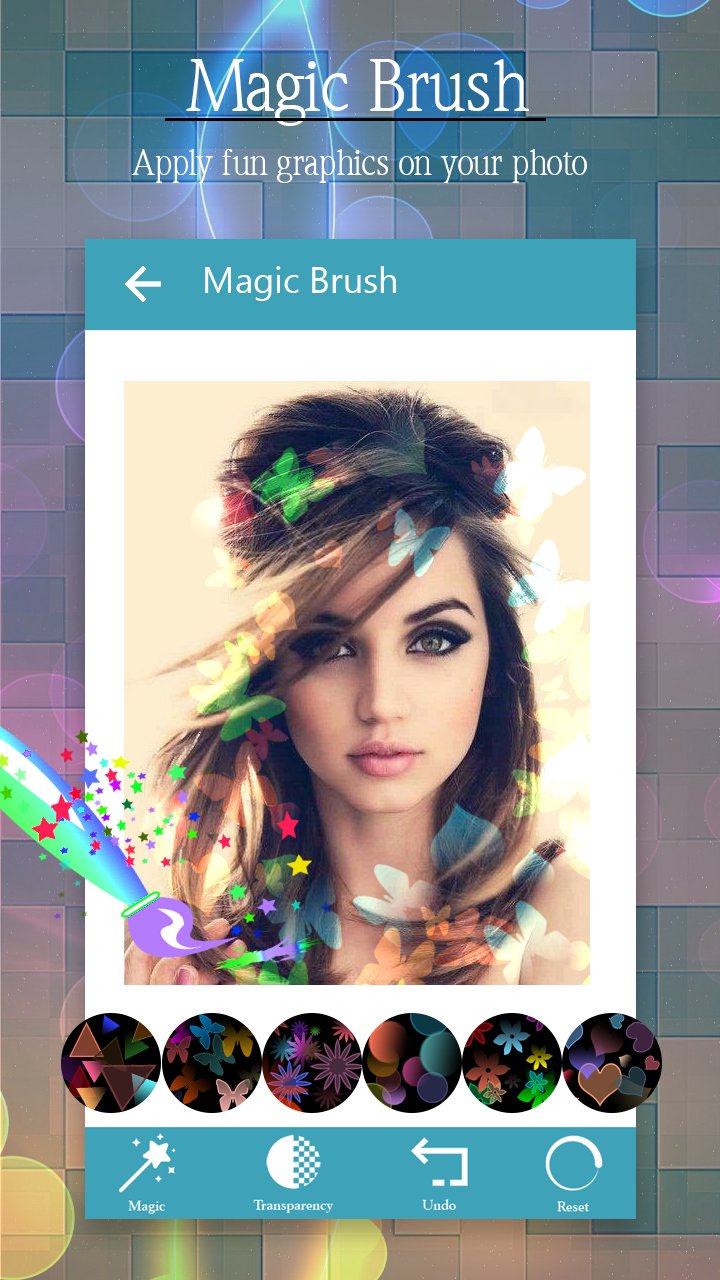
The app provides you fancy brush with which you can add magic to your photos. The brushes comes with different shapes and objects. You can choose any brush you like and apply it on your photo.
There are many different types of brushes like
- Star
- Heart
- Flowers
- Leaves
- Glowing signs
- And many more...
Magic Brush and Doodle encourages creativity and imagination with beautiful pictures that can be painted and animated your photo.
This is a great picture drawing tool and Doodle. With it's help, you can easily draw on top of a photo and save the drawing.
Valentine Magic Brush encourages creativity and imagination with beautiful pictures that can be painted and animated your photo.
This is a great picture drawing tool. With it's help, you can easily draw on top of a photo and save the drawing.
Valentine Magic Brush have number of attractive effects that make your photo more impressive . for improving your photography you have to use various kind of effects from Valentine Magic Brush that gives new look to your photo.
***How To Work***
The way it works is very simple, open the app, load a picture from your Photo Gallery or take one with the camera of your device, use the two fingers pan / zoom feature of the app to adjust the picture, after that, you are ready to draw on top of it with one finger and crop.
Thanks for download.
Latest Version
1.0Uploaded by
Thanh Binh Nguyên
Requires Android
Android 2.3.2+
Category
Free Photography AppContent Rating
Everyone
Report
Flag as inappropriateLast updated on Feb 20, 2017
This release includes minor bug fixes and general improvements. Update to the latest version for the best experience.



APKPure - A multi-platform app store primarily focused on Android, providing extensive app-related content. Discover the app you want easier, faster, and safer, with quick and efficient downloads and installations.