Scan Date:Feb 20, 2026
Show More

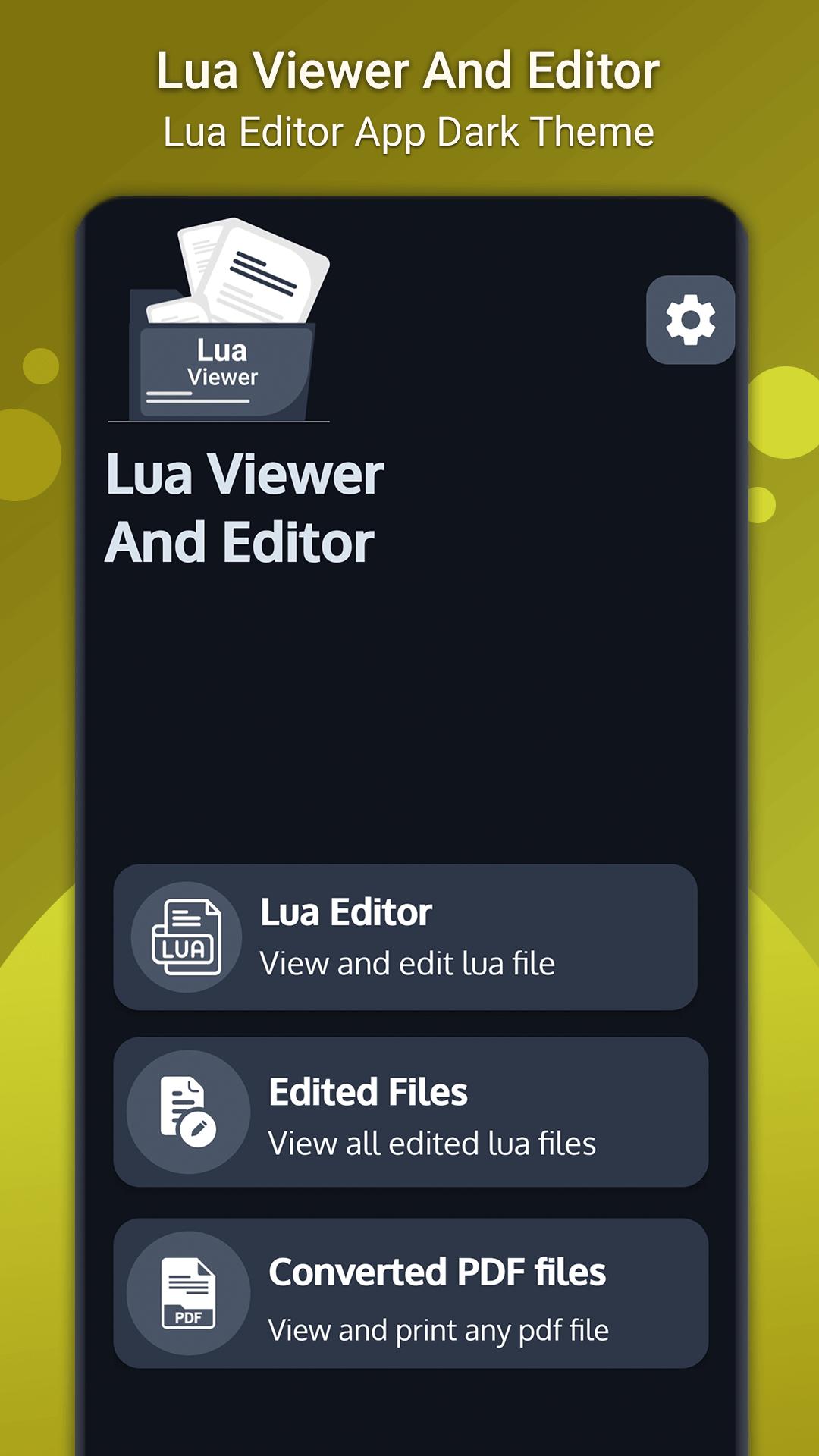
Are you a student, programmer, or just someone who likes to experiment with coding? Lua Viewer is the perfect answer to your needs. Lua is a powerful and flexible programming language. Lua Viewer is the perfect tool for viewing and editing Lua scripts; it's not only a simple yet powerful editor, but also the best way to convert Lua to PDF. Edit your files with a user-friendly interface, and save your changes for future use.
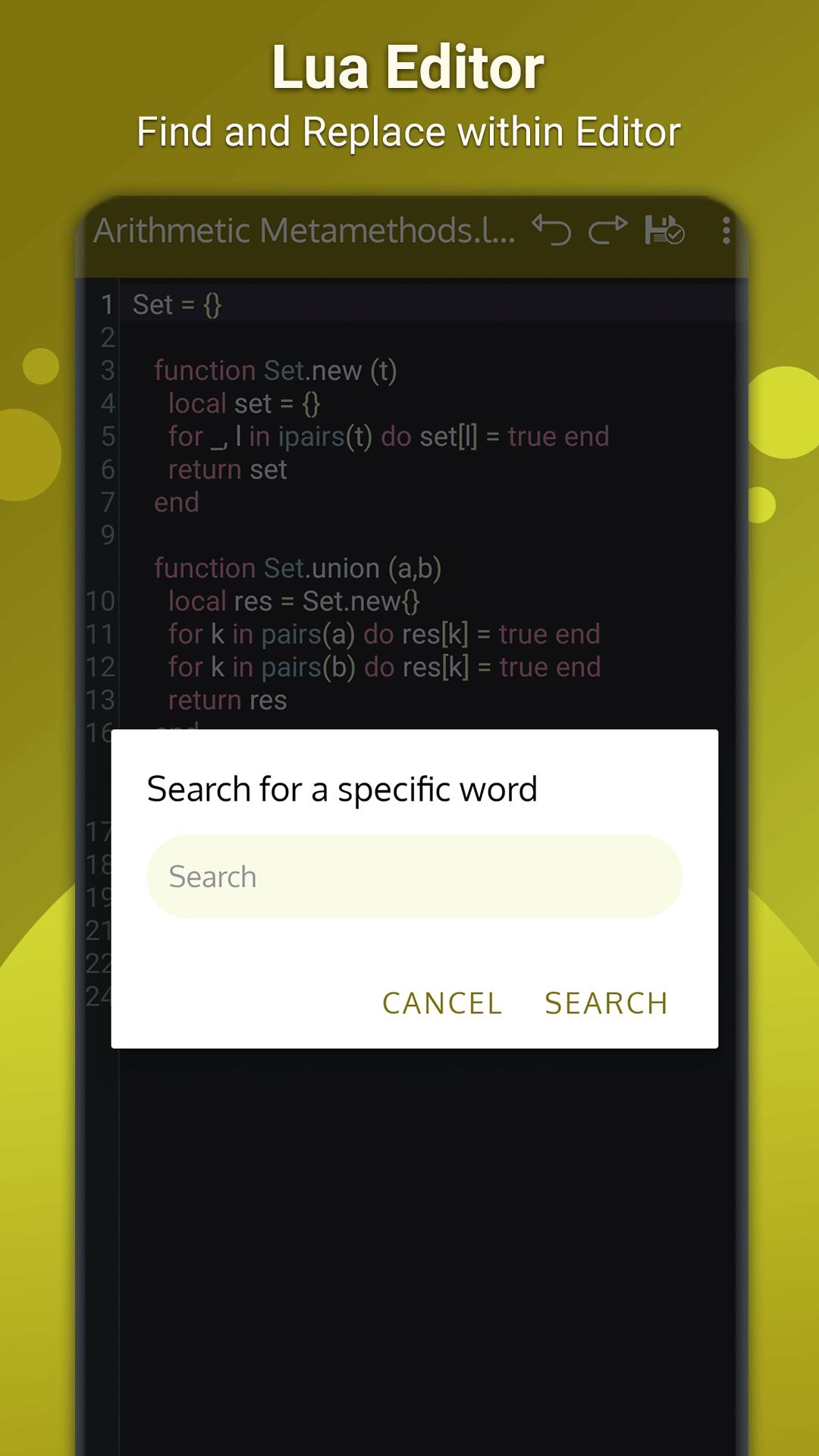
As a lua developer, you need a lua file opener that can read and edit any file you want. This is the solution for you. With an undo and redo option, it helps you go back and forth in your programming process. . Lua file reader also support find and replace operation with which you can easily find any word and replace it with another word. With lua editor you can easily go to any line number within editor, change editor text size etc.
Lua file opener is a tool for both developer as well as for newbie who are learning lua. Lua Editor has different themes which will beautify the code more with his different syntax highlighting. Lua file opener support find and replace operation which help the developer more while editing the code.
Lua is a lightweight scripting language. Lua Viewer is a lua file reader which supports different features like pinch to zoom, auto code completion, auto indentation and enable/disable editor line number.
Key Features of Lua Reader
1. View and edit lua source code
2. Editor different themes with syntax highlighting
3. Change editor text size
4. Support Pinch to zoom, Auto indentation and undo, Redo
5. Support Find & replace operation
6. Convert lua to pdf file
7. Print PDF files
8. To view pdf file there is built-in PDF viewer
Lua file opener has the ability to open and edit lua files. With its light and dark app themes, it will suit your needs even if you work in a dark room. You can customize settings to suit your needs and make Lua Viewer as personal as you want it to be!
Lua Viewer is a fast, lightweight, and easy to use reader application that you can use to read and convert any lua to pdf files on your device with no code loss. You can directly print pdf file. You can also use the app to view pdf files saved in your device. All edited files of lua viewer are saved in device and are viewed within the app to open it directly within editor.
Lua editor is very useful tool for viewing and editing lua files, if the app is helpful to you then support us by your positive feedback.
Latest Version
1.0.10Uploaded by
Кира Джинсова
Requires Android
Android 7.0+
Category
Free Tools AppContent Rating
Everyone
Security Report
Report
Flag as inappropriateLast updated on Feb 16, 2026
Minor issues were fixed






APKPure - A multi-platform app store primarily focused on Android, providing extensive app-related content. Discover the app you want easier, faster, and safer, with quick and efficient downloads and installations.